Template details
Clean Next.js + Sanity app
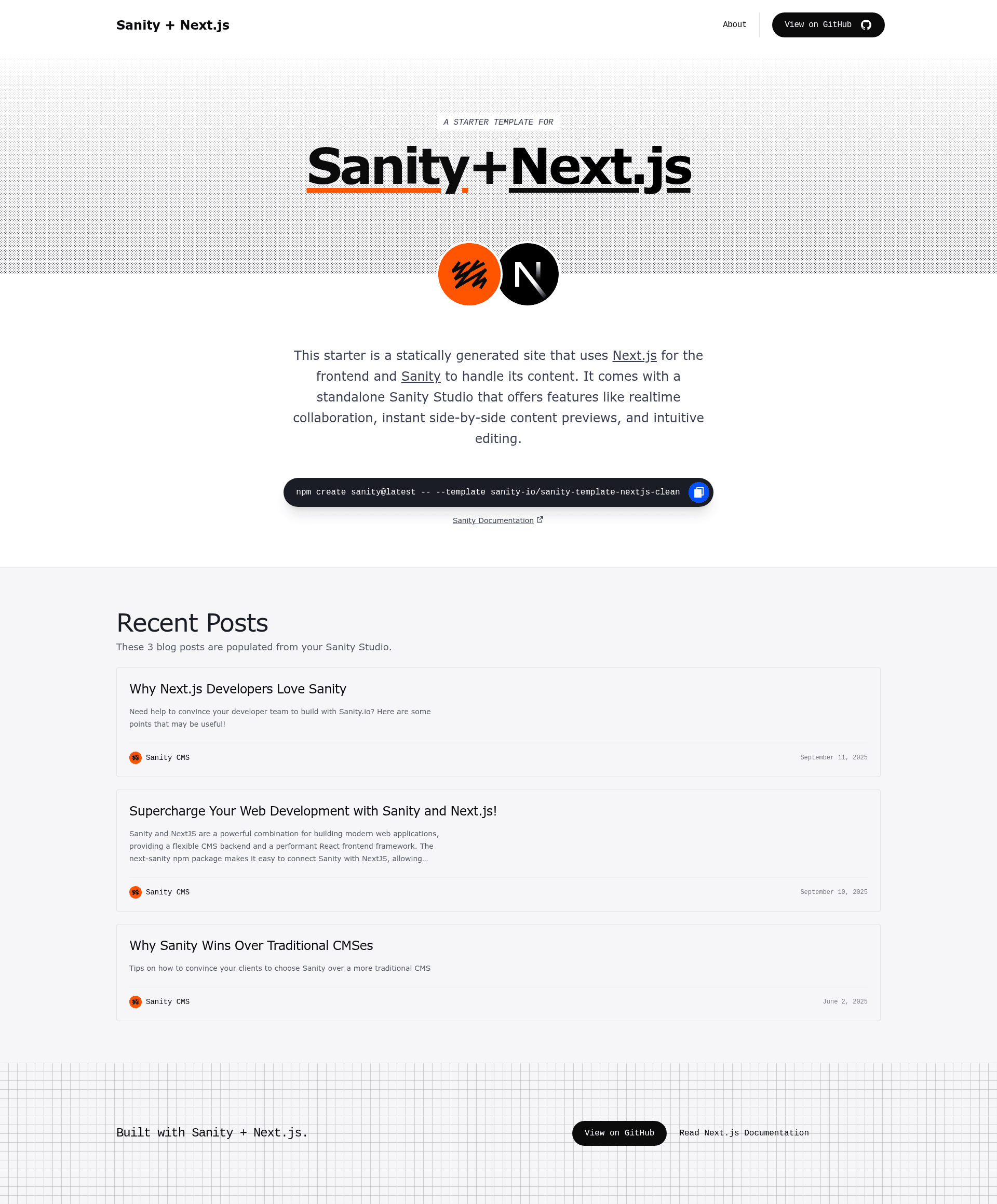
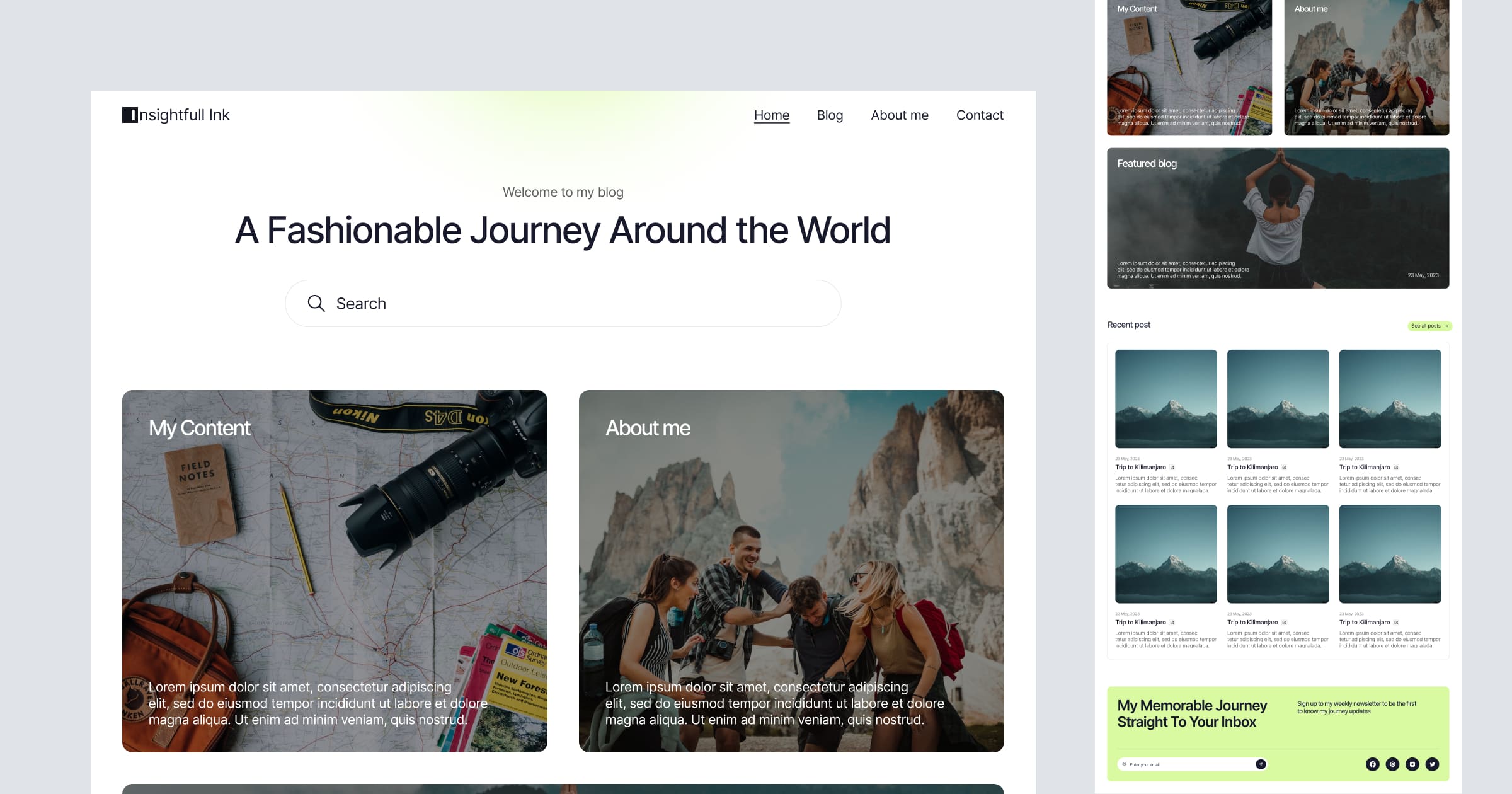
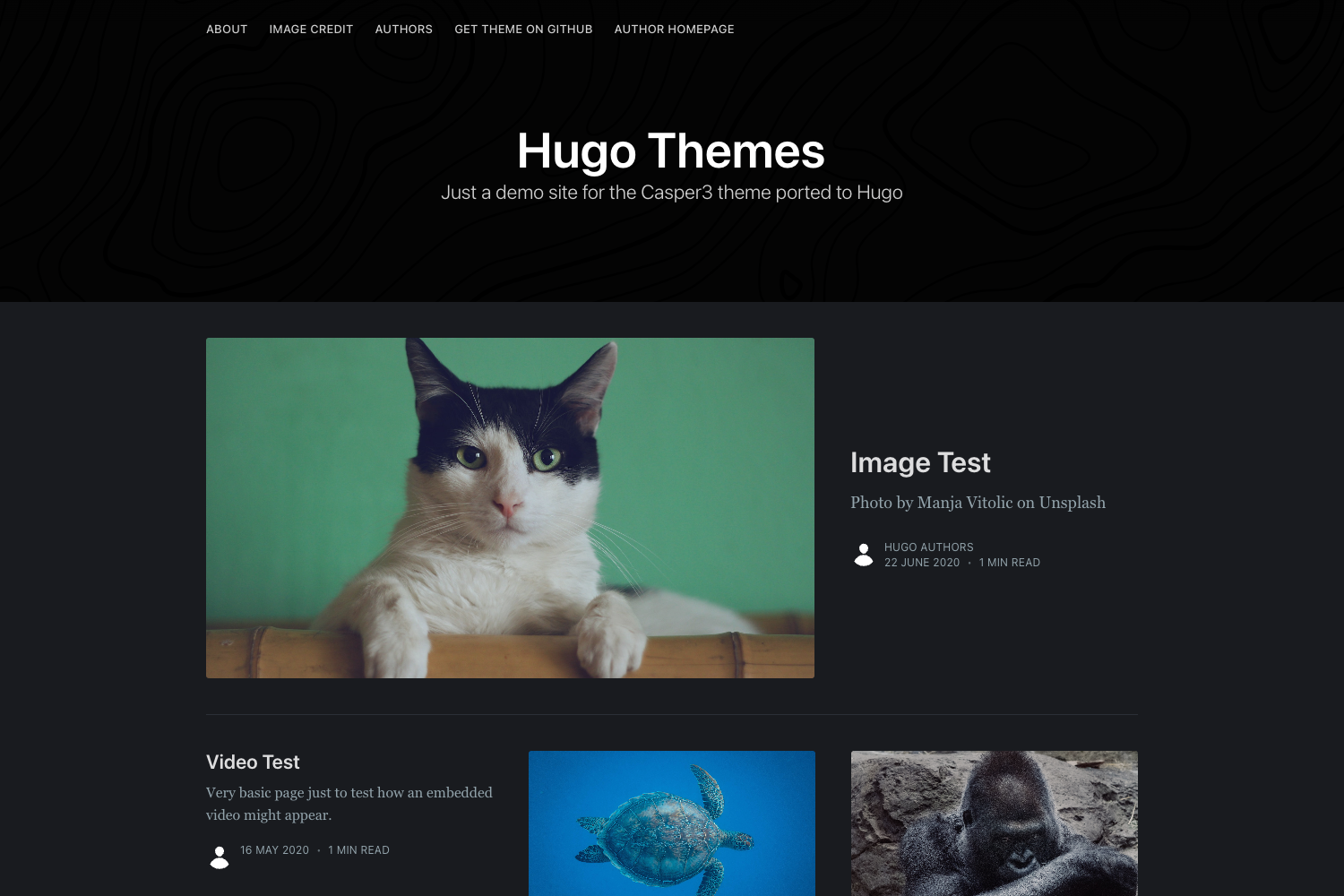
A clean Next.js + Sanity starter with visual editing, drag-and-drop page builder, live content updates, and AI-powered media support.
About this template
Clean Next.js + Sanity app is a boilerplate template that pairs a Next.js 16 frontend with a locally configured Sanity Studio, giving content editors live visual editing and a drag-and-drop page builder out of the box.
What is Clean Next.js + Sanity app?
This template is a starter project that combines a Next.js 16 App Router frontend with Sanity Studio, an open-source React application that connects to a hosted Sanity dataset. It takes content created in Sanity Studio and renders it as a fast, SEO-friendly static website. The project is maintained by Sanity (sanity-io) and is initialized through the Sanity CLI with the command npm create sanity@latest -- --template sanity-io/sanity-template-nextjs-clean, producing separate /frontend and /studio directories.
Key Features
- Next.js 16 App Router — The frontend runs on Next.js 16 App Router, delivering performance and SEO-friendly static sites.
- Real-time Visual Editing — Sanity's Presentation Tool lets you edit content live and see updates in real time.
- Live Content API — Delivers live, dynamic experiences without the scaling complexity of custom real-time infrastructure.
- Drag-and-Drop Page Builder — Create and manage pages with dynamic components and drag-and-drop visual editing for structured content.
- Content Collaboration — Team members can work together in real time with fine-grained revision history.
- AI Media Support — Sanity AI Assist auto-generates alt text for images.
- On-demand Publishing — Incremental Static Revalidation means new content appears instantly without waiting for rebuilds.
- Unsplash Integration — Built-in support for sourcing media directly from Unsplash.
Who is it for?
- Developers — As a starter to build a marketing site or blog without wiring up Sanity Studio from scratch, with schema files ready to extend.
- Content editors and marketing teams — Can manage pages and posts through the visual editing interface, including drag-and-drop layout changes, without touching code.
- Agencies and freelancers — Deliver client sites with a CMS their clients can update, and deploy both Studio and frontend separately.
What can you do with it?
- Launch a content-driven website quickly — Start with predefined
Page,Post,Person, andSettingsdocument types, then extend the schema instudio/src/schemaTypes/post.ts. - Publish content live without rebuilds — Editors create a
Postdocument in the Studio, and it appears in the Next.js app and the Presentation tab immediately. - Import ready-made sample data — Run
npm run import-sample-datato load the providedsample-data.tar.gzinto your Sanity project for instant content.
How does it work?
Initialize the template with the Sanity CLI, run npm run dev to start both the Next.js app on localhost:3000 and the Studio on localhost:3333, then sign in with Google, GitHub, or email. After publishing documents, deploy the Studio with npx sanity deploy and deploy the Next.js frontend to Vercel or another host, setting the root directory to the frontend folder. The workflow for deployment to Vercel is documented in the template's README.
FAQ
Is this template free?
Yes, the template itself is open-source and free to use. Running it requires a Sanity project (which has a free tier) and your own hosting for the Next.js app.
What document types are pre-configured?
The schema includes Page, Post, Person, and Settings document types. You can add more types by editing the schema files in the Studio directory.
Does it support real-time editing?
Yes, Sanity's Presentation Tool and Live Content API allow real-time visual editing and live content delivery.
How do I deploy Sanity Studio?
Run npx sanity deploy from the studio directory to deploy the Studio to Sanity's hosted infrastructure.
Can I import sample content?
Yes, run npm run import-sample-data from the project root to import the bundled sample dataset.