Template details
Hugo Starter Kit
A Hugo boilerplate with a Gulp asset pipeline, SVG icons, global partials, and config for static sites.
About this template
Hugo Starter Kit with Gulp Asset Pipeline is a boilerplate for building static sites with the Hugo static site generator, pairing Hugo's build environment with a Gulp-based asset pipeline for SCSS and JavaScript.
What is the Hugo Starter Kit with Gulp Asset Pipeline?
This kit provides a starting point for creating a Hugo site from scratch rather than from a pre-built theme. It takes a site configuration, templates, and assets as input, and produces a compiled static site served by hugo serve at localhost:1313. It runs on Hugo, Node.js (for the Gulp pipeline), and Git, and is maintained on GitHub by rdwatters.
Key Features
- Gulp asset pipeline — compiles SCSS with minification and autoprefixing, concatenates and minifies JavaScript, and transpiles ES2015 via Babel; includes Bourbon and Neat mixins.
- Global partials — site header and footer partials handle metadata, favicons, Open Graph Protocol, Swiftype V2 metadata, global navigation, a search form, and social media lists with SVG icons.
- Singleton pages — the content/singletons section allows pages with alternative stylesheets and scripts, plus a temp section for one-off pages with short URLs.
- Config.toml — includes site parameters, Disqus comments, social media links, taxonomies (tags and categories), a jQuery CDN toggle, and minimal BlackFriday settings.
- SVG icon set — 30 SVG icons in partials/svg_icons for resolution-independent embedding and styling via CSS, with fewer HTTP requests than icon fonts.
- Open source fonts — Open Sans, Lato, Montserrat, Noto Serif, Raleway, Roboto, Source Sans Pro, and Ubuntu are included in static/css/fonts, selectable via a single
$fontvariable in variables.scss. - Utilities — linkcheck.go detects broken internal links, and build-and-deploy-hugo.sh is included for deployment (in development).
Who is it for?
- Beginners to Hugo who want a working scaffold with detailed comments in every partial, .js, and .scss file to explain source organization and build steps.
- Developers building custom static sites who want to style from scratch rather than adapt an existing theme, with Gulp handling asset compilation.
- Developers who need a pre-configured site structure with social metadata, navigation, and asset pipelines already set up to modify.
What can you do with it?
- Set up a new Hugo site quickly — clone the repo, install Node dependencies in assets, run gulp, and serve the site at localhost:1313 with a default page showing "Hugo Starter Kit" and social icons.
- Customize the design system — modify variables.scss to change colors and fonts, and use the Bourbon/Neat mixins inside your SCSS for layout.
- Add singleton pages — create one-off pages that load alternative stylesheets and scripts, or use the temp section for pages with short permalink URLs.
How does the kit work?
The README describes a five-step startup: clone the repository, run hugo serve from the root, open a second terminal tab, run npm install inside assets, and then run gulp. The Gulp pipeline watches and compiles assets while Hugo serves the site, and the browser loads at localhost:1313.
Pros and cons
- Pros: Thoroughly commented source files, includes a reset, autoprefixing, minification, and ES2015 transpilation out of the box; bundles a practical set of fonts and 30 SVG icons; provides link checking and deployment scripts.
- Cons: The author states the workflow is opinionated and primarily developed on OSX, so it is likely less friendly for PC users; the kit is not a theme, so you must build the visual style yourself.
Pricing
The repository is public on GitHub, so it can be cloned and used at no cost. No license is stated in the README.
Alternatives
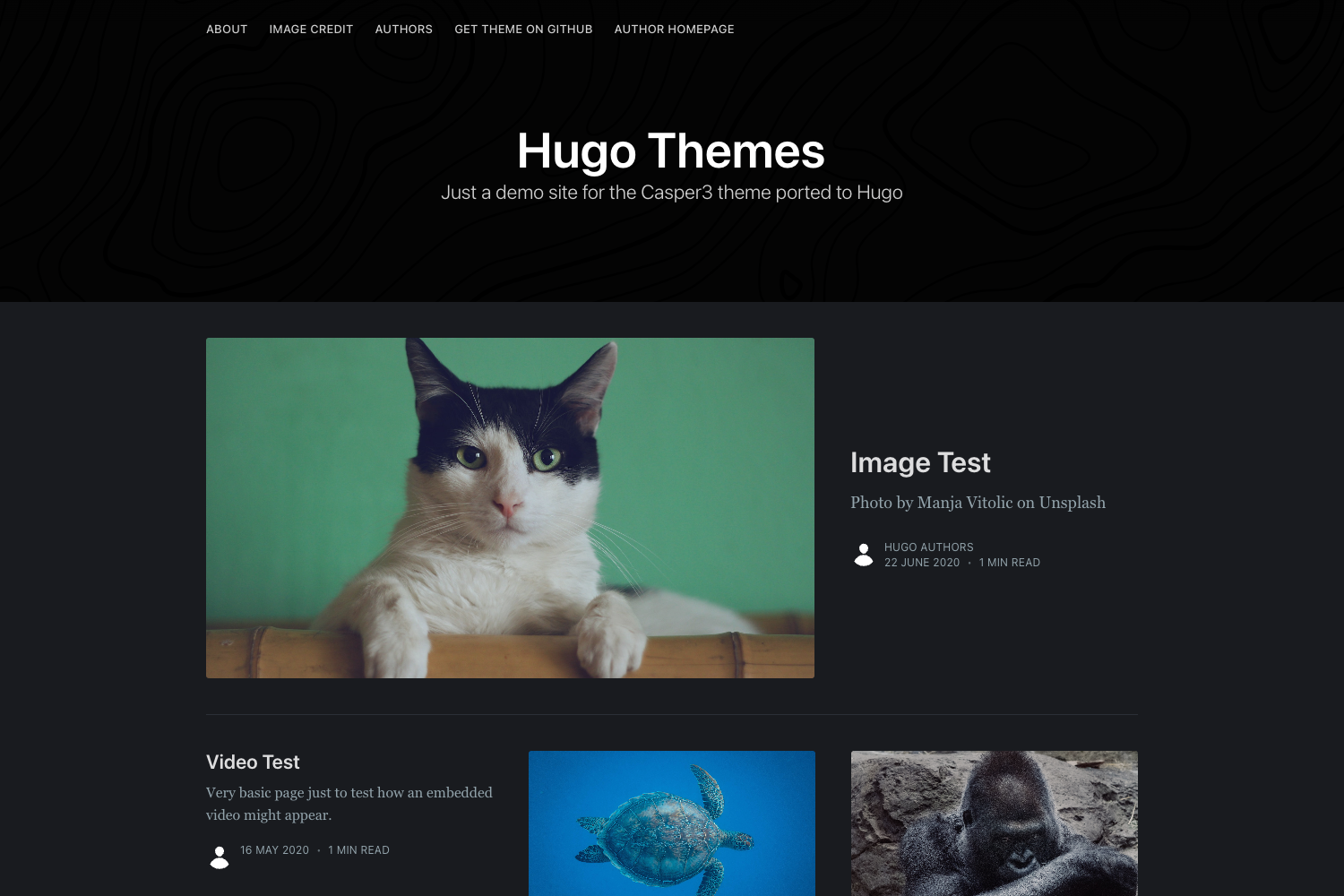
Hugo Themes, which offers pre-built themes with complete layouts, whereas this kit intentionally leaves styling to the user.
FAQ
Is the Hugo Starter Kit a theme?
No. It is a boilerplate for creating your own site style from scratch. It includes partials, asset compilation, and configuration, but not a pre-designed theme layout.
What operating systems does it support?
The author notes that development experience is limited to OSX, so the kit is probably less friendly to PC users. The provided instructions use standard commands that should work on any Unix-like system.
Does the kit include social media and comment configuration?
Yes. config.toml includes Disqus comments, social media links, and taxonomies for tags and categories. The site footer partial renders a social media list with SVG icons.
Which fonts are bundled?
The static/css/fonts directory includes Open Sans, Lato, Montserrat, Noto Serif, Raleway, Roboto, Source Sans Pro, and Ubuntu. You can switch fonts by changing one variable in variables.scss.
How do I update the asset pipeline?
Asset processing is managed through Gulp. The assets folder contains its own README with details, and the Gulpfile is customized for SCSS compilation, JavaScript concatenation/minification, and Babel transpilation.