Template details
Coder
A clean, minimal Hexo blog theme for developers with dark/light styles, local search, and Valine comments.
About this template
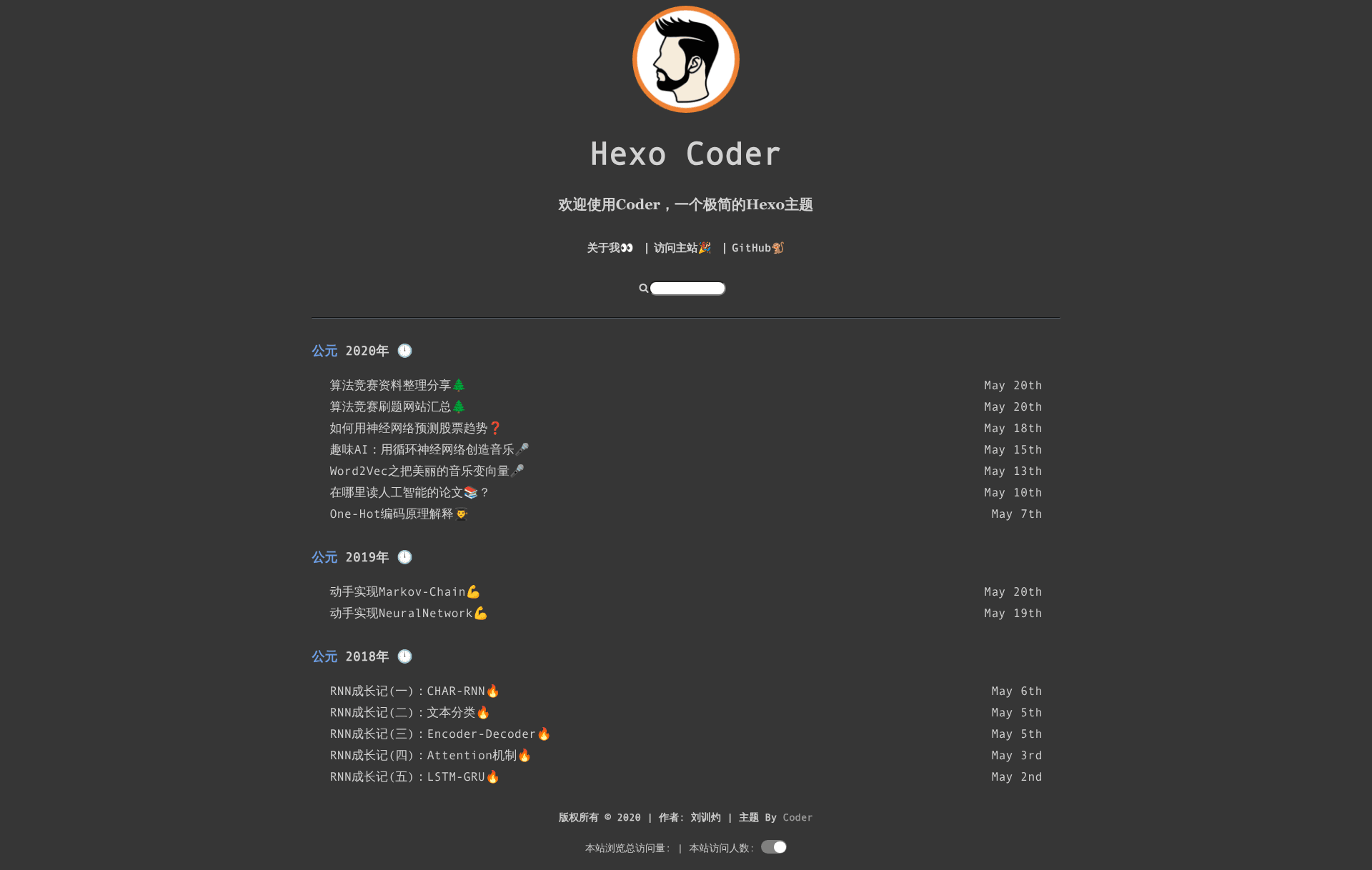
Coder is a clean, minimal Hexo blog theme designed for developers, with built-in dark/light styles, local search, and Valine comment support.
What is Coder?
Coder is a Hexo theme for coders and developers who want a fast, clean, and practical blog. It runs on the Hexo static site generator, taking Markdown posts as input and generating a static blog site as output. The theme is authored by Xunzhuo and is available on GitHub under the repository hexo-theme-coder. The README describes it as "a clean Hexo theme for Coders," with a design that emphasizes minimalism and light/dark mode support.
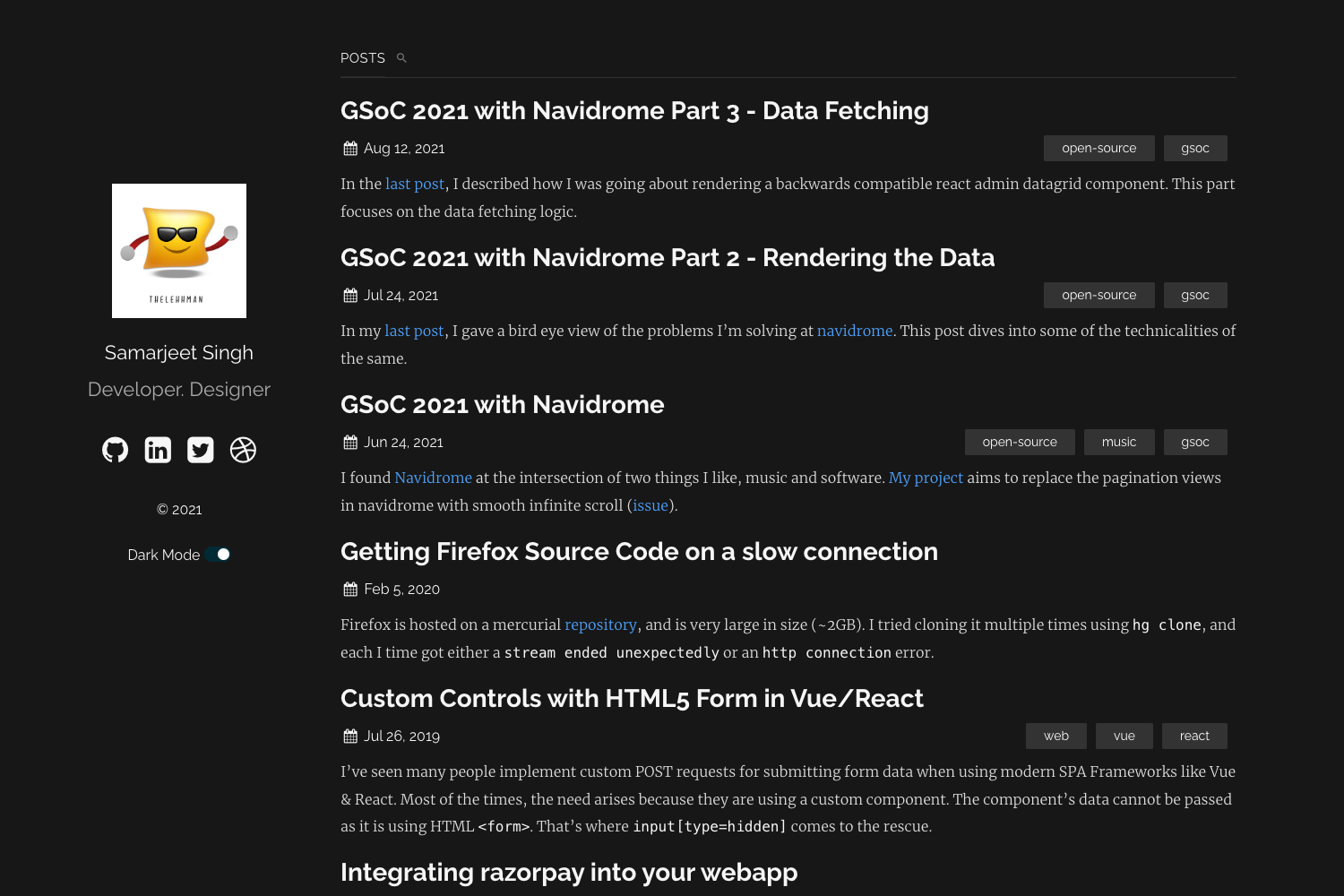
Coder supports two visual styles, black and light, configurable in the Hexo _config.yml file. It also includes multi-language capability, with English and Simplified Chinese language files. The theme comes with features typical for a blog: navigation menu, about page, local search, Valine comments, code highlighting, and site-level UV/PV counters. The theme is still in active development; the README's TODO list shows categories, tags, post table of contents, and mobile compatibility as planned but not yet implemented.
Key Features
- Dark/Light Styles — Switch between "black" and "light" color schemes via the
stylesetting in_config.yml. - Local Search — Enable client-side search that indexes posts and generates a
search.xmlfile, configurable under thesearchsection. - Valine Comments — Integrate Valine, a comment system that requires an App ID and App Key from LeanCloud; can be disabled by setting
enable: false. - Multi-language Support — Choose between English and Simplified Chinese by setting the
languageoption in_config.yml. - Customizable Menu — Define navigation links with emoji labels in the
menuconfiguration, e.g., About, Link, and GitHub. - SEO Settings — Set a site description and keywords directly in the theme configuration to improve search engine visibility.
- 404 Page — Includes a dedicated 404 layout that you can enable by creating a
404.mdfile in the Hexo source directory. - Code Highlighting — Built-in syntax highlighting for code blocks, toggled via the
highlightoption.
Who is it for?
Coder is aimed at developers and technical writers who use the Hexo static site generator and want a minimal, readable blog theme. It suits bloggers who prefer dark mode for coding-related content and who want a theme that loads fast without excessive JavaScript. The multi-language support also makes it a good fit for Chinese- and English-speaking developers who maintain bilingual blogs.
What can you do with Coder?
- Personal tech blog: Publish Markdown posts about programming, with clean typography and code highlighting.
- Developer portfolio: Use the custom menu and about page to present your projects and links to social profiles like GitHub.
- Bilingual blog: Switch between English and Chinese locales for a single site, thanks to the built-in language files.
How does Coder work?
Installing Coder follows the standard Hexo theme workflow. First, clone the repository into the themes folder using git clone git@github.com:Xunzhuo/hexo-theme-coder.git coder for the latest version, or download the stable release zip from GitHub and extract it. Then set theme: coder in the Hexo _config.yml file, configure the language, and adjust theme-specific settings such as title, style, menu, search, and Valine comments. Finally, create a 404.md file if you want the 404 page, and generate the site with Hexo.
Pros and cons
- Pros: Lightweight and minimal; offers two color schemes; integrated local search and Valine comments; easy language switching.
- Cons: The README's TODO list shows that categories, tags, post table of contents, and mobile compatibility are not yet implemented, so the theme currently lacks these common blog features.
FAQ
Is Coder free?
Yes, Coder is an open-source Hexo theme released on GitHub. It is free to use, and contributions via issues and pull requests are welcomed by the author.
Does Coder support dark mode?
Coder provides a dark/light style option. You can set style: black for a dark appearance or style: light for a light one in the theme's configuration.
How do I enable comments on Coder?
Coder uses Valine for comments. In the _config.yml, set valine.enable: true and replace the placeholder appId and appKey with your own LeanCloud credentials. To disable comments, set enable: false.
What languages are supported?
Coder includes language files for English and Simplified Chinese. Set the language key in your Hexo _config.yml to either en or zh-Hans to switch.
Can I use Coder on mobile?
Currently, the theme's README lists mobile compatibility as a TODO item, meaning it is not fully optimized for mobile devices at this time.