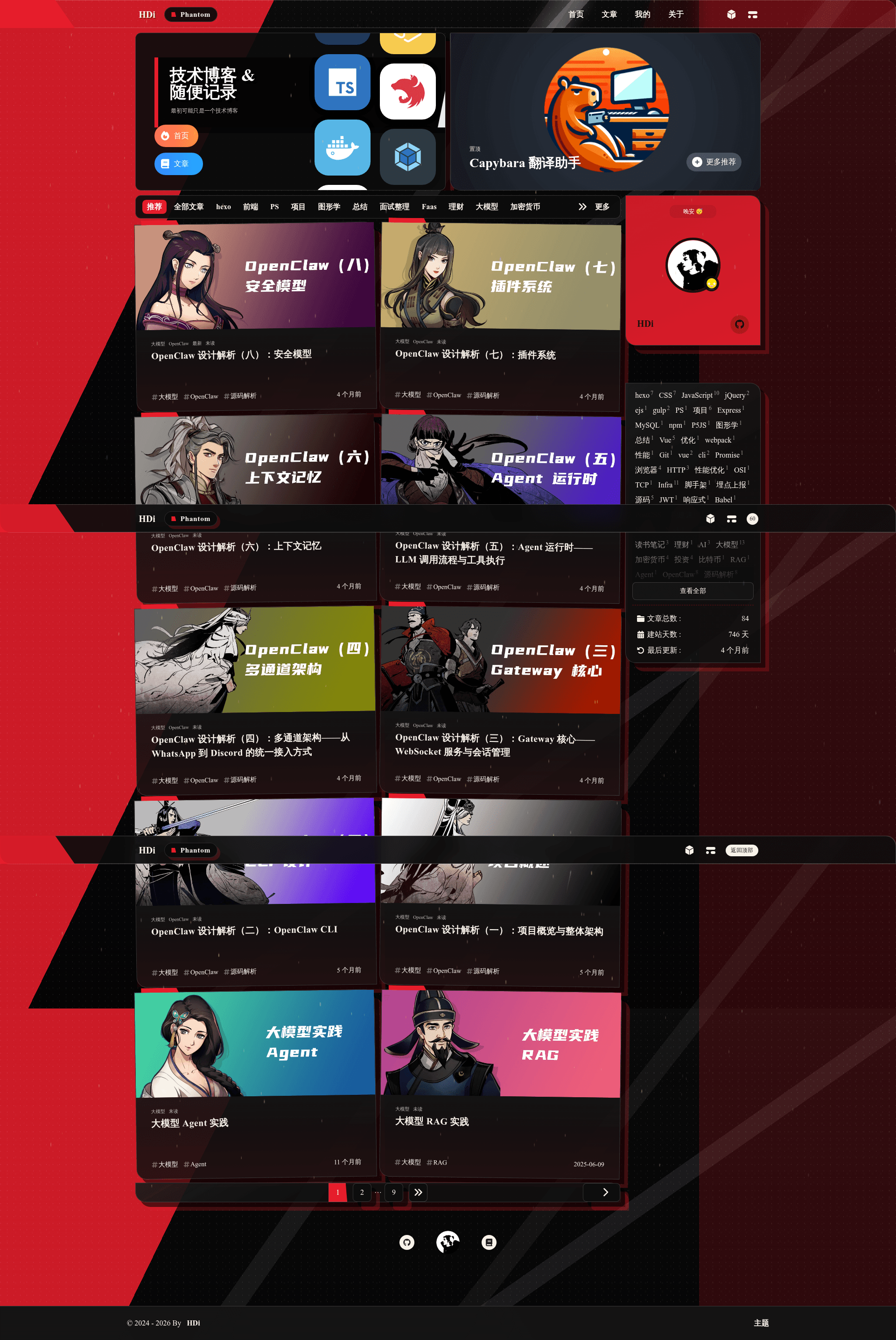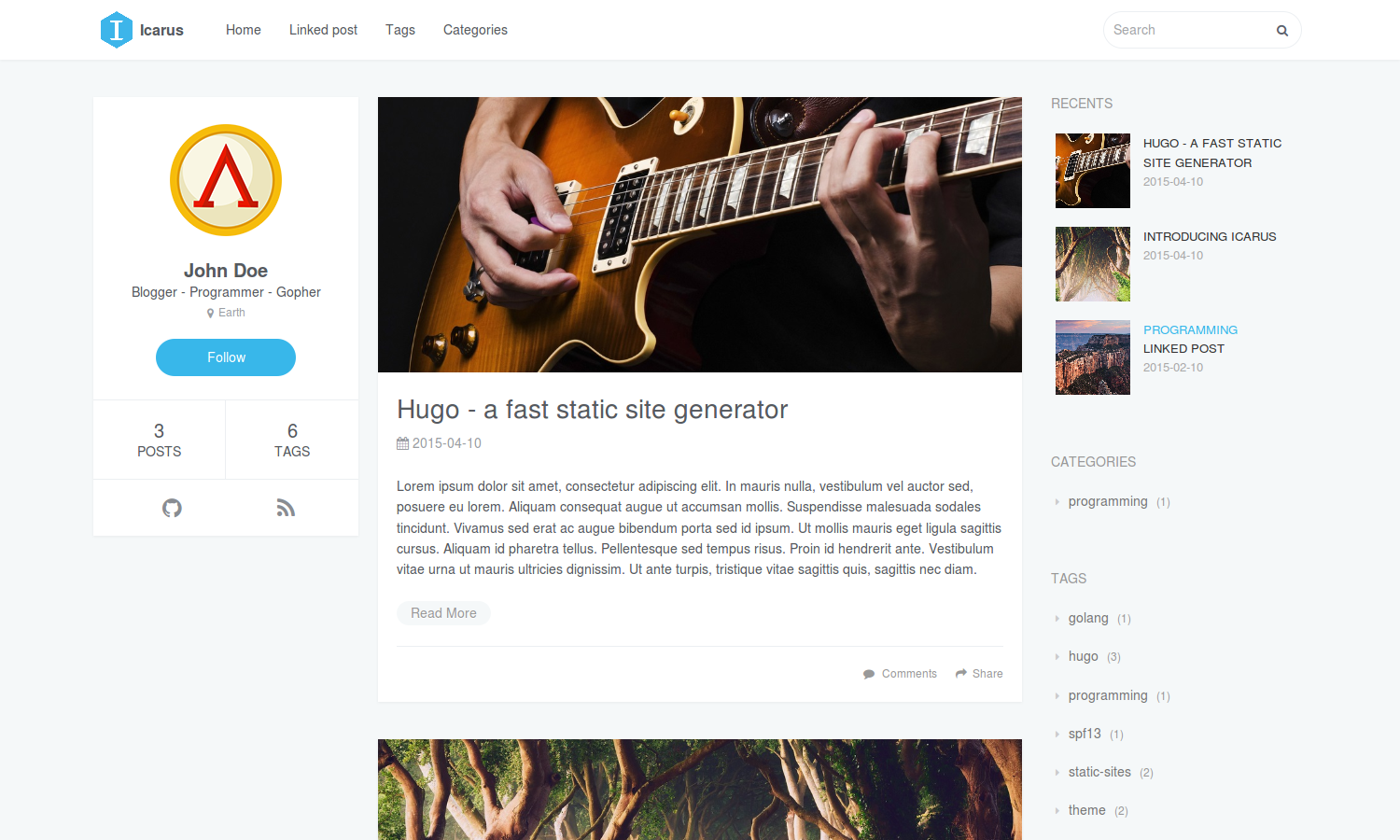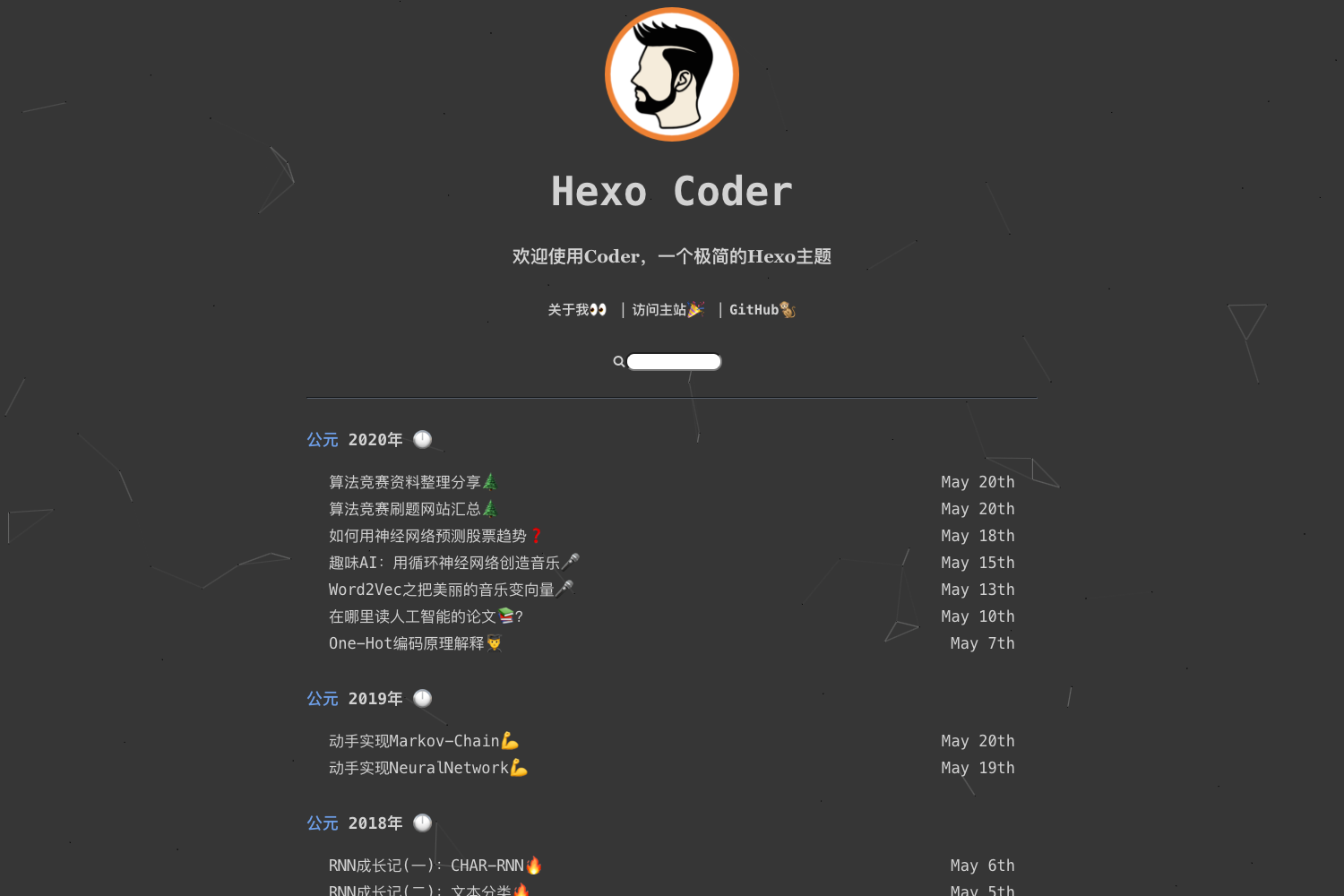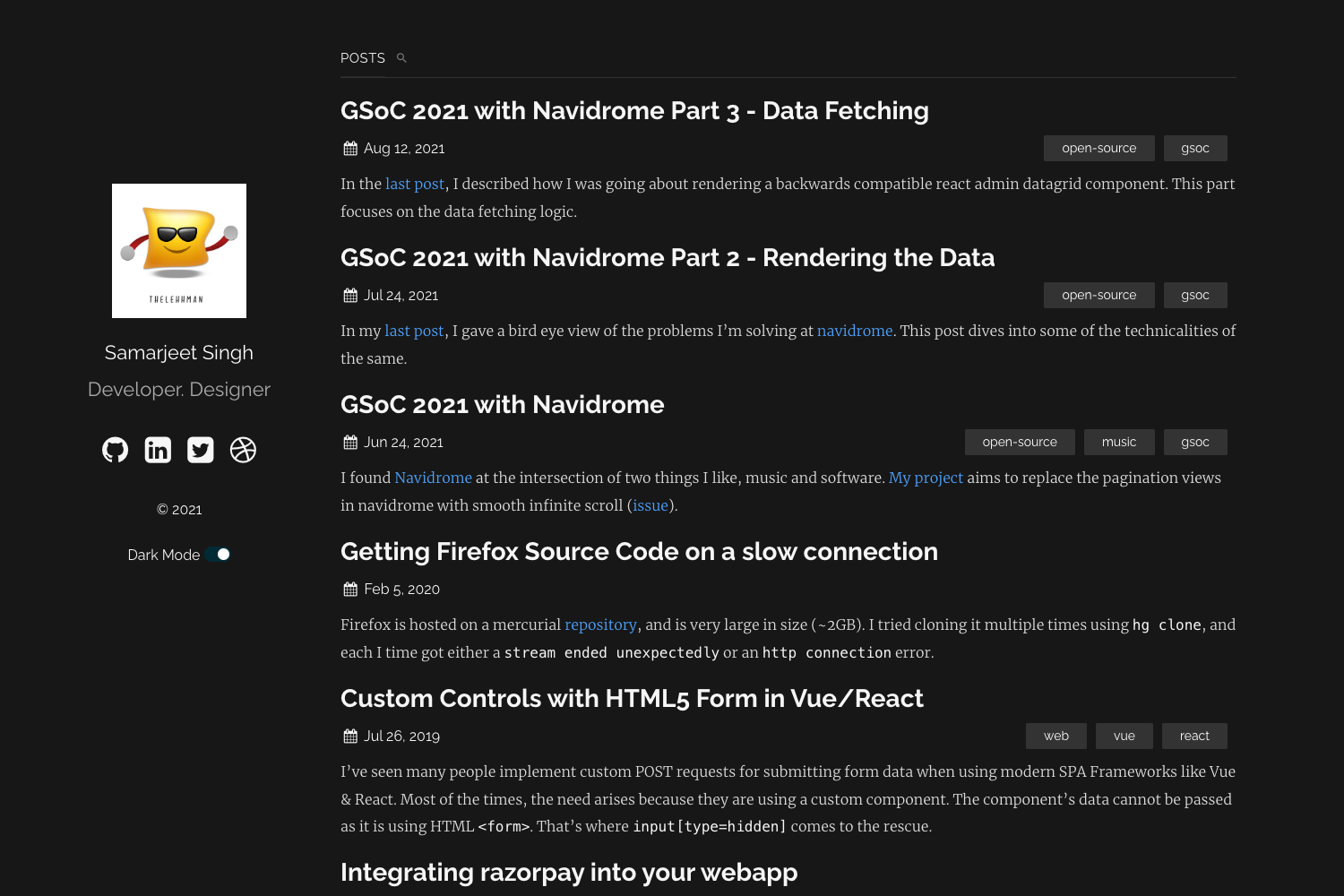
Template details
Hexo Theme Graffiti
A minimal Hexo blog theme by Qxiaoqi with home, archives, and tags pages, customizable navigation, and dual GitHub/Gitee deployment.
About this template
hexo-theme-Graffiti is a lightweight Hexo blog theme by Qxiaoqi that generates a static personal blog with home, archives, and tags pages.
What is hexo-theme-Graffiti?
hexo-theme-Graffiti is a blog theme for the Hexo static site generator, created by the developer Qxiaoqi. It takes Markdown posts managed by Hexo and renders them into static HTML pages organized into a homepage, an archives page, and a tags page. The theme consists of custom Graffiti.css and graffiti.js files plus jQuery 3.2.1, and it is activated by setting theme: Graffiti in the site's root _config.yml. The author describes it as an early Hexo theme that they have since replaced, noting it now appears outdated.
Key Features
- Three main sections — The theme provides a homepage, an archives page (configured to show 15 posts per page), and a tags page, each with its own screenshot in the repository.
- Simple menu configuration — The
menukey in the theme_config.ymllets you set links for Home, Archives, Tags, and any external URL such as a Github profile. - Custom assets — Graffiti.css is loaded in the page head, while jQuery 3.2.1 and graffiti.js are loaded at the end of the body.
- Header personalization —
navigationBarandportraitconfig keys accept image paths for the navigation bar background and profile picture. - Favicon configuration — The
faviconkey points to a favicon file, defaulting to/favicon_qi.ico. - Dual-deployment example — The provided root config includes a
deployblock that pushes generated files to both GitHub Pages and Gitee using the git deployer.
Who is it for?
- Personal bloggers using Hexo — Publish Markdown posts and get a static blog with basic navigation and tag/archive views.
- Hexo theme learners — Study a small theme codebase (one stylesheet, one custom script, and a short config) to understand how Hexo theming works.
- Developers deploying to Chinese hosting — Use the included Gitee deployment target to reach mainland China readers, alongside a GitHub Pages mirror.
What can you do with hexo-theme-Graffiti?
- Launch a minimal blog quickly — Install the theme, write posts, and run Hexo's generation command to produce a deployable static site.
- Customize the navigation bar — Edit the
menublock in the theme config to add or reorder links, including external links. - Rebrand the header — Swap in your own navigation bar and portrait images via the
navigationBarandportraitkeys. - Auto-deploy to two git hosts — Copy the example
deploysection to publish the same site to GitHub and Gitee with one command.
FAQ
Is hexo-theme-Graffiti free to use?
The repository is public and no licensing or pricing information appears in the provided content. You can clone and use the theme as-is, consistent with typical open-source GitHub themes.
What pages does the theme include?
It includes a homepage, an archives page, and a tags page. The screenshots in the repository show these three pages, and the menu config exposes them as top-level navigation links.
Does the theme require jQuery?
Yes, the theme config loads /js/jquery-3.2.1.js before /js/graffiti.js, so jQuery 3.2.1 is a dependency of the theme's script.
Is the theme still actively maintained?
The author's README states that the theme is an early work, now appears "a bit ugly," and has been replaced on their own blog. This suggests development is not ongoing, so treat it as a legacy or learning theme.