Template details
Hexo Theme White
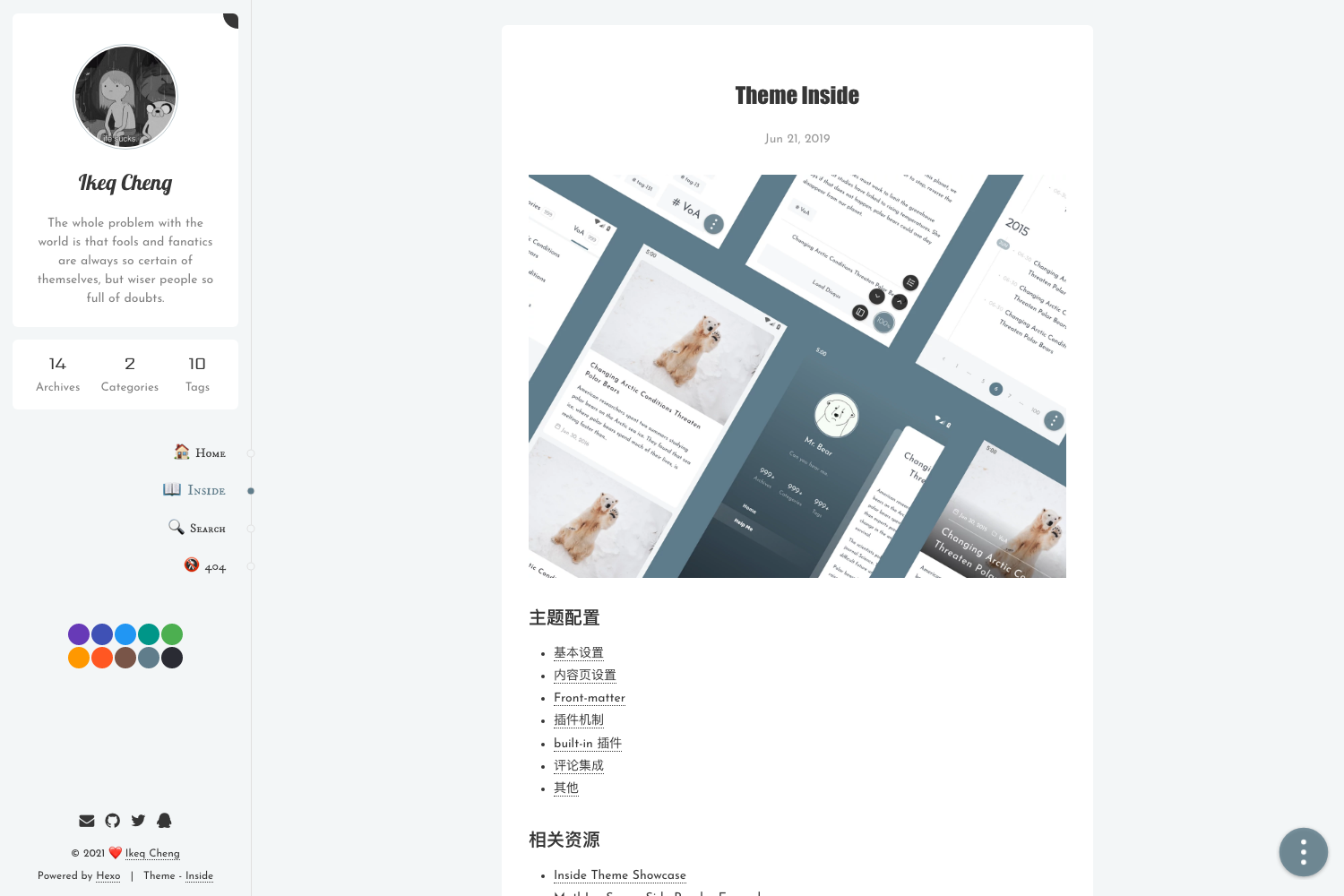
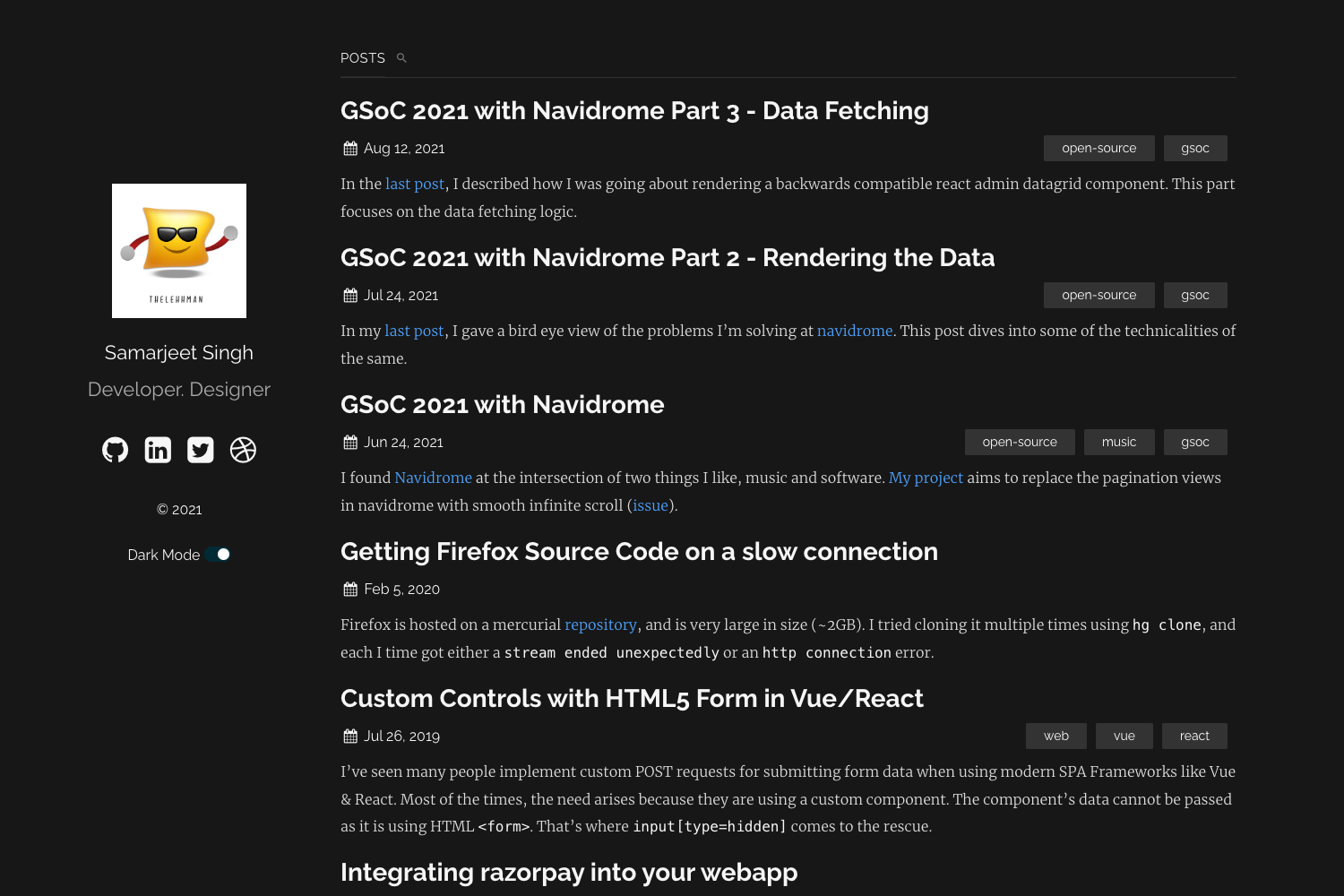
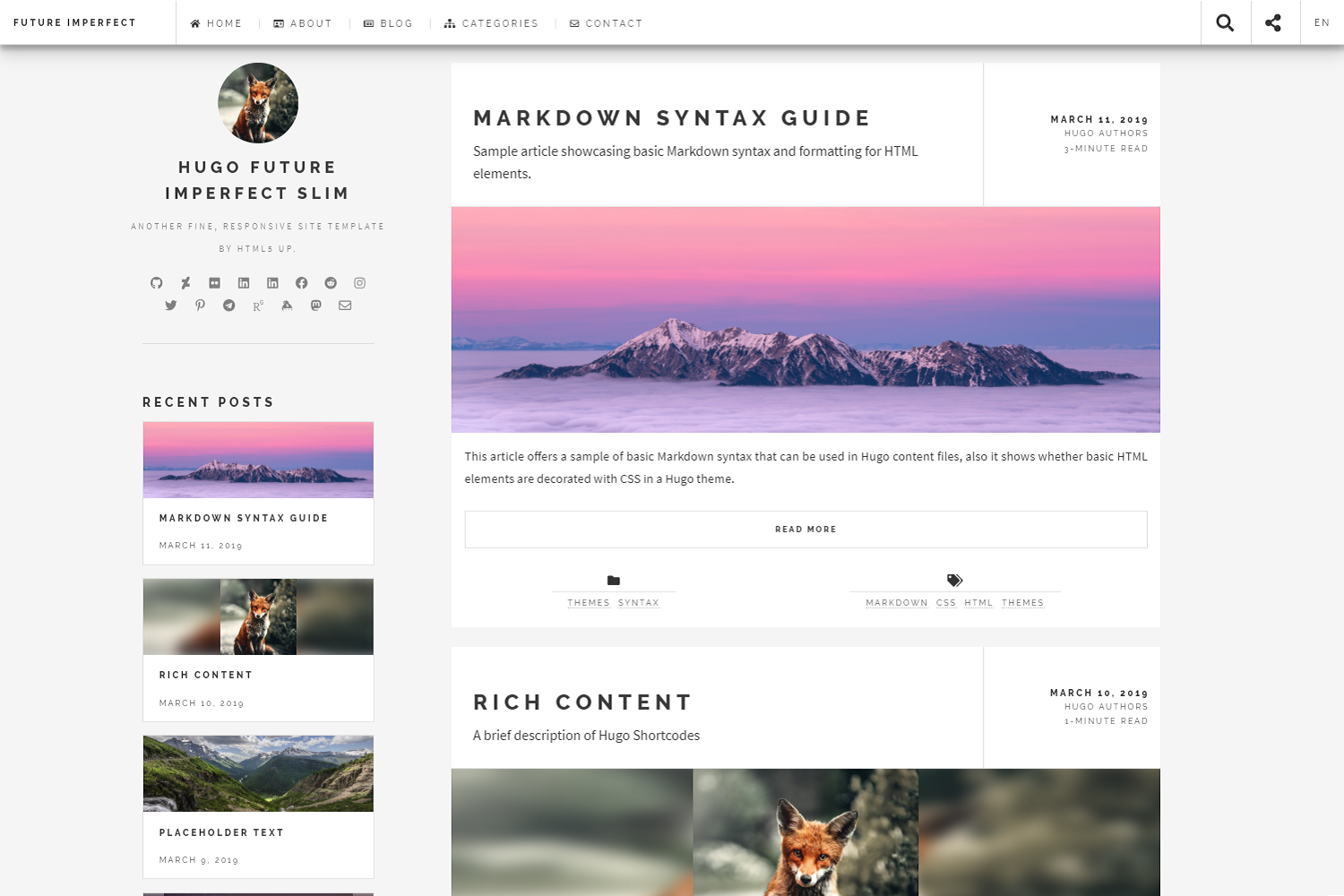
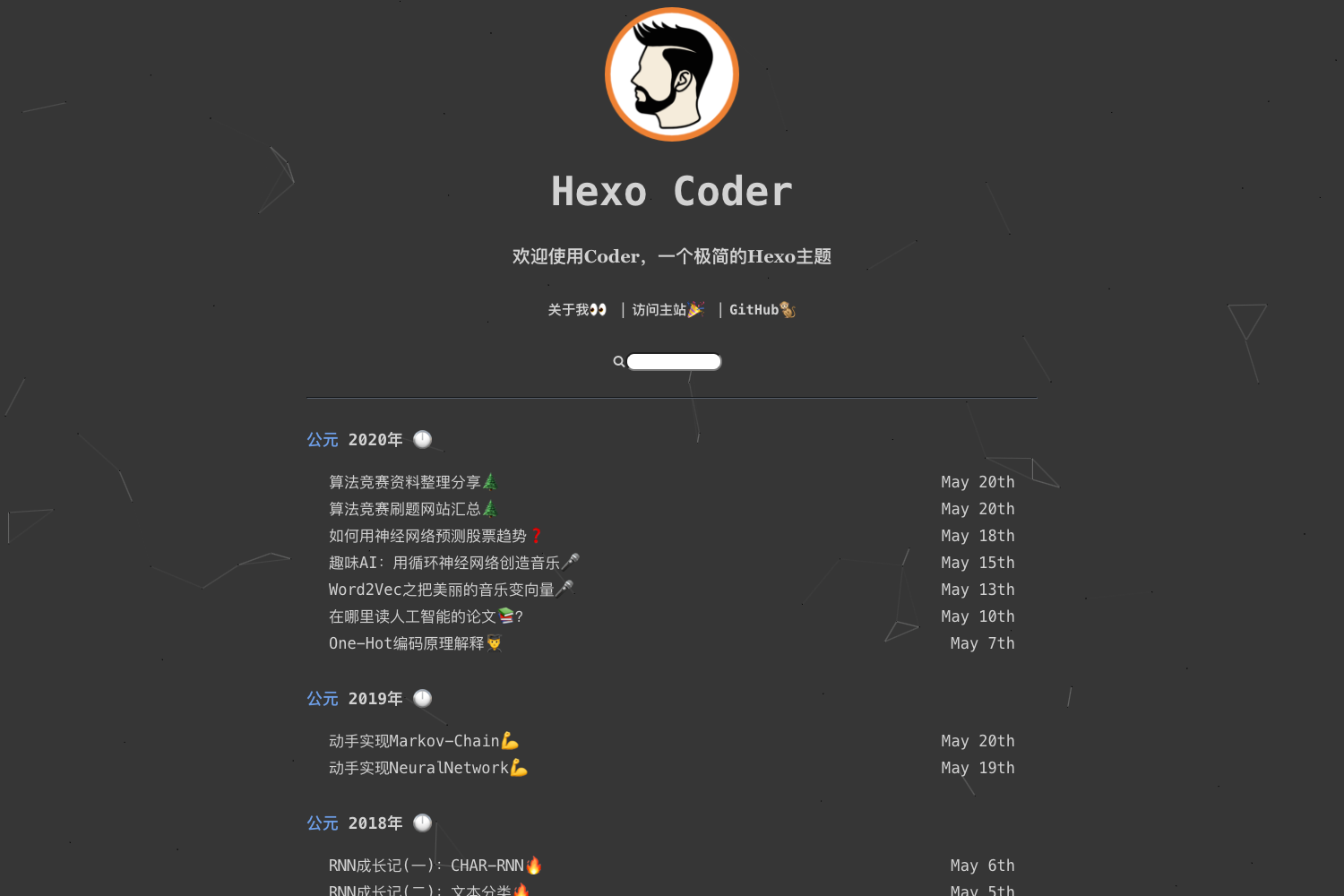
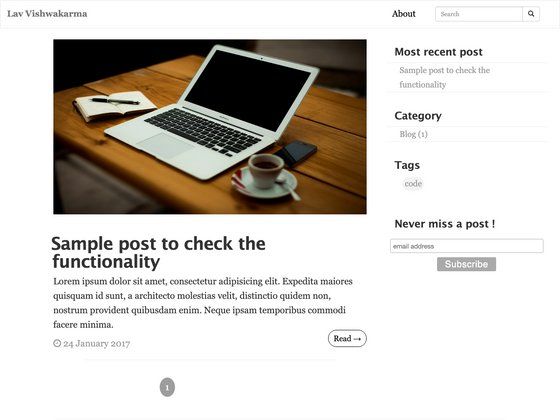
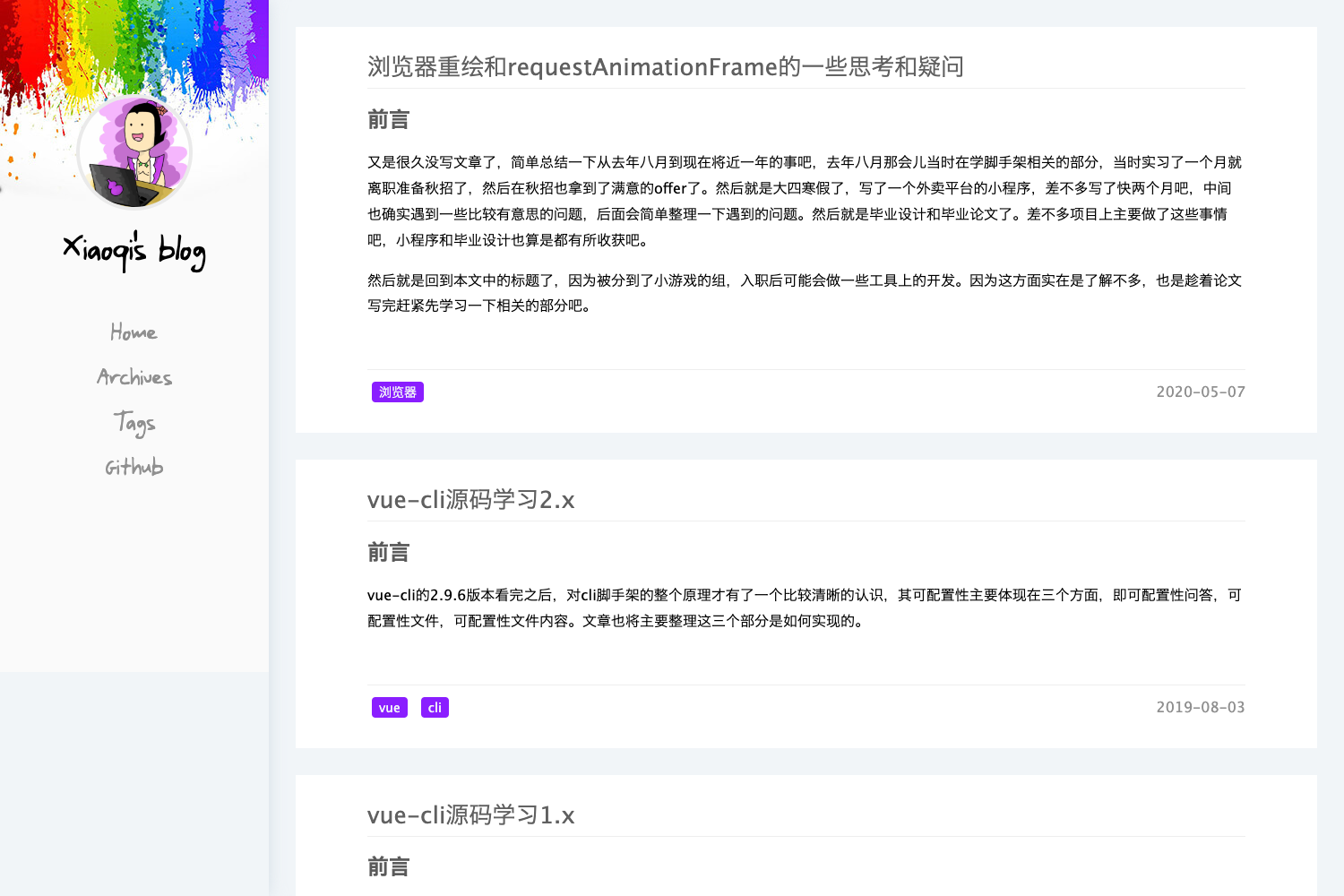
A pure, minimal Hexo theme that turns Markdown posts into a clean, white-styled blog.
About this template
Hexo Theme White is a pure, minimal theme for the Hexo static site generator, built to turn Markdown posts into a clean, white-styled blog.
What is Hexo Theme White?
Hexo Theme White is a minimal, open-source theme for Hexo that renders Markdown content into a clean blog with a pure white aesthetic. It runs on Hexo version 7.3.0 or compatible, takes Markdown posts as input, and produces static HTML pages. The theme is developed by FuShaoLei and hosted on GitHub at FuShaoLei/hexo-theme-white.
Key Features
- Pure white minimal design — The theme's stated purpose is "A Pure Theme For Hexo", focusing on a clean, distraction-free reading experience.
- Hexo 7.3.0 compatibility — The environment is explicitly tested with hexo ^7.3.0, so it works with current Hexo releases.
- Simple installation — Installation involves cloning the repository into the theme folder, changing the root _config.yml to set the theme value, and running hexo s.
- Configuration via _config.yml — The theme's own _config.yml file acts as the documentation and central place for theme settings.
- Built with Stylus — Styling is written in Stylus, a preprocessor that compiles to CSS, making customisation possible for developers.
- Markdown content — Posts are authored in Markdown, the standard for Hexo sites.
- Open source with 189 stars — The GitHub repository has earned 189 stars, indicating community interest.
- Example site — A live demo is available at fushaolei.github.io/hexo-theme-white.
Who is it for?
- Personal bloggers — Set up a minimalist blog with a pure white layout quickly by following the installation steps.
- Hexo developers — Customise the Stylus stylesheets or extend the theme to match a specific design.
- Design-focused writers — Use the clean aesthetic to keep attention on content rather than layout.
What can you do with it?
- Personal bloggers: create a clean blog by cloning the theme, setting it in the root config, and running hexo s to preview locally.
- Hexo users: replace an existing theme to get a white, minimal design without changing content or build process.
- Open-source contributors: fork the repository to study or improve a Stylus-based Hexo theme.
How does it work?
- Clone the repository into your Hexo site's themes folder.
- Set the theme field in the root _config.yml to hexo-theme-white.
- Run hexo s to start a local server and view the blog.
FAQ
How do I install Hexo Theme White?
Clone the repo into the themes folder, set theme to hexo-theme-white in the root _config.yml, then run hexo s. The setup is described as a three-step quick start.
What version of Hexo does it support?
The theme lists hexo ^7.3.0 as its environment, so it is designed for Hexo 7.3.0 and later compatible versions.
Is there a demo site?
Yes, an example site is linked from the README at fushaolei.github.io/hexo-theme-white.
Is the theme under active development?
The README includes the phrase "持续开发中~" (under continuous development), indicating ongoing updates.