Template details
Coming Sssoon Page
Free Bootstrap 3 coming soon page with email capture, custom color filters, and demos for websites, apps, videos, and restaurants.
About this template
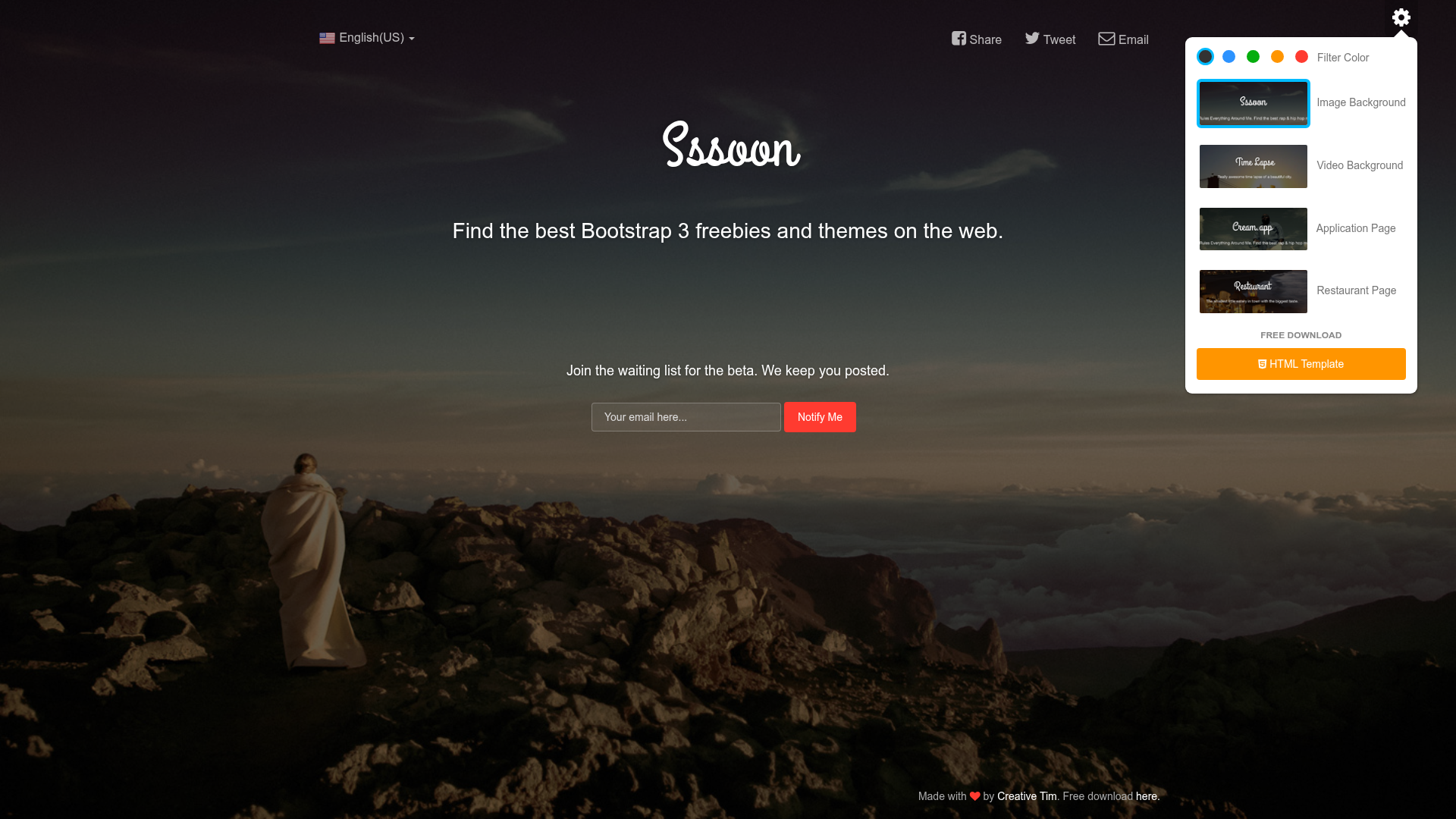
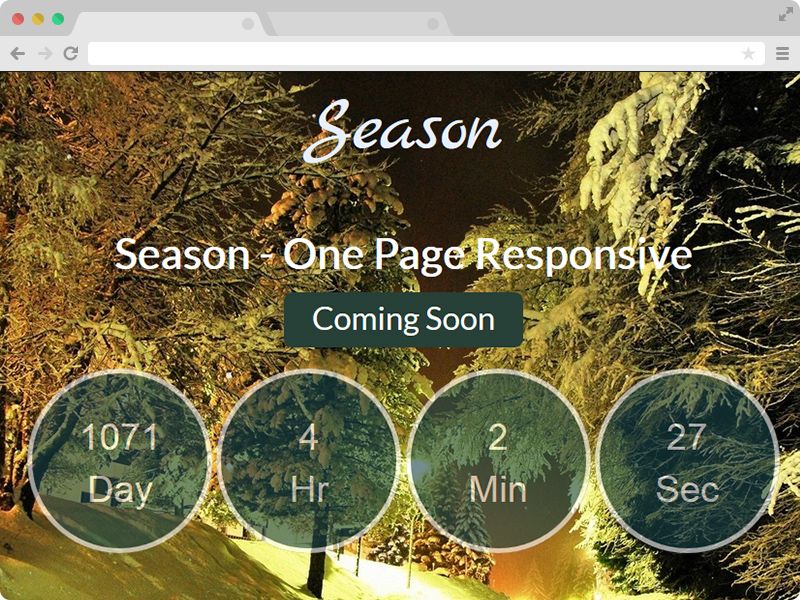
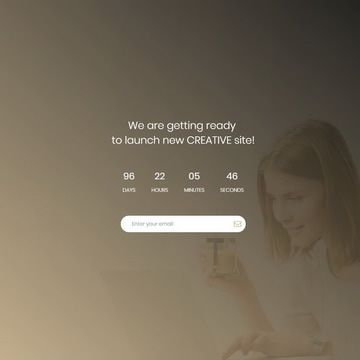
Coming Sssoon Page is a free, open-source (MIT license) one-page Bootstrap 3 template from Creative Tim for building a pre-launch "coming soon" website that collects visitor email addresses before a product or event goes live. The template is a static HTML/CSS/jQuery site that runs on any web server and ships with four demo variants—an image background, a cream-colored app page, a video background, and a restaurant page—so you can pick the layout closest to your launch scenario.
What is Coming Sssoon Page?
Coming Sssoon Page is a free, one-page template created by Creative Tim, built with Bootstrap 3 and jQuery 1.10.2. Its core function is to display a soon-to-launch project with a background image or video and a call-to-action for email subscription; it takes static assets (HTML, CSS, JavaScript) and outputs a fully responsive pre-launch webpage that can be connected to Mailchimp via a linked tutorial.
Key Features
- Bootstrap 3 foundation — Uses Bootstrap 3 for responsive layout and prebuilt styling; works without a build step since it's plain HTML/CSS/JS.
- Custom color filters — Five standard filters (black, blue, green, orange, red) with adjustable transparency let any background image fit the design.
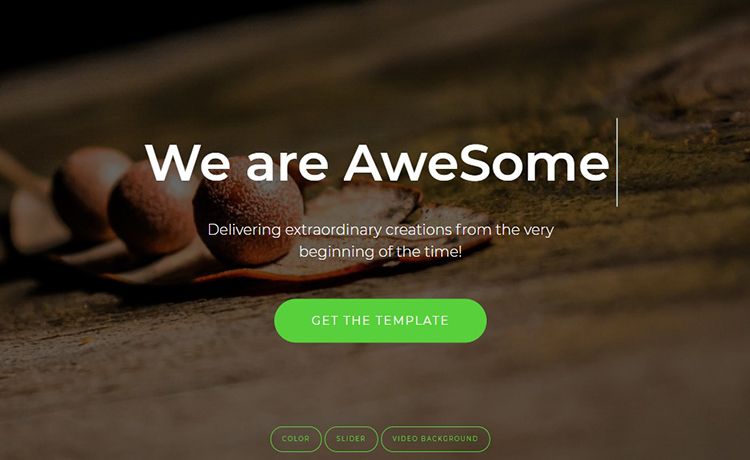
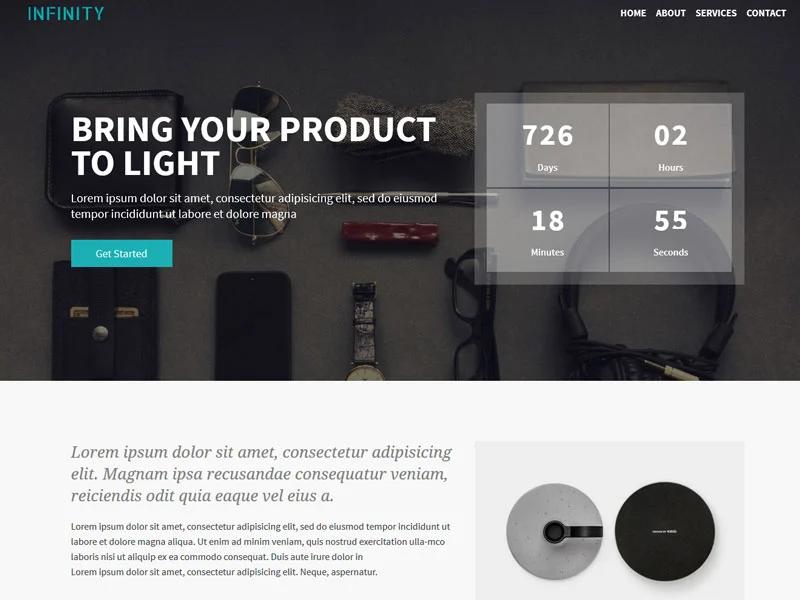
- Four demo layouts — The download includes demo-image-background.html, demo-cream-app.html, demo-video-background.html, and demo-restaurant.html, covering website, app, video, and restaurant use cases.
- Mailchimp integration guide — Creative Tim's tutorial explains how to connect the page to a Mailchimp account for collecting subscriber emails.
- One-click deploy to Genezio — A deploy button in the repository lets you launch a live copy of the template on Genezio's platform directly.
- MIT licensed — Version 1.3.2 (10 Feb 2017) switched to the MIT license, so you can freely use and modify it.
Who is it for?
- Startup founders — Validate early interest by putting up a coming soon page and capturing email addresses before launch.
- Freelance web designers — Use a ready-made Bootstrap 3 layout to quickly build pre-launch pages for clients, then customize the demo that matches the client's industry.
- App and game developers — Use the cream app demo or video background demo to tease an upcoming application or game.
- Restaurant owners — The restaurant demo is tailored for announcing a new restaurant opening or rebranding.
What can you do with it?
- Grow your pre-launch email list — Follow the Mailchimp tutorial to connect the subscription form and start collecting contacts from day one.
- Announce a new product or event — Select one of the five color filters, add your own background image, and publish a branded teaser page.
- Create a launch page for an app or restaurant — Use the dedicated demo pages to match the context—cream app for software, restaurant for hospitality.
How does it work?
The template is a set of static HTML files plus CSS and JavaScript assets inside the x_coming_sssoon_page folder. You download or clone the repository, edit the HTML and CSS to set your text and background, and add a Mailchimp form using the provided tutorial; the page then runs on any static host or can be deployed to Genezio with one click.
FAQ
Is Coming Sssoon Page free?
Yes, the template is free and released under the MIT license, so you can use it in personal and commercial projects without paying a fee.
Does it work without Bootstrap?
No, it is built on Bootstrap 3. The CSS files include bootstrap.css, and the JavaScript depends on bootstrap.min.js and jQuery 1.10.2, so you need to keep these assets for the layout to render correctly.
Can I use my own images?
Yes, you can replace the background images freely. The built-in color filters (black, blue, green, orange, red) have adjustable transparency specifically so any image can look good with the design.
How do I connect Mailchimp?
The template does not include a Mailchimp form out of the box. Creative Tim's tutorial at blog.creative-tim.com shows the steps to set up Mailchimp and integrate it with the coming soon page.