Template details
Launch Landing Page
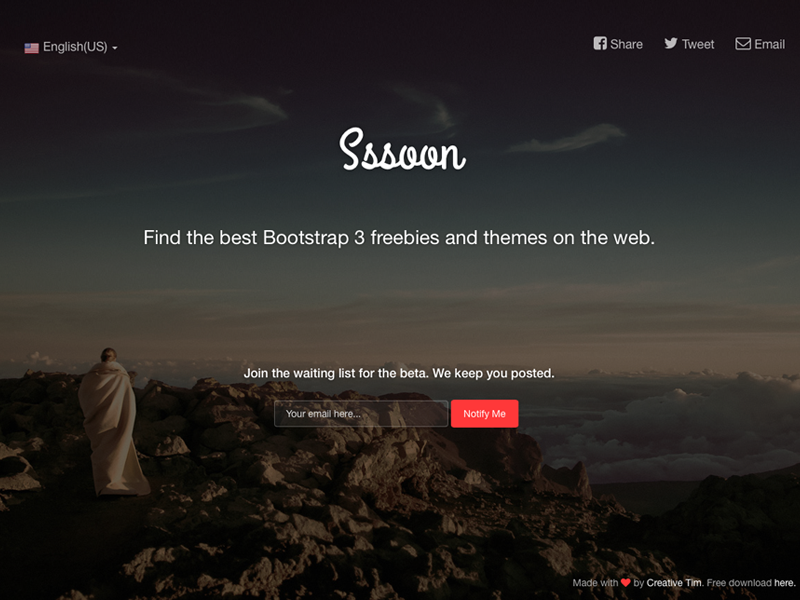
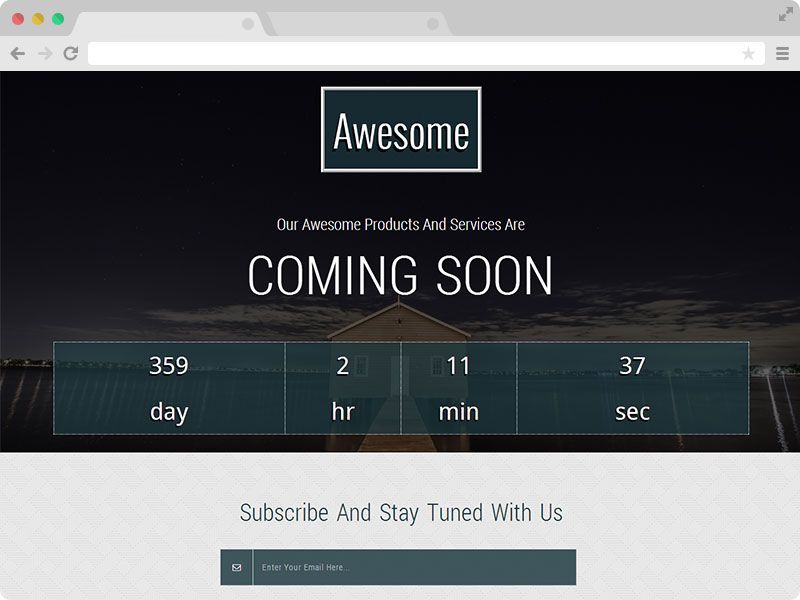
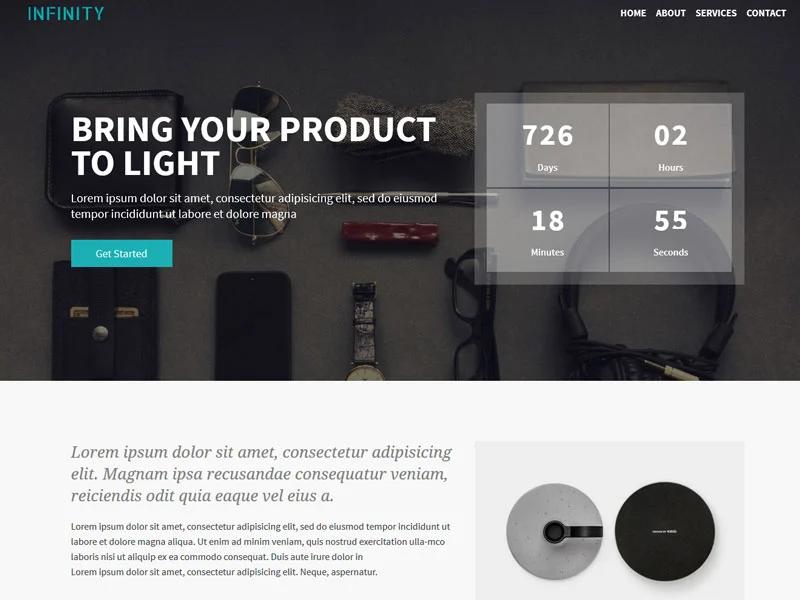
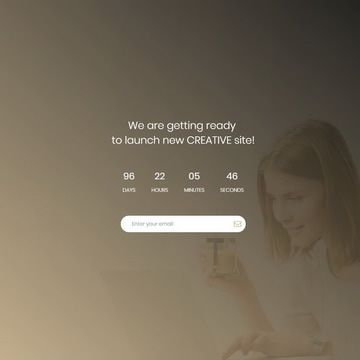
Beautifully styled 'launch' themed landing page built with Next.js 13, TailwindCSS and shadcn-ui.
About this template
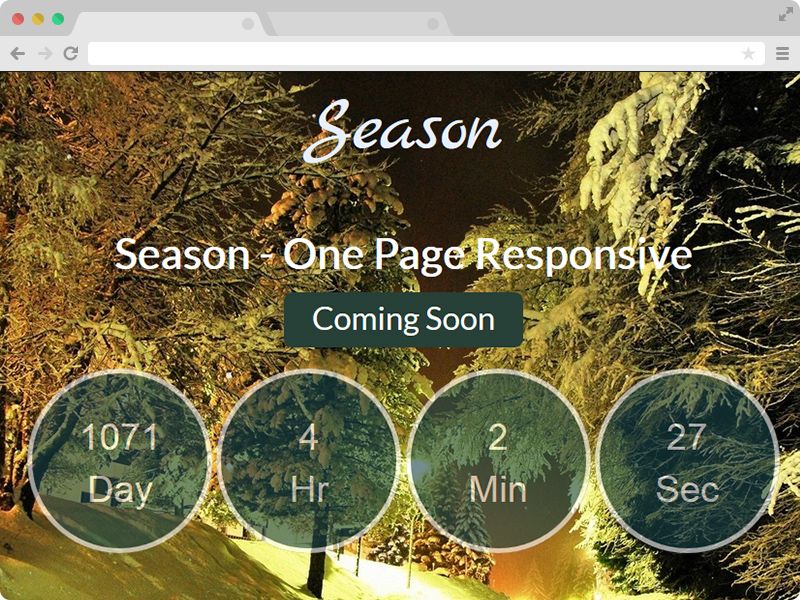
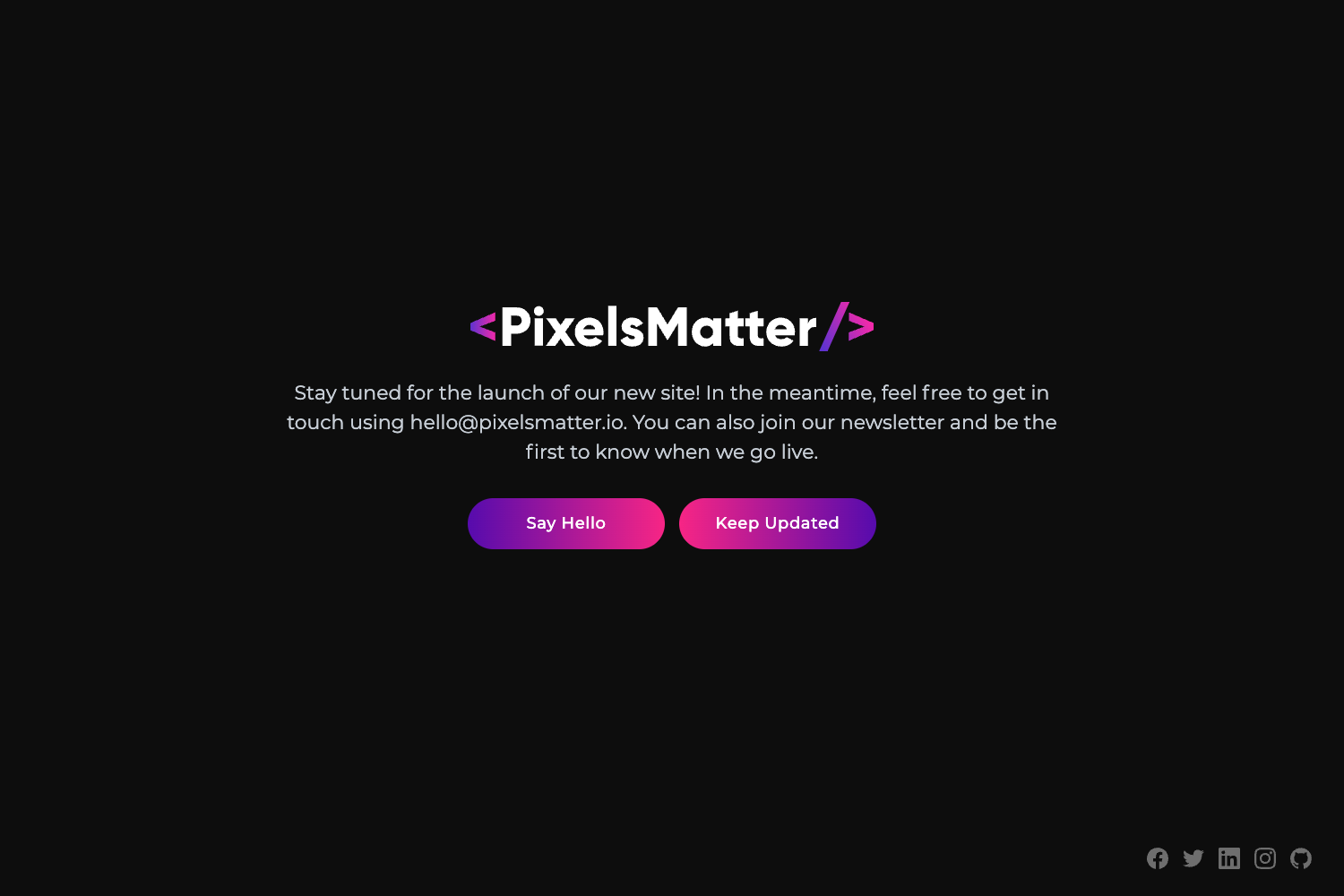
Launch Landing Page is a free, animated "coming soon" landing page template built with Next.js 13, Tailwind CSS, and shadcn-ui, designed to hold a spot for a product or event before the real site goes live.
What is the Launch Landing Page template?
The Launch Landing Page template is a single-page coming-soon site that shows visitors a styled, animated placeholder instead of an empty page. It takes no content input—you edit the JSX directly—and outputs a static, deployable Next.js page. The project runs on Next.js 13 with the App Router, uses Tailwind CSS for all styling, and pulls UI primitives from shadcn-ui. It is distributed under a Creative Commons license and includes a live demo at https://crm.xypeui.com/.
What makes the Launch Landing Page stand out?
The page distinguishes itself through a polished, animated design that still stays lightweight. Key characteristics:
- Beautifully styled UI — A modern visual design assembled from shadcn-ui components and Tailwind utility classes, so it looks finished without extra design effort.
- Animated — Entrance and hover animations give the placeholder a lively feel, making it more engaging than a plain text "coming soon."
- Lightweight — The template keeps dependencies minimal, so the page loads quickly even on slower connections.
- Next.js 13 — Built on the current App Router structure, giving you modern React features and file-based routing out of the box.
- Tailwind CSS — All layout and color styling uses Tailwind utility classes, making theme changes fast and consistent.
- shadcn-ui — UI components are copied from shadcn-ui, so you can add or replace components without vendor lock-in.
- Single page scope — The repo contains just the landing page, keeping the codebase small and easy to understand.
Who should use the Launch Landing Page template?
Developers who need a quick, good-looking placeholder for a domain will find this template useful. Startup founders can put it up in minutes to announce an upcoming product, and freelancers can adapt it for clients who are not ready to launch. Because it is a single page, anyone comfortable editing JSX and running pnpm can customize it.
What can you do with the Launch Landing Page template?
- Startups and product teams: Deploy it as a temporary coming-soon page while the main application is in development, capturing early interest at your domain.
- Freelance developers: Use it as a starting point for a client's launch page, then replace the copy and adjust the Tailwind theme to match the client's brand.
- Personal projects: Put up an animated placeholder for an upcoming personal site or portfolio renewal without building from scratch.
How does the Launch Landing Page template work?
Install the project dependencies by running pnpm i in the repository root. After that, use the standard Next.js commands—pnpm dev to run a local development server and pnpm build to create a production bundle. To change the content, edit the JSX in the page components and update Tailwind classes in the same files.
FAQ
Is the Launch Landing Page template free to use?
Yes, it is free to use under a Creative Commons license. The contribution guidelines ask that you credit the original creator when you use the template in your own project.
What technologies does the template use?
The template uses Next.js 13, Tailwind CSS, and shadcn-ui. Next.js handles the application shell and routing, Tailwind CSS provides utility-based styling, and shadcn-ui supplies React components for the UI.
How do I install the template?
You need pnpm. Run pnpm i in the project directory to install all dependencies, then use the standard Next.js scripts to develop and build the site.
Can I customize the text and colors?
Yes. Since the template is plain React with Tailwind, you edit the JSX content directly and change colors by replacing Tailwind utility classes. There is no separate CMS or config file required.
Where can I see a live preview?
A live demo is hosted at https://crm.xypeui.com/ so you can see exactly how the animated coming-soon page behaves before you set it up yourself.