Template details
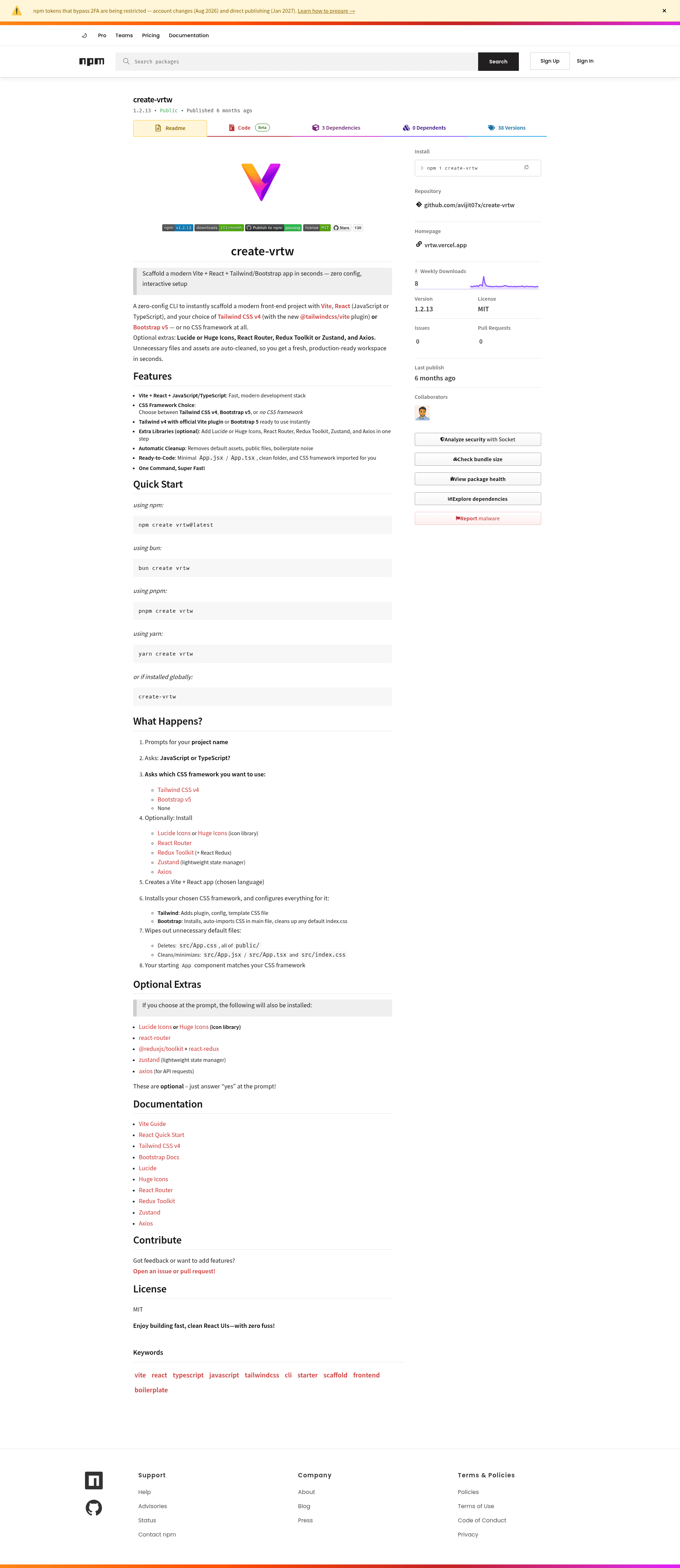
create-vrtw
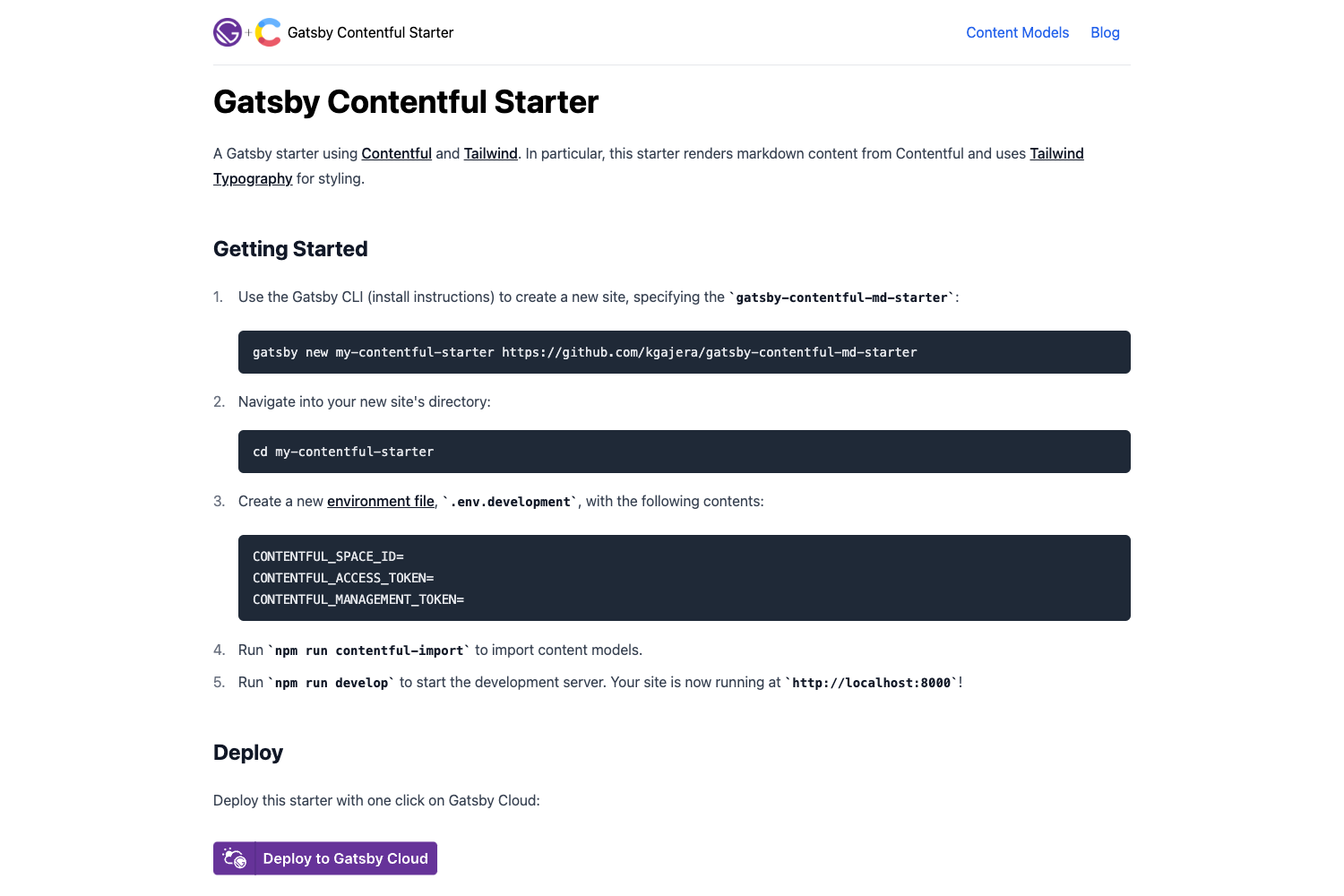
Instantly scaffold a modern Vite + React + TypeScript/JavaScript + Tailwind CSS v4 project with a single CLI command. Minimal boilerplate. Super fast.
About this template
create-vrtw is a zero-config CLI scaffold that generates a Vite + React project with your choice of JavaScript or TypeScript, Tailwind CSS v4 or Bootstrap 5, and optional libraries, cleaning away starter boilerplate automatically.
What is create-vrtw?
create-vrtw is an npm-published command-line tool by avijit07x that scaffolds a fresh Vite + React application. Run it with your package manager, answer prompts for language and CSS framework, and it produces a minimal project with unnecessary files removed. It supports Tailwind CSS v4 through the official @tailwindcss/vite plugin, Bootstrap 5, or no CSS framework, and can add icon libraries, routing, state management, and an HTTP client on request.
Key Features
- Language choice — Prompts for JavaScript or TypeScript and generates the matching project structure, with App.jsx or App.tsx.
- CSS framework options — Tailwind CSS v4 via the @tailwindcss/vite plugin, Bootstrap 5 with CSS auto-imported in the main file, or no framework.
- Optional extras — One prompt can add Lucide or Huge Icons, React Router, Redux Toolkit plus React Redux, Zustand, and Axios.
- Automatic cleanup — Deletes src/App.css and everything in public/, and rewrites src/App and src/index.css to a minimal state.
- Multiple install commands — Works with npm create vrtw@latest, bun create vrtw, pnpm create vrtw, yarn create vrtw, or a global create-vrtw install.
- MIT licensed — Free to use and modify, with the project open to issues and pull requests on GitHub.
Who is it for?
- Front-end developers starting a new React app who want a current Vite setup with Tailwind v4 preinstalled and configured.
- Developers who want consistency across projects, since the scaffold enforces a minimal file structure and removes Vite's default assets.
- Developers learning React who want a clean starting point without manually wiring Vite, React, and a CSS framework.
What can you do with it?
- Prototype an app quickly: Scaffold a project with Tailwind v4 and a chosen icon library, then start writing components immediately.
- Set up routing and state: Choose React Router plus Zustand or Redux Toolkit during the prompt, and get those dependencies installed in the same step.
- Avoid boilerplate cleanup: The tool wipes default Vite logos, public assets, and sample CSS so you don't have to delete them by hand.
How does create-vrtw work?
Run the create command, then answer four sets of prompts: project name, JavaScript or TypeScript, CSS framework (Tailwind v4, Bootstrap v5, or none), and which optional libraries to install. The tool creates the Vite app, configures the chosen CSS framework (adding the Tailwind plugin and template CSS, or importing Bootstrap's CSS), removes unneeded default files, and leaves a minimal App component and folder structure ready to edit.