Template details
Cvless
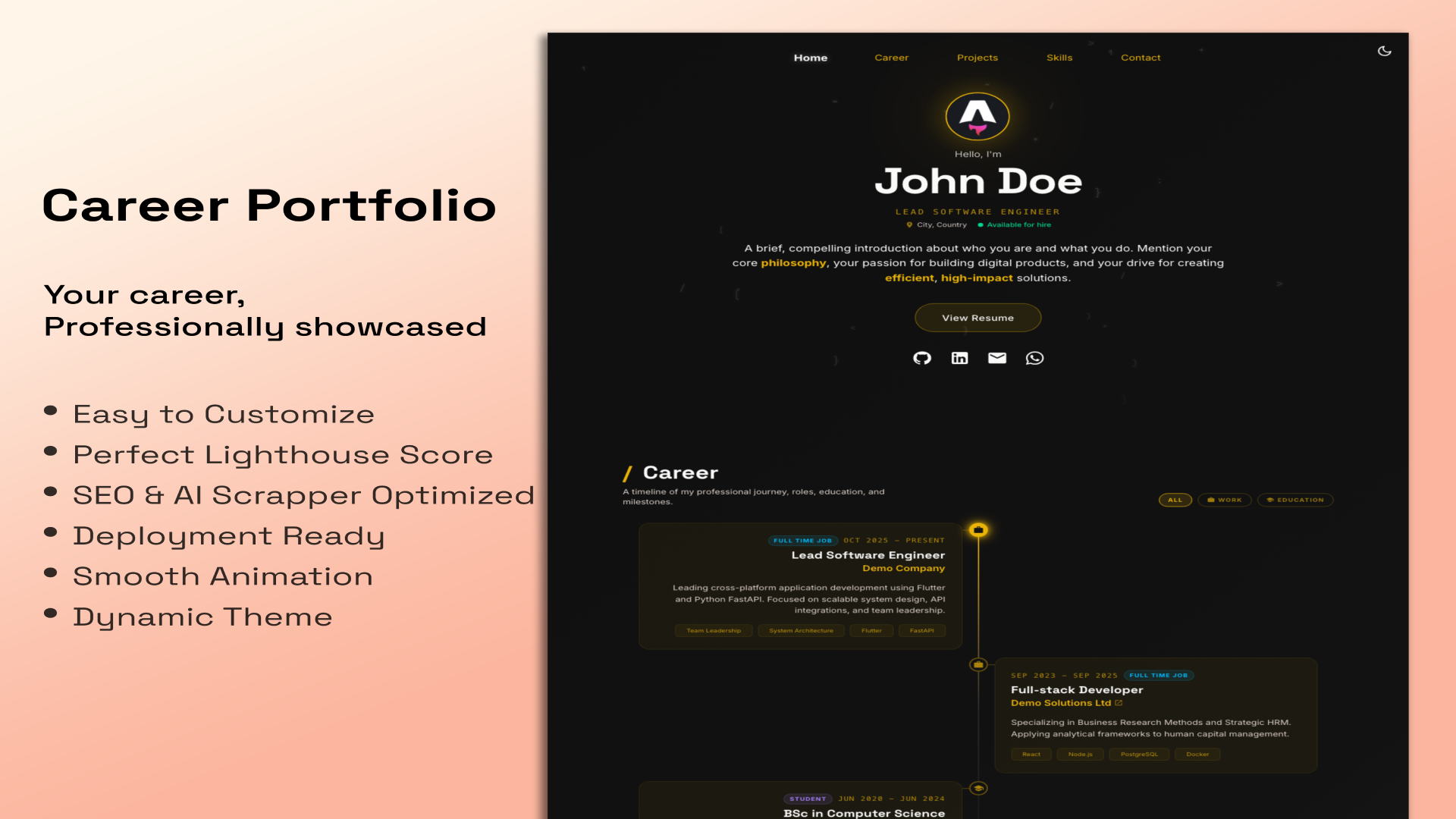
Jekyll theme for a beautiful online CV with particles.js animation, printing-friendly layout, and light/dark modes.
About this template
Cvless is a Jekyll theme for building a static online CV that combines a particles.js-animated homepage with a print-ready résumé page and a simple extensible blog. It was developed by piazzai, is available on GitHub, and has 145 stars.
What is Cvless?
Cvless is an open-source Jekyll theme that produces a static website for presenting a professional curriculum vitae. It takes standard Jekyll project files — markdown content, a _config.yml configuration, and a Gemfile — and outputs a fully styled HTML/CSS/JavaScript site with a home page, a CV page, a 404 page, and a blog. The theme runs on the Jekyll static site generator (Ruby-based) and is distributed as a Ruby gem named "cvless"; its repository also includes a pre-configured demo folder you can clone to start a new site.
Key Features
- Particles.js animation — The home and 404 pages feature an animated particle background powered by particles.js; its configuration lives in
assets/js/particles.jsonand can be customized or replaced. - Print-optimized CV page — The CV page automatically adapts its layout for printing from the browser, so a separate offline resume file is unnecessary.
- Light and dark modes — The theme initializes based on the visitor's system color-scheme preference and stores that choice for the session.
- Blog support — A simple blog is included using Jekyll's built-in post system; author name and email are pulled from
_config.yml. - Sass-based styling variables — Colors and typography are defined in
_sass/_variables.scss, so the whole color scheme and typeface stack (based on the Piazzolla font system) can be changed from one file. - Customizable icon links — Social and contact icons use the Iconoir icon set in
_includes/particles-home.html, where links and icons can be added or removed; custom icons are supported beyond the defaults. - Responsive and high-contrast design — The layout applies graphic design practices such as high contrast and the law of proximity, with a responsive layout that works across screen sizes.
- Gem-based installation — Installed via a Jekyll theme gem, hiding non-customized files while allowing overrides by creating files with the same names and paths.
Who is it for?
Cvless is aimed at developers, academics, designers, and other professionals who want a self-hosted, static web presence for their résumé. It suits Jekyll users who already have a Ruby environment and want version-controlled CV content in Markdown, and anyone who prefers a theme that follows graphic design principles and prints cleanly without maintaining a separate PDF. It also appeals to bloggers who want a minimal CV-plus-blog site with a modern animated aesthetic.
Use cases
- Job seekers and freelancers: Publish a polished online CV with a printable built-in page; update content in Markdown and rebuild rather than maintaining separate documents.
- Jekyll developers: Clone the demo folder, set a repository URL and author info in
_config.yml, and deploy the generated static site to GitHub Pages or any static host. - Design-conscious writers: Pair a short blog with the animated home page; customize the color scheme, fonts, and icons by editing
_sass/_variables.scssand_includes/particles-home.htmlto match a personal brand.
How does Cvless work?
Cvless follows the standard Jekyll workflow. After adding the gem "cvless" to your Gemfile and setting theme: cvless in _config.yml, you create (or clone from the demo) the minimal files 404.md, cv.md, index.md, and run bundle. Jekyll builds the site, pulling configuration from _config.yml and rendering markdown through the theme's layouts. For customization, you can copy a hidden theme file into your project and Jekyll will prioritize your version during build.
Pricing
Cvless is free and open-source software, distributed as a Ruby gem from a public GitHub repository. It requires no paid license or subscription to use.
FAQ
Is Cvless free?
Yes. The theme is open-source on GitHub and distributed as a Ruby gem that can be installed with gem install cvless. There are no licensing fees or subscription plans mentioned in the documentation.
What do I need to install Cvless?
You need a Ruby environment with Jekyll and Bundler. Installation requires adding the line gem "cvless" to your Gemfile and setting theme: cvless in your _config.yml, then running bundle.
How do I customize the colors and fonts?
Color scheme and typefaces are defined in _sass/_variables.scss. Edit the Sass variables there to change the theme's appearance. The default font stack is based on the Piazzolla type system, and the project also draws from Open Color for its palette.
Does Cvless support dark mode?
Yes. The theme initializes based on the user's system color-scheme preference and remembers the choice for the duration of the session. There is no manual toggle; it follows the operating system setting.
How do I add social icons to the home page?
Icon links are defined in _includes/particles-home.html. You can add or remove icons there, including icons not included by default; the theme's iconography comes from the Iconoir icon set.