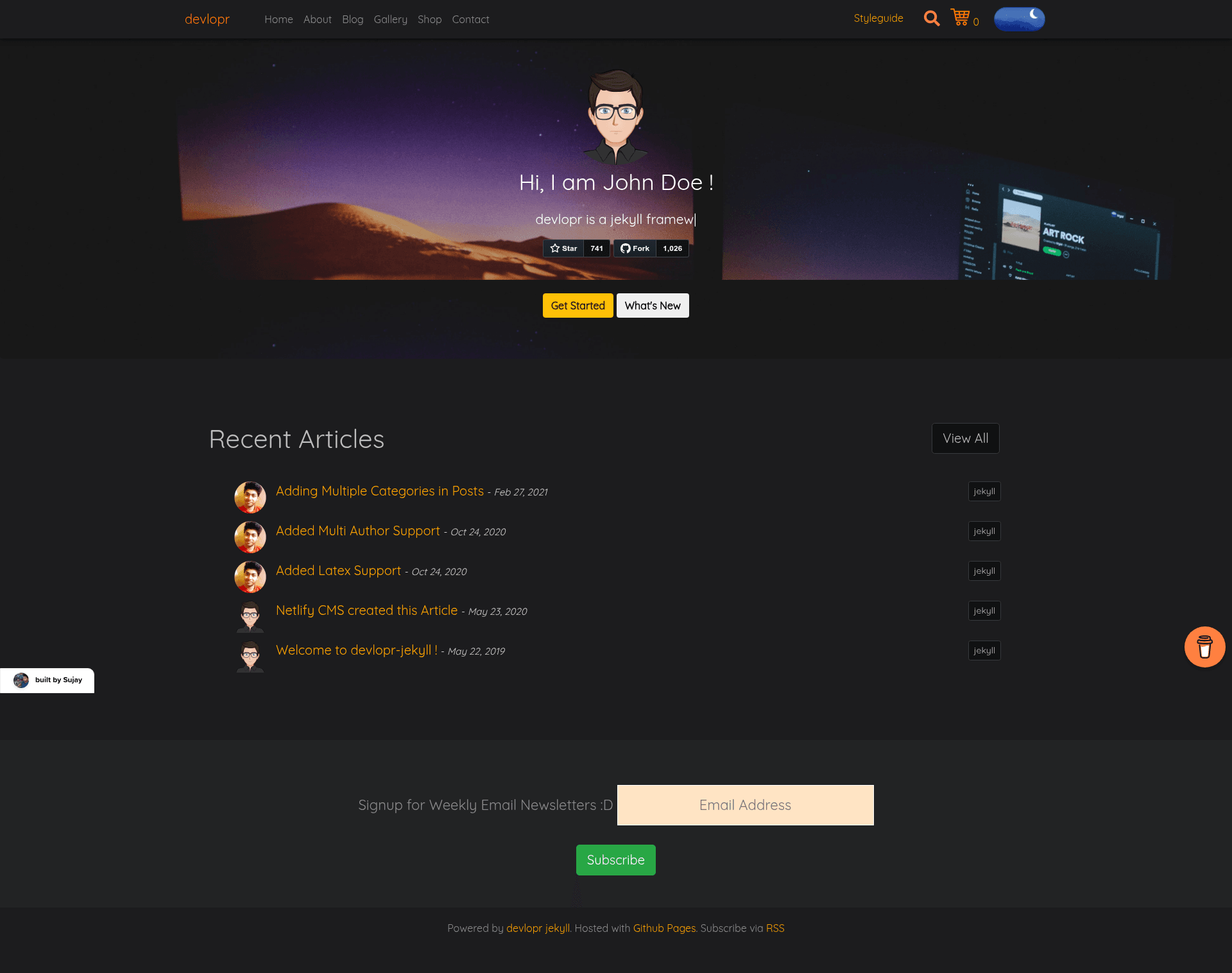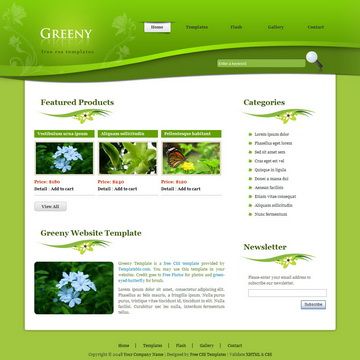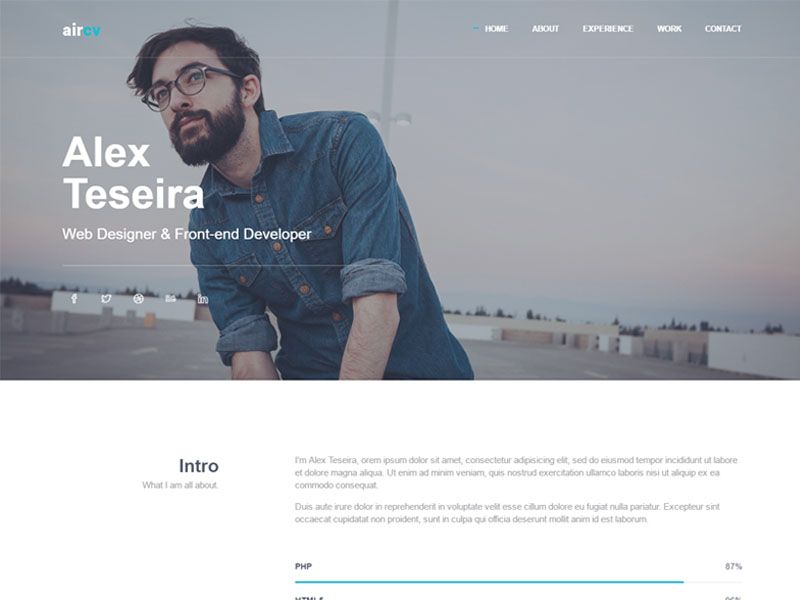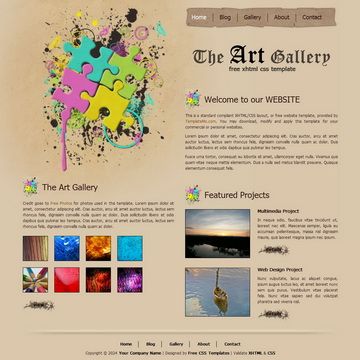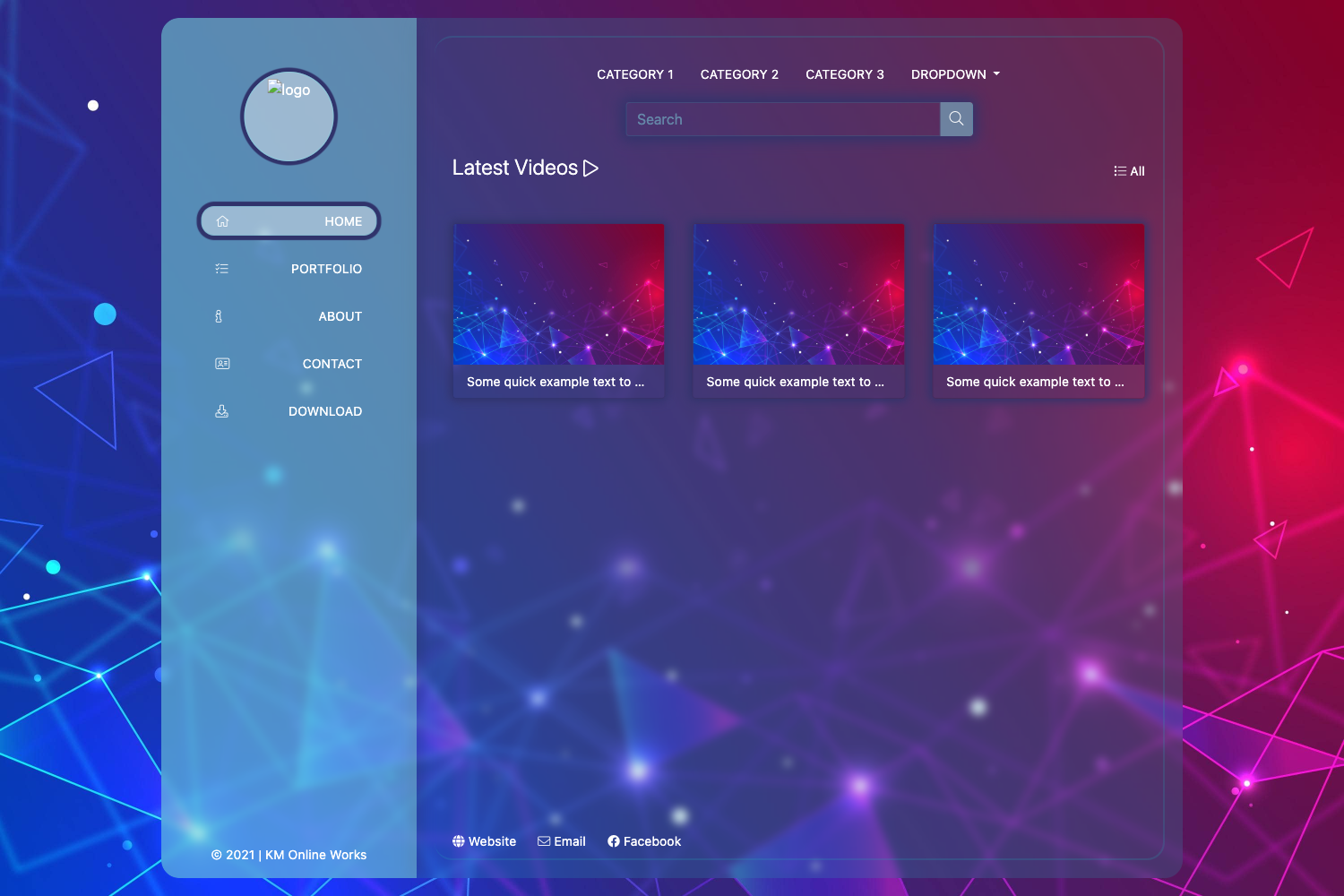
Template details
devlopr-jekyll
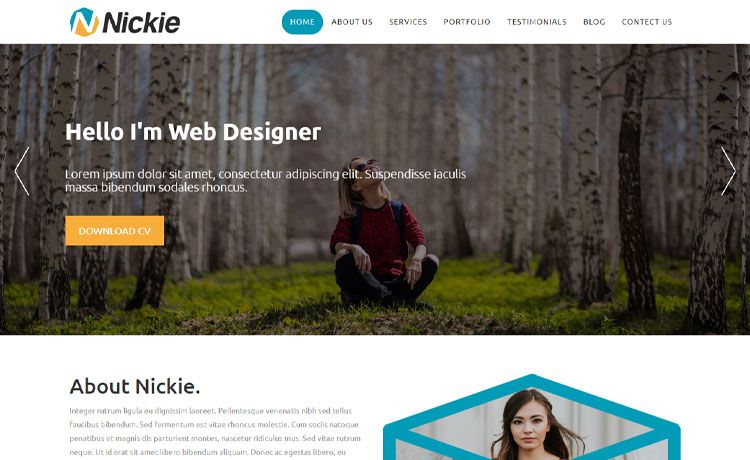
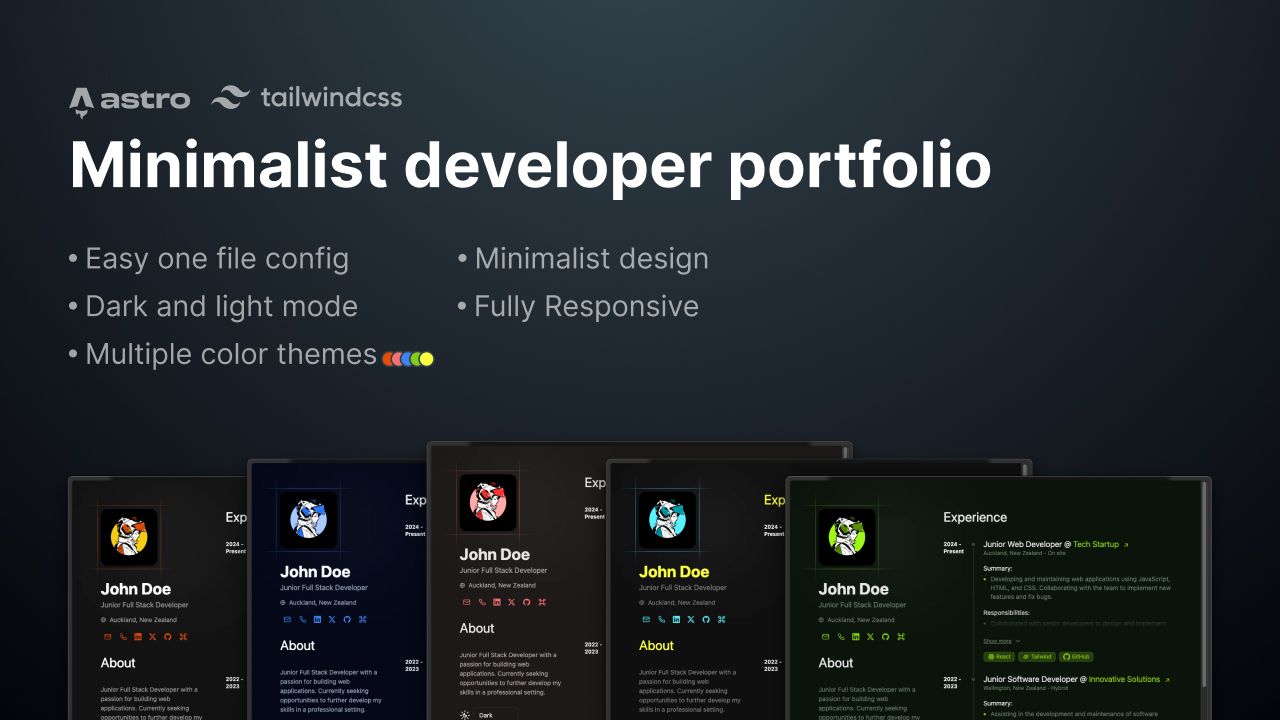
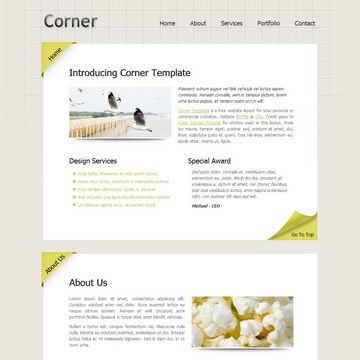
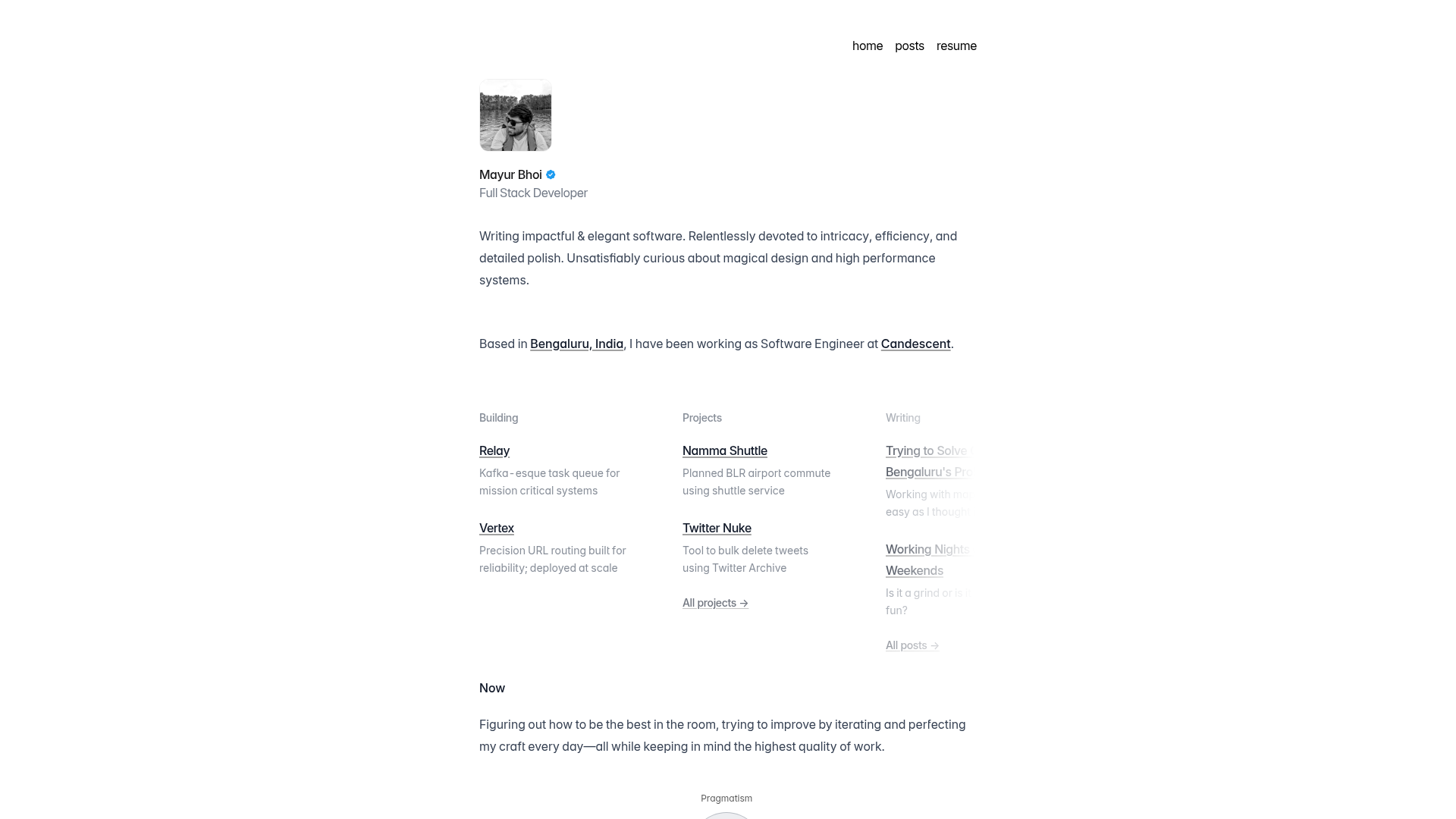
Free customizable Jekyll portfolio/blog theme for developers using Markdown or CMS, no database, with multi-platform hosting support.
About this template
devlopr-jekyll is a free, open-source Jekyll theme built for developers to launch a portfolio or blog site using Markdown files or a CMS, with no external database required.
What is devlopr-jekyll?
devlopr-jekyll is a customizable Jekyll 4.x theme distributed as a Ruby gem and a GitHub repository. It takes Markdown files as input for blog posts, gallery items, and shop products, and generates a static site as output. The theme is maintained by Sujay Kundu and has 14 contributors, and it is verified with CodeQL and Dependabot alerts for security analysis.
Key Features
- Multiple CMS options — Supports local editing through Jekyll Admin at /admin and headless content management through Netlify CMS.
- Extensive hosting support — Includes one-click deploy buttons for ZEIT (now Vercel), Netlify, and Heroku, plus GitHub Actions workflows for GitHub Pages and Firebase.
- Built-in integrations — Works with Hyvor and Disqus comments, Algolia real-time search, Snipcart ecommerce, Mailchimp newsletters, Getform and Formspree contact forms, and Wakatime coding activity.
- Sass-powered styling — The stylesheet is built using Sass, and the theme is designed to be minimal and bare so you can add your own markup.
- Docker and Docker Compose support — Provides development and production containers to serve the site on port 4000 with live-reload.
- SEO-optimized — The theme includes search engine optimization features out of the box.
Who is it for?
- Developers who want a portfolio site with zero hosting cost and the freedom to hack the theme.
- Technical bloggers who prefer writing in Markdown and want to publish on GitHub Pages.
- Freelancers or small businesses who need a quick online storefront using Snipcart integrated into a Jekyll site.
What can you do with devlopr-jekyll?
- Launch a portfolio site: Fork the repository, rename it to your Github username .github.io, and customize the _config.yml to have a live site on GitHub Pages in minutes.
- Sell digital products: Add Snipcart to sell stuff directly from your blog or portfolio without a backend.
- Manage content with a CMS: Use Jekyll Admin locally or Netlify CMS in the browser to edit posts without touching code.
- Deploy to multiple platforms: Push the same repository to Netlify, Vercel, Heroku, AWS Amplify, or Firebase using the provided actions and deploy buttons.
How does devlopr-jekyll work?
The quickstart path is: fork the repository, open the repository in the browser-based VS Code editor by pressing the dot key, edit the _config.yml file, and commit. A GitHub Actions workflow then builds the Jekyll site and deploys it to the target you set in the DEPLOY_STRATEGY file, which can be none, gh-pages, or firebase. For local development, clone the repo, install Ruby, Jekyll and Bundler, and run bundle exec jekyll serve --livereload.
Pros and cons
- Pros: Free under the MIT License; no database needed; easy one-click deployment; broad platform support; active development with regular changelogs.
- Cons: Local development requires Ruby and Jekyll setup; theme is under active development, so the API and layout may change.
Pricing
The theme itself is free and open source under the MIT License. You can use it for personal or client projects as long as you retain the attribution in the footer. Hosting and add-on services like Snipcart, Algolia, or Mailchimp have their own free tiers and paid plans.
FAQ
Does devlopr-jekyll require a database?
No. devlopr-jekyll uses Markdown files as the data source for blog posts, gallery items, and shop products, so no external database is needed.
Can I use a CMS with devlopr-jekyll?
Yes. It supports Jekyll Admin locally and Netlify CMS for browser-based editing. The Netlify CMS setup is documented in the maintainer's blog.
What hosting platforms can I deploy to?
You can deploy to GitHub Pages, Netlify, Vercel, Heroku, AWS Amplify, and Firebase. The repository includes GitHub Actions workflows for GitHub Pages and Firebase deployment.
Is devlopr-jekyll free?
Yes, it is released under the MIT License, so you can use it freely for personal or commercial projects with attribution.
How long does it take to launch a site?
Using the browser-based quick start steps, you can have a live site in about 5 to 10 minutes by forking the repo, editing _config.yml, and letting CI/CD build it.