Template details
Din Go
A Next.js admin dashboard template with JWT authentication, Chakra UI, and ApexCharts.
About this template
Din Go is a Next.js admin dashboard template that demonstrates JWT-based page access security, pagination with MirageJS, and a Chakra UI interface. Built with TypeScript and React, it was created by Cleison Pereira as a study project and is available on GitHub with a live demo on Vercel.
What is Din Go?
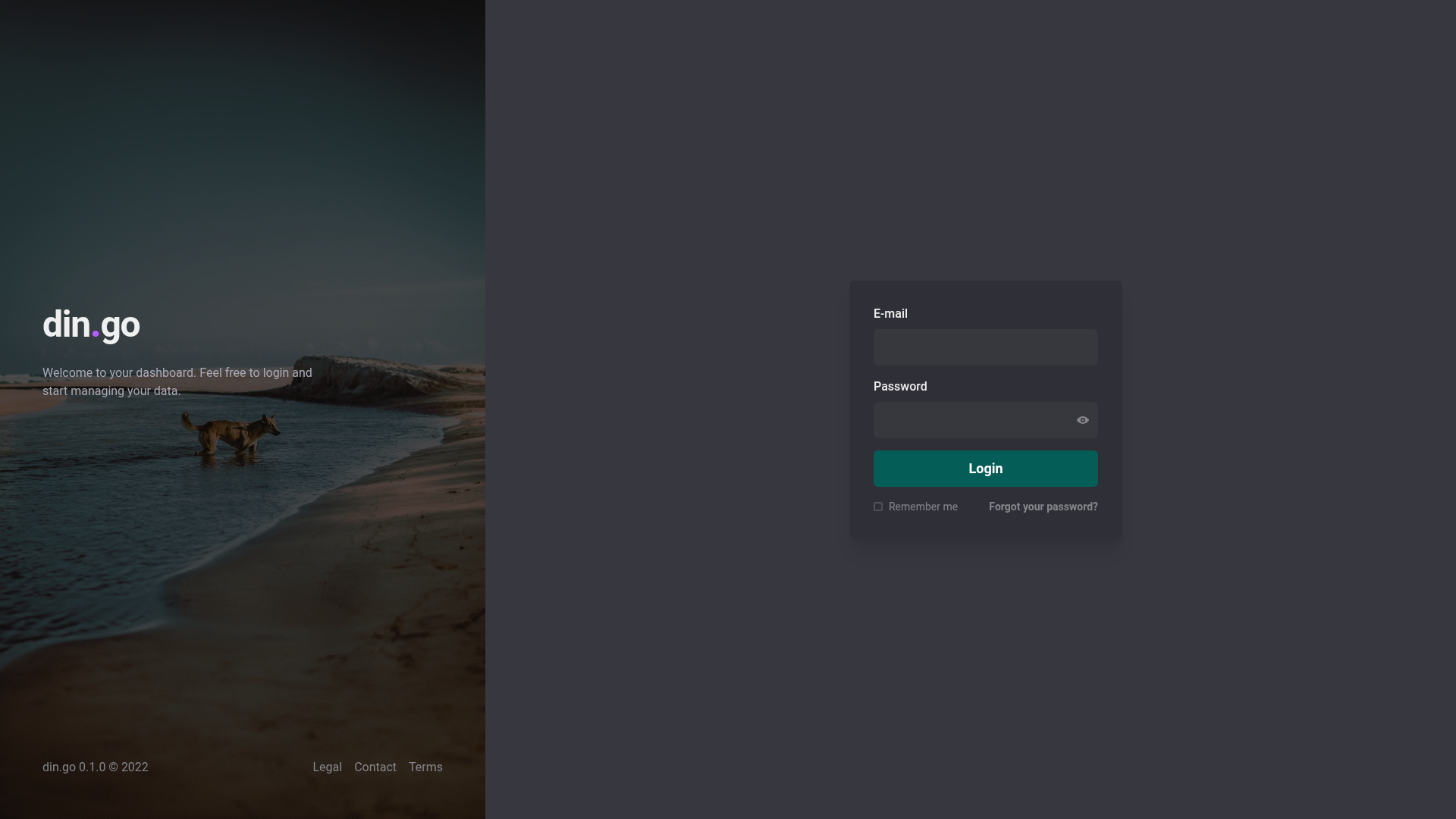
Din Go is an open-source admin dashboard boilerplate built with Next.js, ReactJS, and TypeScript. It functions as a front-end starting point for dashboards, and it takes login credentials as input to demonstrate how a JSON Web Token (JWT) can protect page access. The repository includes a live demo deployed at din-go.vercel.app, along with demo login credentials: email mail@mail.com and password password.
The project's author states it was used to study JWT authentication token usage for page access security, pagination with MirageJS, Chakra UI, and extra features. The stack also includes Axios for HTTP requests, Zustand for state management, ApexCharts for charting, React Query for server-state management, FaunaDB as the database, jsonwebtoken for JWT creation, and nookies for cookie handling.
Key Features
- JWT authentication — Protects page access using JSON Web Tokens, with the library jsonwebtoken and nookies for Next.js cookie management; demo credentials are hardcoded for testing.
- Pagination with MirageJS — The project uses MirageJS to mock API routes and demonstrate pagination behavior without a real backend.
- Chakra UI styling — The entire interface is built with Chakra UI components, providing a consistent, accessible design system.
- Dashboard charts via ApexCharts — Includes chart examples using ApexCharts to display data visually.
- State management with Zustand — Uses Zustand for client-side global state, a minimal alternative to Redux.
- Server-state with React Query — Uses TanStack React Query to fetch, cache, and update data from the API.
- FaunaDB integration — Uses FaunaDB as the data layer, requiring you to create your own keys and a .env.local file.
- TypeScript — The whole codebase is written in TypeScript for type safety.
Who is Din Go for?
- Front-end developers learning authentication — They can study a concrete implementation of JWT authentication in Next.js, including cookies and protected routes.
- Developers building dashboard MVPs — They can use the template as a foundation, replacing the hardcoded data and FaunaDB connection with their own backend.
- Students of modern React tooling — The codebase showcases how Axios, Zustand, React Query, Chakra UI, and MirageJS fit together in a single project.
Use Cases
- Studying JWT auth flows: Inspect how login, cookie storage, and route guards work together in a real Next.js app.
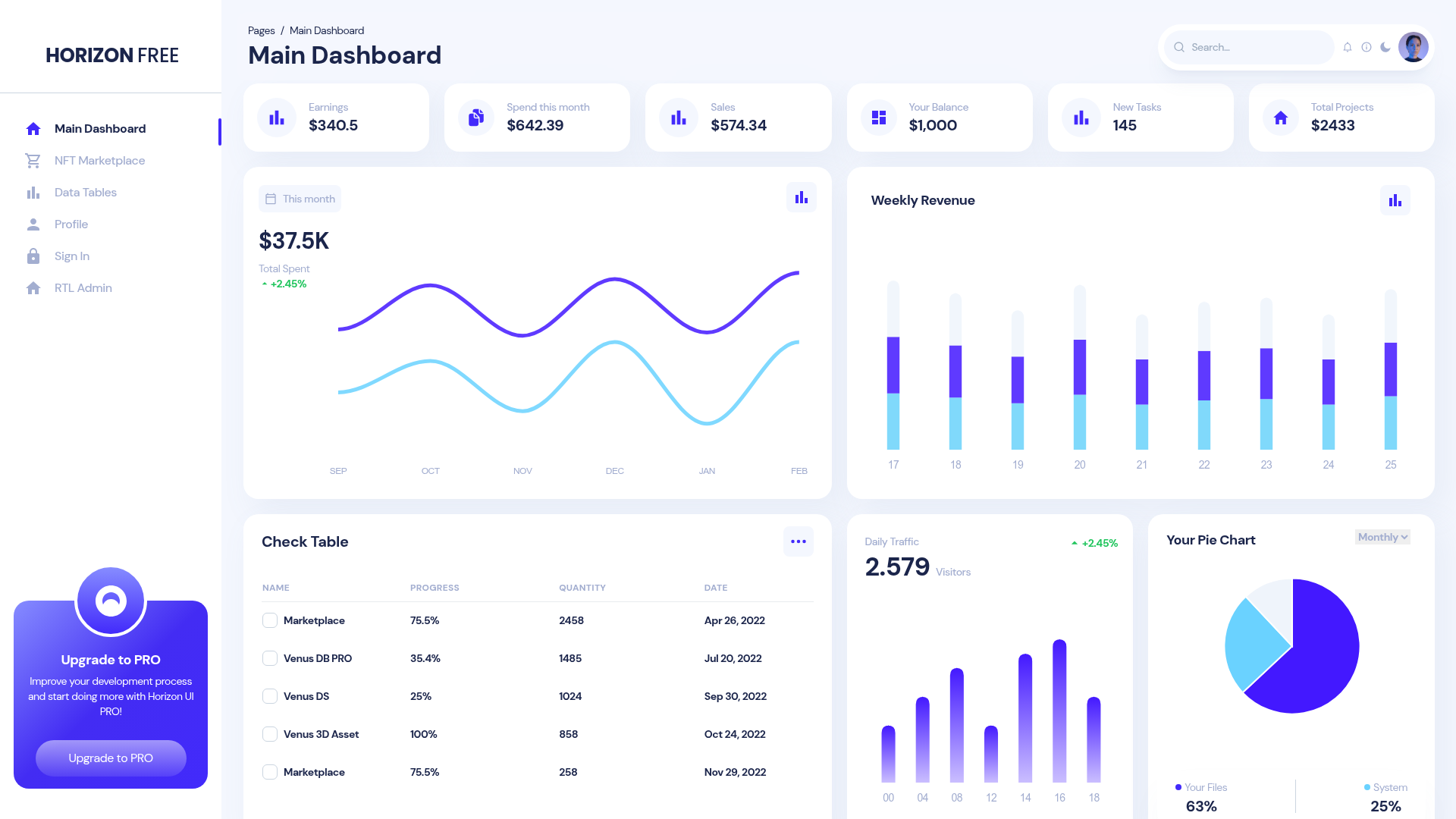
- Prototyping an admin panel: Quickly stand up a dashboard layout with charts, paginated tables, and a side navigation.
- Evaluating FaunaDB with Next.js: See how FaunaDB can be wired as a data source for an authenticated front end.
How does Din Go work?
To run Din Go locally, clone the repository with the provided Git URL, create a .env.local at the project root with your own FaunaDB keys, and start the development server. The demo credentials are already hardcoded, so you can log in immediately and explore the protected pages.