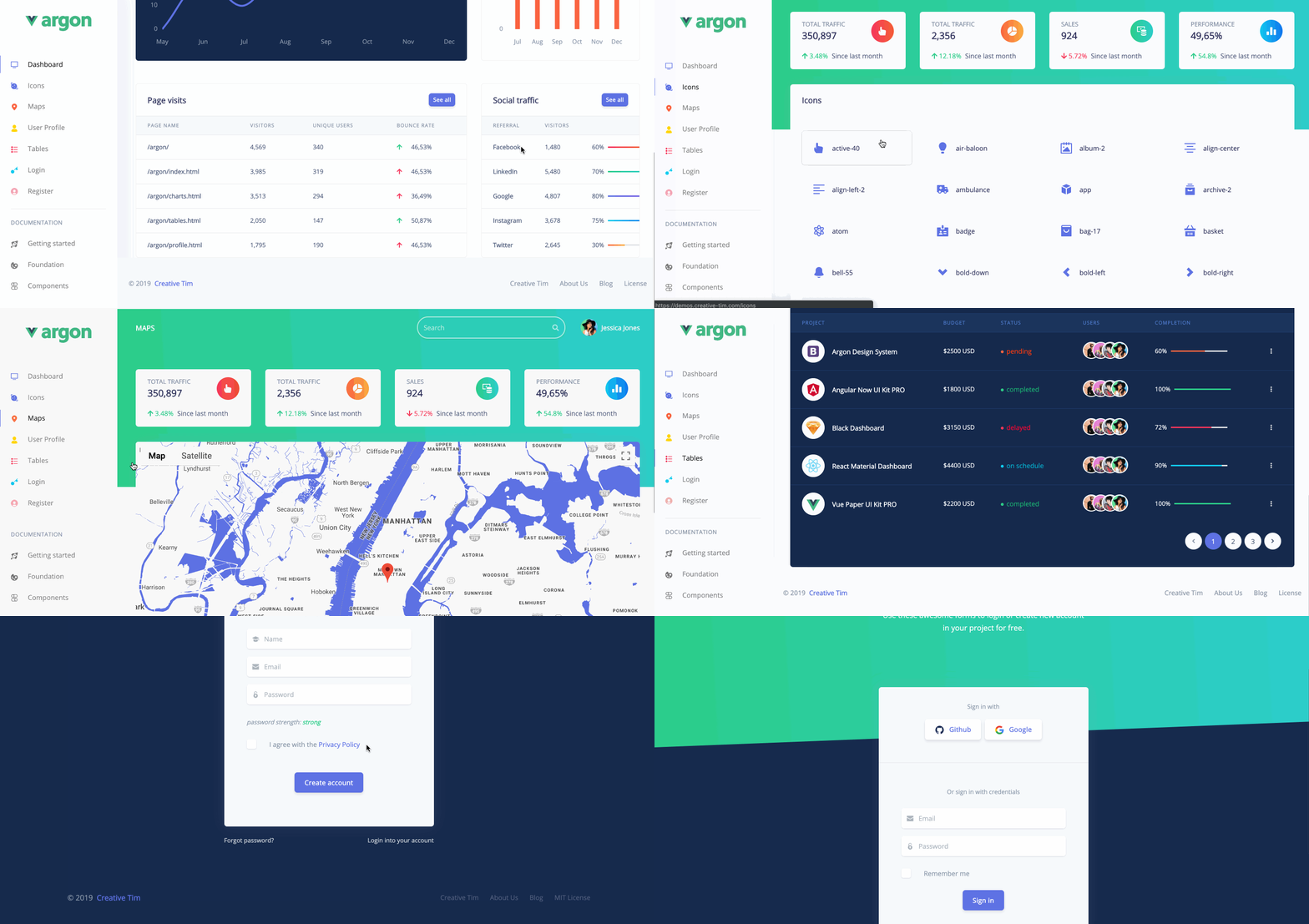
Template details
Horizon UI Tailwind CSS React TypeScript
Open-source admin dashboard template built with React, TypeScript, and Tailwind CSS.
About this template
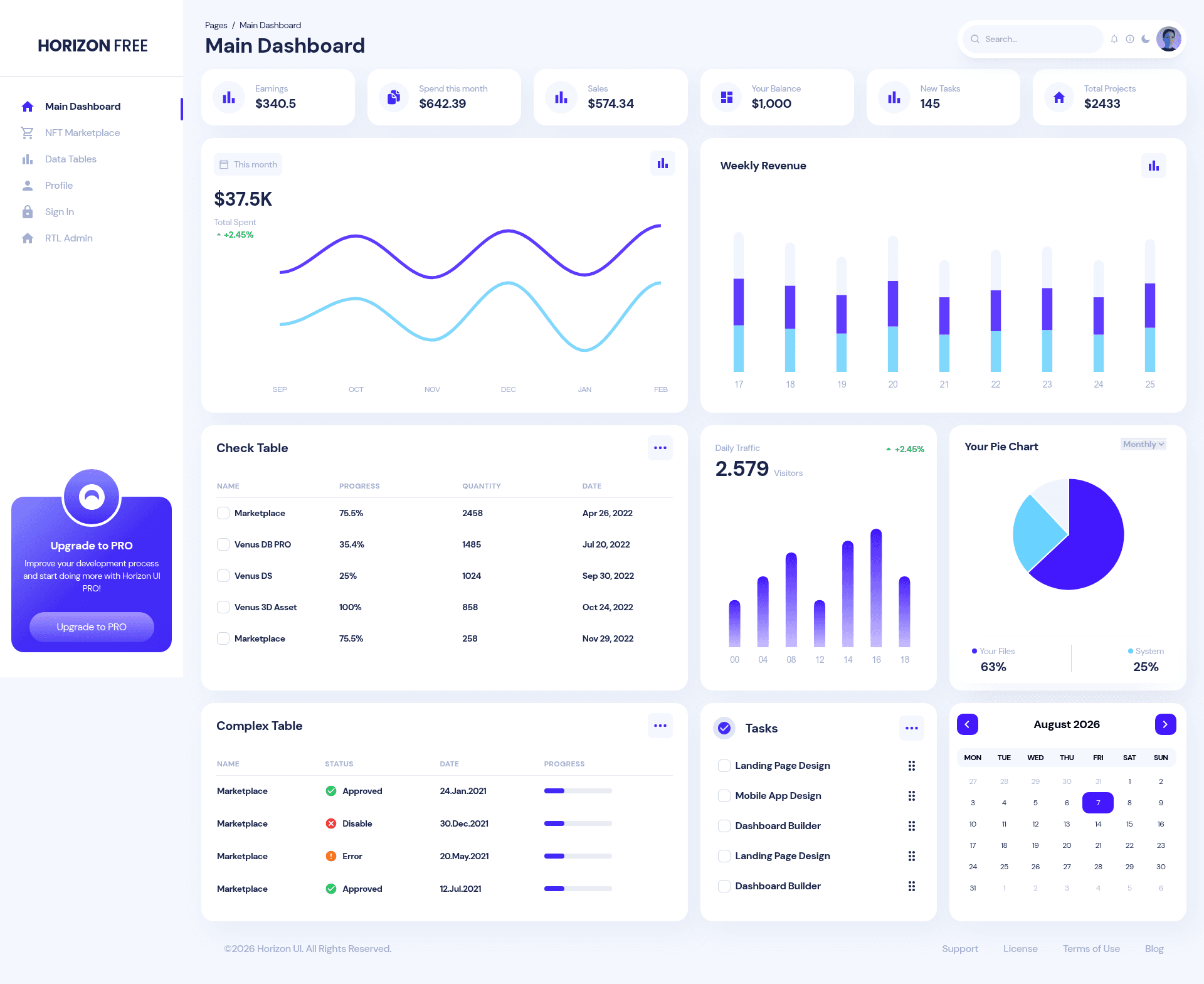
Horizon UI Tailwind CSS React TypeScript is an open-source admin dashboard template built with React, TypeScript, and Tailwind CSS that provides fully coded pages and components for building web apps quickly. It is developed by Horizon UI (Simmmple), distributed under the MIT license, and available at version 2.0.0 on GitHub with 104 stars.
What is Horizon UI Tailwind CSS React TypeScript?
Horizon UI Tailwind CSS React TypeScript is a free admin dashboard template that runs on React with TypeScript and is styled entirely with Tailwind CSS. It takes a collection of pre-built UI components, example pages, and design blocks as its input, and produces a responsive, fully coded dashboard interface that can be customized for web applications. The template is maintained by Horizon UI and documented on the official Horizon UI website, with a paid PRO version offering additional features.
Key Features
- React + TypeScript + Tailwind CSS stack — The template uses React with TypeScript for type-safe code and Tailwind CSS for utility-first styling, eliminating the need for separate CSS files for common components.
- Pre-built example pages — Includes NFT dashboard pages, authentication pages (login, registration, and more), profile pages, and other fully coded layouts, giving you a starting point for many admin scenarios.
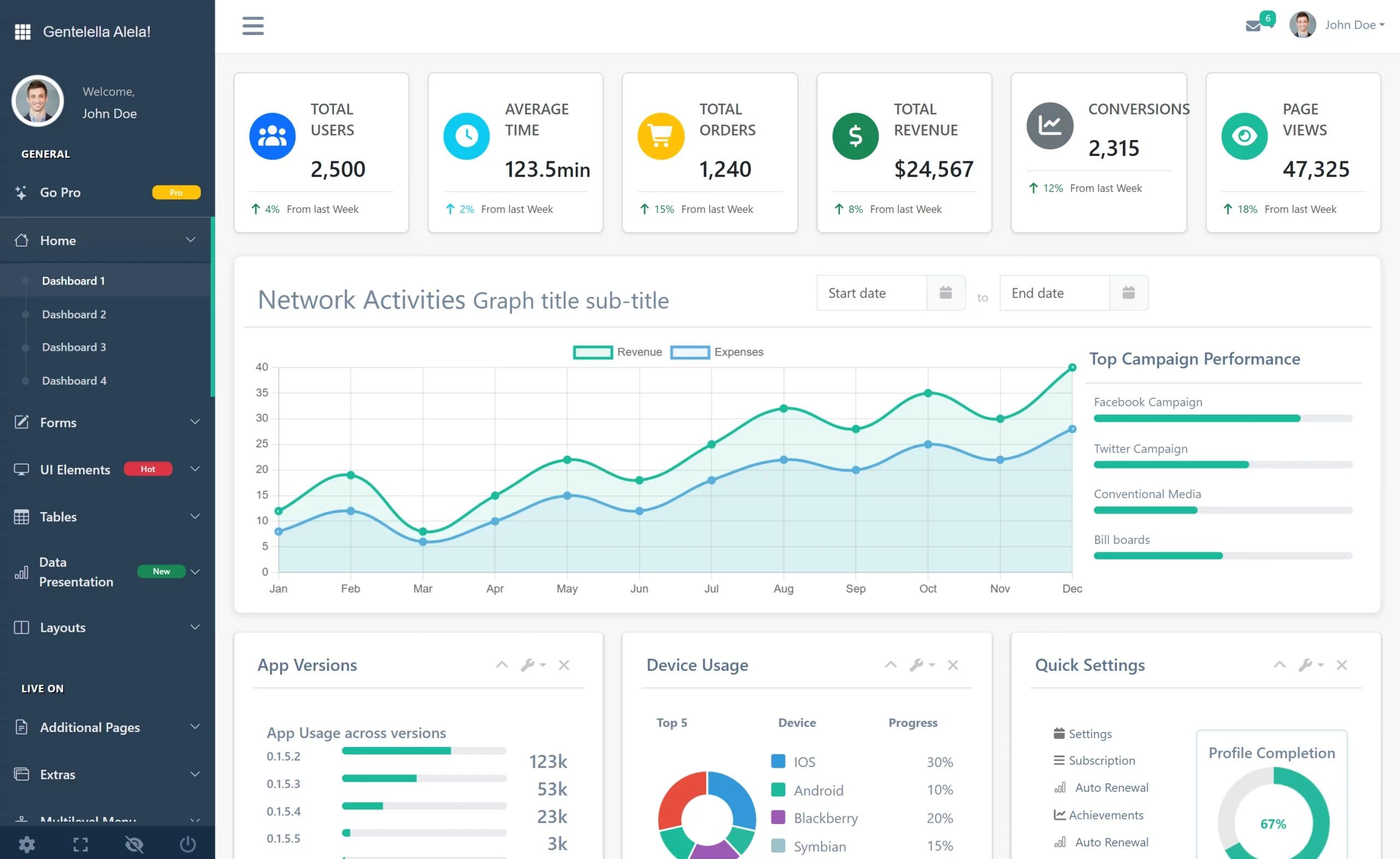
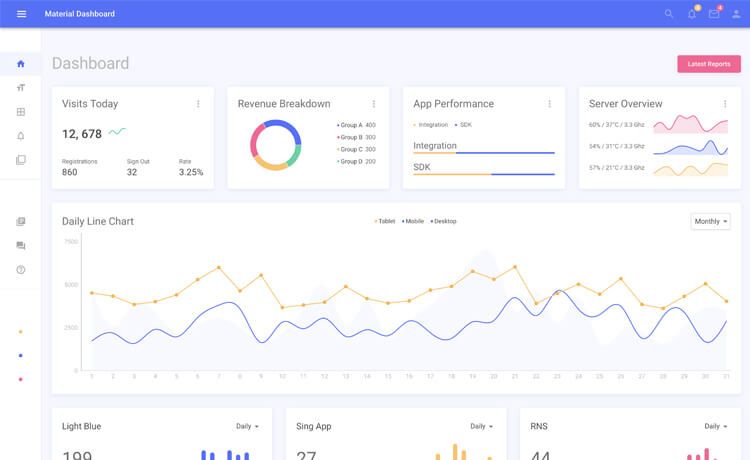
- Hundreds of UI elements — The template provides a large set of modern UI elements, designed blocks, and components such as tables, charts, cards, and modals, all ready to use.
- Detailed documentation — Every element is described in the official documentation, with installation instructions and component usage examples at the Horizon UI docs site.
- Figma design files — The same UI is available in Figma format on Figma Community, allowing designers to work on the visuals alongside developers.
- Community support — A Discord server connects users who ask questions, report issues, and share their projects built with Horizon UI.
Who is it for?
- Developers building admin dashboards — Clone the repository, run
npm install, and start with pre-built pages instead of designing the layout from scratch. - Startups and SaaS teams — Use the authentication and profile pages to scaffold the frontend of a product and then customize the data and branding.
- UI/UX designers — Use the Figma version to design and prototype dashboard interfaces that match the React implementation exactly.
- NFT and Web3 projects — The included NFT-specific pages give a head start for marketplace or portfolio dashboards, showing collections, item details, and trending statistics.
What can you do with it?
- NFT marketplace builders: Display NFT collections, item details, and trending stats using the dedicated NFT pages included in the template.
- Product teams: Set up an admin panel for managing users, analytics, and settings by replacing the sample data with real application data.
- Freelance developers: Deliver a polished dashboard for clients by customizing the pre-built components and Tailwind theme.
How does it work?
- Clone the repository from GitHub using
git clone https://github.com/horizon-ui/horizon-tailwind-react-ts.git. - Install NodeJS LTS, since the product only works with LTS versions.
- Run
npm installto install all dependencies. - Run
npm startto launch the local development server and open the dashboard in your browser.
Pricing
The free version of Horizon UI Tailwind CSS React TypeScript is open-source and distributed under the MIT license, so it can be used for personal and commercial projects. A paid PRO version, advertised on the Horizon UI website, adds more pages, components, and features; its exact price is not stated on this repository page.
FAQ
Is Horizon UI Tailwind CSS React TypeScript free?
Yes, the template is open-source under the MIT license, meaning you can use it freely in personal and commercial projects. A paid PRO version exists with additional pages and components, but it is optional.
What technology stack does it use?
The template uses React with TypeScript for the component logic and Tailwind CSS for all styling. It requires NodeJS LTS to run locally.
How do I install and run the template?
Clone the repository, run npm install in the project folder, and then run npm start to start the development server. A browser window will open with the dashboard.
Does the template include a Figma design file?
Yes, a Figma version of Horizon UI is available on Figma Community, linked from the repository. It lets designers collaborate on the same visual design before development.
How do I report bugs or issues?
Report issues through GitHub Issues on the repository. To help the team fix it, use the latest version, include reproducible steps, and specify the browser where the issue occurs.