Template details
CoolAdmin
Free Bootstrap 5 admin dashboard template by Colorlib: 35 vanilla JS pages, no build step, MIT license.
About this template
CoolAdmin is a free, MIT-licensed Bootstrap 5 admin dashboard template by Colorlib that delivers 35 ready-to-open HTML pages powered by vanilla JavaScript, with no build step required to use it.
What is CoolAdmin?
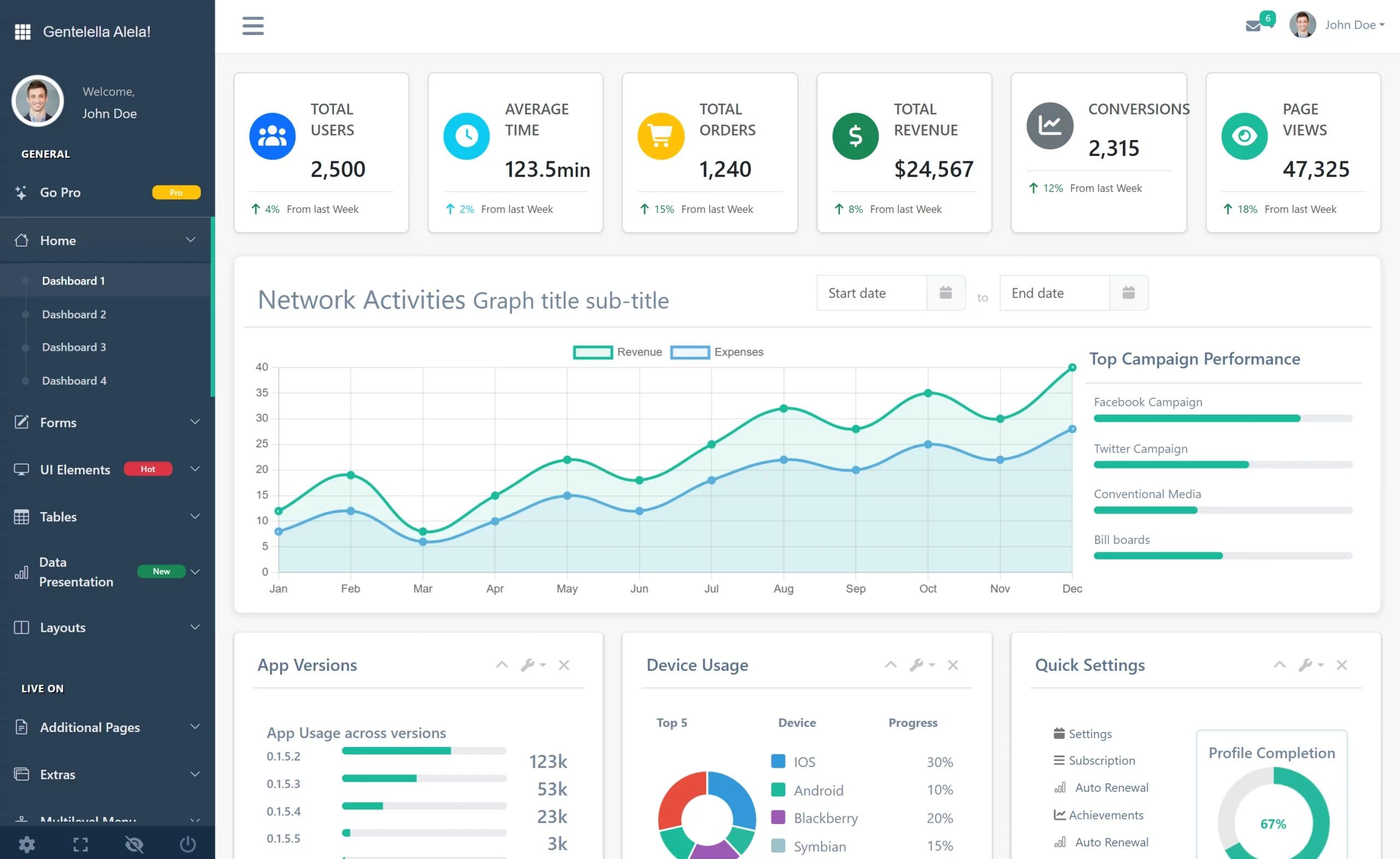
CoolAdmin is a responsive admin dashboard template built with Bootstrap 5.3.8, vanilla ES6+ JavaScript, and self-hosted vendor assets. As input, it takes static HTML, CSS, and JavaScript files that you can drop behind any backend; as output, it gives you four dashboard designs and dozens of app, component, auth, and error pages. The template is maintained by Colorlib, and its current release, v3.4.0 from August 2026, integrates Chart.js 4.5.1, Font Awesome 7.3.1, FullCalendar 7.0.2, and Leaflet 1.9.4.
Key Features
Full feature list from the repository:
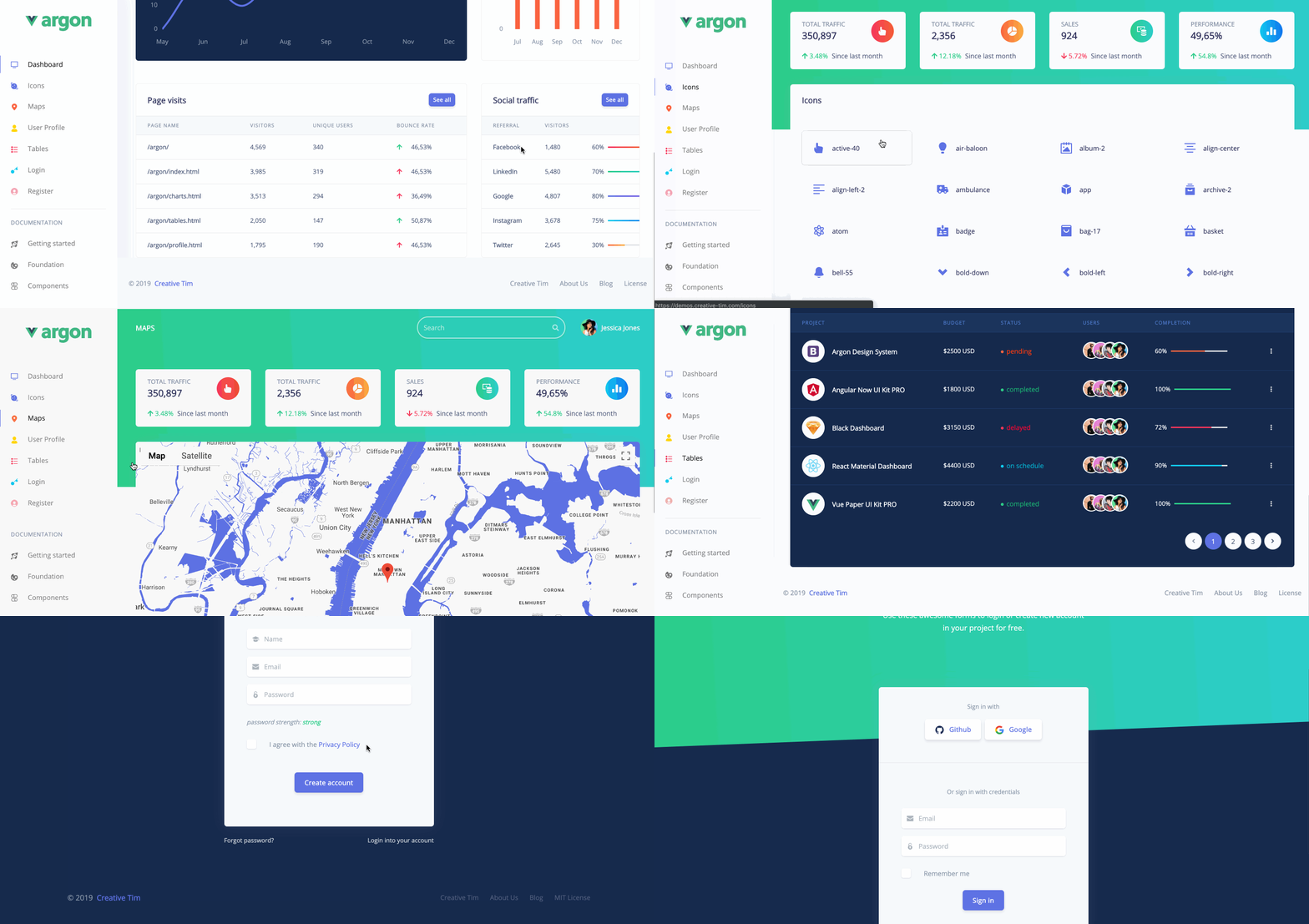
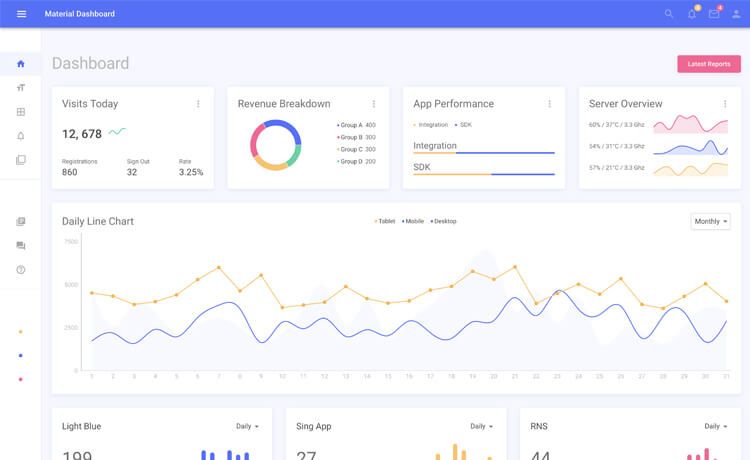
- 35 static HTML pages — Four dashboard variants (index.html, index2.html, index3.html, index4.html) plus data pages, apps like kanban, inbox, calendar, and wizard, auth pages, and 404/500/maintenance pages.
- Vanilla JavaScript, no jQuery — A small vanilla-utils.js file supplies jQuery-style helpers such as
$,$$,on,addClass, andtoggleClass, reducing dependencies from 15+ to 8 core libraries. - Bootstrap 5.3.8 — Uses the latest Bootstrap grid, components, and utilities, with browser support starting at Chrome 88, Firefox 78, Safari 14, Edge 88, Mobile Safari iOS 14, and Chrome Mobile Android 8.
- Chart.js 4.5.1 — Includes line, bar, doughnut, and real-time charts with touch-friendly configurations and automatic initialization through a
data-chartattribute. - FullCalendar 7.0.2 — The calendar respects the template's accent-preset switcher and dark-mode tokens, and event clicks show a toast rather than a console log.
- Pug + SCSS + Vite source pipeline — Contributors edit one nav file to update every page, and SCSS is split across 56 partials; compiled HTML and CSS ship in the repo so end users never need Node.
- Self-hosted fonts and icons — Poppins is bundled in fonts/poppins and Font Awesome 7.3.1 is served as one icon font from vendor/.
- Design tokens and theme overlay — CSS custom properties define primary, success, warning, and background colors, and the app overlay adds a 6-preset theme switcher plus a Cmd+K command palette.
Who is it for?
CoolAdmin suits four main audiences:
- Front-end developers who need a jQuery-free, zero-build dashboard to extend with their own components; they can clone the repo, serve the root directory, and edit plain HTML files.
- SaaS and startup teams building back-office interfaces; the included login, register, forgot-password, pricing, invoice, profile, and kanban pages cover common product areas.
- Agencies and freelancers delivering white-labeled admin panels; the Pug source keeps shared navigation in one partial, so a menu change appears on all 35 pages automatically.
- Students learning Bootstrap 5 and modern JavaScript; the README includes a jQuery-to-vanilla migration guide and a detailed source layout.
What can you do with CoolAdmin?
- Business dashboards: combine index.html, index2.html, index3.html, and index4.html with Chart.js widgets to show KPIs, sales pipelines, project status, or marketing analytics.
- E-commerce backends: use table.html and data-table.html responsive tables with horizontal scroll indicators to manage orders, inventory, or customer lists.
- App-style admin tools: run kanban, inbox, notifications, docs, and calendar pages together for team-facing productivity features.
- Client demos and MVPs: ship the four dashboard variants plus pricing and auth pages as a starting point for product prototypes.
How does CoolAdmin work?
CoolAdmin runs in two modes. End users clone the repository, serve the root folder statically (the README suggests python3 -m http.server 8000 or npx serve), and open index.html — all 35 pages work with no toolchain. Contributors can instead run npm install and then npm run dev, which starts a Pug watcher, a Sass watcher, and a Vite dev server on port 3000; a production rebuild is done with npm run build.
Performance and compatibility
The v3.4.0 README reports a total bundle of 2.4 MB, which is 25% smaller than the original jQuery-based v1.0, and a load time roughly 30% faster. It lists Core Web Vitals targets of LCP under 2.5 seconds, FID under 100 ms, and CLS under 0.1. All 35 pages were verified in headless Chromium with zero console errors and zero failed requests, and the calendar was exercised across month, week, day, and list views.
Pricing and license
CoolAdmin is free and open-source under the MIT License, so commercial use, modification, distribution, and private use are all permitted. No paid tier for CoolAdmin itself is mentioned; the README instead promotes paid premium dashboards available on DashboardPack.
Alternatives
If you want a framework-based dashboard instead of a static HTML template, the README links to several paid alternatives from the DashboardPack collection. Apex Dashboard is built with Next.js 16, React 19, Tailwind CSS v4, and shadcn/ui, with 5 dashboard variants and 125+ routes. Admindek is another Bootstrap 5 admin template with vanilla JS, dark/light modes, RTL support, and 10 color presets.
FAQ
Is CoolAdmin free?
Yes. CoolAdmin is released under the MIT License, which permits commercial use, modification, distribution, and private use. The repository and live demo at preview.colorlib.com/theme/cooladmin/ are publicly accessible.
Does CoolAdmin require jQuery?
No. The template is built with vanilla ES6+ JavaScript. A small vanilla-utils.js file provides jQuery-style helpers such as $, $$, on, addClass, and toggleClass, so no jQuery library is loaded.
Does CoolAdmin require Node or a build step?
No for end users. Built HTML, CSS, and vendor files ship in the repository root, so you can clone and serve it statically. Node and Vite are only needed for contributors who want to edit the Pug and SCSS sources and regenerate the pages.
How many pages does CoolAdmin include?
CoolAdmin includes 35 HTML pages: four dashboard variants, data and analytics pages like chart.html, data-table.html, and calendar.html, app pages such as kanban and inbox, UI component pages, auth pages, and 404/500/maintenance pages.
What browsers are supported?
The template fully supports Chrome 88+, Firefox 78+, Safari 14+, Edge 88+, Mobile Safari iOS 14+, and Chrome Mobile Android 8+. The README notes the pages were verified in headless Chromium with no console errors or failed requests.