Template details
Docura
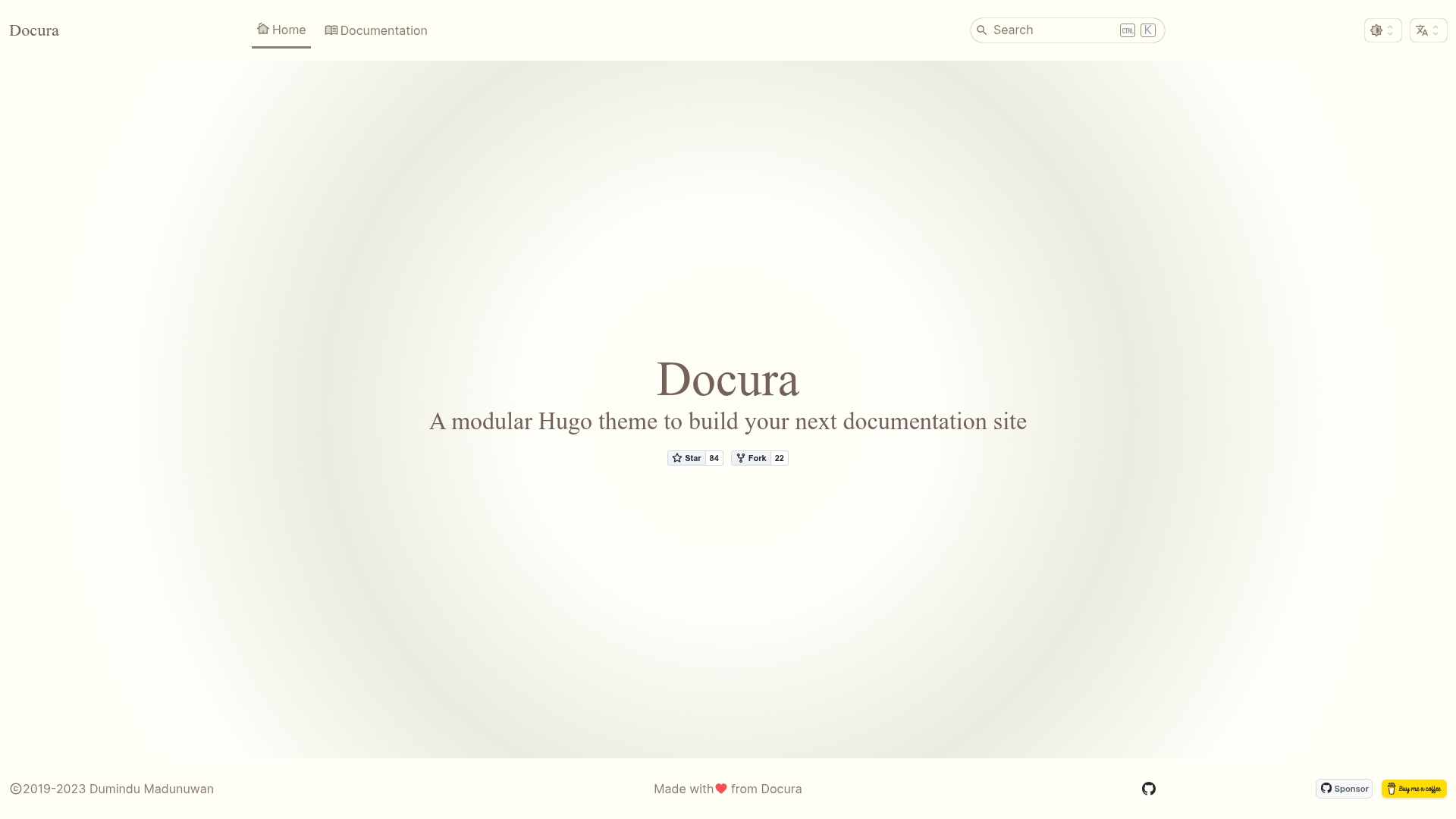
A lightweight Hugo theme for building documentation sites with dark, light, and night themes.
About this template
Docura is a modular Hugo theme for building documentation websites, offering responsive layouts, built-in dark/light/night themes, and support for multiple documentation sets from a single Hugo site.
What is Docura?
Docura is a documentation theme built on the Hugo static site generator. It accepts Markdown content structured with Hugo's content organization and outputs a static documentation site with a responsive, adaptive interface. The theme is distributed as a Git repository (docura/docura on GitHub) and is installed as a submodule into a Hugo project. It is designed to be configurable through Hugo configuration files and data templates rather than requiring custom code.
Key Features
- Responsive and adaptive layouts — The theme adapts to different screen sizes without a separate mobile build.
- Built-in dark, light, and night themes — Users can switch between three color schemes that ship with the theme.
- Customizable menu with Hugo configs — Navigation menus are defined in the site's Hugo configuration file.
- Customizable sidebars using Hugo data templates — Sidebar content is driven by Hugo data files, allowing per-section or per-documentation-set sidebars.
- Support for multiple documentation sets — One Hugo site can host several independent documentation projects, each with its own structure.
- Minimal reliance on external frameworks — No CSS, JavaScript, npm, icon, or font frameworks are bundled; UI components use vanilla CSS and JavaScript.
- Hugo Pipes based building process — The theme processes and bundles assets through Hugo's built-in asset pipeline.
Who is it for?
Docura is suited for technical writers and open-source maintainers who want a lightweight documentation site without a heavy frontend build chain. It also fits teams that need to publish multiple documentation sets (for example, user guides and API docs) under one domain. Developers who already use Hugo will find it easy to adopt because configuration is done through standard Hugo configs and data templates.
What can you do with Docura?
- Open-source projects: Publish a project documentation site with a clean, responsive layout and built-in light/dark mode.
- Product teams: Organize multiple manuals or versioned documentation sets within a single Hugo site, each with its own sidebar.
- Technical writers: Customize menus and sidebars through Hugo configuration and data files, without writing custom HTML or JavaScript.
How does Docura work?
To start a new Docura site, you install Hugo, create a new Hugo site, add Docura as a Git submodule under themes/docura, and replace the default Hugo config with the theme's sample hugo.yaml. Running hugo server then renders the documentation site locally. The theme uses Hugo's template system to generate pages and Hugo Pipes to build the vanilla CSS and JavaScript assets.