Template details
Docter
Hugo port of cfpb/docter, a documentation theme with automatic sidebar and blog support.
About this template
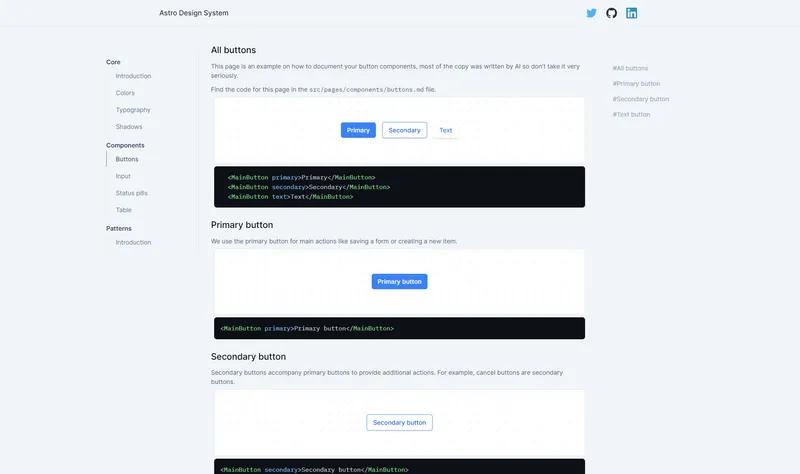
Docter is a Hugo documentation theme that ports CFPB's DOCter design to build static documentation sites with an automatic sidebar and a blog section.
What is Docter?
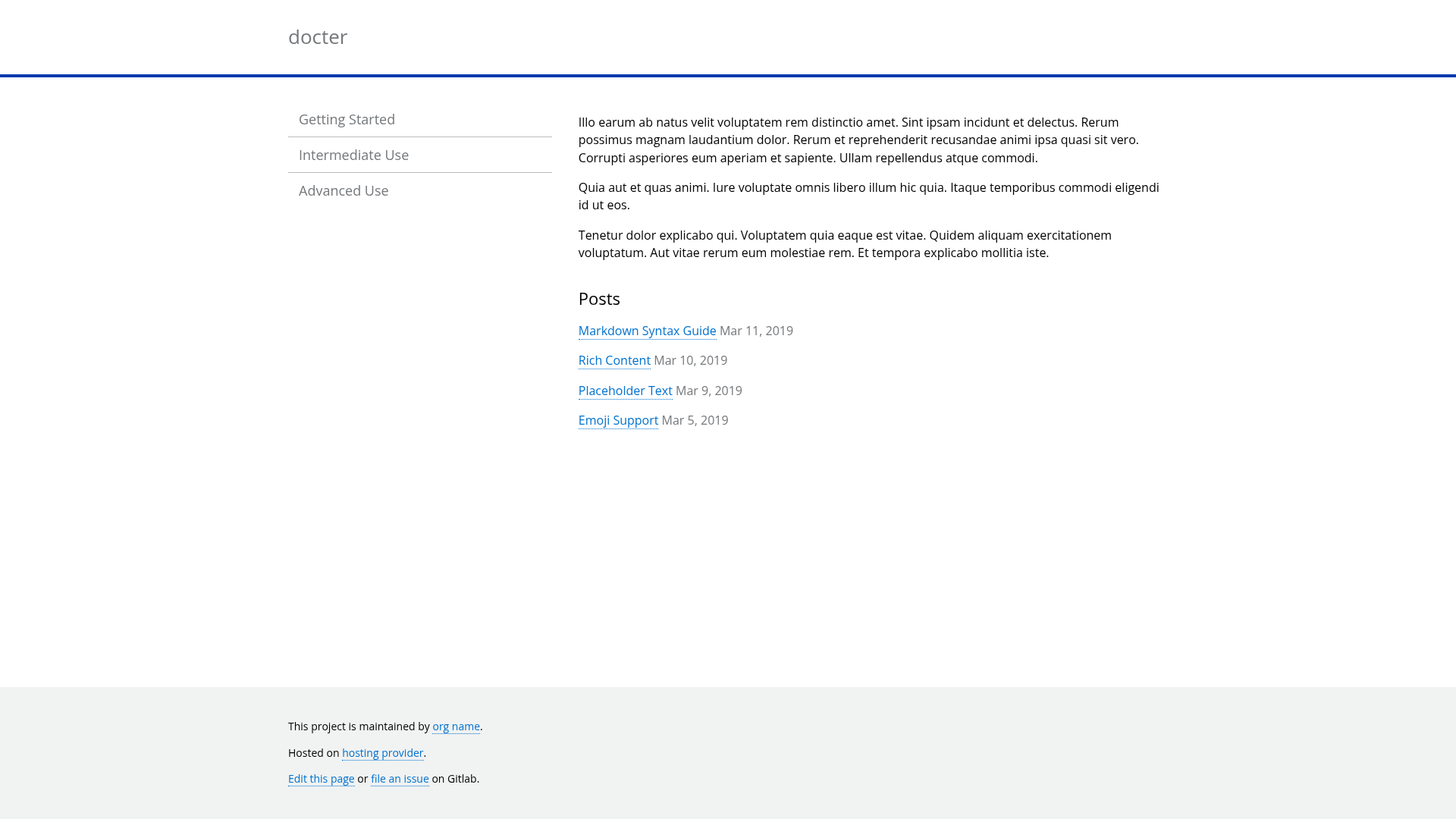
Docter is a Hugo theme for project documentation, based on the Consumer Financial Protection Bureau's DOCter theme and inspired by the 18F Guides. It takes your Hugo site content — pages stored in the page directory and posts in the post directory — and renders a static documentation website with a sidebar navigation and a home page that lists the five most recent posts. The theme requires Hugo Extended and is available as a public repository on GitLab at gitlab.com/edavidaja/docter.
Key Features
- Automatic sidebar — The sidebar is built automatically from the content in
page; useweightin each page's front matter to control the order of items. - Blog support — Create blog posts under
post; the newest five by date are displayed on the home page. - Brand color theming — Set a custom site color with the
brand_coloroption inconfig.toml. - Based on CFPB's DOCter — A Hugo port of the Consumer Financial Protection Bureau's documentation theme, with design inspiration from 18F Guides.
- Requires Hugo Extended — Uses Hugo's extended build, which supports the Sass/SCSS processing needed by the theme.
- GitLab-hosted source — The theme is cloned directly into your Hugo themes directory from gitlab.com/edavidaja/docter.
Who is it for?
- Documentation writers — Teams who need a clean, lightweight Hugo theme to publish project documentation with a consistent sidebar layout.
- Government and civic tech projects — Inherits the design language of CFPB and 18F guides, making it suitable for public-facing agency documentation.
- Hugo developers — Anyone comfortable with Hugo Extended who wants a simple documentation theme with minimal configuration.
What can you do with Docter?
- Documentation site builders: Create a structured documentation site by dropping markdown files into
pageand setting weights for ordering. - Bloggers: Publish posts in
postand have the five latest automatically featured on the home page. - Brand managers: Customize the site's primary color through the
brand_colorconfig option without touching templates.
How does Docter work?
The setup is straightforward: clone the repository into your Hugo site's themes directory, then add your documentation pages and posts. The theme automatically generates the sidebar from page content and orders it by weight. To change the color scheme, set brand_color in config.toml.
Alternatives
Other Hugo documentation themes include Docsy, which provides multi-language support and a larger feature set, and Hugo Book, a simpler single-column theme focused on readable documentation.
FAQ
Does Docter require Hugo Extended?
Yes, Docter requires Hugo Extended because the theme uses Hugo's extended feature set. The standard Hugo binary will not build it.
How do I reorder items in the sidebar?
Set a numeric weight value in the front matter of each page inside the page directory. Lower weights appear first in the sidebar.
How many blog posts show on the home page?
The home page displays the most recent five posts by date from the post directory.
How do I change the brand color?
Add or update the brand_color option in your site's config.toml. The theme will apply that color throughout the site.
Where is Docter hosted?
The theme's source code is hosted in a public GitLab repository at gitlab.com/edavidaja/docter. You can clone it directly into your Hugo themes folder.