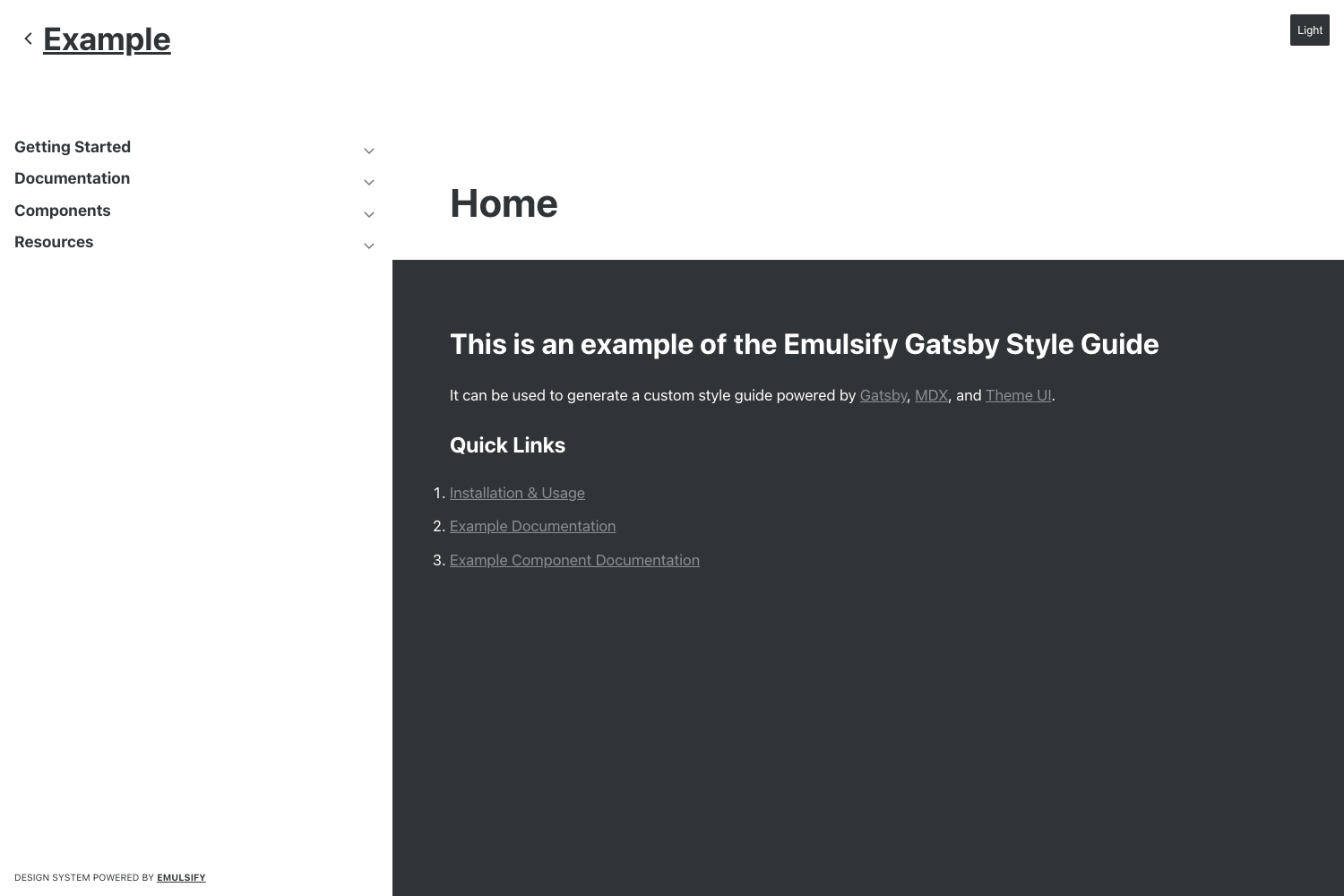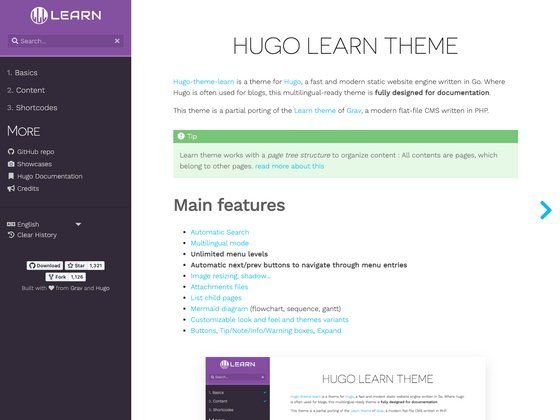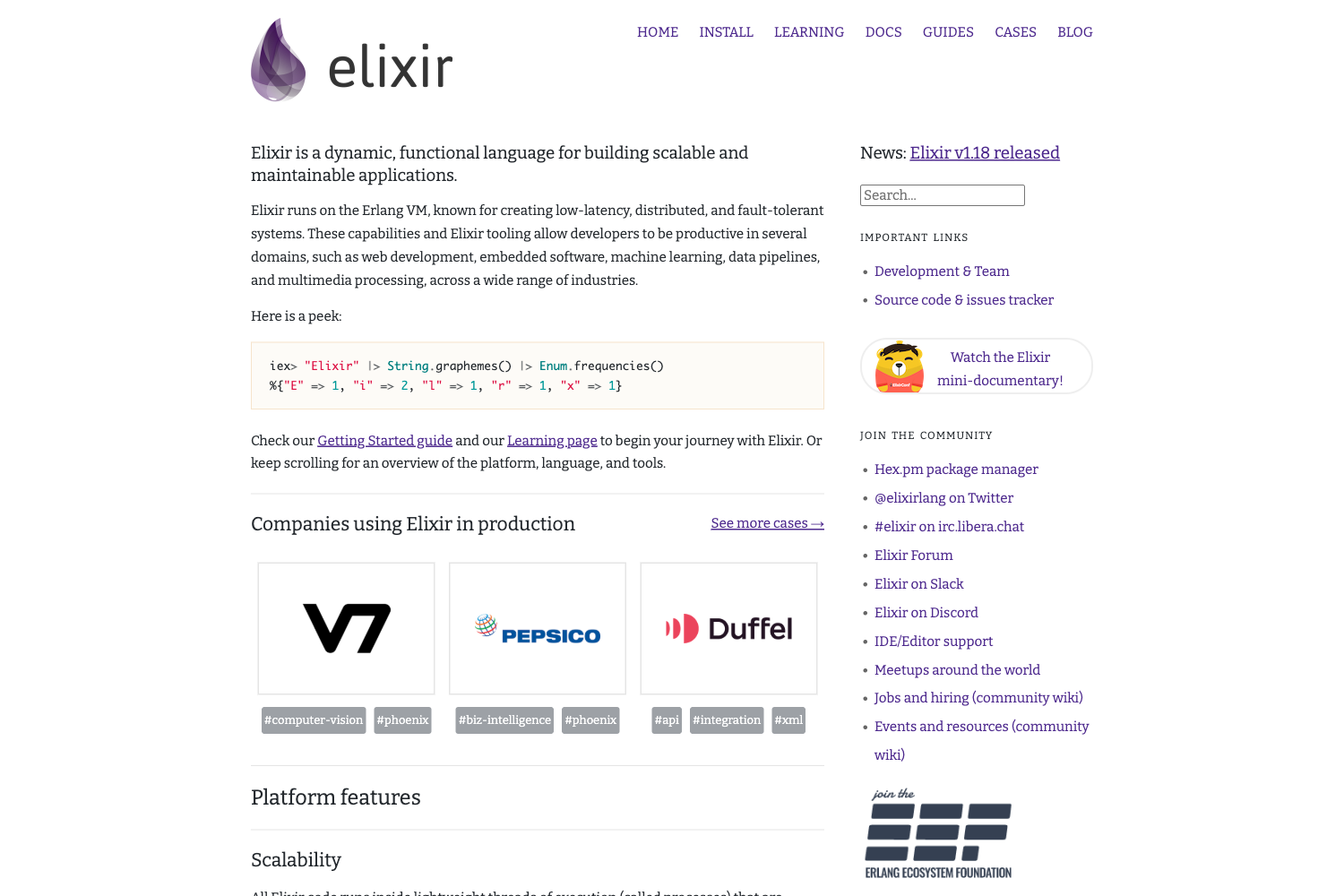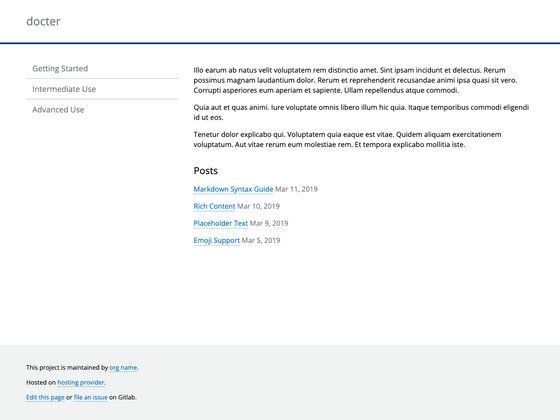
Template details
iDocs
Free one-page documentation HTML template built with Bootstrap 4 for creating offline and online docs for themes, templates, plugins, and software.
About this template
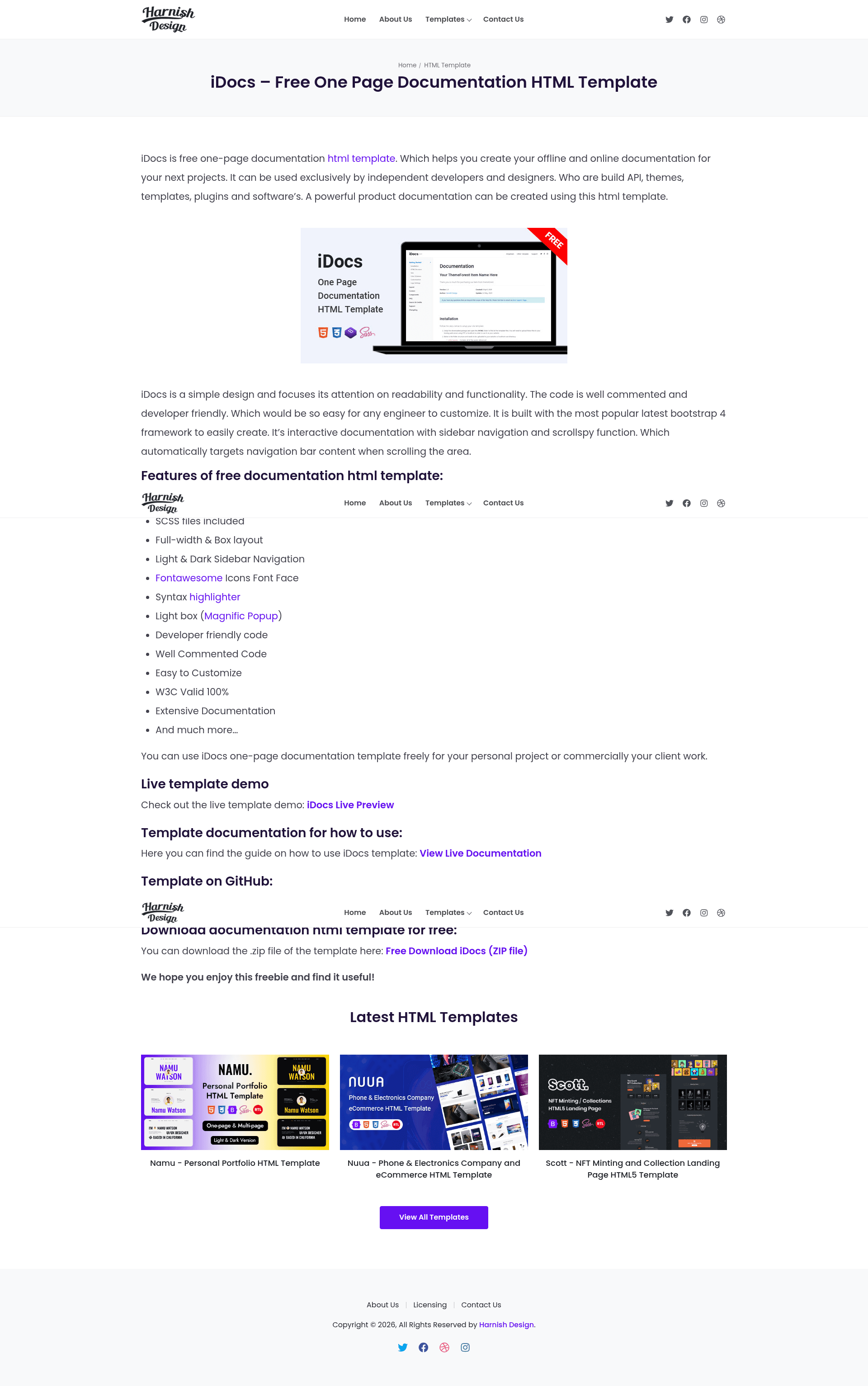
iDocs is a free one-page documentation HTML template built with Bootstrap 4 that lets you create clean, responsive documentation websites for themes, templates, plugins, and software. Developed by Harnish Design, it is released under the MIT License and can be used for both offline documentation and online publishing.
What is iDocs?
iDocs is a static HTML template that turns your written documentation into a single-page website with a professional, lightweight design. It is built on Bootstrap 4, so the layout is responsive and works on desktop and mobile screens. The template includes jQuery, jQuery easing, Magnific Popup, Font Awesome, and Highlight.js to handle smooth scrolling, popups, icons, and code syntax highlighting without any server-side dependencies. You edit the HTML directly, making it suitable for projects that need fast, simple documentation without a CMS.
Key Features
- Bootstrap 4 framework — The template uses Bootstrap's responsive grid and components, so your documentation adapts to any screen size.
- Smooth one-page scrolling — jQuery easing is included to provide animated transitions when users click links in the navigation menu.
- Code syntax highlighting — Highlight.js is bundled for displaying code blocks with color-coded syntax, useful for API or developer documentation.
- Icon support — Font Awesome is included, giving you access to icon fonts for navigation or feature lists.
- Image and video lightbox — Magnific Popup is integrated so you can open screenshots or videos in a lightbox without leaving the page.
- Offline and online usage — Since it is plain HTML, you can view it locally by opening the file, or host it on any web server.
- Free and MIT-licensed — Use it for personal and commercial projects without paying for a license, as long as you keep the copyright notice.
Who is it for?
- Theme and template developers — create installation and customization guides for buyers of your products.
- Software developers — document APIs, libraries, or command-line tools with embedded code examples.
- Product teams at startups — set up a clean user manual or help center without spending time on design.
What can you do with iDocs?
- Publish product documentation: write a single-page manual that covers features, config options, and troubleshooting for your software.
- Create plugin or theme help files: package a documentation HTML file with your product that explains installation steps and settings.
- Build an internal knowledge base: host the HTML file on an intranet or shared drive to document internal standards or processes.
FAQ
Is iDocs free?
Yes, iDocs is free and open source. It is licensed under the MIT License, meaning you can use, modify, and redistribute it in commercial products with attribution.
What does iDocs include?
iDocs includes a complete one-page HTML template with Bootstrap 4, jQuery, jQuery easing, Magnific Popup, Font Awesome, and Highlight.js. A demo and documentation are linked from the project page.
How do I customize iDocs?
You customize iDocs by editing the HTML files directly. The bundled CSS and JavaScript files can be modified to change the design. Detailed instructions are available in the official documentation at https://harnishdesign.net/demo/html/idocs/help/.
Where can I report bugs or get support?
You can open an issue on the GitHub repository at https://github.com/harnishdesign/iDocs/issues, or leave a comment on the template overview page on Harnish Design.
What is the license for iDocs?
iDocs is released under the MIT License. The full license text is available in the LICENSE file in the repository.