Template details
Dukaan
A Next.js and Styled Components e-commerce storefront clone of My Dukaan, with live demo and easy local setup.
About this template
Dukaan is a publicly available e-commerce storefront template built with Next.js, TypeScript, and Styled Components, designed as a clone of the Indian startup My Dukaan.
What is Dukaan?
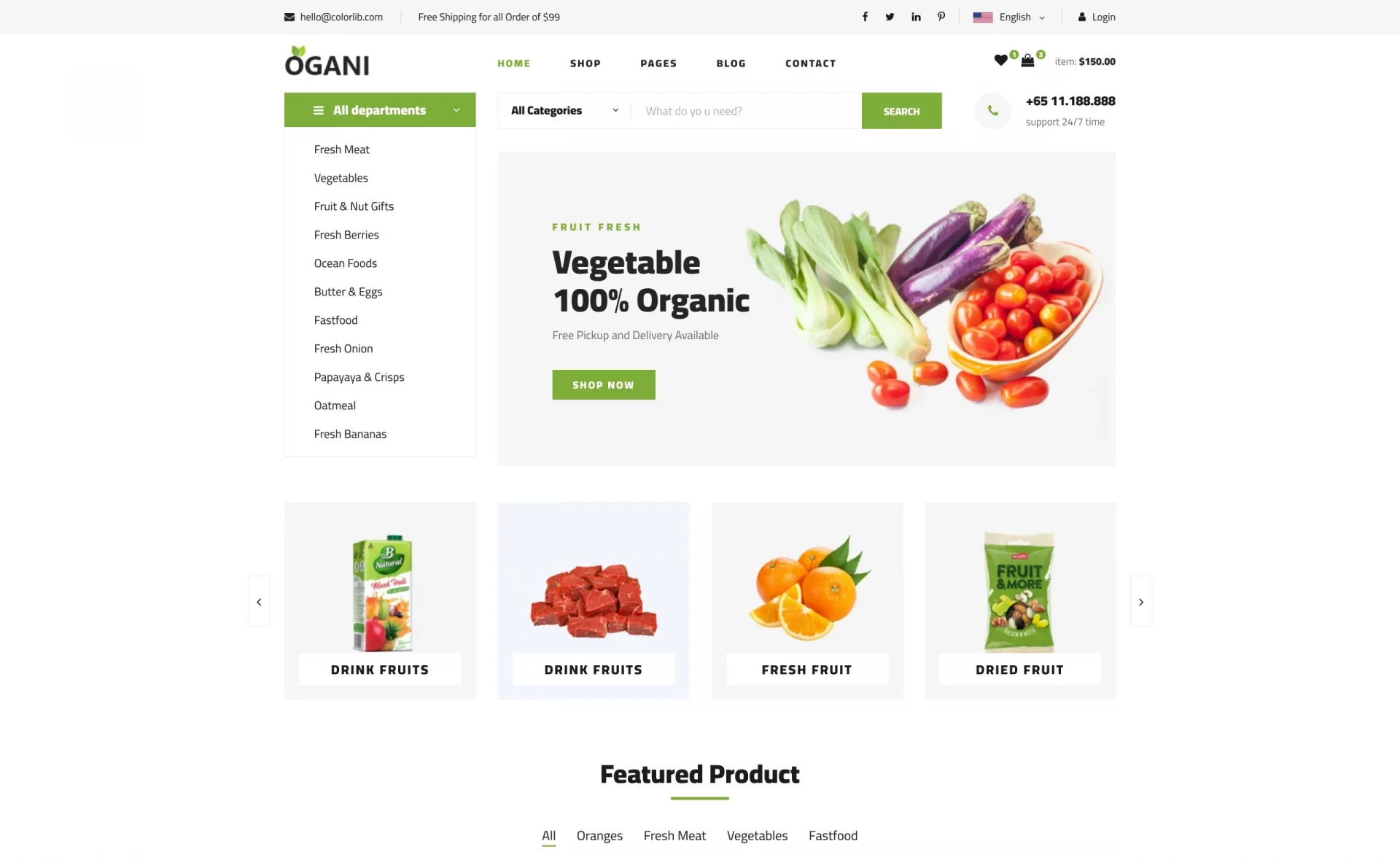
Dukaan is an e-commerce storefront template created by developer Anurag Bhagsain as a learning project to explore Next.js and Styled Components. It replicates the look and functionality of My Dukaan, an Indian e-commerce platform, and is published as a public GitHub repository. The template renders a responsive storefront for products, with separate desktop and mobile layouts demonstrated in the live demo hosted at mydukaan.vercel.app. The source code is written in TypeScript on top of Next.js, with all styling handled through Styled Components, and the project includes a companion Node.js utility named "dukaan-images" that mirrors product images to Firebase Storage to keep the demo stable.
Key Features
Dukaan's standout features are its modern Next.js stack, responsive design, and easy setup.
- Next.js framework — The app is built on Next.js with TypeScript, providing server-rendered React pages that are fast and SEO-friendly.
- Styled Components styling — All UI is styled via Styled Components CSS-in-JS, keeping styles scoped to individual components.
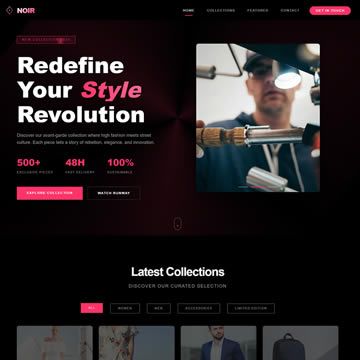
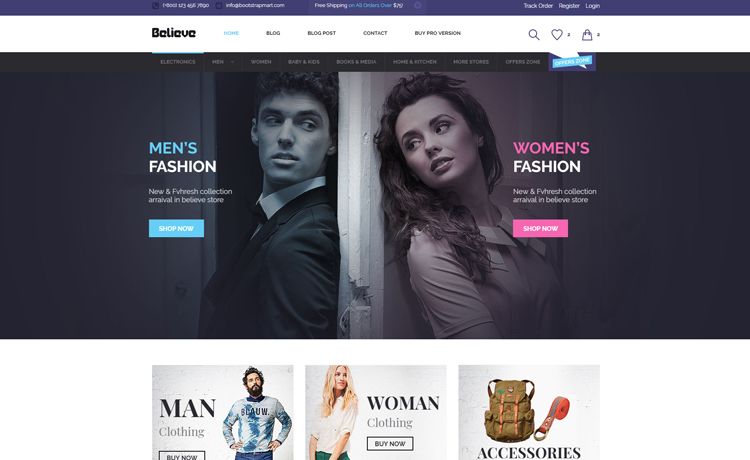
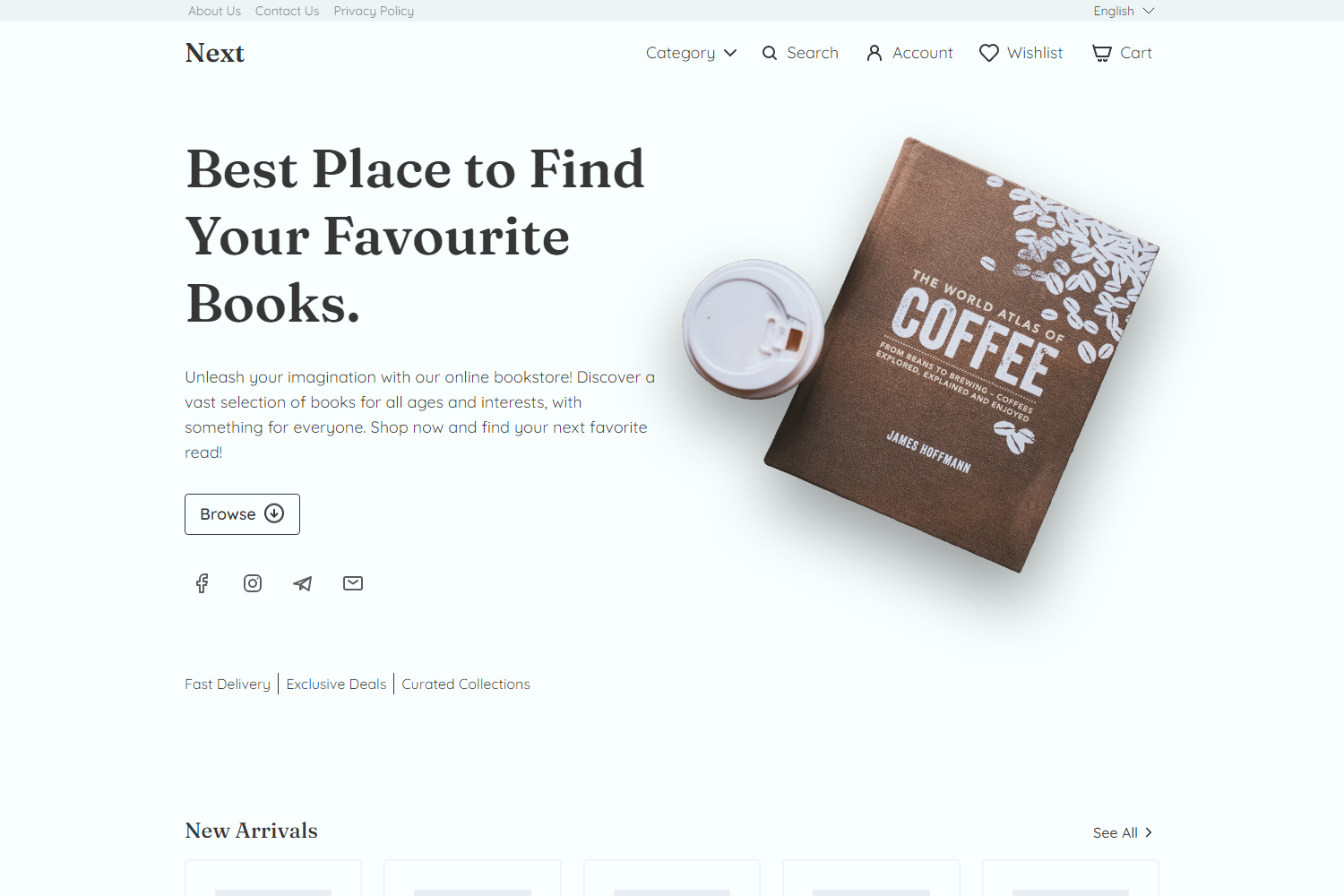
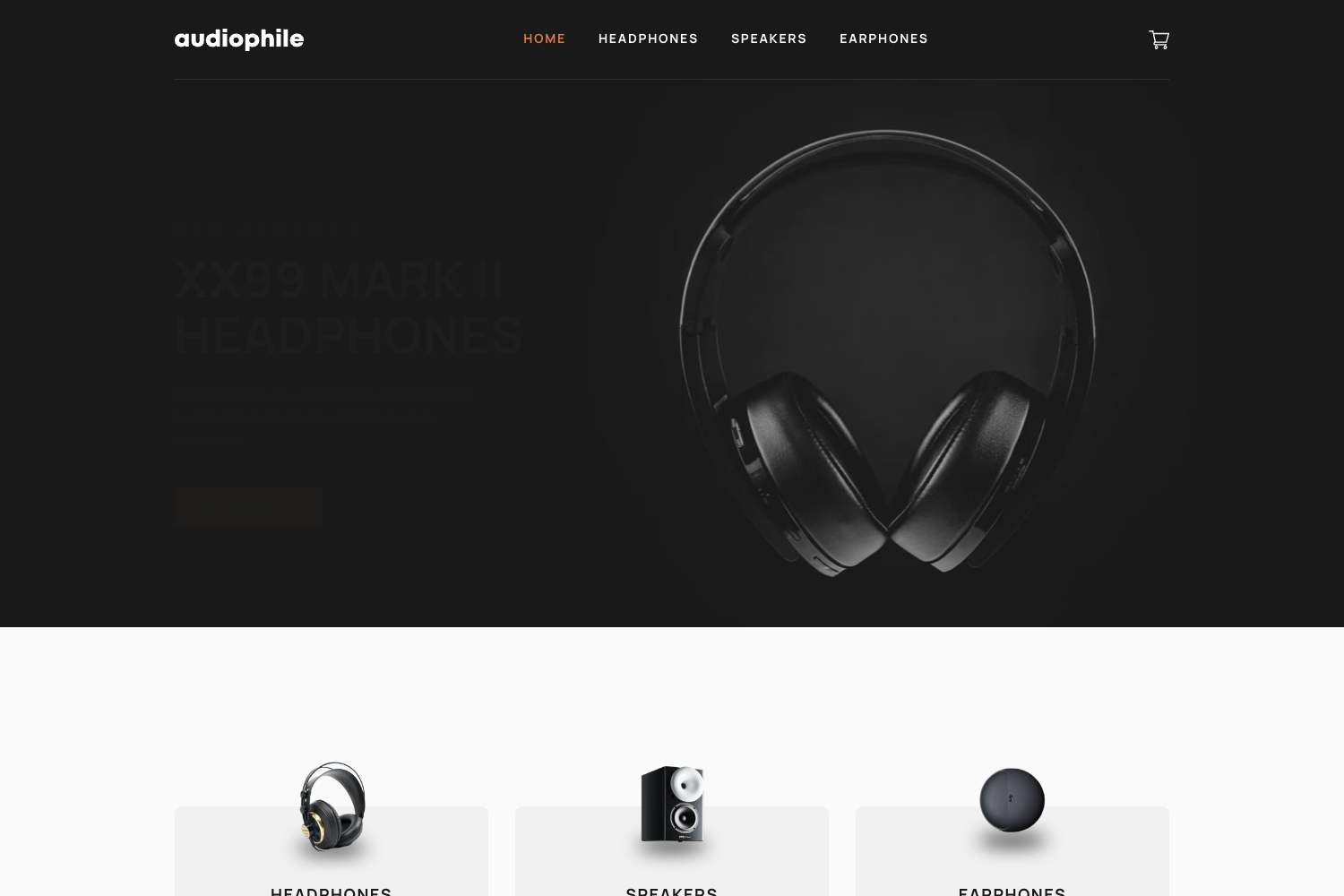
- Responsive design — The demo includes separate desktop and mobile animated GIFs, showing that the layout adapts across screen sizes.
- Live deployment — A fully working demo of the storefront is publicly accessible at mydukaan.vercel.app.
- Easy local setup — Clone the repository, run
yarnto install dependencies, and thenyarn devstarts a development server. - Image storage backup — A small Node.js script, "dukaan-images", copies images to Firebase Storage so the project works even if the original image source goes offline.
- Public GitHub repository — The entire codebase is available on GitHub under Anurag Bhagsain's account for forking and learning.
Who is it for?
Dukaan is best suited for developers learning Next.js and anyone wanting a ready-made storefront design.
- Developers learning Next.js — The codebase is a hands-on example of combining Next.js with TypeScript and Styled Components, useful for studying project structure and patterns.
- Startup founders seeking a storefront template — The live demo shows a functional e-commerce store that can be cloned and customized for a new online shop.
- Curious builders — Anyone interested in how a real-world clone of an Indian startup is put together can explore the source and run it locally.
What can you do with Dukaan?
Dukaan provides a practical starting point for building and deploying an e-commerce store.
- Kickstart an e-commerce project — Use the repo as a starting point for a Next.js storefront, then swap in your own products and branding.
- Learn by example — Trace through the code to see how routing, styling, and responsive layouts are handled with Next.js and Styled Components.
- Host your own store — Deploy the project to Vercel (or any Next.js host) using the same setup as the live demo at mydukaan.vercel.app.
How does Dukaan work?
The repository contains two parts: "dukaan-clone" is the main Next.js application, and "dukaan-images" is a Node.js helper that uploads images to Firebase Storage so the storefront remains functional. To run the site locally, clone the repository, install dependencies with yarn, and start the development server with yarn dev. The live demo is already deployed and can be viewed without any setup.
FAQ
Is Dukaan free to use?
Yes, the project is publicly available on GitHub. You can clone, modify, and deploy it yourself at no cost.
What tech stack does Dukaan use?
Dukaan uses Next.js as the React framework, TypeScript for type safety, and Styled Components for styling. A companion Node.js script handles image storage via Firebase.
How do I run Dukaan locally?
Clone the repository, run yarn to install dependencies, then run yarn dev. The development server will start on your local machine, like any standard Next.js project.
Is Dukaan responsive?
Yes, the live demo is shown in both desktop and mobile views via animated GIFs, and the Styled Components setup adapts the layout to different screen sizes.