Template details
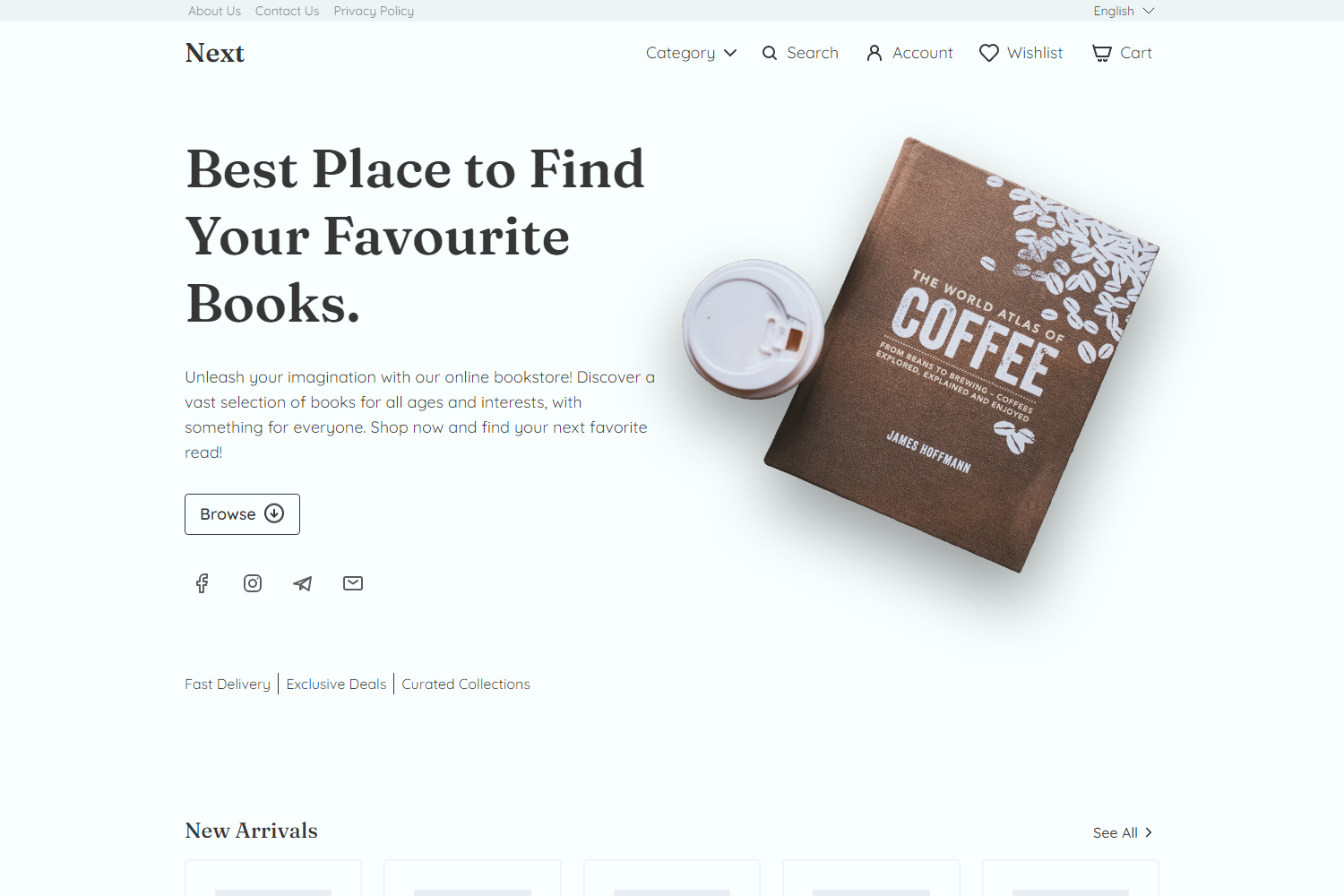
Next.js Strapi E-Commerce Store
Open-source headless e-commerce store built with Next.js and Strapi, with guest cart/checkout, PayPal sandbox payments, and styled-components.
About this template
The Next.js Strapi E-Commerce Store is an open-source headless e-commerce reference project built with Next.js 11.1.4 and Strapi 4.3.4 that demonstrates a complete guest purchasing flow — product browsing, guest cart, guest checkout, and sandbox PayPal payments — with no user authentication required.
What is the Next.js Strapi E-Commerce Store?
The project is a working storefront that fetches product data from a Strapi CMS through custom API routes and GraphQL queries. It takes product and order data as input and produces a browsable catalog, a persistent guest cart, a validated checkout form, and an order confirmation email after payment. The frontend is deployed on Vercel, the Strapi CMS uses PostgreSQL and was hosted on Heroku (now affected by the shutdown of Heroku's free tier), and product images are uploaded to Cloudinary. The repository is authored by AlexTechNoir.
Key Features
- Guest shopping cart and checkout — No authentication is implemented; selected products and quantities are stored in localStorage and synced with the CMS via a custom API route.
- PayPal Checkout (fake payments) — Uses react-paypal-js to render a sandbox PayPal button; after the fake transaction, nodemailer sends an email with order details.
- Product search and pagination — A search page (with SWR-based fetching) and paginated product listings using react-paginate.
- Image slider with magnifying glass — Product pages combine React Responsive Carousel with react-image-magnifiers.
- Currency change with three currencies — Users can switch the displayed currency instantly.
- Product reviews with WYSIWYG editor — Reviews use React Draft WYSIWYG, draftjs-to-html, html-to-draftjs, yup validation, and isomorphic-dompurify sanitization.
- Stock availability checks — The cart and checkout validate that selected amounts do not exceed available stock, showing "out-of-stock" and "less than selected amount" errors.
- Checkout form persistence — The Formik-based form saves all entered values (including country dropdown and delivery radio buttons) to localStorage and restores them on page reload.
Who is it for?
- Next.js developers who want a working headless e-commerce reference with server-side rendering, dynamic product routes, and API-based data fetching.
- Strapi users looking for a concrete integration example that covers GraphQL queries, image handling via Cloudinary, and PostgreSQL database setup.
- Frontend developers studying state and forms — the codebase shows React Context for cart state, Formik + yup for checkout and review forms, and styled-components for theming and keyframes animations.
- E-commerce hobbyists who want to experiment with PayPal sandbox payments and order notification emails without building a store from scratch.
What can you do with it?
- Set up a guest-checkout storefront — Clone the repo, configure Strapi with your own products, and let customers browse and buy without registration.
- Learn how to integrate PayPal sandbox payments — Study PayPalCheckoutButton.js to see how to use react-paypal-js with client and merchant IDs and forceReRender props.
- Add a rich-text review system — Reuse the review component so visitors can post formatted reviews that are sanitized server-side.
- Understand a full purchasing flow — The readme explains step-by-step how product selection, cart synchronization, stock checks, and checkout redirection are implemented, with links to specific source lines.
How does it work?
The purchasing process is split into three stages. On the product page, the user selects an amount and the item is saved to localStorage; the cart badge updates. On the cart page, the app fetches matching products from the CMS, merges them with stored quantities, compares available stock, and calculates totals with and without discounts. The checkout page shows a Formik form whose values are stored in localStorage, then offers a PayPal button that completes a fake transaction and triggers an order confirmation email via nodemailer.
Pros and cons
- No sign-up friction — Guests can place orders without creating an account, which may improve conversion.
- Detailed, line-referenced code examples — Every major feature is documented with links to the exact source file and line, making it easy to learn from.
- Many production-style features included — Search, pagination, discounts, currency switching, product reviews, Google Analytics, and a cookie banner are all implemented.
- Demo may be down — The Strapi CMS was hosted on Heroku's free plan, which shut down in November 2022, so the live example may no longer work.
- Payments are not real — PayPal runs in sandbox mode and only simulates transactions.
- No authentication — The auth buttons are purely visual, so the store is not production-ready for member-based purchases.
FAQ
Is the Next.js Strapi E-Commerce Store free?
Yes, it is an open-source repository on GitHub. You can clone the code, study it, and deploy your own instance as long as you provide your own Strapi backend and environment variables.
Does the store require users to log in?
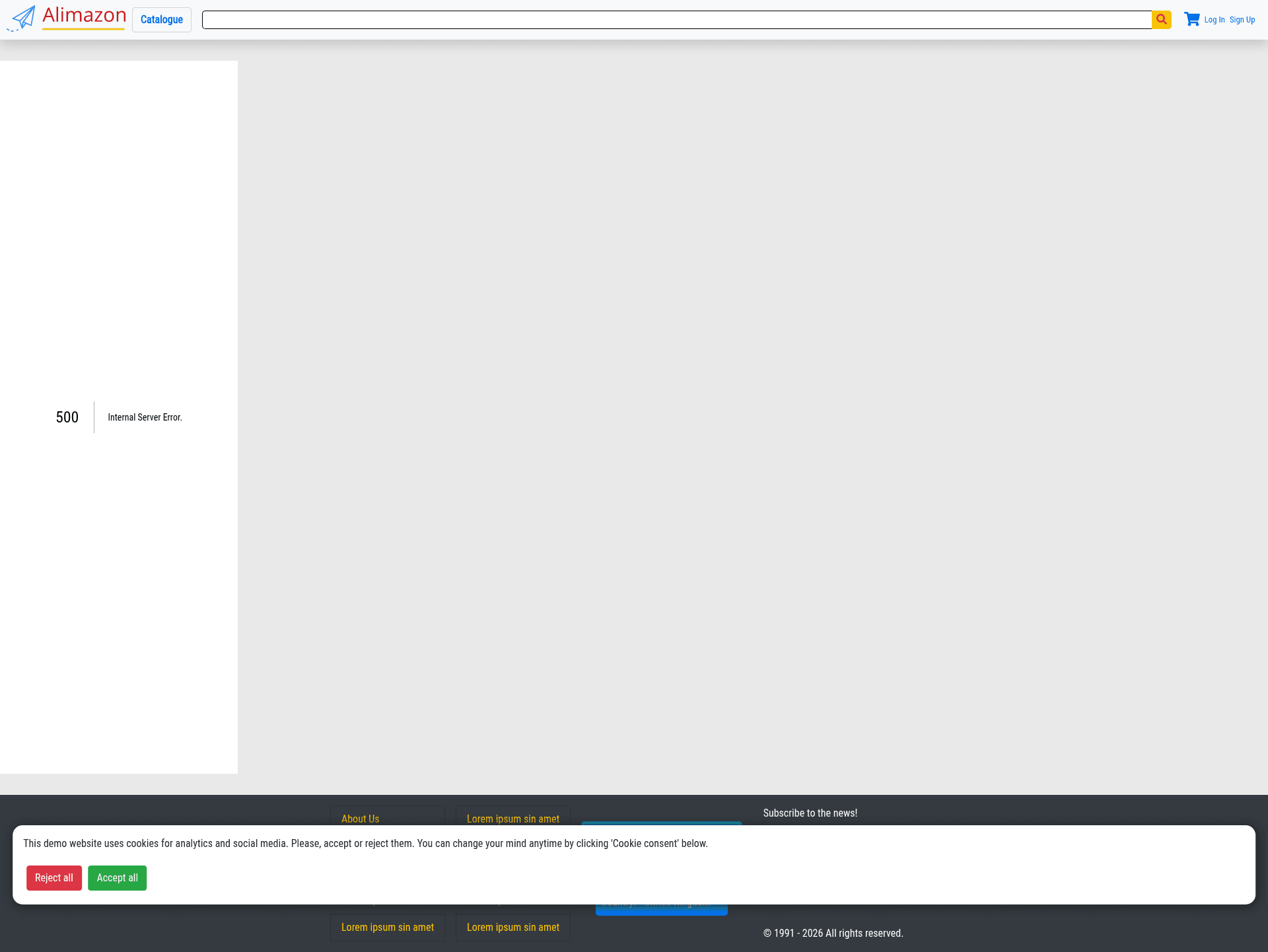
No. The project deliberately has no real authentication; all flows are guest-based. The auth buttons shown in the navigation are visual placeholders.
What payment method is integrated?
PayPal via react-paypal-js, running in sandbox mode with fake payments. After the simulated transaction, nodemailer sends an order confirmation email to the customer.
Which CMS and database are used?
Strapi 4 is used as a headless CMS with PostgreSQL, and product images are hosted on Cloudinary. The Strapi backend was previously deployed on Heroku.
Can the Next.js frontend be deployed to Vercel?
Yes, the Next.js storefront is designed to be deployed on Vercel. You will still need a hosted Strapi instance (with PostgreSQL) for product data and an SMTP provider for nodemailer emails.