Template details
Dynamic Model Usage with AI SDK
A chatbot that allows you to dynamically set the LLM using Vercel AI SDK with Feature Flags and Edge Config
About this template
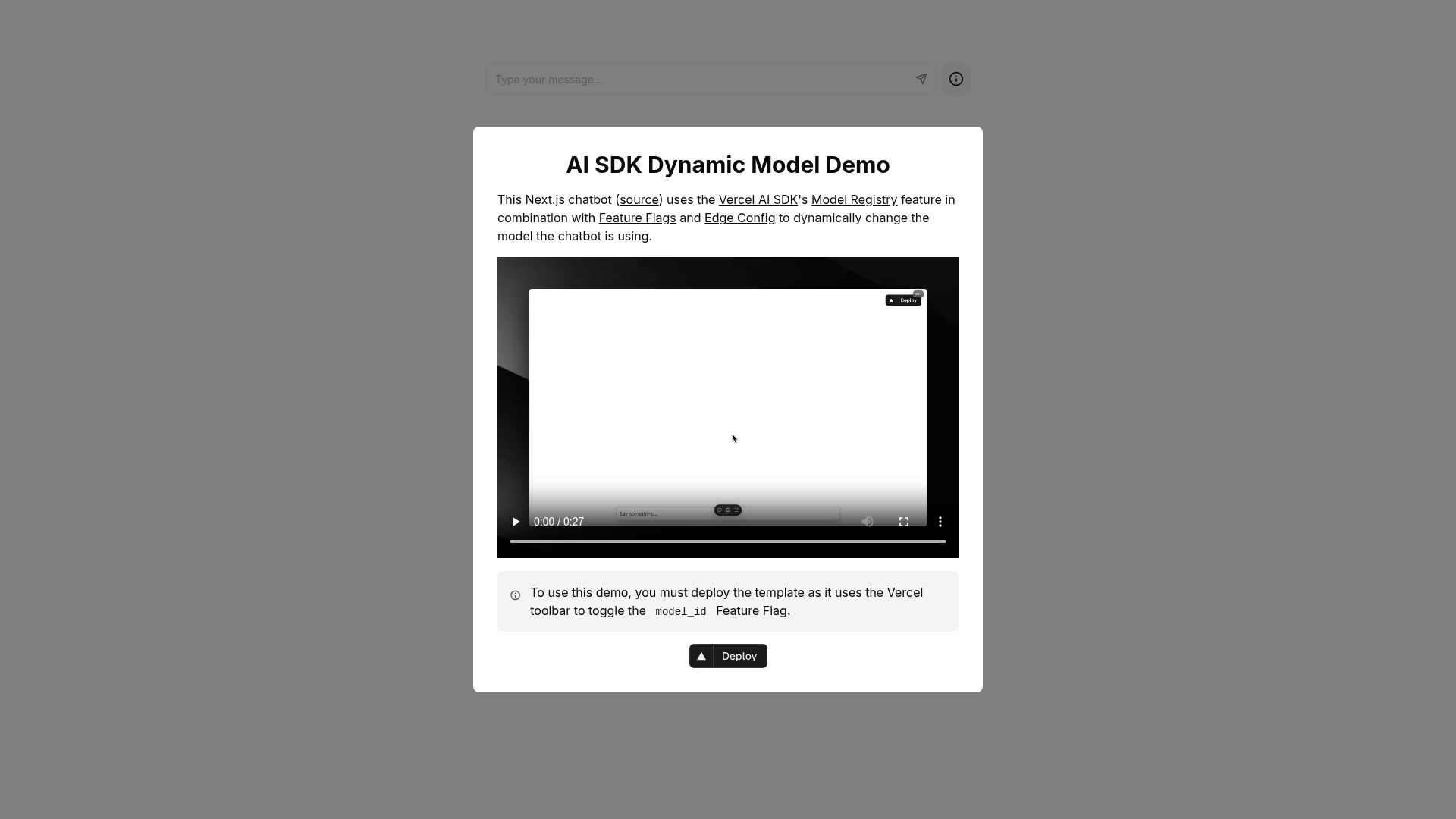
Dynamic Model Usage with AI SDK is a Next.js example from Vercel that demonstrates how to build an AI chatbot with dynamic model selection by combining the Vercel AI SDK, Feature Flags stored in Edge Config, and environment-variable configuration. The repository provides the full application code and setup instructions, so you can run it locally or deploy it to Vercel directly.
What is Dynamic Model Usage with AI SDK?
Dynamic Model Usage with AI SDK is a starter Next.js application that integrates the Vercel AI SDK with two Vercel platform services: Feature Flags and Edge Config. It takes configuration from environment variables (such as API keys and the FLAGS_SECRET) and from feature flag values stored in Edge Config, and produces a running chatbot that can route requests to different large language models. The example code is hosted in the vercel-labs GitHub repository and is also offered as a Vercel template with a one-click deployment button.
Key Features
The template stands out because it enables runtime model switching through feature flags rather than code changes, includes support for multiple AI providers, and ships with a ready-to-use Next.js project plus a standalone Node test script.
- Dynamic model switching — Feature flags in Edge Config determine which AI provider or model the chatbot uses; changing a flag changes the model without a redeploy.
- Vercel AI SDK integration — The app is built on the official SDK, which provides an API for streaming AI responses.
- Next.js framework — The project is bootstrapped with create-next-app, so it uses the standard Next.js project layout and can be extended with additional pages or API routes.
- Multi-provider support — The setup instructions call out creating accounts for AI providers such as OpenAI and Anthropic, and storing their API keys in environment variables.
- Secure flag signing — A FLAGS_SECRET is generated with crypto.randomBytes(32) and encoded as base64url, which is used to sign feature flag values for safe client-side access.
- Local development script — The repository includes a
node-example.tsfile that can run withpnpm tsxto test AI SDK calls outside the Next.js server. - One-click deployment — The template's README includes a Deploy button that sends the project directly to Vercel for production hosting.
Who is it for?
This example is intended for developers and teams who need a concrete reference for building AI applications on Vercel, especially those who want to control model routing with feature flags.
- AI app developers — who want a working reference for assembling an AI chatbot in Next.js without starting from scratch.
- Vercel platform users — who want a hands-on example of how Feature Flags and Edge Config behave in a real project.
- Teams that manage AI spend — who can use feature flags to route traffic between cheaper and more expensive models, or to test new providers gradually.
How does it work?
To run this example locally, you set up AI provider accounts, configure an Edge Config in the Vercel dashboard, populate environment variables from the provided template, and then start the Next.js development server. The application reads feature flags from Edge Config, signs them with FLAGS_SECRET, and uses the Vercel AI SDK to send chat requests to the model chosen by the current flag configuration. The README walks through every step, including generating the FLAGS_SECRET with a one-line Node command.
What can you do with it?
With this template you can create a working AI chatbot, experiment with different LLM providers by toggling feature flags, and study how Edge Config and Feature Flags are integrated with the Vercel AI SDK.
- Build a chatbot quickly — Start from this example to create a chat interface that can answer questions using different LLM backends.
- Experiment with model routing — Change a feature flag in Edge Config to see the chatbot immediately respond with a different model.
- Learn Vercel integration — Use the code as a teaching tool for combining Edge Config, Feature Flags, and the AI SDK in a coherent app.
FAQ
Here are answers to common questions about running the example.
How do I generate the FLAGS_SECRET?
Run the command node -e "console.log(crypto.randomBytes(32).toString('base64url'))" in your terminal to produce a value for the FLAGS_SECRET environment variable.
Which AI providers can I use?
The example names OpenAI and Anthropic as provider options. To use another provider, you would add its API key as an environment variable and configure the AI SDK accordingly.
How do I start the project locally?
First bootstrap the example with npx create-next-app --example https://github.com/vercel-labs/ai-sdk-flags-edge-config, then set up your environment variables in .env using the .env.example template, install dependencies with npm install, and start the dev server with npm run dev.
Can I deploy this without setting up Edge Config?
No, Edge Config is a core dependency. The README instructs you to set up Edge Config in your Vercel dashboard before running the app, because feature flags are read from it.