Template details
MCP Apps Next.js Starter
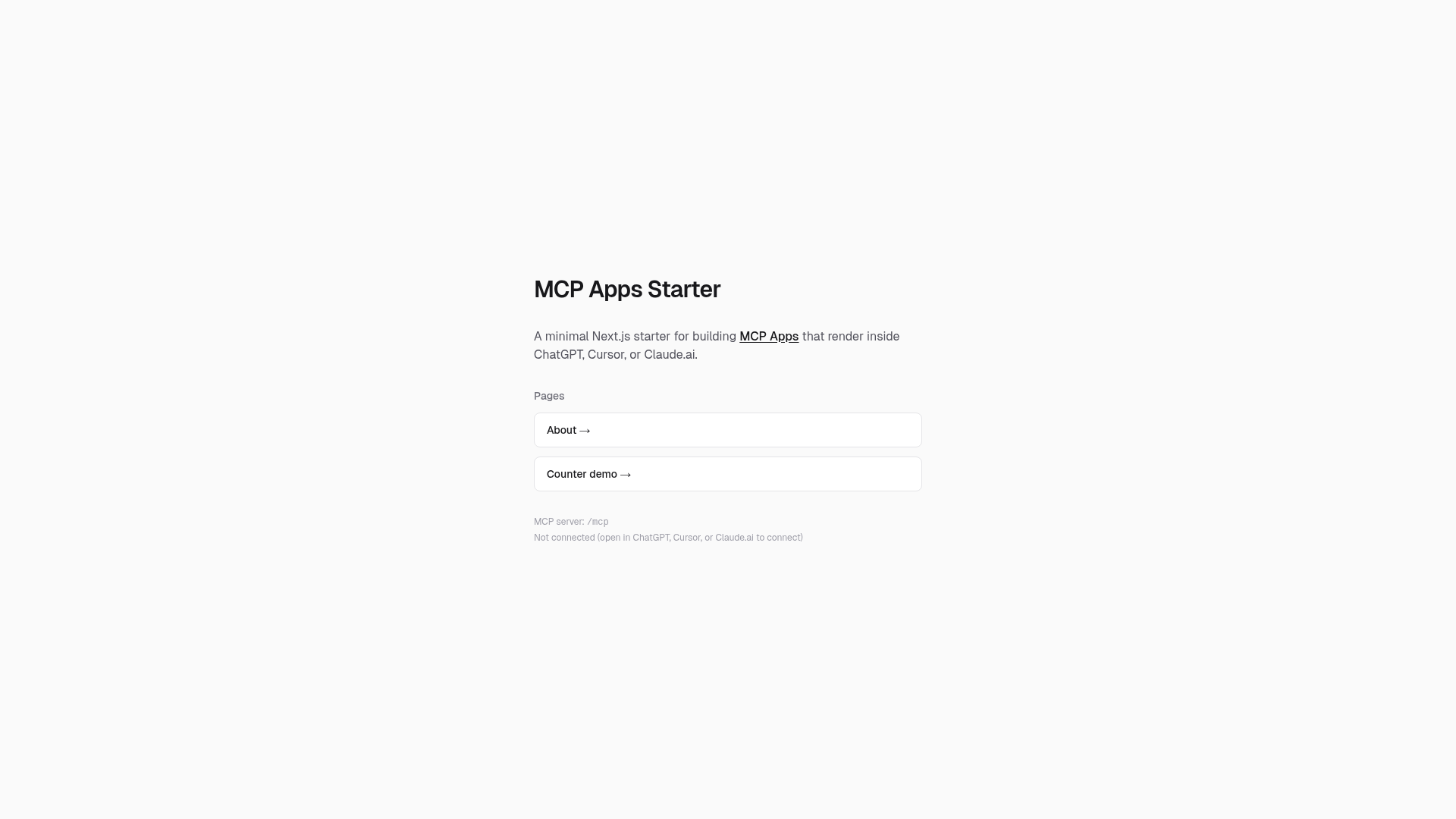
Minimal Next.js starter for building MCP Apps — interactive UIs that MCP hosts render alongside tool calls.
About this template
MCP Apps Next.js Starter is a minimal Next.js boilerplate for building MCP Apps — interactive UIs that MCP hosts render inside sandboxed iframes alongside tool calls.
What is MCP Apps Next.js Starter?
It is a starter repository that pairs an MCP server endpoint at app/mcp/route.ts with a React widget UI at app/page.tsx. The MCP route registers tools and resources using mcp-handler and @modelcontextprotocol/ext-apps, and self-fetches the rendered page HTML to serve it as an MCP resource. It runs on Next.js and deploys to Vercel with no extra configuration.
Key Features
- Dual-role architecture — The same Next.js app runs both the MCP server and the widget UI; the MCP route self-fetches the widget HTML as an MCP resource.
useMcpAppbridge hook —app/hooks/use-mcp-app.tswraps theAppclass from@modelcontextprotocol/ext-appsand exposestoolInput,toolResult, andconnectedas React state.- Example tools and pages — Ships with a minimal
greettool and two sub-pages (about,counter) that demonstrate navigation and interactivity inside a host. - Tunnel-friendly local development — Works with ngrok or any HTTPS tunnel; only a
BASE_URLenvironment variable is needed to connect a host. - Zero-config Vercel deployment — In production,
BASE_URLis automatically derived from Vercel's environment variables. - CORS and iframe asset handling —
middleware.tssets CORS headers for cross-origin iframe access, andnext.config.tsuses anassetPrefixso assets load correctly inside the sandbox. - Host compatibility — Connects to MCP hosts that support Apps, including ChatGPT, Cursor, and Claude.ai via Settings > Apps.
Who should use MCP Apps Next.js Starter?
MCP tool developers — build interactive front-ends for MCP tools that currently return plain text or JSON, giving users a richer UI. AI application teams — prototype embedded UIs for ChatGPT, Cursor, or Claude.ai without building the full client. Next.js developers — use the starter as a reference implementation for the MCP Apps spec and the ext-apps bridge.
What can you do with MCP Apps Next.js Starter?
- Tool builders: register a custom tool in
app/mcp/route.tsand render its input and output as a custom widget instead of raw text. - Product prototypes: quickly spin up interactive sub-pages like the counter or about page to explore MCP Apps UX patterns.
- Open-source contributors: fork the starter to experiment with new tools, host integrations, or bridge features and share them with the community.
How does it work?
After pnpm install, start a tunnel with ngrok http 3000 and copy the HTTPS URL into BASE_URL in .env. Run pnpm dev, then add the MCP server URL (for example https://your-tunnel/mcp) to a supported host under Settings > Apps. The host fetches the MCP resource, which contains the widget HTML, and renders it inside a sandboxed iframe.
FAQ
What is an MCP App?
An MCP App is an interactive UI that an MCP host renders alongside tool calls. This starter implements one by combining an MCP server with a React widget page that the host displays in a sandboxed iframe.
Which hosts support MCP Apps?
The starter's documentation explicitly names ChatGPT, Cursor, and Claude.ai as hosts where you can add the MCP server URL via Settings > Apps.
Do I need a public URL for local development?
Yes, MCP Apps require a public HTTPS URL for the host to reach. The starter suggests using ngrok or any equivalent tunnel and setting that URL as the BASE_URL environment variable.
How do I deploy to production?
Deploy the repository to Vercel with no additional configuration. In production, BASE_URL is automatically derived from Vercel's environment variables, and you connect to hosts using your Vercel URL with the /mcp path.