Template details
Ecommerce Store Next13
Full-stack Next.js 13 e-commerce store template with Stripe checkout, Clerk auth, and Prisma/MySQL.
About this template
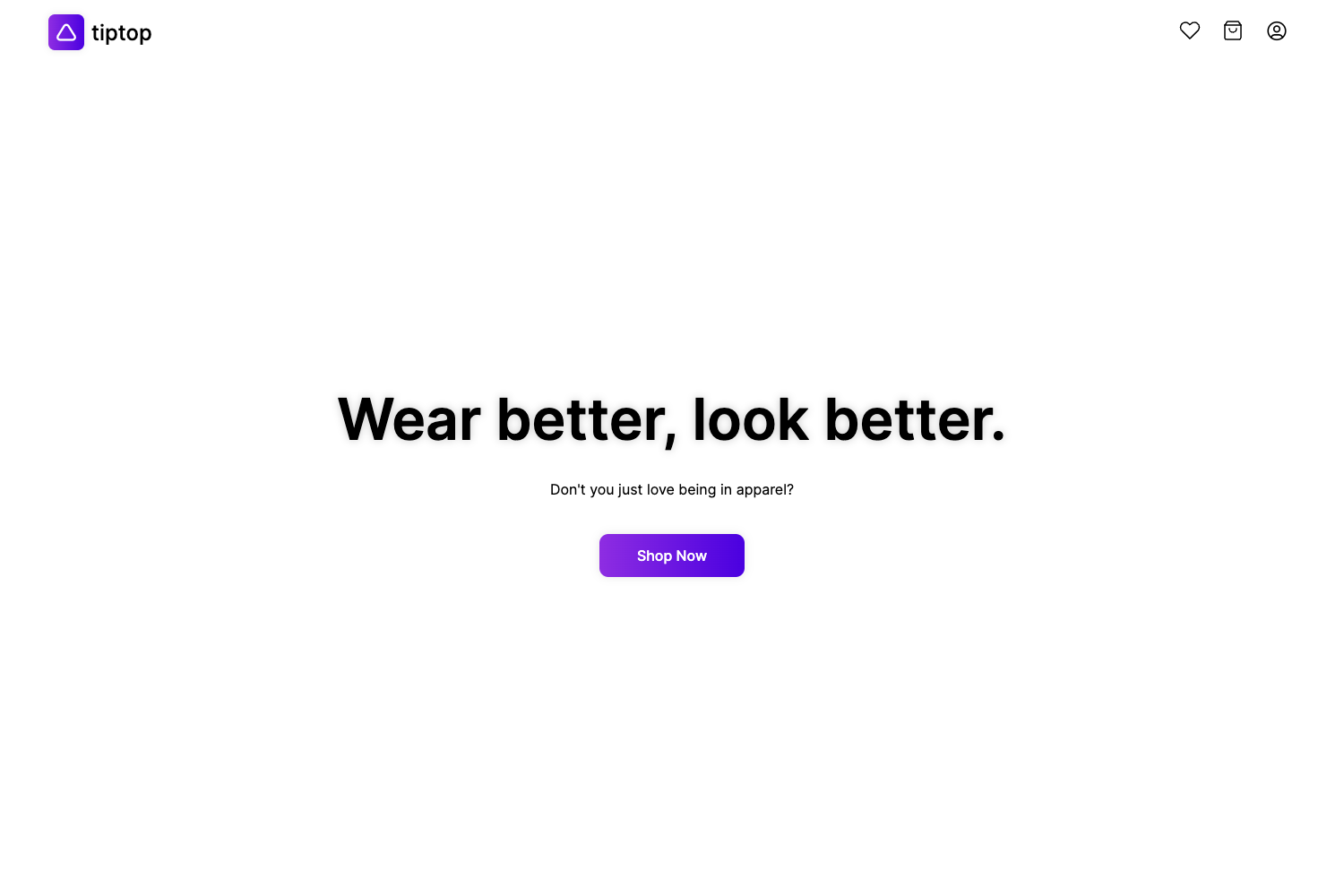
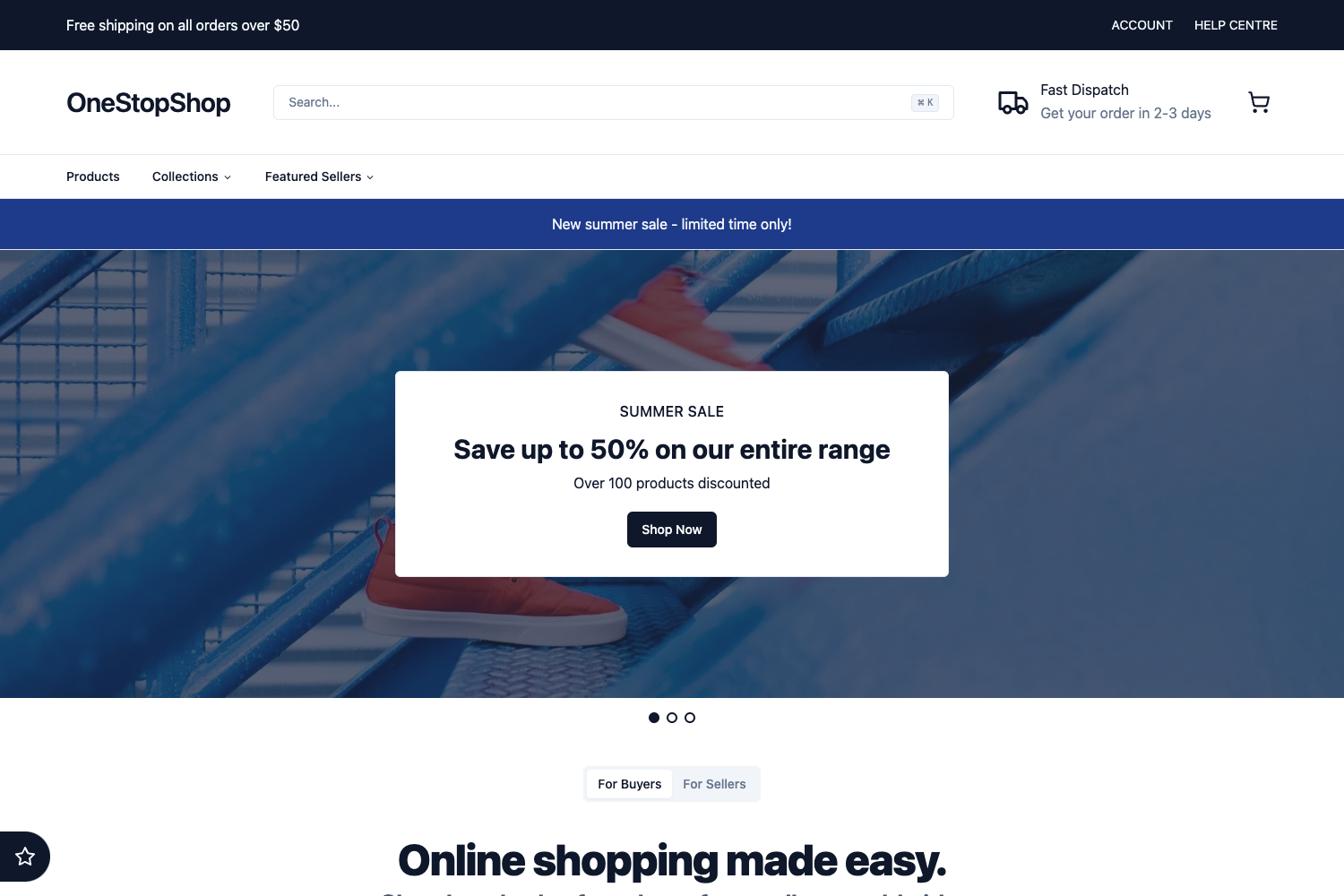
Full Stack Next.js 13 E-Commerce Store is an open-source full-stack e-commerce template built with Next.js 13 App Router, React, TypeScript, TailwindCSS, Prisma, and MySQL, providing a complete customer-facing storefront with Stripe payment integration.
What is Full Stack Next.js 13 E-Commerce Store?
Full Stack Next.js 13 E-Commerce Store is a full-stack e-commerce template that ships as a GitHub repository and is deployed live on Vercel. As input it takes product data stored in a PlanetScale MySQL database, accessed through Prisma ORM, and renders it as a public storefront with category navigation, product detail pages, filters, cart, and Stripe payments. It uses Clerk for authentication, Zod for data validation, Cloudinary for file uploads, and Shadcn components for UI. The repository is maintained by GitHub user demitraps, and a companion Admin Dashboard repository is linked in the README.
Key Features
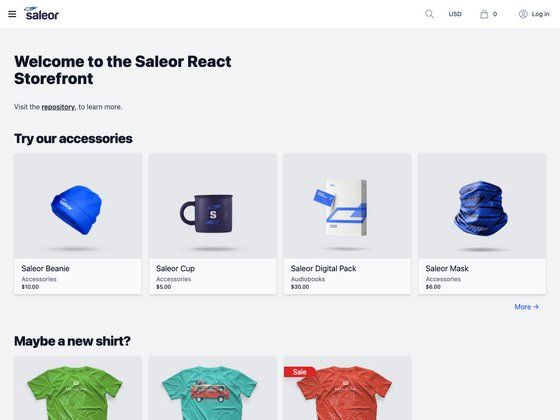
- Featured products on homepage — The homepage highlights products marked as featured, giving store owners a way to promote specific items.
- Category browsing — Visitors can view different product categories and navigate to each collection.
- Product preview cards — Cards appear on listing pages, displaying product image and basic info.
- Color and size filters — Product pages let customers filter by color and size variants.
- Related items — The product detail page shows related items to support cross-selling.
- Add to cart — A fully functional cart stores selected items and prepares them for checkout.
- Stripe Checkout and webhooks — Payments are processed via Stripe Checkout and Stripe webhooks handle payment events.
- Tech stack — The project uses Next.js 13 App Router, React 18, TypeScript, TailwindCSS, Clerk auth, Zod validation, Cloudinary file uploads, Shadcn components, and MySQL (PlanetScale) with Prisma ORM.
Who is it for?
- Next.js e-commerce developers — Developers who want a working reference implementation of a storefront that wires together App Router, Prisma, Clerk, Stripe, and TailwindCSS.
- Startup founders and small merchants — Teams that want to launch a storefront quickly by cloning the repo, adding their own credentials, and customizing the catalog.
- Full-stack learners — Students and self-taught developers who want to study a real project with auth, payments, and a relational database.
What can you do with it?
- Launch a storefront: Set up a public store with categories, product pages, filters, and Stripe checkout by configuring your own Clerk, Stripe, and PlanetScale keys.
- Prototype e-commerce flows: Use the project as a base to experiment with Server Components, cart state management, or Stripe webhook handling.
- Pair with an admin dashboard: The separate Admin Dashboard repository lets you manage the products, categories, colors, and sizes that appear in this storefront.
How does it work?
Clone the repository, create a MySQL database on PlanetScale, run Prisma with your schema, and start the app with npm run dev (Node 14.x is listed as a prerequisite). The storefront fetches product data via Prisma and renders the catalog, and when a customer checks out, Stripe Checkout processes the payment while webhooks report results back to the app. For demo testing, the README recommends using Stripe test cards.
Pros and cons
- Pros: Modern full-stack Next.js 13 stack; includes Clerk authentication, Zod validation, Cloudinary uploads, Shadcn components, and Stripe checkout out of the box.
- Cons (from the project's to-do list): The current version does not yet support multiple quantities per product, email notifications, video uploads, social icons and preview, or contact/FAQ pages.
FAQ
Does this template require a specific Node version?
Yes, the README states Node version 14.x as a prerequisite. Run node -v before starting to confirm you have a compatible version; newer versions may still work but 14.x is the documented requirement.
How do I run it locally?
Clone the repository using git clone https://github.com/demitraps/ecommerce-store-next13.git, then run npm run dev to start a development instance of the app. The README provides only this single command in the available commands table.
What database and ORM does it use?
It uses MySQL on PlanetScale as the database and Prisma as the ORM. The project's tech stack also lists Clerk for authentication, Cloudinary for file uploads, and Zod for validation.
Does it support Stripe payments?
Yes, Stripe Checkout is fully integrated, and the README points to Stripe test cards for demo checkout. Stripe webhooks are also implemented to handle post-payment events.
Is there an admin dashboard included?
No, the admin dashboard is a separate repository linked in the README. The storefront repo itself focuses on the customer-facing experience.