Template details
Paper Storefront
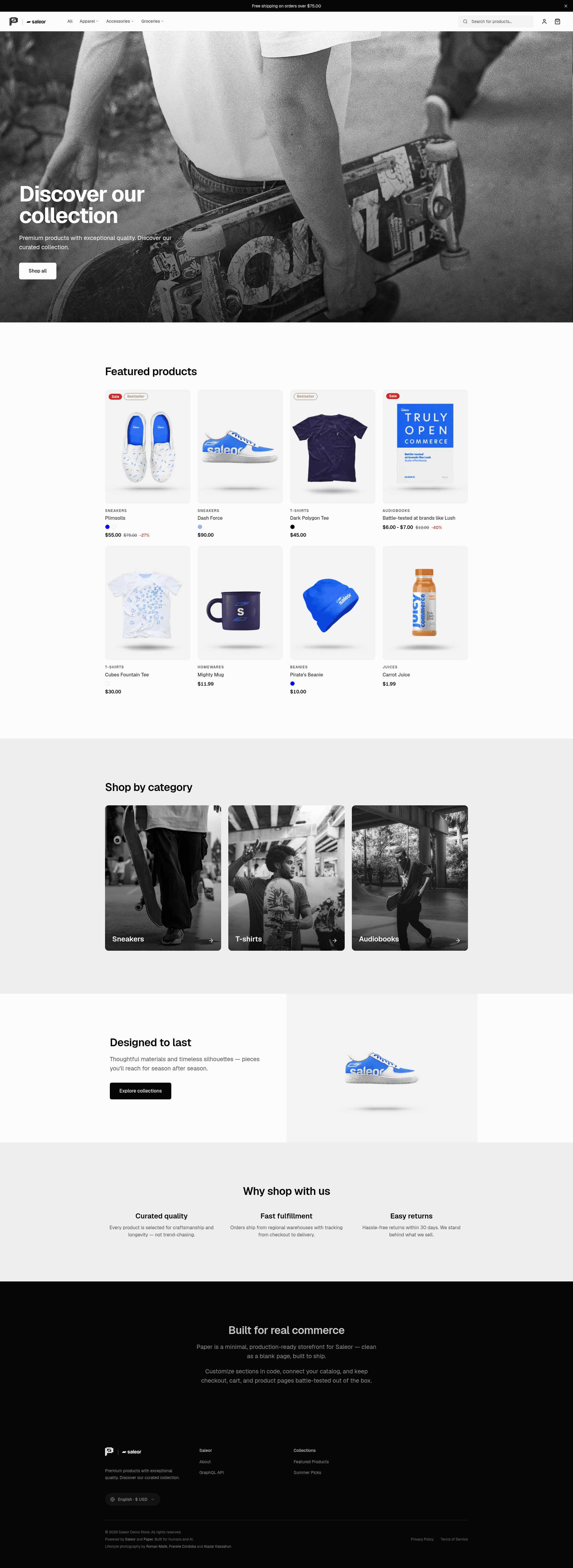
A minimal, production-ready Next.js storefront template for Saleor, featuring checkout v2, multi-language routing, and AI-ready code.
About this template
Paper is an open-source, production-ready storefront template for the Saleor headless commerce platform, built with Next.js 16 and the App Router, that gives developers a complete e-commerce frontend with checkout, internationalization, and caching out of the box.
What is Paper?
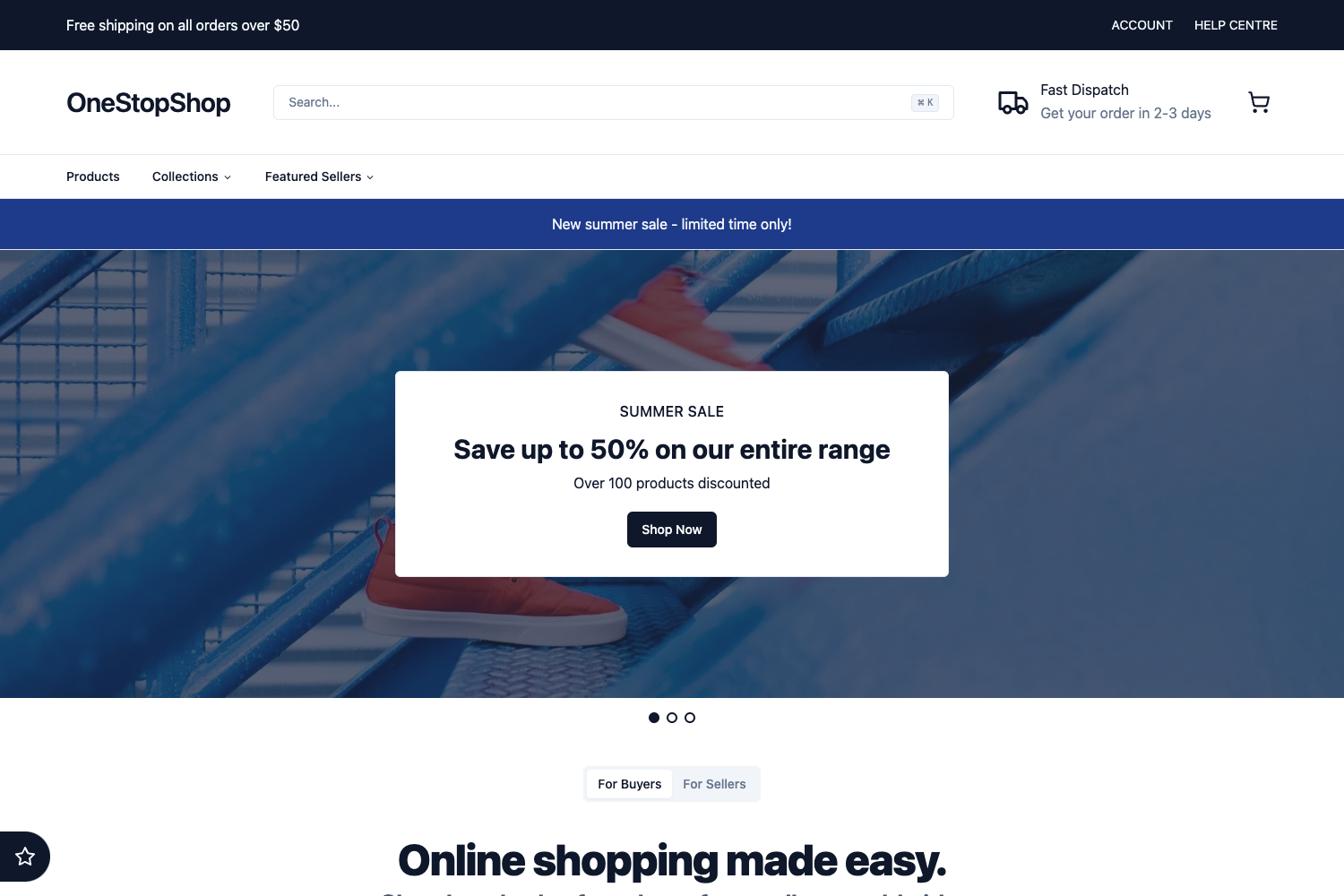
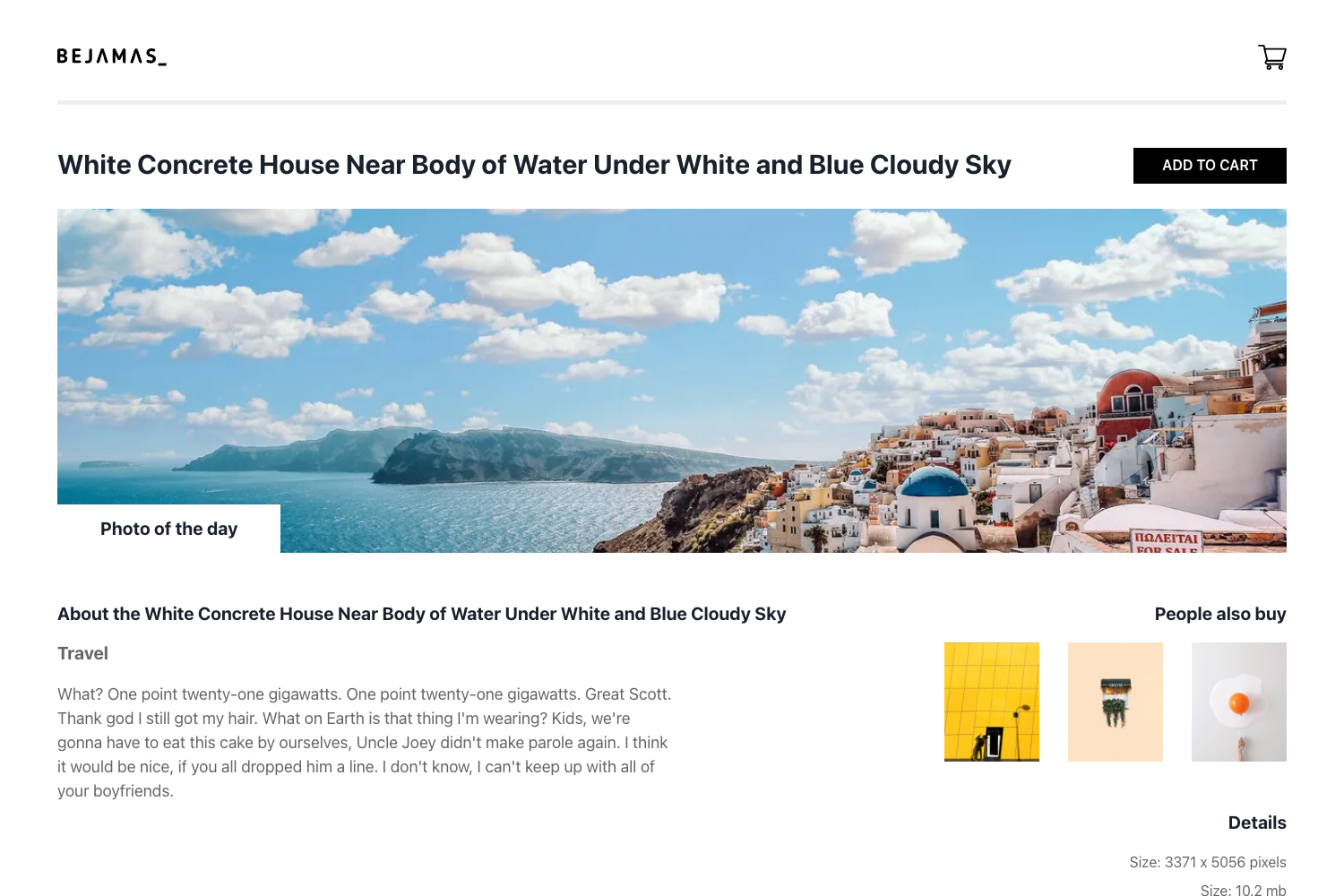
Paper is a storefront template created by the Saleor team that connects to any Saleor backend through its GraphQL API and renders a full shopping experience: product detail pages, category and collection listings, a cart drawer, a multi-step checkout, and a customer account area. You configure it with environment variables pointing at your Saleor instance (the GraphQL endpoint, default channel, and locale slugs) and it produces a deployable Next.js storefront. The project is licensed under FSL-1.1-ALv2, which converts to Apache 2.0 after two years, and is available on GitHub under the saleor/storefront repository.
Key Features
- Checkout v2 — Server-rendered checkout with URL-driven steps (contact, shipping, payment), a payment registry for Stripe and Dummy gateways, and a dedicated confirmation route at /checkout/complete.
- International by default — Browse URLs combine a locale and channel prefix (for example, /en/us/products/hoodie for English, US market, USD), with seven built-in locales (en, pl, de, fr, fi, nb, ko), per-channel pricing and currency, optional translated catalog slugs, and hreflang/canonical SEO metadata.
- Partial Prerendering (PPR) — Static shells stream dynamic content (variant galleries, product filters) through Suspense using Next.js Cache Components, with cacheLife tiers of roughly five minutes for catalog, one hour for menus, and one day for channels.
- Product pages — Multi-attribute variant selection (color, size, material), dynamic sale and channel pricing, and an image gallery with Next.js Image optimization and keyboard navigation.
- Cart drawer — Slide-over cart with real-time quantity editing that always fetches fresh data from the Saleor API with a no-cache policy.
- Customer account — Dashboard with address book, order history, password change, and account deletion, plus login, register, password reset, and guest checkout flows.
- AI-ready codebase — Includes an AGENTS.md architecture overview and 21 task-specific skill rules under skills/saleor-paper-storefront/ to guide AI coding assistants in navigating and modifying the code.
- Webhook revalidation — The Saleor Cloud Paper app triggers cache invalidation from the Dashboard, or you can call the /api/revalidate endpoint manually with a REVALIDATE_SECRET.
Who is it for?
Paper is aimed at front-end developers building production headless e-commerce storefronts on Saleor who want a working reference implementation rather than starting from scratch. It is also designed for developers who pair-program with AI assistants, since the codebase ships with agent-oriented documentation and skill rules. Teams operating multi-market stores will benefit from the built-in locale and channel routing, and anyone who wants to customize a storefront can start from the design tokens in src/styles/brand.css.
What can you do with Paper?
- Launch a multi-market storefront: Set up STOREFRONT_CHANNELS and NEXT_PUBLIC_STOREFRONT_LOCALES to expose only the markets you want, each with its own language, currency, and catalog translations.
- Integrate a new payment gateway: Use the payment registry with Stripe and Dummy as examples to add Saleor payment apps like Adyen with minimal work.
- Customize the look and feel: Swap colors and typography in the CSS variable design token system, or replace UI components in src/ui/components/.
- Run it with self-hosted Saleor: Point NEXT_PUBLIC_SALEOR_API_URL at a Docker Compose Saleor instance and set up webhooks manually to the /api/revalidate endpoint.
How does Paper work?
To get started, you need a Saleor backend: either create a free Saleor Cloud account or run Saleor locally with Docker. Then clone the repository, copy .env.example to .env, fill in your Saleor GraphQL URL and default channel slug, install dependencies with pnpm install, and run pnpm dev. The storefront fetches catalog data through typed GraphQL queries (generated via GraphQL Codegen), caches it with Cache Components, and keeps checkout live through server actions.
FAQ
Is Paper free?
Yes, Paper is open source under the Functional Source License (FSL-1.1-ALv2). You can use, modify, and ship it for your own storefront; the license converts to Apache 2.0 after two years.
What Saleor version does Paper require?
Paper targets Saleor 3.x. You can point it at a Saleor Cloud instance or a self-hosted Saleor setup with Docker Compose, as long as your GraphQL endpoint is accessible.
How do I add a new language?
Add the locale slug to NEXT_PUBLIC_STOREFRONT_LOCALES, create the corresponding message file in src/messages/, and extend LOCALE_DEFINITIONS in src/config/locale.ts. The storefront handles translated catalog slugs, UI strings, and hreflang metadata for each locale.
What are the current known limitations?
Paper's maintainers list three known gaps: checkout step labels are not yet fully internationalized, product filtering doesn't yet fetch attributes from the API for dynamic filters, and error/not-found pages are not localized across all channels.