Template details
Eleventy Photo Gallery
Starter site for creating a responsive image gallery using the Eleventy static site generator
About this template
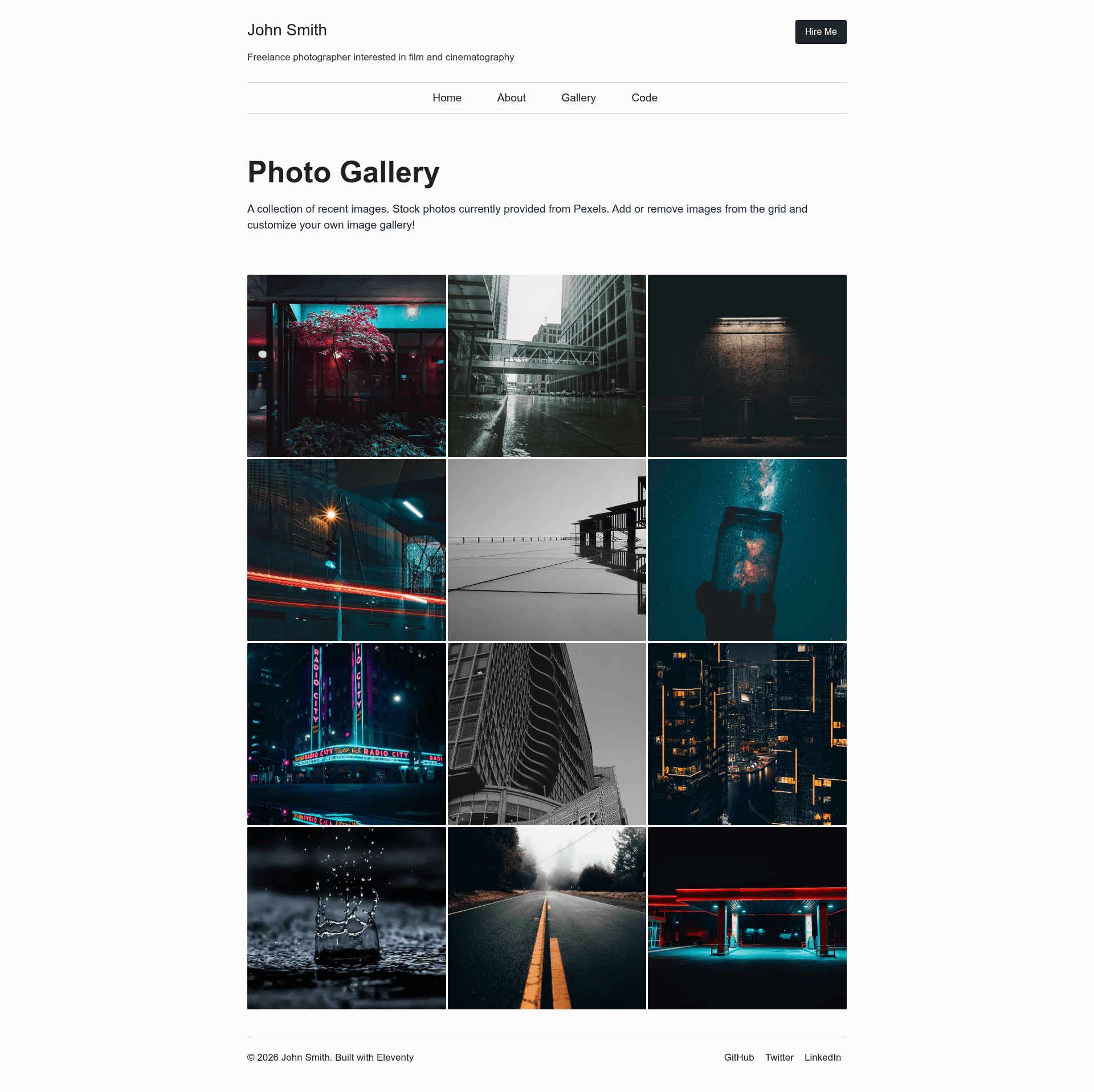
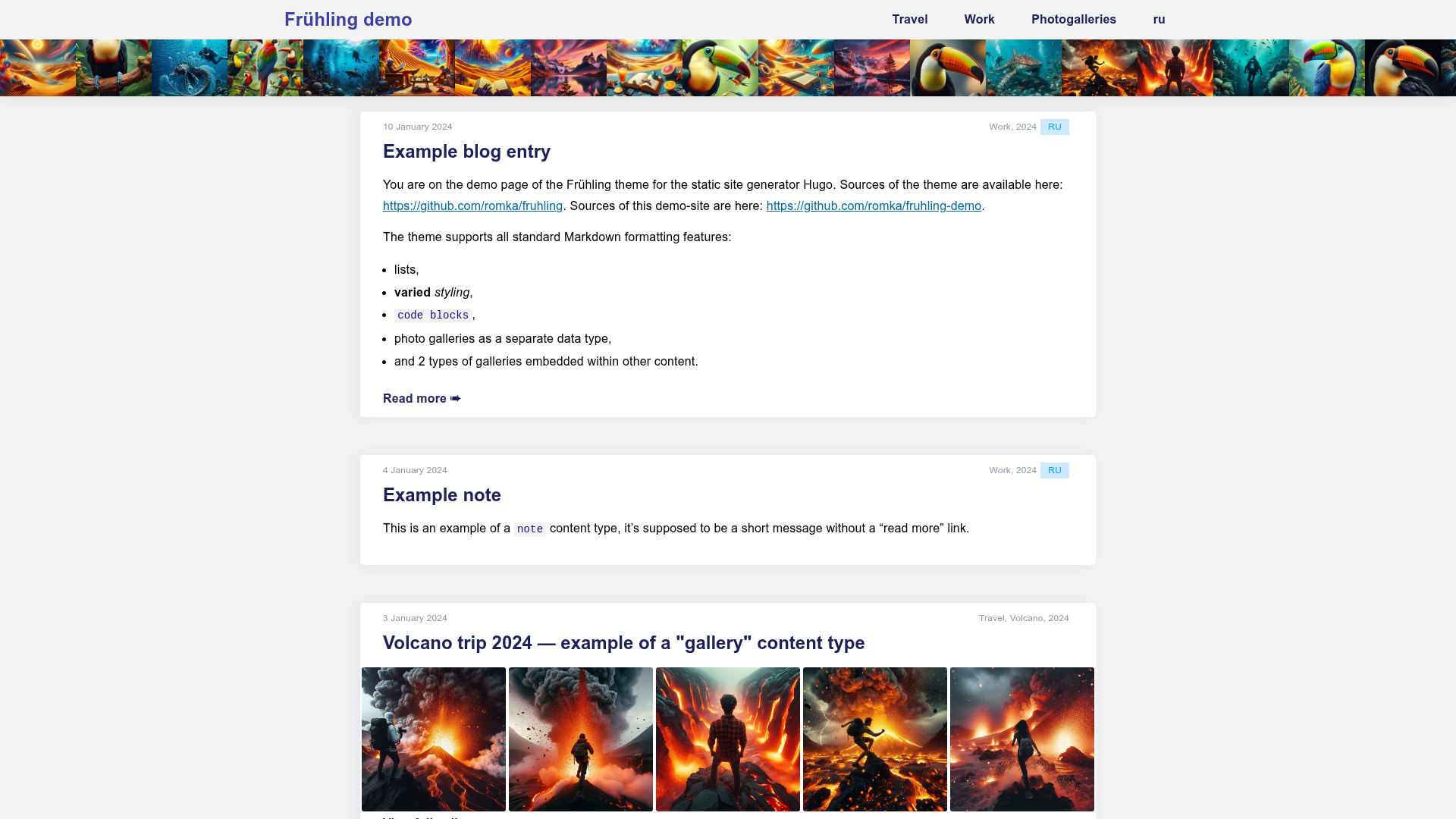
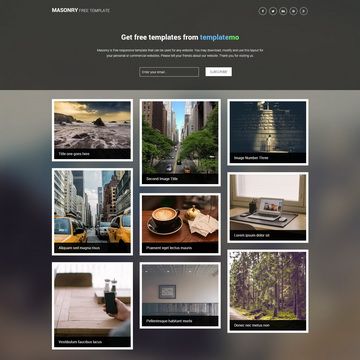
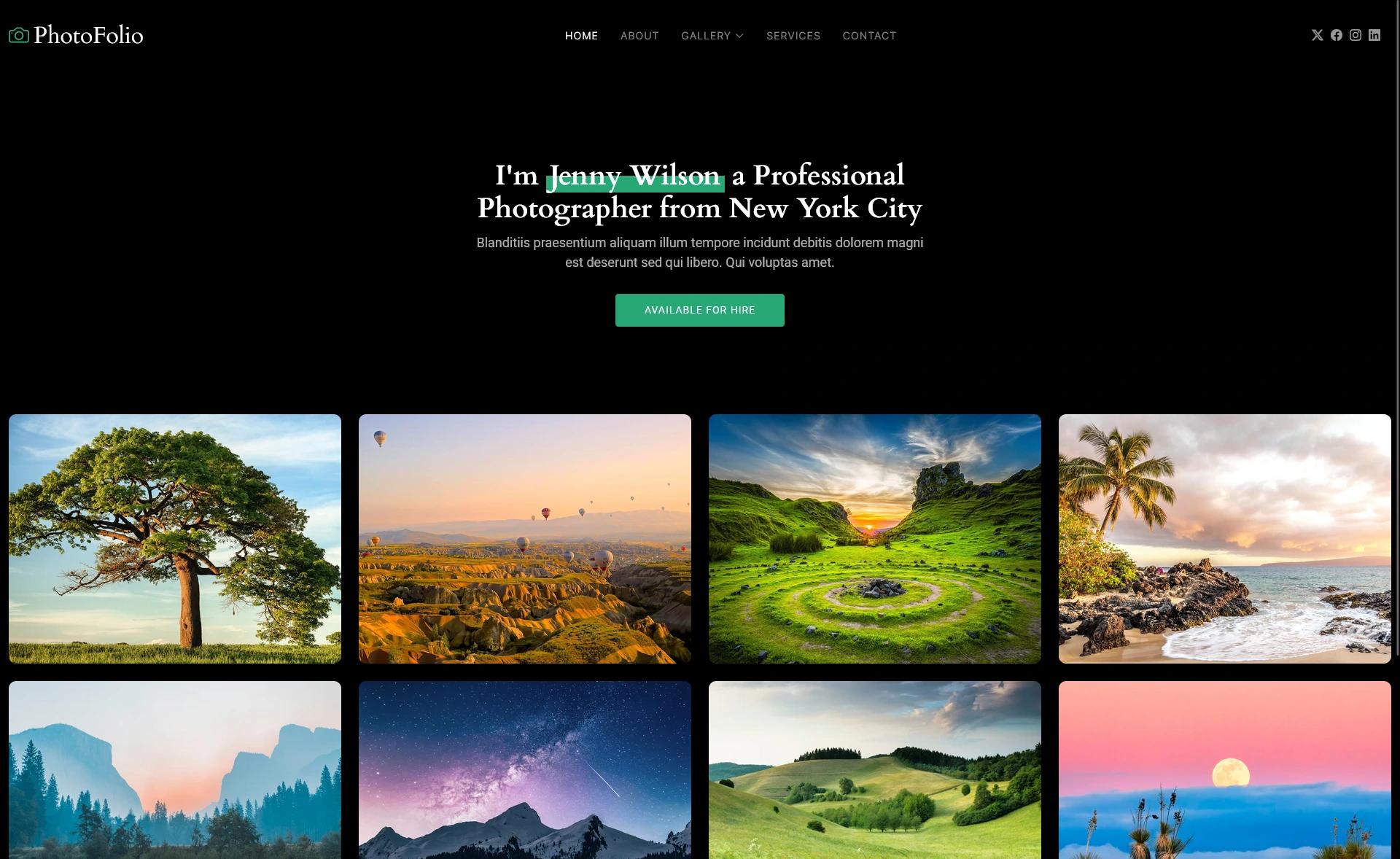
Eleventy Photo Gallery is a starter template for creating a performance-optimized photo or art gallery website using the Eleventy static site generator. It takes a folder of images and a JSON data file describing each image, then generates a static site with a CSS-grid gallery homepage, paginated featured image pages, a gallery page, an about page, and responsive <picture> markup produced at build time. The template is maintained by tannerdolby on GitHub and includes a live demo deployed on Netlify.
What is Eleventy Photo Gallery?
Eleventy Photo Gallery is a starter template for building a photo or art gallery with the Eleventy (11ty) static site generator. It accepts image files stored in a local folder plus metadata in a global data file (_data/gallery.json), and outputs a fully static site with optimized responsive images, multiple page templates, and SCSS-based styling. The project is open-source, available on GitHub, and hosted as a live demo on Netlify.
Key Features
- Build-time image transformations — Uses
@11ty/eleventy-imgto generate responsive images in multiple formats (e.g., JPEG, WebP) and output<picture>markup automatically. - High Lighthouse scores — The demo site scores 100s across all categories and is listed on the Eleventy Leaderboards.
- Social share metadata —
eleventy-plugin-metagenpopulates document metadata for social sharing. - Prebuilt pages — Includes a home page gallery grid, featured image pages with pagination, a gallery listing page, and an about me page.
- SCSS styling — All styles are compiled from Sass at build time, with support for partials, mixins, variables, and
@use/@forwardmodular loading. - Simple data model — Image metadata lives in
_data/gallery.json, each entry containing title, date, credit, link, src, alt, and imgDir. - Flexible shortcode — The
imgshortcode lets you generate responsive images anywhere in templates with custom alt text, sizes, and classes.
Who is it for?
- Photographers wanting a clean, fast portfolio to showcase their work without managing a CMS.
- Artists who want to display a gallery of their pieces with pagination and social sharing.
- Eleventy developers looking for a battle-tested starter that demonstrates image optimization and modular SCSS workflows.
What can you do with it?
- Add your own images — Drop images into a folder (e.g.,
src/images/) and add matching entries to_data/gallery.json; the homepage grid and featured pages update automatically. - Generate responsive images anywhere — Use the
imgshortcode in any template to produce<picture>elements with source sets and sizing hints. - Customize the design — Edit
src/_includes/sass/style.scssdirectly, or add new partials and load them with@forward/@use. - Deploy instantly — Click the green "Use Template" button on GitHub, then connect the repo to Netlify to get a live gallery site.
How does the template work?
After cloning the repository, run npm install to pull dependencies. Add your images and metadata, then run npm run build to generate the static site, or npm run start/npm run dev for local development. The build process compiles SCSS to CSS, runs image transformations through eleventy-img, and outputs the final HTML pages.
FAQ
Do I need an image CDN or external service?
No, the template handles all image transformation locally at build time through the @11ty/eleventy-img plugin. You add the original image to your project folder, and the build process generates resized copies in formats like JPEG and WebP, along with the corresponding picture and source markup. No external image service is required.
Can I use the template for a non-photography gallery?
Yes, the template is designed for any visual collection, not just photographs. You can display artwork, product shots, or any image-based content by adding your images to the project and updating the metadata in the _data/gallery.json file. The structure relies on simple data fields like src and alt, so it adapts to whatever images you provide.
Is there a live demo to preview the result?
Yes, the project includes a live demo at https://eleventy-gallery.netlify.app/ so you can see the gallery layout, pagination, and responsive images in action. The demo is also listed on the Eleventy Leaderboards, which tracks the performance of Eleventy sites, and it consistently scores 100s on Lighthouse across all categories.
How do I customize the site styles?
The main SCSS file is src/_includes/sass/style.scss. You can write directly in that file for immediate changes, since all CSS is compiled from Sass at build time. For a modular approach, create new partial files in directories like sass/partials, sass/mixins, or sass/vars, then load them using @forward in an _index.scss and @use in the main stylesheet.