Template details
PHOTORAMA
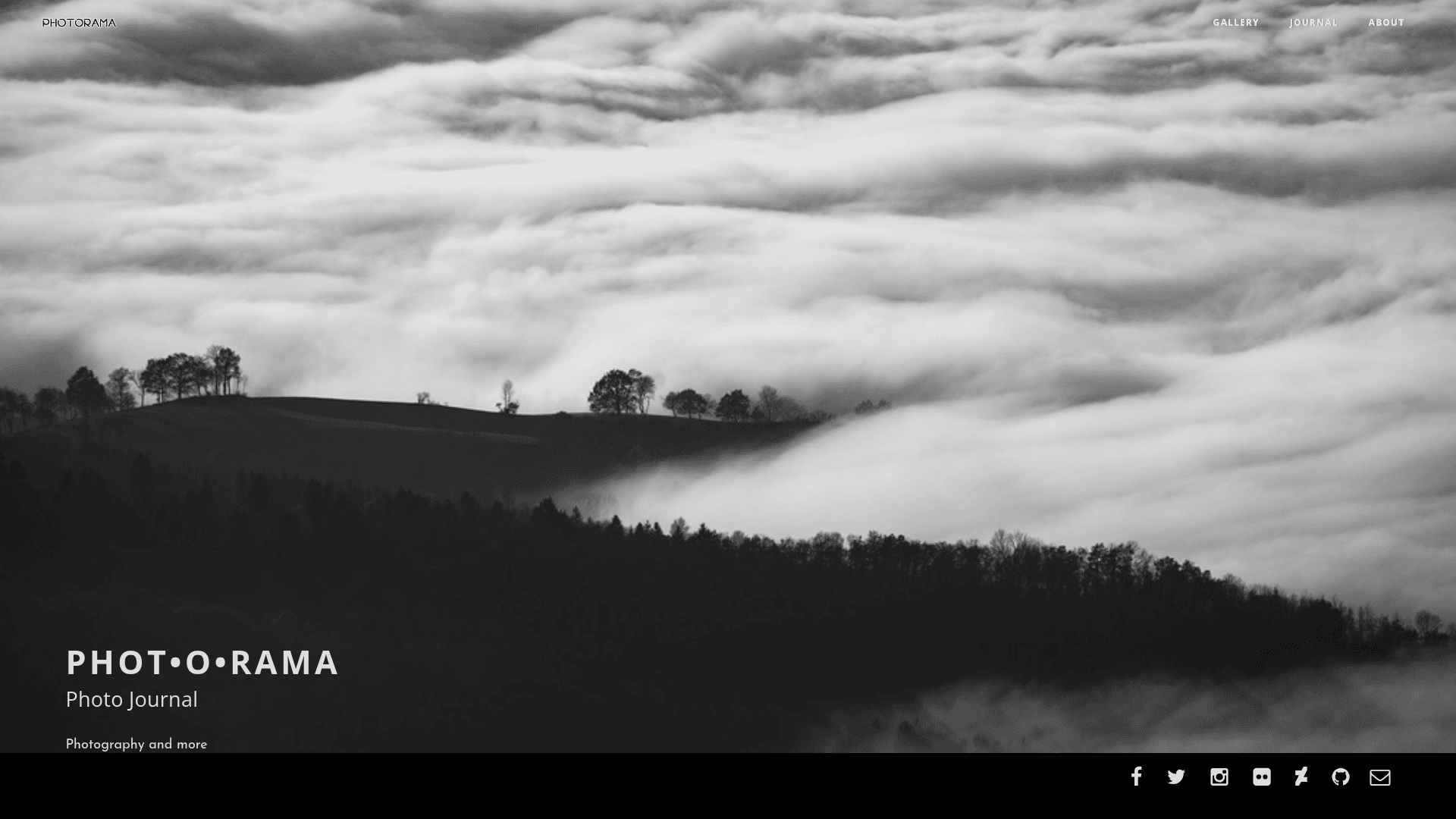
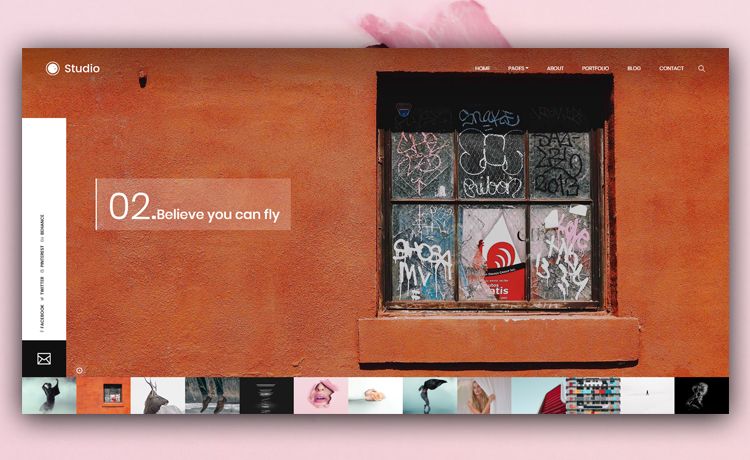
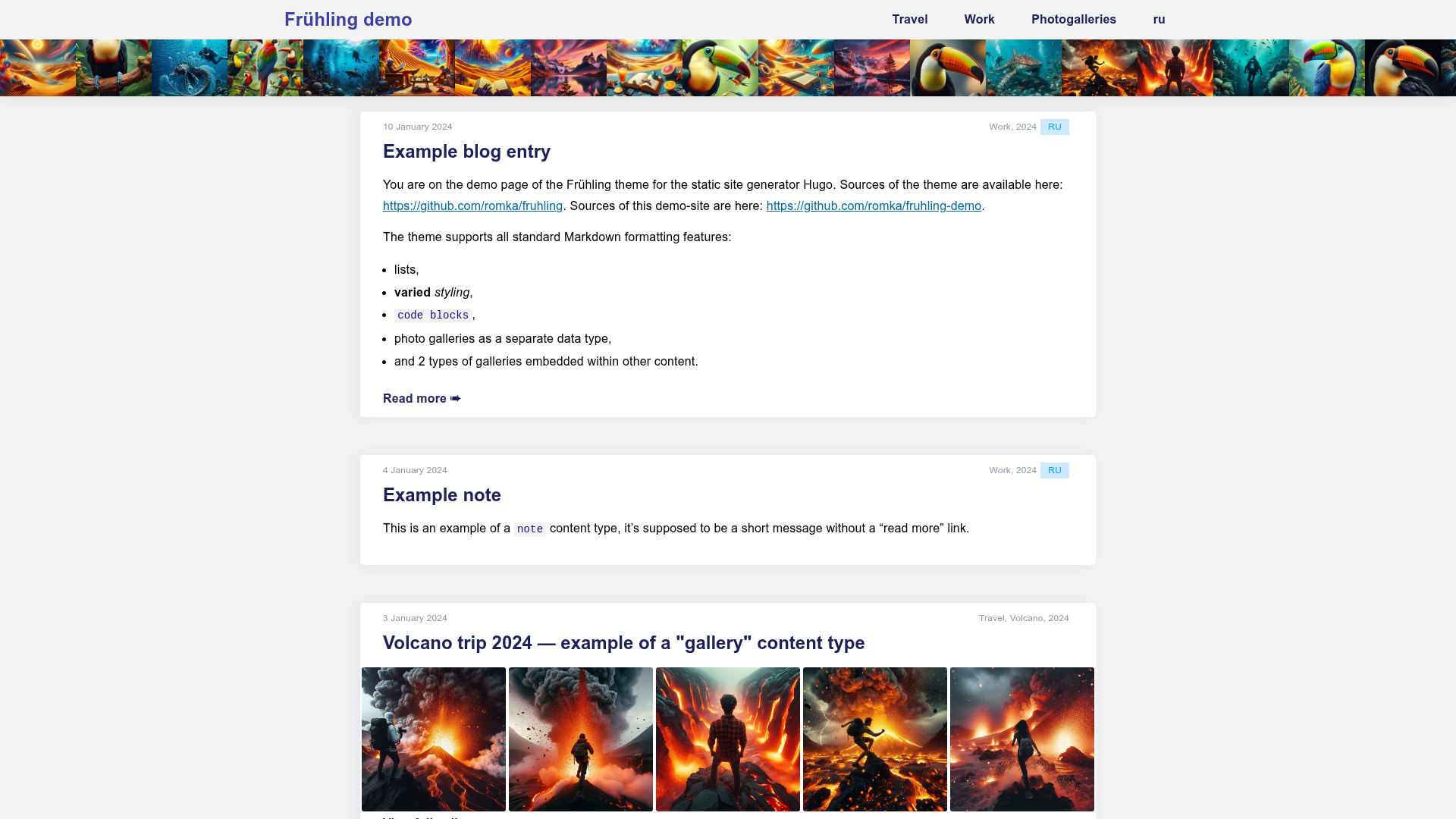
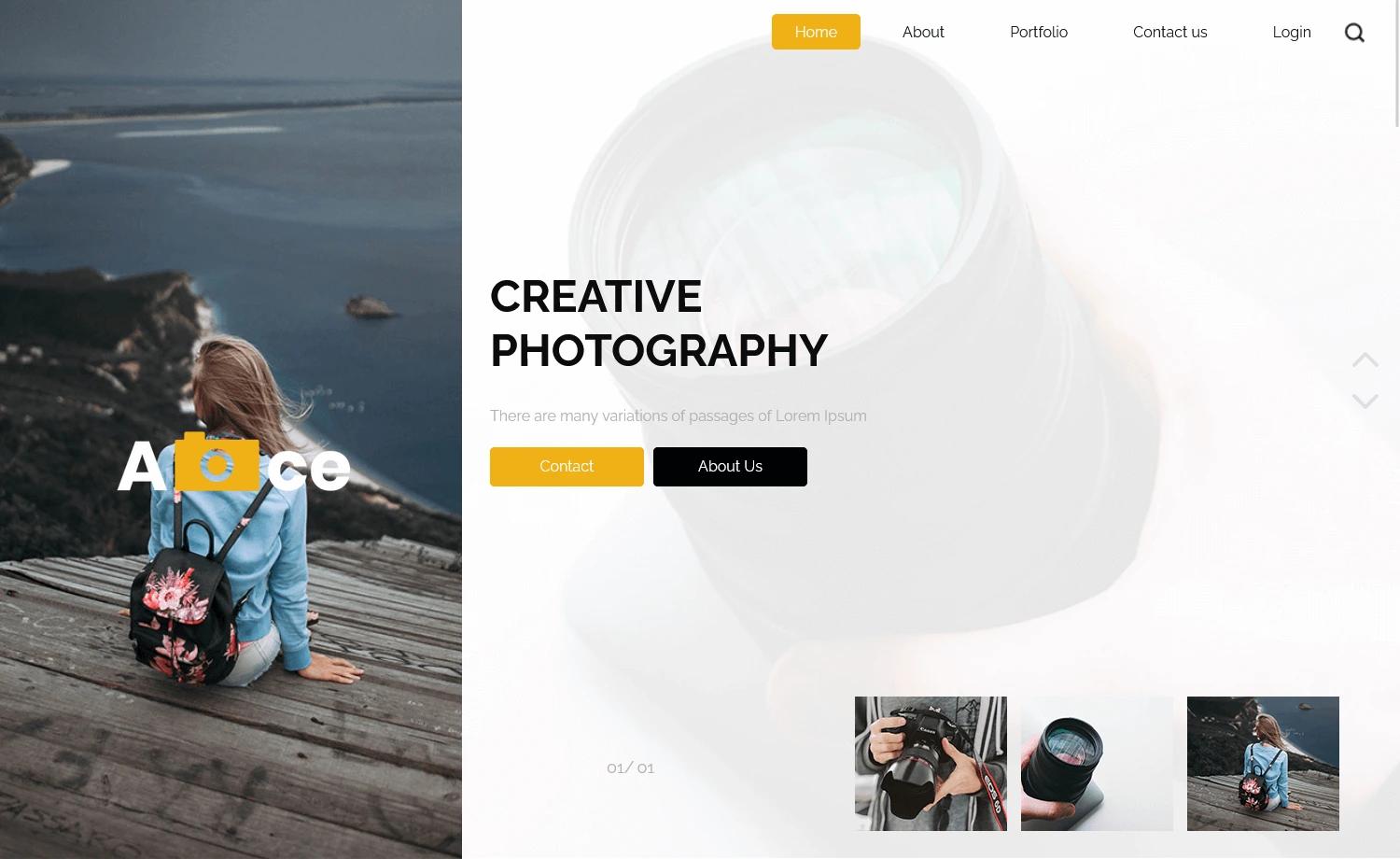
A free, open-source Jekyll theme for photobloggers and artists, built for GitHub Pages with animated photo galleries.
About this template
PHOTORAMA is a free, open-source Jekyll theme for photobloggers and artists, built for GitHub Pages project sites, that turns Markdown posts and photos into an animated photo blog with galleries, a journal, newsletters, and comment support.
What is PHOTORAMA?
PHOTORAMA is a Jekyll theme designed specifically for GitHub Pages project pages, created by sunbliss and based on the Clean Blog Jekyll template. It takes Markdown-based posts and images as input and produces a static website featuring an animated three-photo homepage, a journal (blog), tag and category pages, an image gallery with search, and a newsletter page. The theme is distributed under the MIT License and enforces HTTPS from version 2.0 onward. It is not a portfolio-only theme; it pairs the visual gallery with a full journal so photographers can write stories around their images.
What makes PHOTORAMA stand out?
- Animated homepage intro — The homepage shows three landscape-oriented photos that animate, making the first impression visual.
- Journal with tags and categories — Posts use front matter tags and categories; to display them, you must create matching markdown files inside /journal/tag/ and /journal/category/ folders.
- Newsletter integration — Built-in support for TinyLetter: replace 'yourproject' in newsletter.html with your TinyLetter username, and a separate newsletter template generates standalone HTML pages like 2016-March-newsletter.html.
- Disqus comments — Enable per-post comments by setting comments to true in front matter and replacing the shortname in disqus_comments.html.
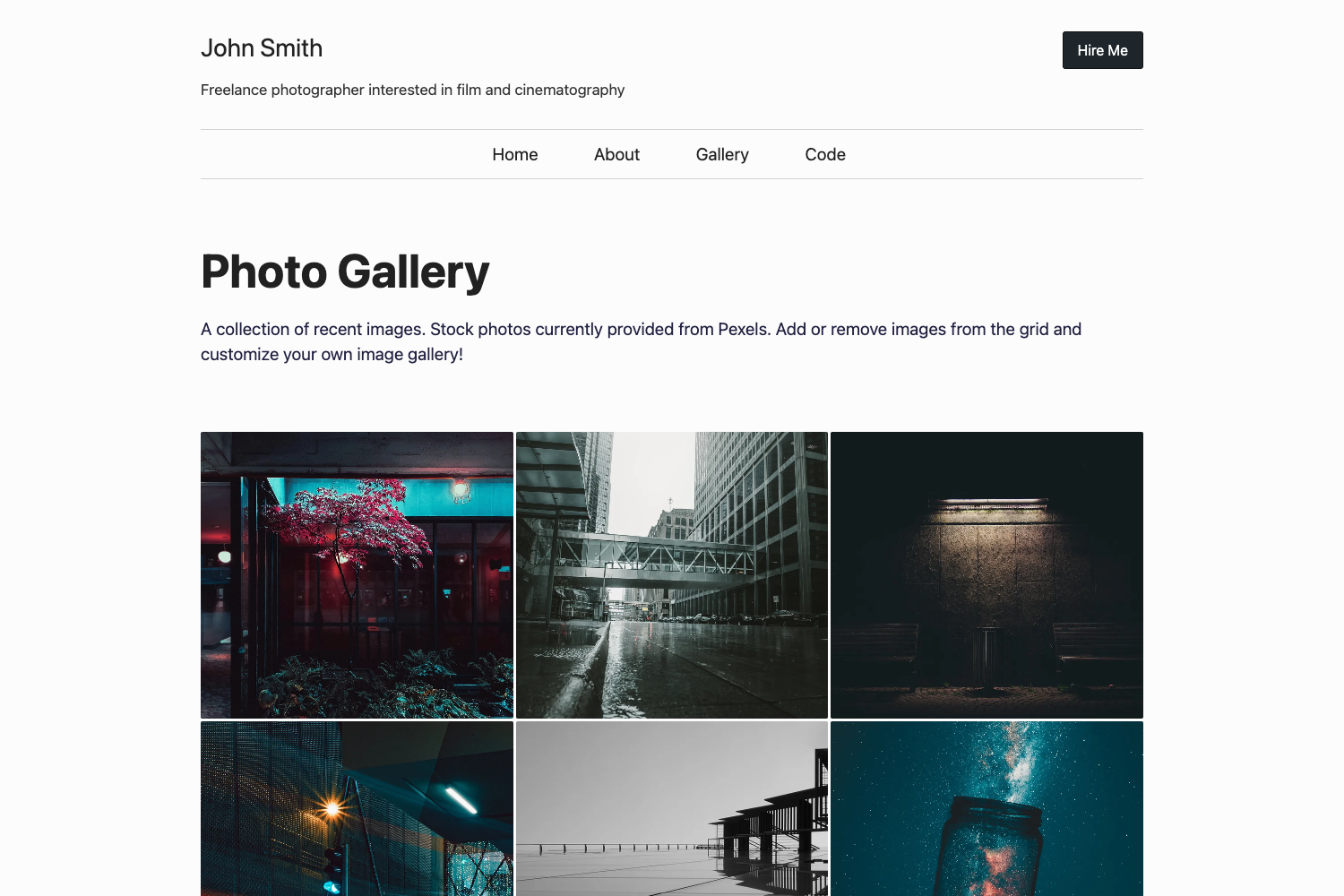
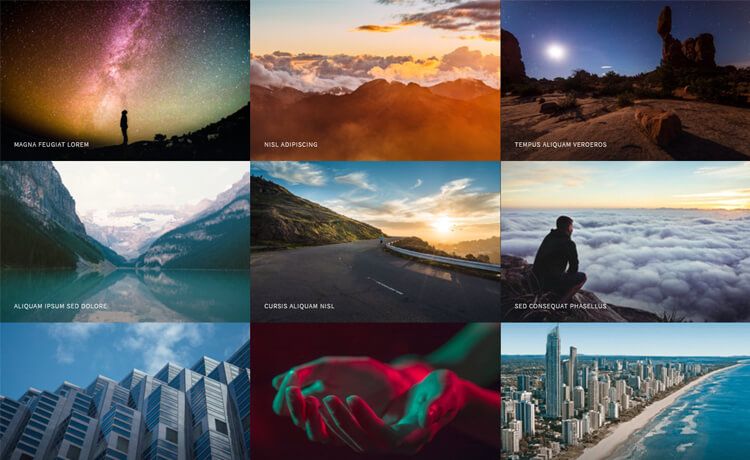
- Search overlay and galleries — Version 1.1 improved galleries and added a search section, so visitors can filter the journal and image collections.
- HTTPS and custom domains — Since version 2.0 HTTPS is enforced; custom domains work via a CNAME file, with instructions for adding a CNAME record at your registrar.
- Reading time indicator — The journal displays an estimated reading time for each post, visible in the GitHub topics list and the journal layout.
- Bootstrap foundation — Inherits the responsive Bootstrap grid and styling from the Clean Blog template, so the layout is responsive out of the box.
Who should use PHOTORAMA?
- Photobloggers — Publish image-focused posts with tags, categories, and Disqus comments, and use the animated homepage to feature three photos.
- Artists and visual creators — Use the gallery and search sections to present a portfolio alongside a journal of behind-the-scenes stories.
- GitHub Pages users — Anyone who wants a free, project-hosted blog without renting a server, using the gh-pages branch workflow and a custom domain if needed.
- Email newsletter authors — Photographers who already use TinyLetter can send branded newsletters with the included newsletter template and link back to their journal posts.
What can you do with PHOTORAMA?
- Photobloggers: publish posts with front matter tags and categories, and enable Disqus comments so readers can respond directly on each photo post.
- Artists: create gallery pages for different projects and use the search overlay to let visitors filter by keyword or category.
- GitHub project maintainers: keep a change log or journal for a project and host it on the same gh-pages domain as the repo.
- Newsletter writers: send TinyLetter campaigns that reference your journal, and archive them as standalone HTML pages under your site.
How does PHOTORAMA work?
The quick start involves forking the repository, renaming it, creating a gh-pages branch, and setting it as the default branch. GitHub then builds the Jekyll site automatically and publishes it at yourusername.github.io/repositoryname. Before publishing, you need to update the URL and BASEURL in _config.yml, as well as the internal navigation links for GALLERY, JOURNAL, and ABOUT.
Pricing
PHOTORAMA is free and open source under the MIT License, so there are no licensing or usage fees. The only cost is a GitHub account and optionally a custom domain name.
FAQ
How do I set up PHOTORAMA on GitHub Pages?
Fork the repository, go to the repository settings, rename it to your project, create a gh-pages branch, and set that branch as the default. Then update URL to https://yourusername.github.io and BASEURL to /repositoryname in _config.yml. GitHub will publish the site automatically.
Can I use my own domain with PHOTORAMA?
Yes. Create a CNAME file in the repository root containing your domain (for example, www.yourdomain.com) and add a CNAME record at your registrar pointing to yourusername.github.io/repositoryname. HTTPS is enforced, so the site will be served securely.
Does PHOTORAMA include a built-in newsletter system?
It integrates with TinyLetter rather than having its own backend. You replace 'yourproject' in newsletter.html with your TinyLetter username. A dedicated newsletter template is provided; copy its index.html to a new file such as 2016-March-newsletter.html to publish a standalone newsletter page.
How do I enable comments on my photo posts?
In the front matter of a post, set comments to true. You also need a registered Disqus account and a forum shortname. Find the line s.src = '//yourproject.disqus.com/embed.js' in disqus_comments.html and replace 'yourproject' with your shortname.
What about tags and categories? Do I need extra files?
Yes. When you add a tag or category in a post's front matter, you must create a corresponding markdown file in /journal/tag/ or /journal/category/ so that the tag or category page renders. The theme will not automatically generate those pages.