Template details
Studio
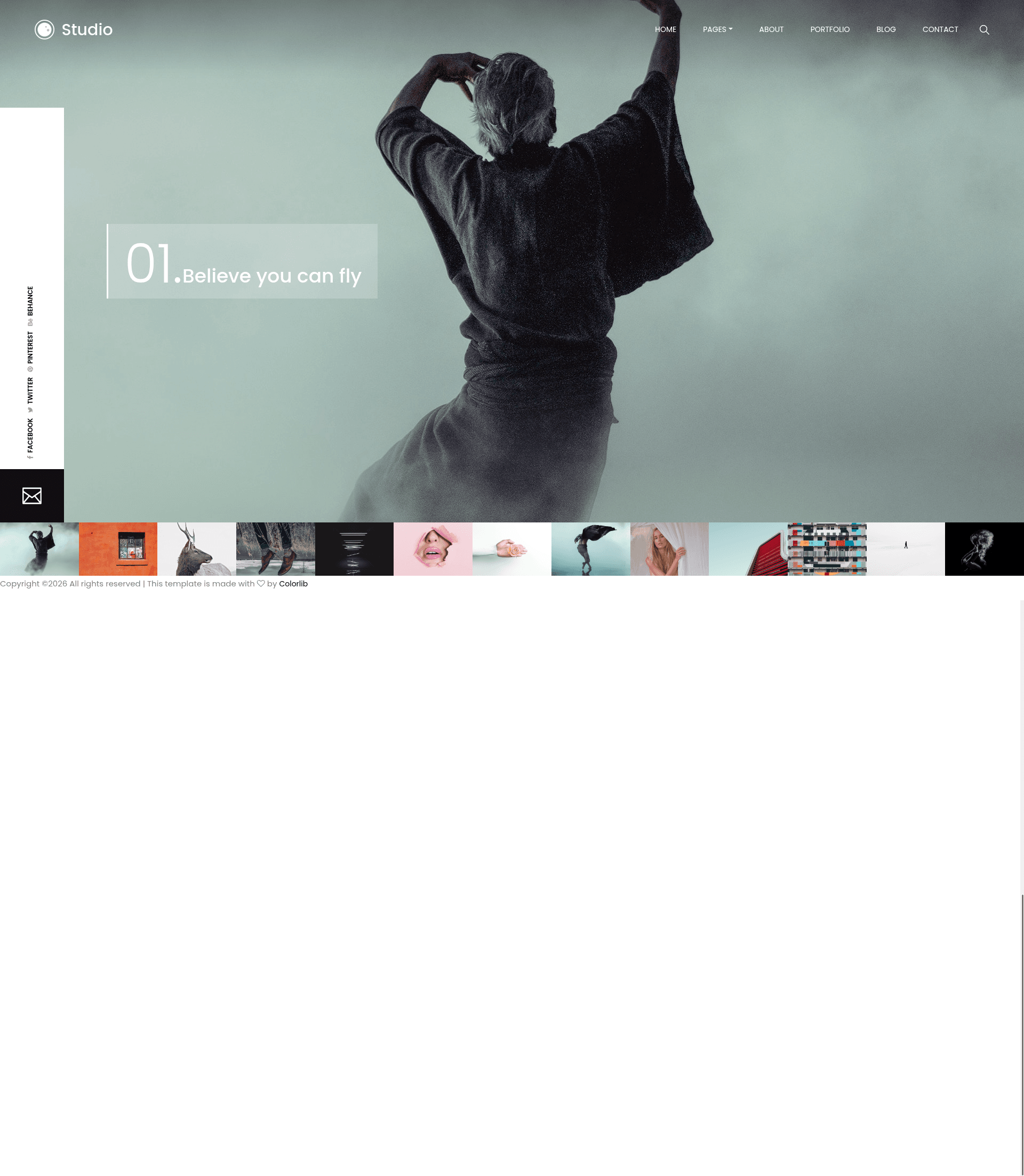
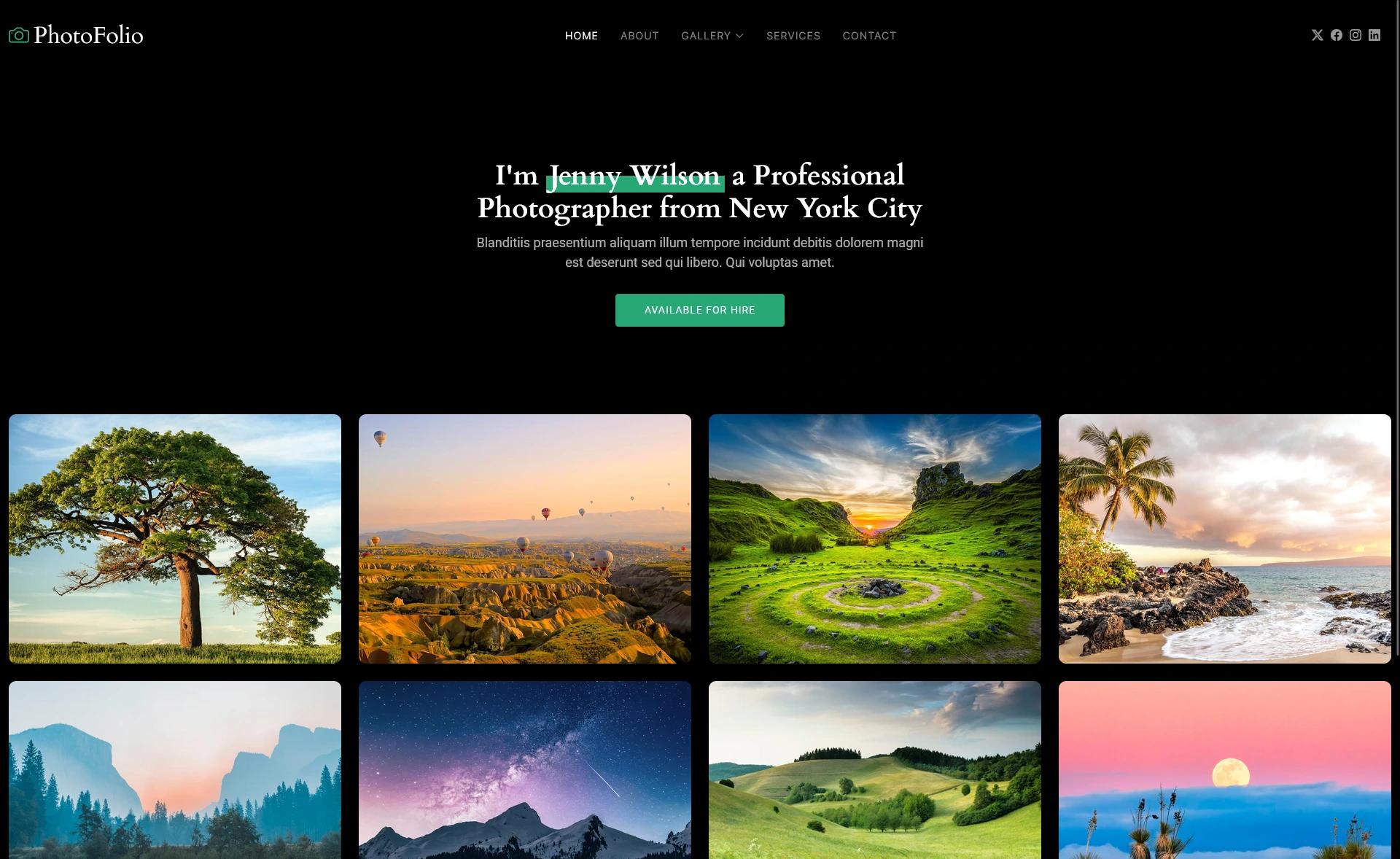
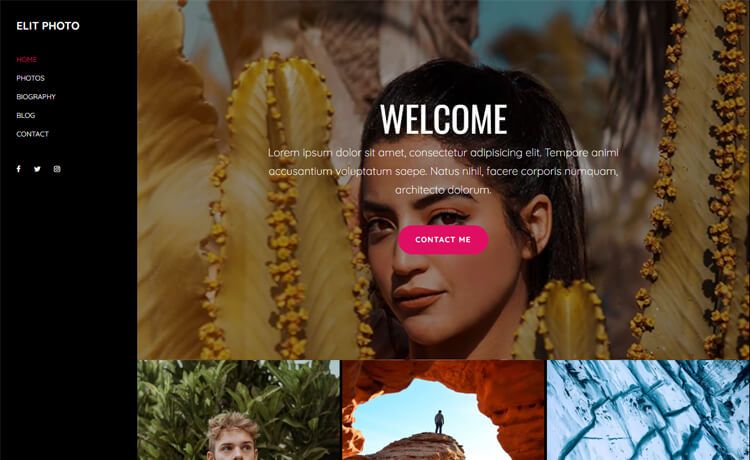
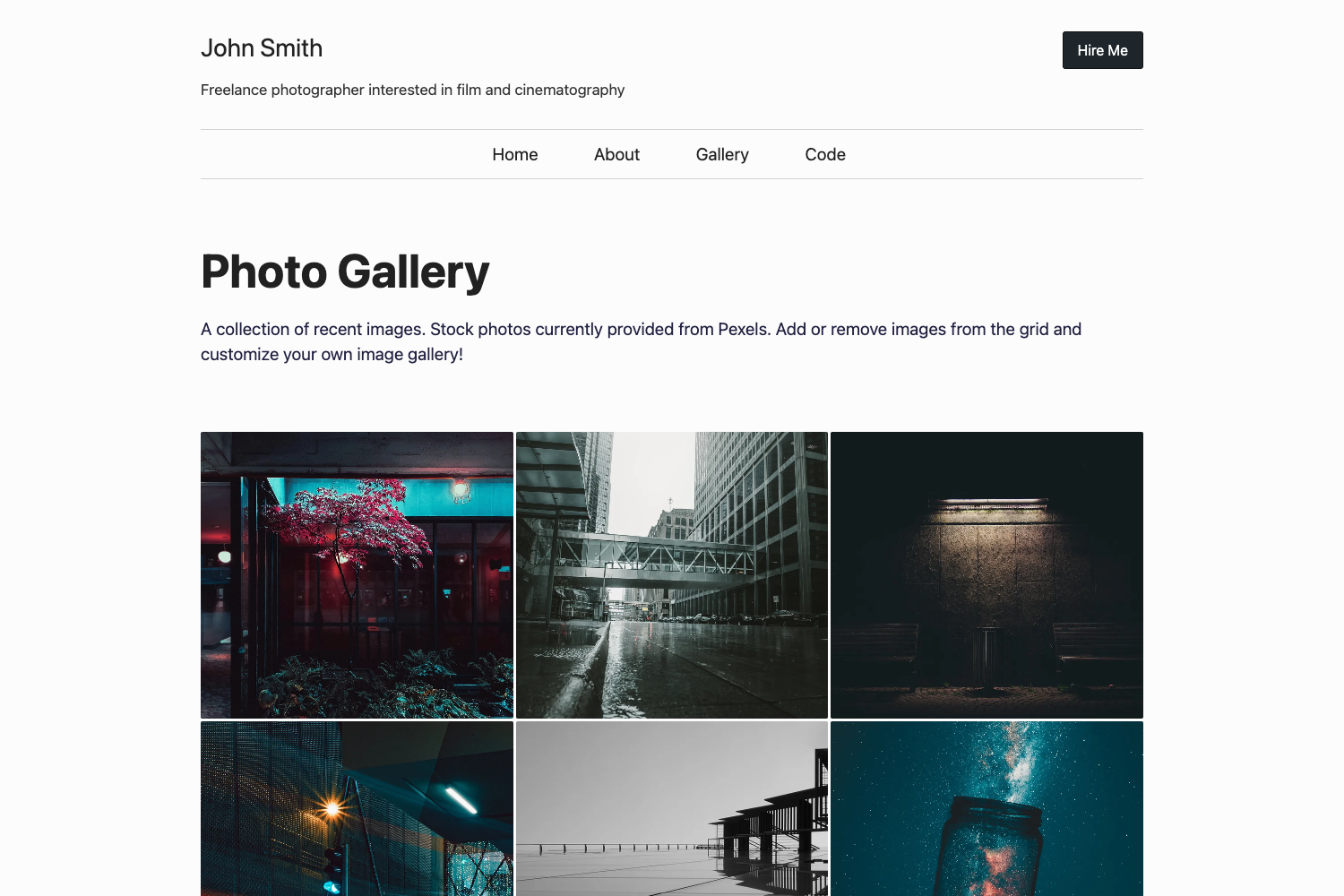
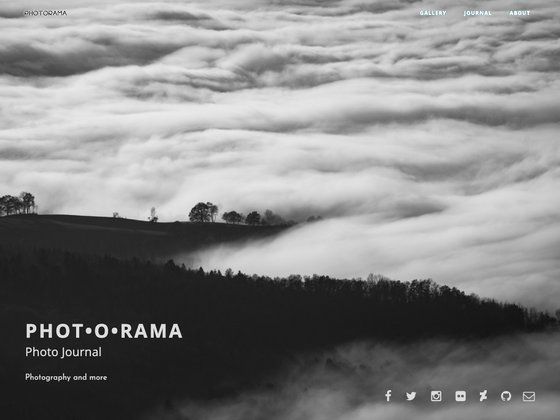
Free multipage Bootstrap 4 photography template from Colorlib with carousel header, lightbox portfolio, blog, and contact page.
About this template
Studio is a free, multipage Bootstrap 4 photography template created by Colorlib and distributed through ThemeWagon, built to give photographers a complete website with a full-screen carousel header, filterable portfolio, blog, and contact page.
What is Studio?
Studio is a static HTML/CSS/JS template that runs on any web host without a server-side framework, packaged as six HTML files, nine CSS files, and six JavaScript files plus demo images. It outputs a responsive photography website with a homepage featuring a creative carousel slider, an about page with circular skill progress bars, a portfolio page with a lightbox gallery, a blog with pagination, and a contact page that integrates Google Maps and a contact form. The template was built on Bootstrap 4 and includes jQuery 2.2.4, FontAwesome icons, Animate.css, and Magnific Popup for lightbox effects.
Key Features
- Bootstrap 4 layout — Built on the Bootstrap 4 grid and components, ensuring responsive behavior across Chrome, Edge, Firefox, Opera, Safari, and mobile devices.
- Full-screen carousel header — A creative Owl Carousel slider fills the homepage header with vivid color combinations and minimal scrolling.
- Multipage structure — Includes separate about, portfolio, blog, and contact pages, plus a homepage, giving visitors a full site rather than a one-page layout.
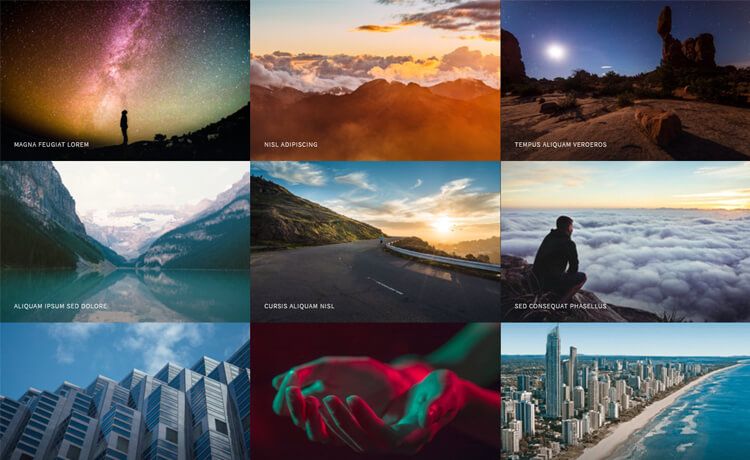
- Lightbox portfolio gallery — A filterable image gallery with Magnific Popup lightbox lets you showcase photographs, project works, and creative pieces with on-hover effects.
- Sticky navigation with dropdowns — The navigation bar stays visible on scroll, supports dropdown items, and includes a search icon that reveals a uniquely designed search field.
- Circular progress bars and custom icons — The about page displays expertise areas at a glance using animated circular progress bars paired with custom icons.
- Contact integration — The contact page includes Google Maps and a contact form; clicking the mail icon in the left social media panel opens a pop-up with a contact form.
- Instagram feed and back-to-top — An Instagram feed and a back-to-top button are included to improve the browsing experience.
Who is it for?
- Photographers — to build a portfolio site that leads with a full-screen slider, showcases work in a filterable lightbox gallery, and tells their story on an about page with skill bars.
- Creative freelancers — who need a blog to share updates and a contact page with map and form to receive client inquiries.
- Small studios and agencies — that want a multipage website with a portfolio section, social media links, and a professional contact page.
What can you do with Studio?
- Photographers: display a full-screen header slider with your best shots and organize project galleries with filterable lightbox images.
- Bloggers: publish a simple, readable blog section with pagination and back-to-top navigation for longer posts.
- Agencies: create a complete web presence with about, portfolio, blog, and contact pages in one free download, plus social media icons linking to your profiles.
FAQ
Is Studio free?
Yes, Studio is a free template. It is open source, can be used in commercial projects, and comes with lifetime free updates. No license or attribution fee is required.
What files are included in the Studio download?
The package includes six HTML files, nine CSS files, six JavaScript files, and demo images. These cover the homepage, about, portfolio, blog, and contact pages, along with all necessary assets.
Does Studio work on mobile browsers?
Studio uses Bootstrap 4's responsive layout, and ThemeWagon lists it as compatible with Chrome, Edge, Firefox, Safari, Opera, and mobile browsers. The sticky navigation and carousel are designed to adapt to smaller screens.
Who created Studio?
Studio was created by Colorlib, a well-known author of free website templates, and is distributed on ThemeWagon. The template's credits include Bootstrap 4, jQuery 2.2.4, FontAwesome, Animate.css, and Magnific Popup.
Can I customize Studio?
Yes, because it is static HTML/CSS/JS with no proprietary build step, you can edit the source files directly to change colors, images, text, and layout. The included CSS and JavaScript files let you adjust styling and behavior without a framework.