Template details
Hugo Frühling Theme
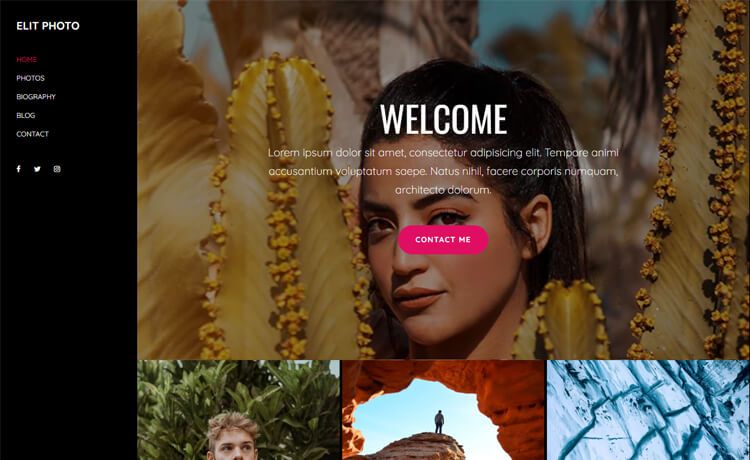
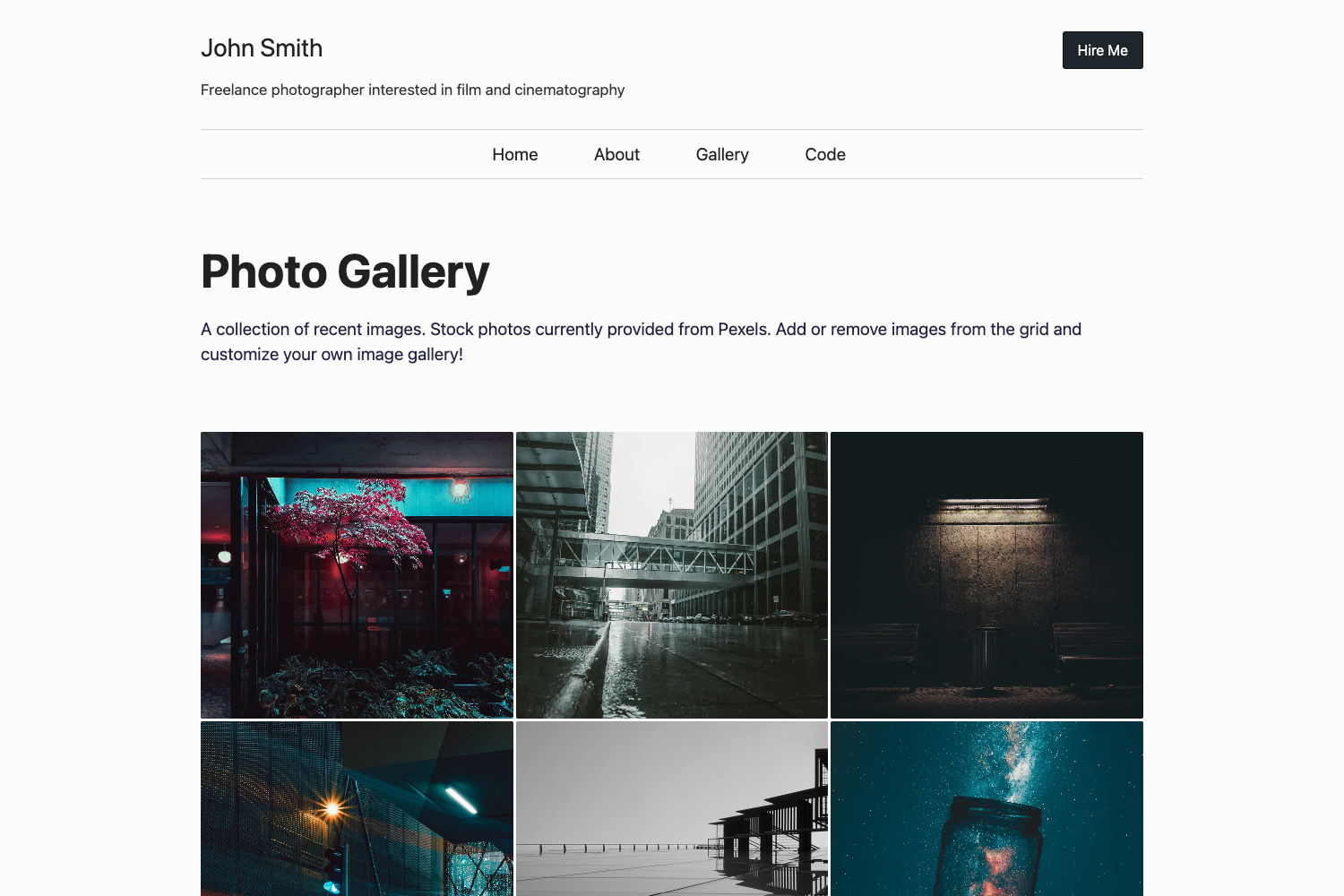
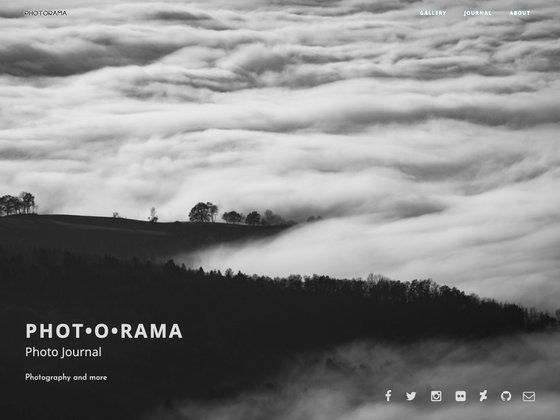
A photo-centric Hugo theme with four content types, gallery shortcodes, and a photomosaic header, built for Romka.eu.
About this template
The Hugo Frühling Theme is a photo-focused Hugo theme that provides four content types, embeddable gallery shortcodes, and a randomized photomosaic header, built for the Romka.eu blog.
What is the Hugo Frühling Theme?
The Hugo Frühling Theme is a static-site theme for the Hugo site generator, originally developed for the Romka.eu blog. It takes Markdown content organized into four post types and produces a photo-heavy blog with an automatically generated photomosaic header. The theme integrates three JavaScript libraries: lightgallery for lightbox galleries, masonry for responsive grid layouts, and swiper for carousels. A comprehensive demo of the theme runs on Romka.eu, and a simplified demo is deployed to GitHub Pages from the repository romka/fruhling-demo.
Key Features
- Four content types — The theme defines two text-based types, blog and note, and two photo-based types, gallery and story. Blogs and galleries have more extensive templates than notes and stories.
- Embedded gallery shortcodes — Two shortcodes,
embedded-galleryandembedded-local-gallery, let you embed photo and video galleries directly into any post. - Custom image shortcodes — Additional image-related shortcodes are available in the
layouts/shortcodesdirectory, giving authors flexible image placement beyond the built-in gallery shortcodes. - More shortcode — The
moreshortcode inserts a div with the idread-more, enabling navigation from a "read more" link to a custom position on the page. - Photomosaic header — The header displays a row of random photos pulled from all images under the
contentdirectory. By default, the number of unique generated mosaics is limited to 25 for performance, and this is adjustable via the[photomosaic]configuration withnumberOfUniqueMosaics. - Lightgallery integration — Lightgallery is free and open-source, but for commercial use you must purchase a license and insert your license key into the configuration under the
[lightgallery]section.
Who is the Hugo Frühling Theme for?
- Photography bloggers — Publish photo-heavy posts with galleries and stories, and take advantage of the photomosaic header to showcase work across the whole site.
- Personal bloggers — Use the blog and note content types for text-centric entries while still having the option to embed photos.
- Hugo developers — Customize a self-hosted, static photo blog theme by modifying the four content type templates, shortcodes, and photomosaic configuration.
What can you do with the Hugo Frühling Theme?
- Photographers: Create gallery posts containing photos and videos, and embed lightbox galleries inside any article using the provided shortcodes.
- Travel bloggers: Write a story post that mixes narrative text with a visual photomosaic and embedded gallery images.
- Developers: Adjust the
numberOfUniqueMosaicssetting to balance build performance against visual variety on large photo collections.
How does the Hugo Frühling Theme work?
After installing the theme, you organize your Markdown files under the content directory using one of the four content types. Configuration in the Hugo site config file controls the lightgallery license key and the photomosaic limit. Running Hugo builds a fully static site where galleries and photomosaics are rendered with the bundled JavaScript libraries.
Pricing
The Hugo Frühling Theme itself is available from the public repository. The bundled lightgallery library is free and open-source, but a paid license is required for legitimate commercial use; the license key is added to the [lightgallery] section of the Hugo configuration.
FAQ
Is the Hugo Frühling Theme free?
Yes, the theme is available from its public GitHub repository. However, if you use lightgallery on a commercial site, you must purchase a commercial license and set the license key in the Hugo configuration.
What content types does the Hugo Frühling Theme support?
The theme defines four content types: blog, note, gallery, and story. Blog and gallery use more extensive templates, while note and story are designed to be shorter.
How do I embed a gallery in a post?
Use the embedded-gallery or embedded-local-gallery shortcodes inside your Markdown content. Both support photos and videos.
What is the photomosaic header?
The photomosaic header displays a row of random photos aggregated from all photos under the content directory. The number of unique mosaics is capped at 25 by default, configurable via numberOfUniqueMosaics.
Does the theme require JavaScript?
Yes, the theme relies on lightgallery, masonry, and swiper for galleries, grids, and carousels. JavaScript must be enabled in the visitor's browser to use those features.