Template details
Eleventy Starter Tailwindcss
A starter template built with Eleventy static site generator and Tailwindcss
About this template
Eleventy Starter Tailwindcss is a boilerplate template that pairs the Eleventy static site generator with Tailwind CSS and PostCSS to produce optimized, deploy-ready static websites.
What is Eleventy Starter Tailwindcss?
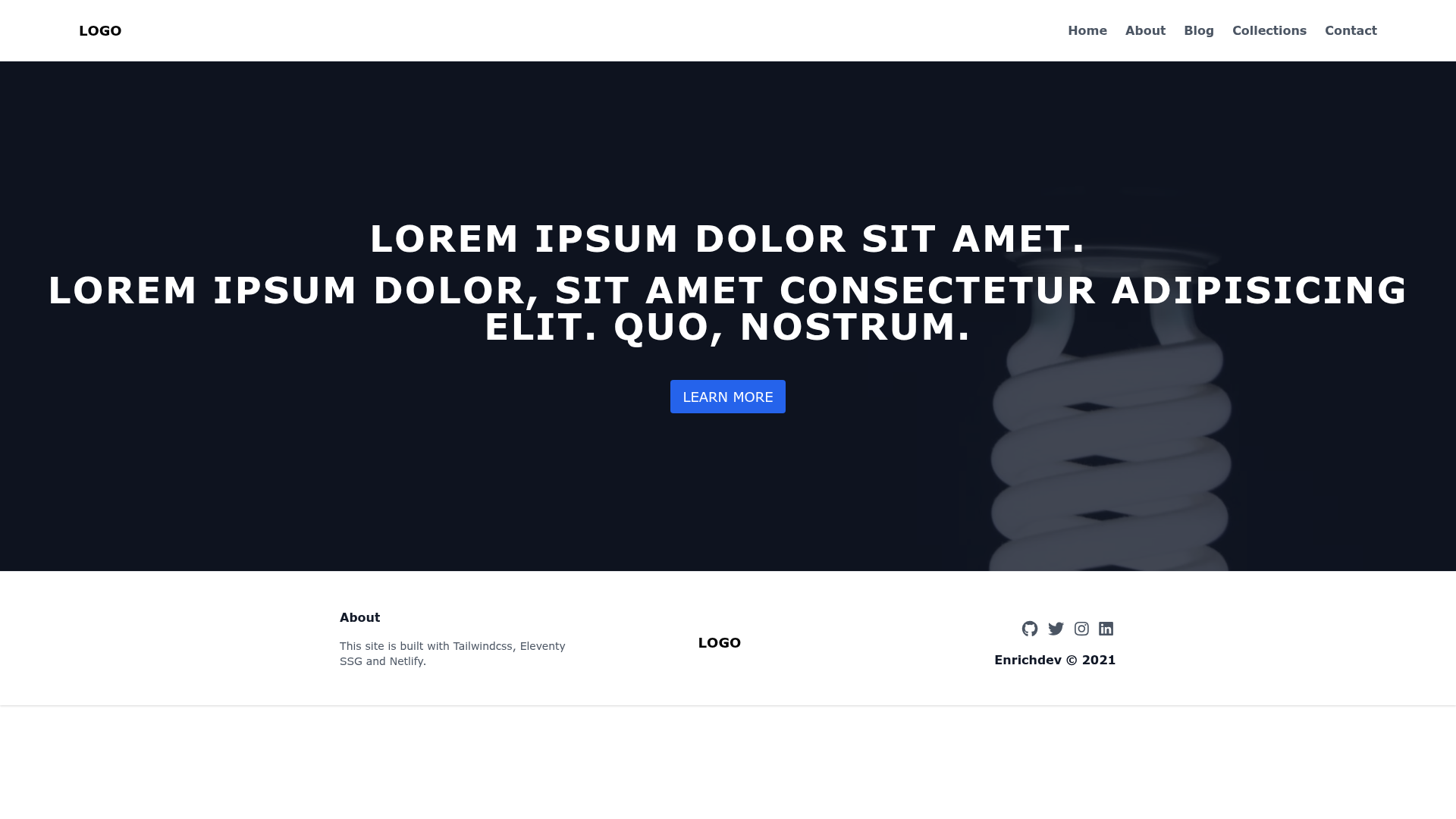
Eleventy Starter Tailwindcss is a starter template for building static sites with Eleventy and Tailwind CSS. It takes source content in the src directory — including Nunjucks templates, HTML partials, and Markdown blog posts — and outputs a fully optimized static site to the _site directory. It runs on Node.js with npm, and it is specifically configured for one-click deployment on Netlify. The template is created by Eric at Enrichdev.
Key Features
Eleventy Starter Tailwindcss bundles a modern static-site build pipeline with Eleventy as the generator, Tailwind CSS for styling, and Netlify for deployment. It includes:
- Eleventy static site generation — Uses Eleventy (11ty) to render Nunjucks layouts and partials, with a
posts.jsondata file to structure blog post collections. - Tailwind CSS with PostCSS — Tailwind directives are injected in
src/css/tailwind.cssand processed via PostCSS; PurgeCSS removes unused CSS and Cssnano optimizes the final output. - HTML minification — HTMLMinifier compresses rendered HTML pages during the production build.
- Development server — Running
npm run devstarts a local server atlocalhost:8080and renders development files into a_tempdirectory. - Production build —
npm run prodgenerates all optimized files into the_sitedirectory, ready for deployment. - Netlify one-click deploy — A Deploy with Netlify button creates a GitHub repo and connects it to Netlify, with build command
npm run buildand publish directory_site. - Pre-built pages — The template includes
index.html,about.html,blog.html,collections.html,contact.html, and two example blog posts undersrc/posts. - Animate on scroll — AOS (Animate on Scroll) is loaded via CDN for scroll-triggered animations.
- Build tooling — Uses
rimraffor cleaning directories andnpm-run-allto orchestrate concurrent npm scripts.
Who is it for?
This template is aimed at developers and content creators who need a clean starting point for a static site without configuring the toolchain themselves.
- Front-end developers — who want a quick start for an Eleventy site with Tailwind CSS without manually wiring PostCSS and PurgeCSS.
- Static site authors — who maintain content as Markdown in
src/postsand want a template that outputs a complete blog with listing and collection pages. - Netlify users — who prefer a one-click deploy setup with automatic builds on every push to a connected GitHub repository.
What can you do with it?
The template's structure supports several common static site projects.
- Personal blog: Write Markdown posts in
src/posts, and the template builds a blog with an index, blog listing, and individual post layouts. - Portfolio or company site: Customize the included
index.html,about.html, andcontact.htmlpages to present a business or personal profile. - Learning project: Study how Eleventy, Tailwind CSS, PostCSS, and Netlify's build pipeline fit together in a minimal, readable codebase.
How does it work?
Clone the repository, install dependencies with npm install, and run npm run dev for local development. For production, run npm run prod to generate the optimized site in _site. To deploy, use the Netlify one-click button or connect the repository manually with build command npm run build and publish directory _site.
FAQ
Answers to common questions about setup, output, and deployment.
What are the requirements to use this template?
You need Node.js and npm installed locally. Netlify is optional for deployment; if you use the one-click deploy, a GitHub account is required.
What output does the production build produce?
Running npm run prod (or npm run build) generates a fully static site in the _site directory, with minified HTML, optimized CSS (via PurgeCSS and Cssnano), and all assets copied from src.
Which static site generator does this template use?
It uses Eleventy (11ty), a JavaScript-based static site generator. Templates are written in Nunjucks (.njk) and plain HTML, and content can be authored in Markdown.