Template details
Research Lab Website Template
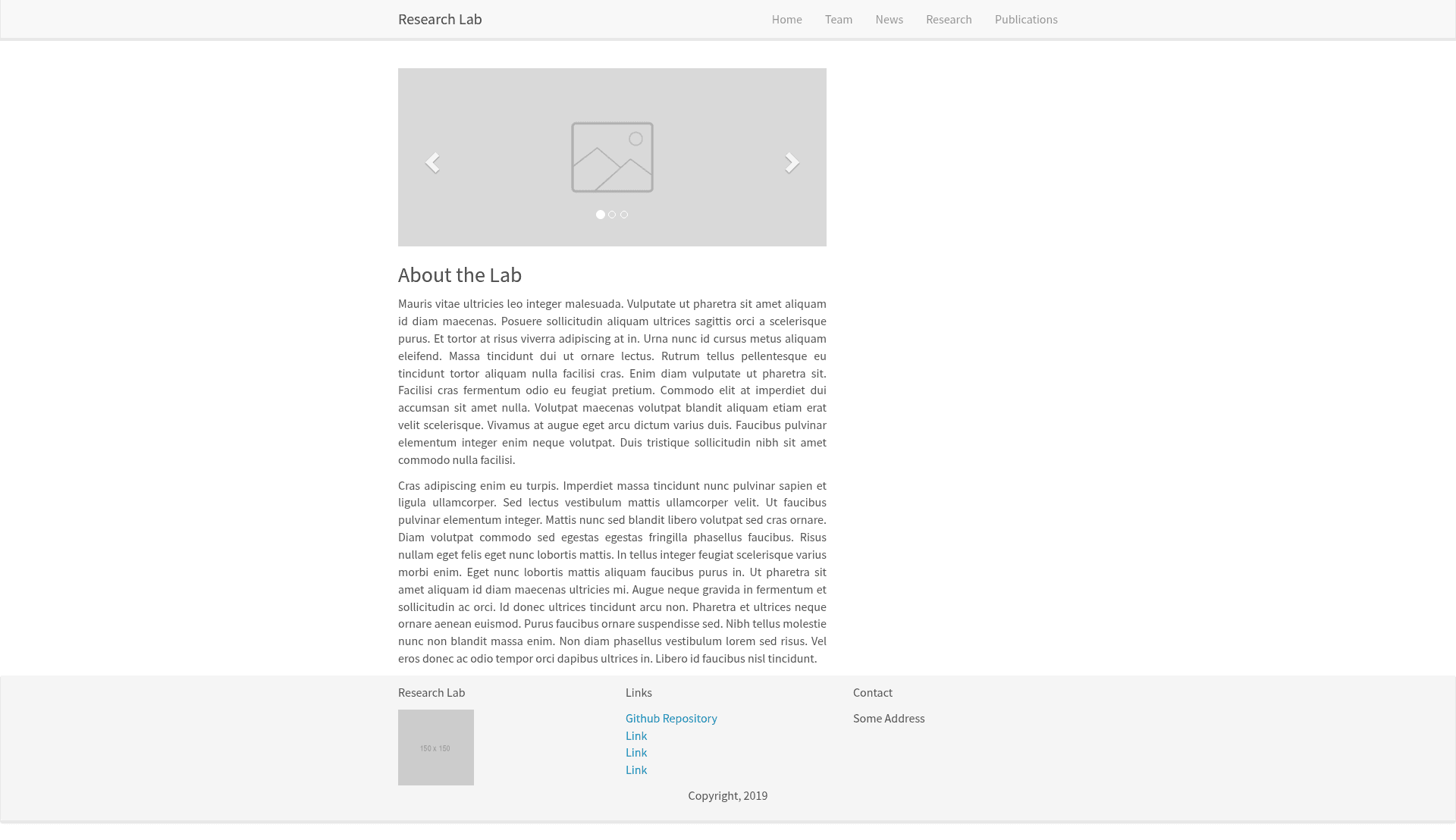
A template for a Research Lab website, built with Jekyll.
About this template
Research Lab Website Template is a free, open-source Jekyll template for building academic research lab websites, derived from the Allan Lab's template at Leiden University. It outputs a static HTML site with team, publication, and news sections, and is designed for simple content management through Markdown, JSON, and YAML files.
What is the Research Lab Website Template?
The Research Lab Website Template is a static website generator for research groups that uses Jekyll to compile flat content files into a complete lab website. Inputs are Markdown files for team members, a JSON export from Zotero for publications, and YAML entries for news; the output is a set of static HTML pages ready to deploy to Netlify, GitHub Pages, or any web host. The project is a derivative of the well-known Allan Lab template at Leiden University and relies on Bootstrap for its visual design.
Key Features
The template packs the essential components of a lab website into a lightweight Jekyll project with no database overhead.
- Jekyll static site generation — The site is built with Jekyll, so content lives in plain files and is compiled to HTML; there is no server-side application or database to maintain.
- Team member pages — Adding a researcher is as simple as creating a Markdown file in
_pages/team/_postswith a YAML front-matter block that defines layout, category, title, photo, role, permalink, social media links (Twitter, LinkedIn, Google Scholar, GitHub, ORCID, ResearchGate), and an education list. - Zotero-friendly publications — The
_data/publications.jsonfile stores all papers and is formatted as a Zotero export; entries include the Zotero ID, type, title, container journal, volume, issue, pages, abstract, DOI, authors, and issue date. - News and announcements feed — News items are added to
_data/news.ymlwith date, title, tags, and content fields, allowing the lab to share recent updates and achievements. - Bootstrap-based layout — The visual framework is Bootstrap, and the README points developers to the
_layoutsand_pagesdirectories for customizing components. - Netlify deployment readiness — The repository includes a Netlify status badge and deploy link, indicating the template is configured for quick deployment on Netlify's static hosting platform.
- Local preview workflow — Running
bundle installand thenbundle exec jekyll servestarts a local web server for previewing the site during development.
Who is it for?
This template is built for academic research groups that need a credible web presence without maintaining a CMS or database.
- Principal investigators and lab heads can quickly publish a team roster, lab news, and a full publication list on a clean, professional site.
- Lab members and postdocs can contribute content by editing a Markdown or YAML file and submitting a pull request, since no special CMS knowledge is required.
- University web developers can fork this repository as a starting point for lab sites and adapt the Bootstrap-based layouts to match institutional branding.
What can you do with it?
- Lab directors: establish an online home for your lab by adding a team page for each researcher with bios, photos, and links to their Google Scholar, ORCID, and ResearchGate profiles.
- Researchers: keep your publication record up to date by appending entries to
publications.json, either manually or by exporting directly from Zotero. - Lab administrators: post news about grants, awards, or events by adding YAML entries to
news.yml, optionally tagging them for organization. - Web developers: customize the site's look and structure by editing Bootstrap components in the
_layoutsfolder or adding new pages under_pages.
How does it work?
The template follows a standard Jekyll workflow. After installing Ruby and Jekyll, you clone the repository and run bundle install to install the necessary gems. Running bundle exec jekyll serve builds the site and serves it locally; Jekyll watches the content files and rebuilds on changes. To publish, you can push the repository to a static hosting service such as Netlify, which builds the site automatically.
Pros and cons
- Pros: Hosting is simple and cheap because the site is static; content is version-controlled in Git; publications are easy to import from Zotero; the template is free and open source.
- Cons: You need Ruby and Jekyll installed locally to preview changes; there is no admin interface, so content edits happen directly in code files; the predefined section structure may not fit labs with unusual needs.
Pricing
The template is free to use and modify. It is published as an open-source GitHub repository, and there are no paid tiers or license fees associated with the template itself.
FAQ
How do I add a new team member?
Create a new Markdown file in the _pages/team/_posts directory. In the YAML front matter, set the layout to member, choose a category such as staff, and fill in the researcher's title, image filename, role, permalink, social media URLs, and education list. Write the bio in the body of the file.
How do I add a publication?
Open _data/publications.json and add a new object to the existing list. Follow the format shown in the README, which includes the Zotero identifier, type, title, container title, page range, volume, issue, source, abstract, DOI, author list, and issued date. This structure matches Zotero's export format.
How do I run the site locally?
Install Ruby and Jekyll on your machine, then run bundle install followed by bundle exec jekyll serve in the project directory. The terminal will display a localhost URL where you can view and test the site.
Does the template require a database?
No. The template is powered by Jekyll, a static site generator. All content is stored in plain Markdown, JSON, and YAML files, and Jekyll converts them into static HTML files at build time. There is no database or server-side processing.
Is the template free?
Yes, this is a free, open-source template hosted on GitHub. You can clone it, modify it, and deploy it for your research lab without paying any license fees.