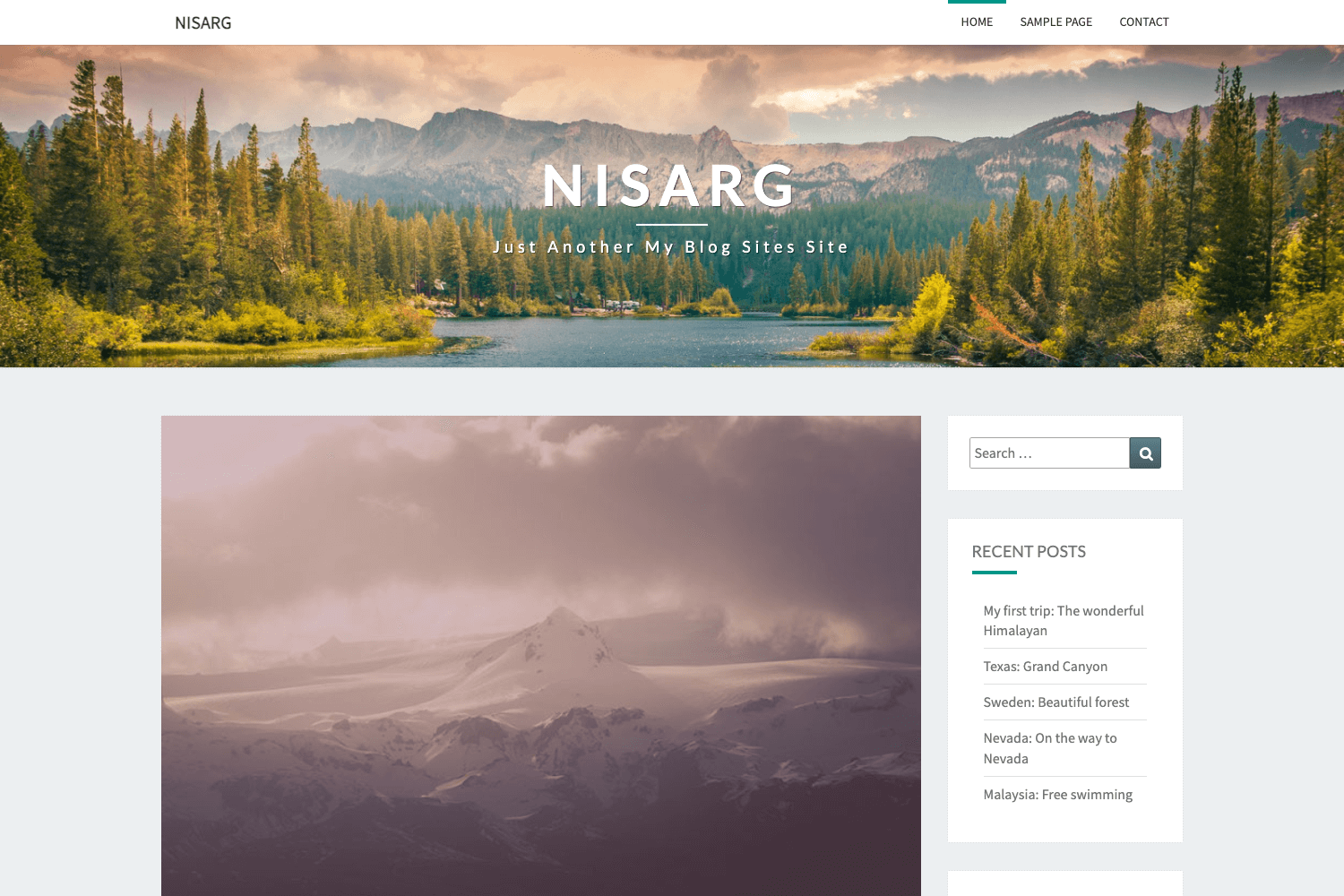
Template details
Hooligan
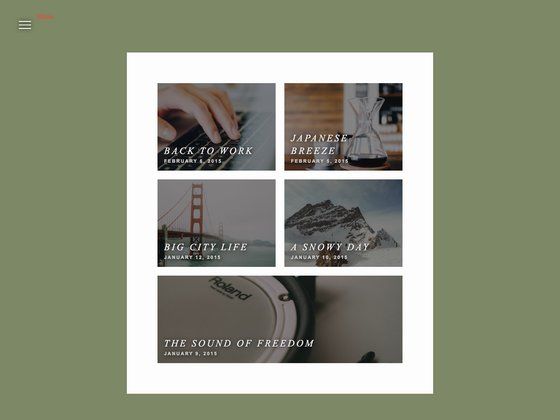
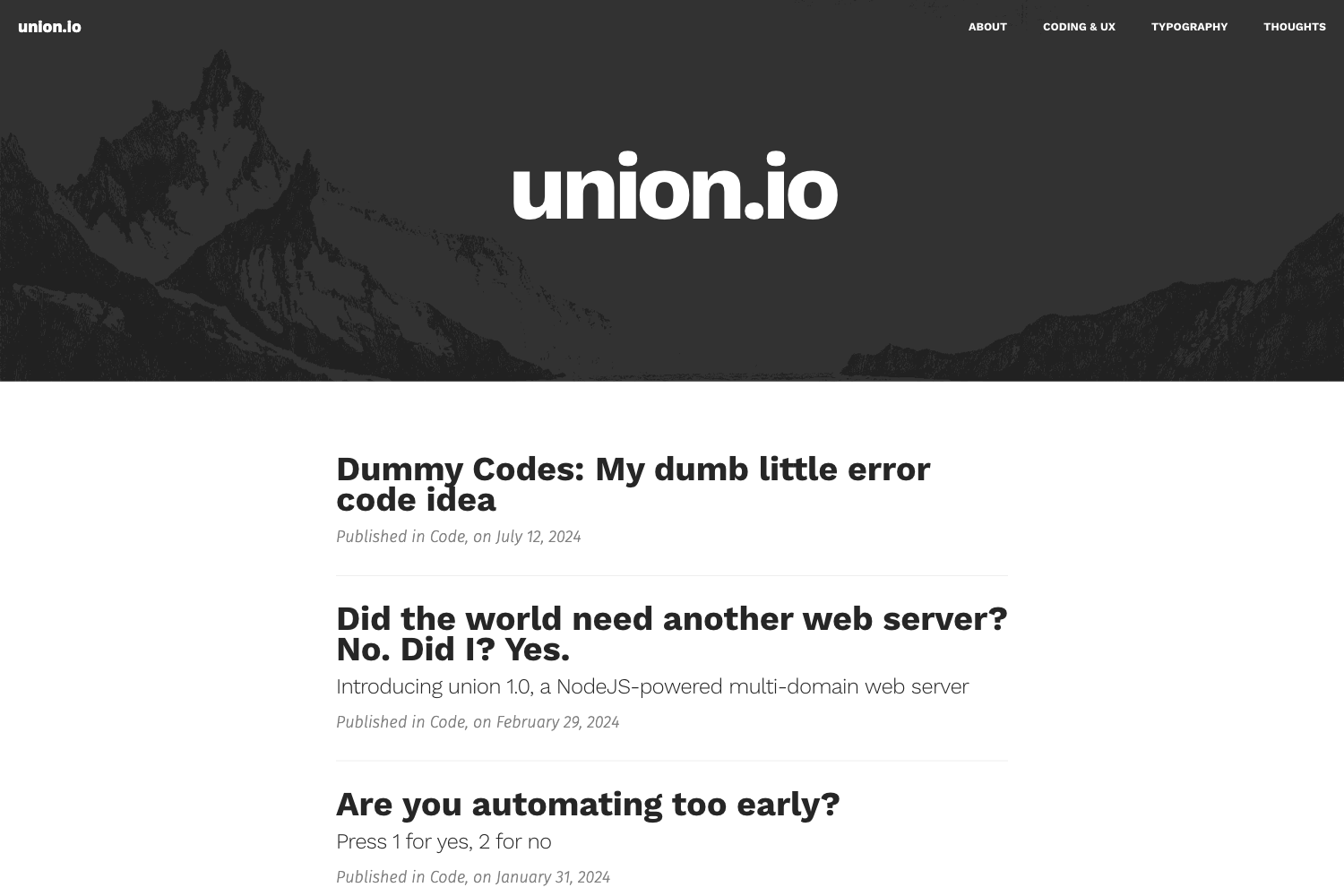
A low-lit fully responsive Jekyll-Bootstrap theme built on Twitter Bootstrap with optional social profile links.
About this template
Hooligan is a low-lit, fully responsive Jekyll theme built on Twitter Bootstrap for Jekyll-Bootstrap, giving blogs and personal sites a dark, mobile-friendly design with optional social profile links in the navigation bar.
What is Hooligan?
Hooligan is a Jekyll theme designed to be installed on top of Jekyll-Bootstrap, a framework that provides a standardized way to manage themes for Jekyll sites. It is a fully responsive theme, meaning it adapts to screen widths from phones to desktops using the Twitter Bootstrap grid and components. The theme takes a Jekyll-Bootstrap site as input and outputs a styled blog or website with a dark "low-lit" color scheme. It is distributed as a public GitHub repository by user dhulihan and can be previewed in the Jekyll-Bootstrap Theme Gallery.
Key Features
- Fully responsive layout — Uses Twitter Bootstrap's grid system so the theme works on mobile, tablet, and desktop screen sizes.
- Low-lit dark color scheme — The theme's dark design gives a distinctive moody aesthetic that makes content stand out.
- Easy installation via rake — Install with a single command:
rake theme:install git="https://github.com/dhulihan/hooligan.git"from a Jekyll-Bootstrap site. - Optional social profile icons — Configure GitHub, Twitter, Feedburner, Google Plus, and LinkedIn usernames in
_config.ymlto display icon links in the navbar. - Built for Jekyll-Bootstrap — Uses the standard Jekyll-Bootstrap theme structure, so updates and customization match the framework's conventions.
- Preview available — See the theme in action at the Jekyll-Bootstrap Theme Gallery before installing.
Who is Hooligan for?
- Jekyll bloggers — Bloggers who want a dark, fully responsive theme for their personal or technical blog.
- Developers using Jekyll-Bootstrap — Developers who value the one-command rake install and the ability to drop in a theme without hand-editing multiple files.
- Personal site owners — People who want a simple dark site and like to display their social profiles (GitHub, Twitter, LinkedIn, etc.) directly in the navigation bar.
What can you do with Hooligan?
- Bloggers: Launch a dark-themed Jekyll blog that looks sharp on any device, with no front-end work beyond filling in content.
- Portfolio owners: Present your work under a low-lit theme that emphasizes images and text, and link to your professional social profiles from the navbar.
- Developers: Set up a quick Jekyll-Bootstrap site and apply this theme with a single rake command, then customize the social links in the
_config.ymlfile.
How does Hooligan work?
Installation is done via Jekyll-Bootstrap's theme installer. From a Jekyll-Bootstrap site directory, run rake theme:install git="https://github.com/dhulihan/hooligan.git". The theme is then applied to the site. To enable social buttons, add your usernames under the author field in _config.yml; the theme will render corresponding icons in the navbar. The theme also supports a LinkedIn option, where the specified value is placed after www.linkedin.com/in/.
FAQ
Is Hooligan free?
The theme is distributed as a public GitHub repository. The repository description does not specify a license, so you should review the repository for licensing terms before using it in a production site.
How do I install Hooligan?
First, ensure you have a Jekyll-Bootstrap site. Then run rake theme:install git="https://github.com/dhulihan/hooligan.git" from the site's root directory. The theme will be installed and ready to use.
Does Hooligan support social media links?
Yes. In _config.yml, under the author section, you can specify your GitHub, Twitter, Feedburner, Google Plus, and LinkedIn usernames. The theme will then display icons pointing to those profiles in the navigation bar. The LinkedIn value is appended to www.linkedin.com/in/.