Template details
eslint-plugin-astro
ESLint plugin for Astro components
About this template
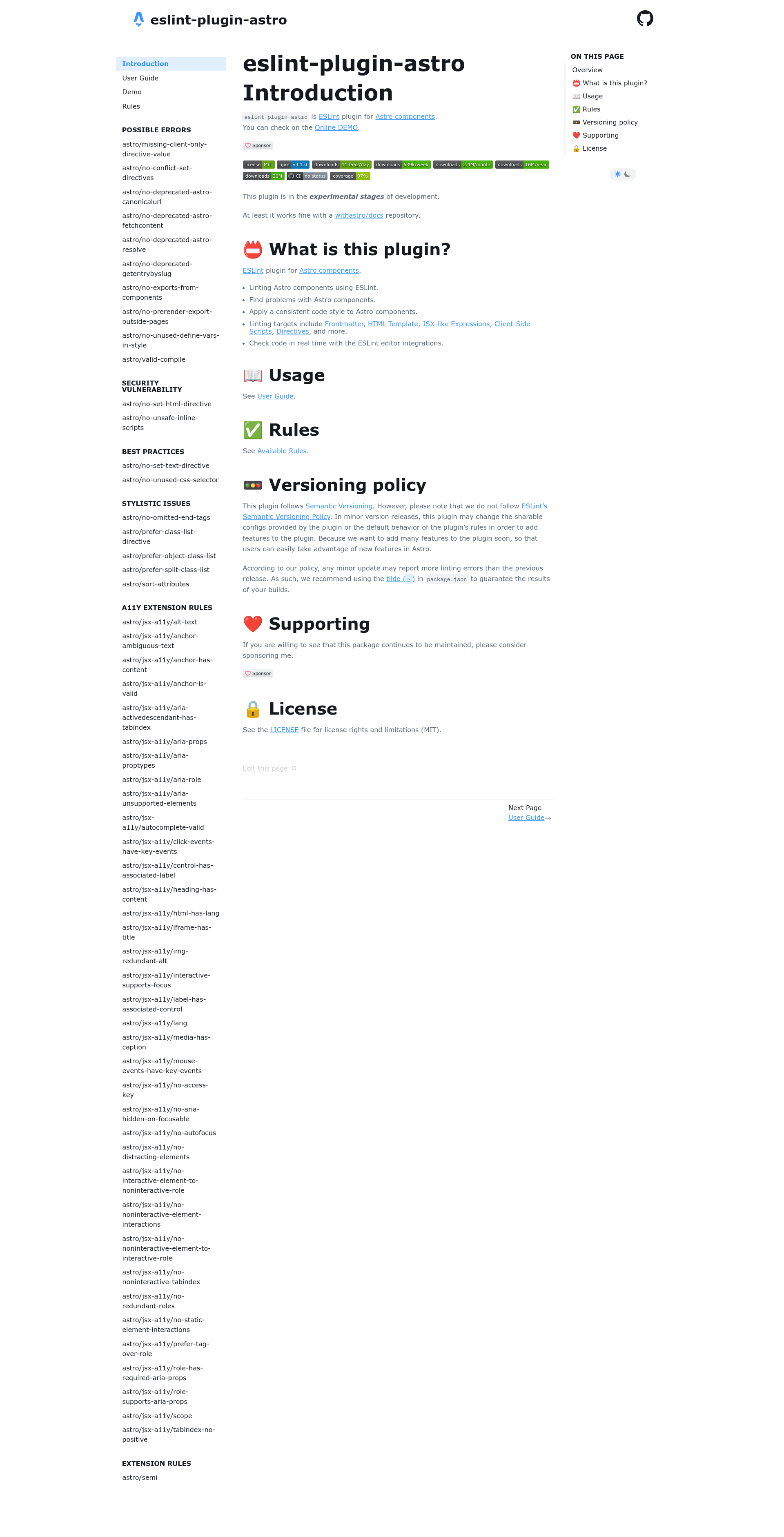
eslint-plugin-astro is an ESLint plugin that brings linting to Astro components, covering frontmatter, HTML templates, JSX-like expressions, client-side scripts, and directives.
What is eslint-plugin-astro?
eslint-plugin-astro is an ESLint plugin maintained by ota-meshi that lints Astro component files using ESLint. It takes .astro files as input and produces lint reports with errors and warnings, plus auto-fixable style corrections. The plugin runs on Node.js, requires ESLint v10.0.0 and above, and uses the astro-eslint-parser to parse Astro syntax.
Key Features
- Flat config support — Provides base, recommended, and all configs, plus jsx-a11y-recommended and jsx-a11y-strict that extend eslint-plugin-jsx-a11y for accessibility rules.
- Core Astro rules — 18 rules covering possible errors (missing client:only values, deprecated Astro APIs, no exports from components), security (no set:html, no unsafe inline scripts), best practices, and stylistic choices like attribute sorting.
- A11Y extension rules — 35+ rules ported from eslint-plugin-jsx-a11y, including alt-text, anchor-is-valid, and label-has-associated-control, adapted for Astro components.
- Auto-fixable rules — Rules marked with a wrench support the --fix CLI option, including prefer-class-list-directive, sort-attributes, and semi.
- Editor integration — Works with VS Code via dbaeumer.vscode-eslint and Zed's built-in ESLint once .astro files are added to the validate or language_servers settings.
- eslint-plugin-import interop — Can be configured to treat Astro virtual modules such as astro:content and astro:transitions as core modules.
- TypeScript support — Works with typescript-eslint or @typescript-eslint/parser, including typed linting through parserOptions.project.
Who is it for?
- Astro developers who want to catch errors and enforce consistent code style in .astro component files.
- Accessibility-focused teams that already use eslint-plugin-jsx-a11y and need the same rules extended to Astro markup.
- Project maintainers who run ESLint in CI and want Astro linting included, as demonstrated by its use in the withastro/docs repository.
What can you do with eslint-plugin-astro?
- Enable recommended linting: Add
...eslintPluginAstro.configs.recommendedto an ESLint flat config so .astro files get error-prevention rules out of the box. - Enforce accessibility: Use the
jsx-a11y-recommendedconfig to apply a11y rules to Astro markup, catching missing alt text or invalid aria attributes. - Automatically fix style issues: Run
eslint --fix "src/**/*.{js,astro}"to auto-fix stylistic rules like attribute sorting and class:list preferences. - Migrate off deprecated APIs: Flag deprecated Astro APIs such as
Astro.canonicalURL,Astro.fetchContent(), andgetEntryBySlug()so you can update to current patterns.
How does eslint-plugin-astro work?
Install it with npm install --save-dev eslint eslint-plugin-astro, optionally adding typescript-eslint for TypeScript and eslint-plugin-jsx-a11y for accessibility rules. Then add ...eslintPluginAstro.configs.recommended to your ESLint flat config, and run ESLint with a glob that includes .astro files because ESLint only targets .js by default.
Pros and cons
- Pros: Rich rule set (18 core rules plus 35+ a11y rules); flat config ready; auto-fixable rules; active development with CI coverage and sponsorship.
- Cons: The plugin is in experimental stages, and per its versioning policy, minor releases may add rules and report more linting errors than the previous release, so tilde (~) ranges in package.json are recommended.
FAQ
Is eslint-plugin-astro free?
Yes, it is open-source under the MIT license and available on npm. The repository accepts GitHub sponsorships to support continued maintenance.
What versions of ESLint and Node.js does it require?
It requires ESLint v10.0.0 and above, and Node.js v22.22.3, v24.16.0, v26.3.0 and above.
How do I use eslint-plugin-astro with TypeScript?
Install typescript-eslint or @typescript-eslint/parser, then set languageOptions.parserOptions.project to your tsconfig file for typed linting. If you get the @typescript-eslint/no-unsafe-return error, create a jsx.d.ts file that overrides the global JSX.Element type.
Why do I see the @typescript-eslint/no-unsafe-return error in my Astro files?
Astro defines JSX Elements as HTMLElement | any when no framework JSX types are present, which can trigger the unsafe-return rule. Overriding the global JSX.Element type to HTMLElement in a .d.ts file resolves it.