Template details
Docs to Markdown
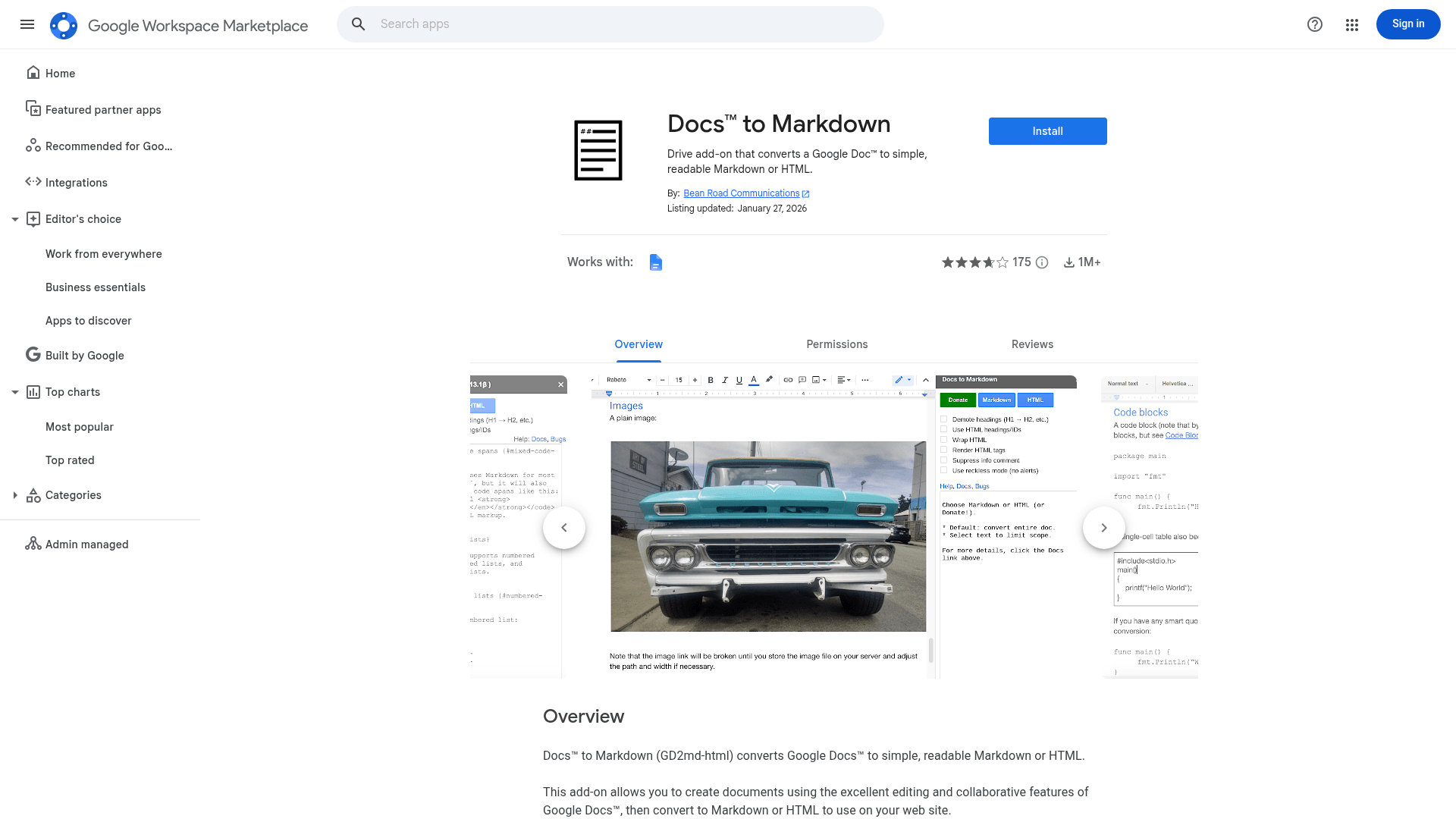
Convert a Google Doc to Markdown or HTML. This Docs add-on converts a Google Doc to simple Markdown and/or HTML.
About this template
Docs to Markdown (gd2md-html) is a free Google Docs add-on that converts a Google Doc into simple, readable Markdown or HTML text.
What is Docs to Markdown?
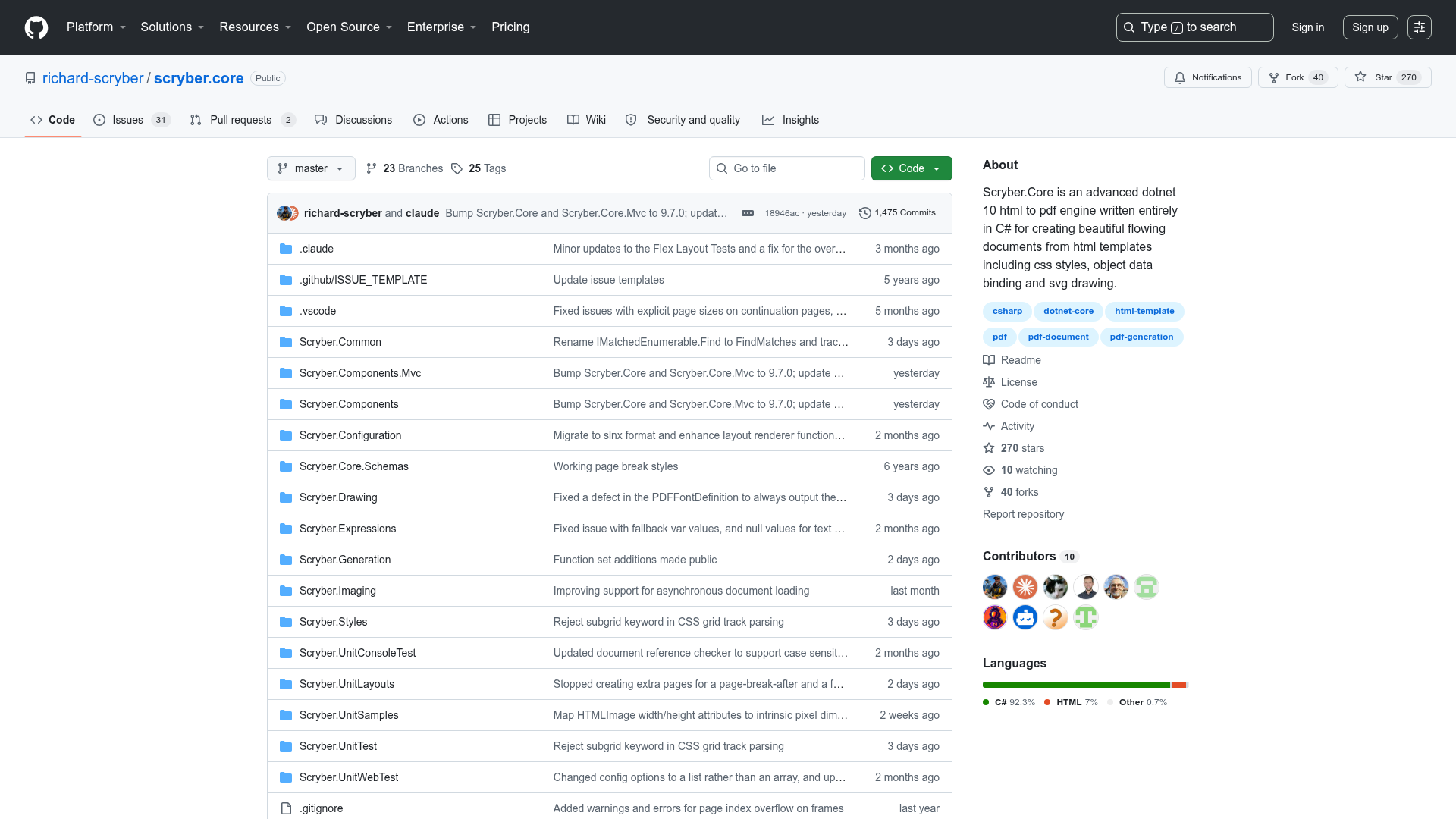
Docs to Markdown is a Google Workspace add-on for Google Docs that takes the document you are currently editing and produces clean Markdown or HTML output. It runs as a sidebar inside Google Docs and requires access only to the current document plus permission to create that sidebar. The add-on is open source under the Apache 2.0 license, and its source repository is evbacher/gd2md-html on GitHub.
Key Features
- Markdown and HTML output — Converts either the entire Google Doc or a selected portion into simple Markdown or HTML text, whichever you choose.
- Partial document conversion — You can select and convert just part of a Google Doc instead of the whole file.
- Minimal permissions — Only asks to access the current document and to create a sidebar; it does not request access to your other Drive files or account-wide scopes.
- Google Docs heading style support — Properly maps Heading 1, Heading 2, and other styles to Markdown/HTML headings; bold-and-large text becomes a plain paragraph.
- Free and open source — No cost to install, and the code is available under the Apache 2.0 license.
- Marketplace install — Installable directly from the Google Workspace Marketplace, with documentation and a privacy policy linked from the project page.
Who is it for?
- Technical writers who draft documentation in Google Docs and need Markdown for GitHub, GitBook, or static site generators.
- Developers and engineers who keep project notes, specs, or RFCs in Google Docs and want to convert them to Markdown for a repository.
- Bloggers and content editors who prefer Google Docs for writing and then export to HTML for a CMS, newsletter, or website.
- Educators and students who want to publish Google Docs assignments or handouts as clean HTML or Markdown.
What can you do with it?
- Documentation teams: Convert an entire Google Docs manual into Markdown files ready for a docs site or knowledge base.
- Open-source maintainers: Turn design documents written in Google Docs into Markdown and submit them directly to a GitHub repo.
- Content editors: Export a Google Doc draft to HTML and paste it into a content management system or email editor.
How does it work?
Install the add-on from the Google Workspace Marketplace, open the Docs to Markdown sidebar in a Google Doc, then choose Markdown or HTML output. You can convert the whole document or first select a section and convert only that part. The add-on uses the document's applied styles, so headings need to be real Heading levels to appear as headings in the output.
FAQ
Is Docs to Markdown free?
Yes, it is a free Google Docs add-on. You install it from the Google Workspace Marketplace without paying anything, and it is released under the Apache 2.0 open-source license.
What output formats does Docs to Markdown support?
It supports two output formats: Markdown and HTML. You pick which format to generate when you run the conversion.
What permissions does Docs to Markdown require?
The add-on asks for two permissions only: access to the current Google Doc so it can read and convert it, and permission to create a sidebar that serves as its interface. It does not request access to other files or account-wide permissions.
Can I convert only part of a Google Doc?
Yes, you can select a portion of the document and convert just that selection, leaving the rest of the document unchanged.
How should I format headings for conversion?
Use Google Docs' built-in heading styles, such as Heading 1 or Heading 2. If you only make text bold and large, Docs to Markdown treats it as a normal paragraph, not a heading.