Template details
Fengzhichu Theme
A blog theme for Jekyll.
About this template
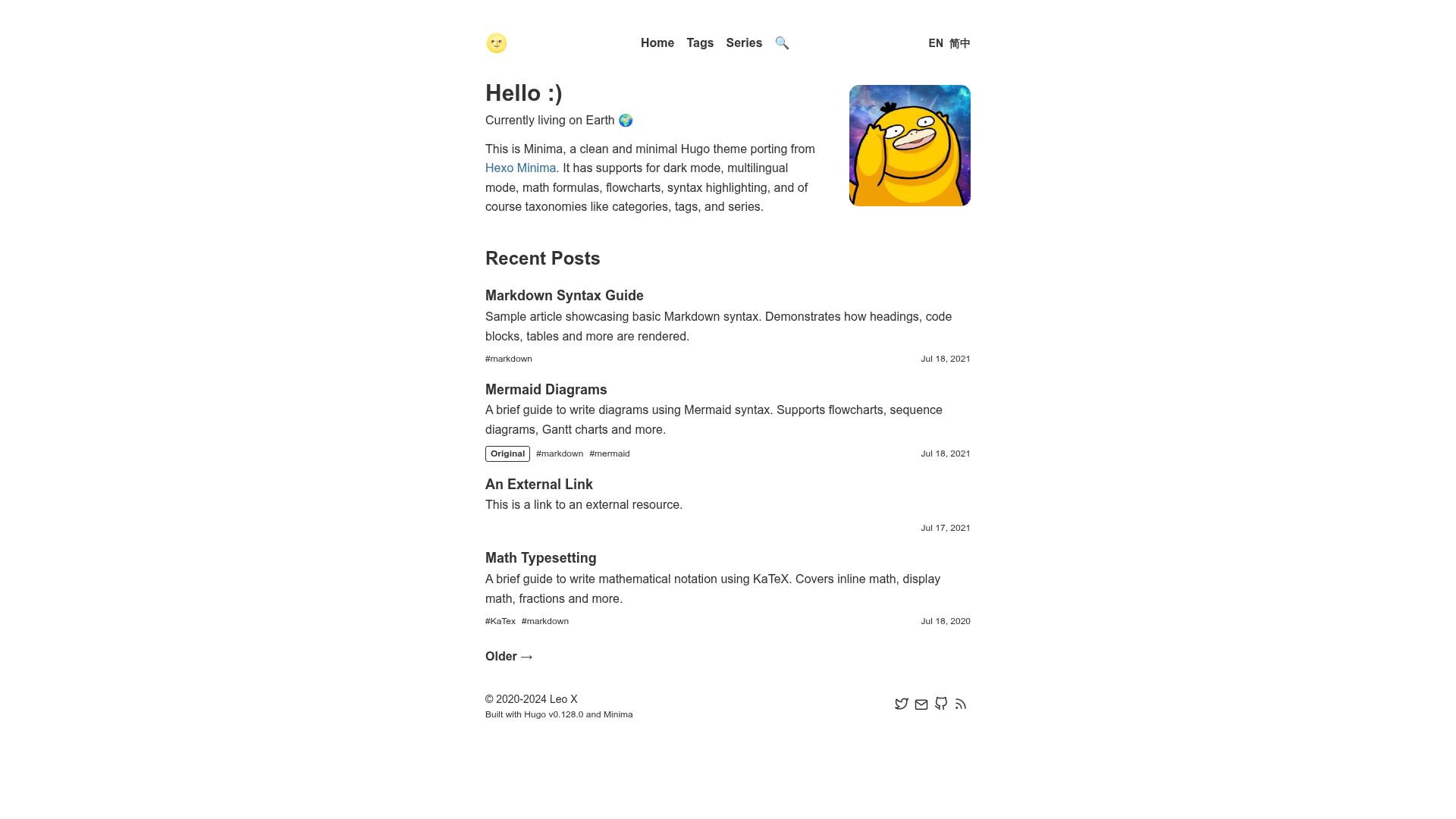
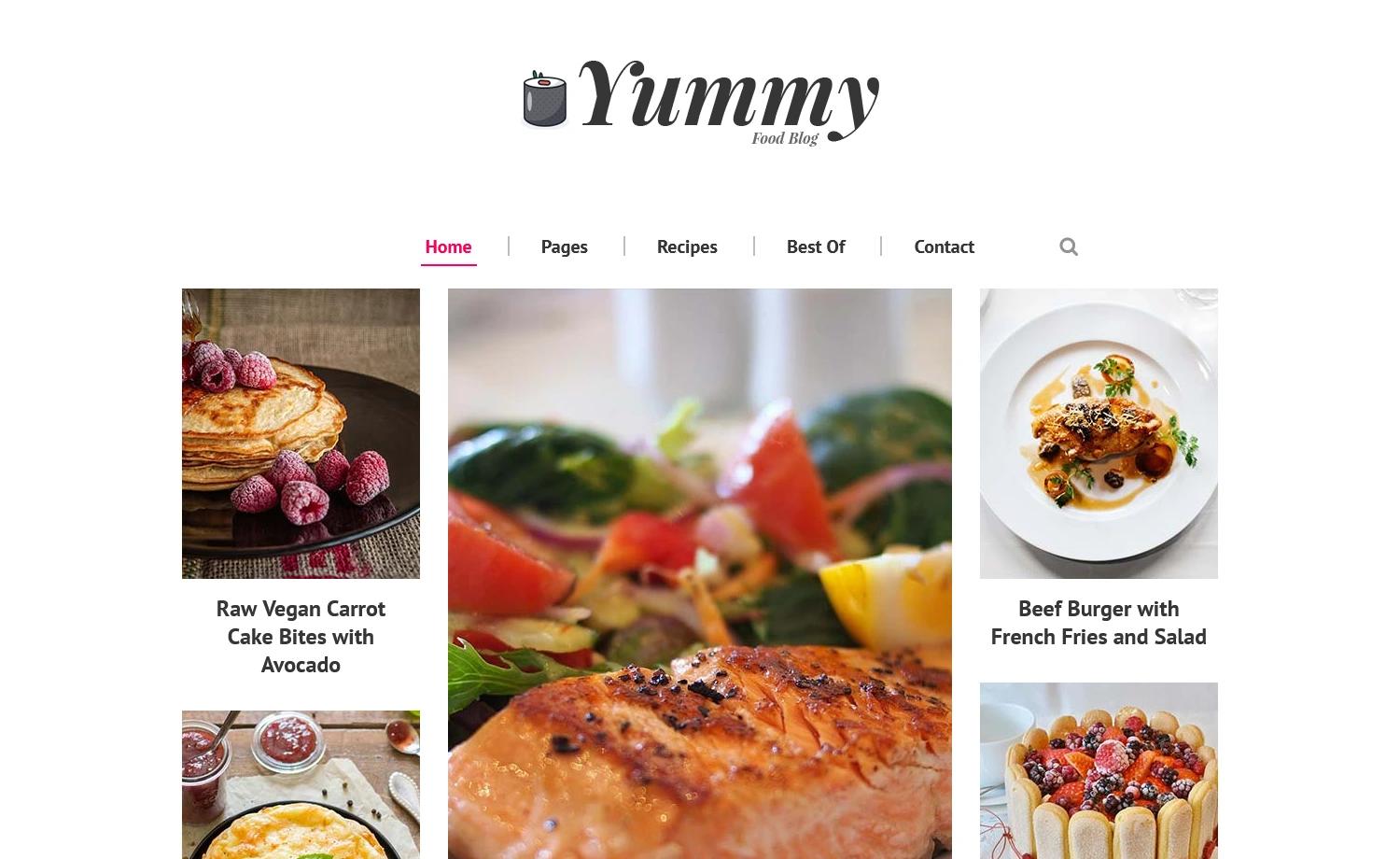
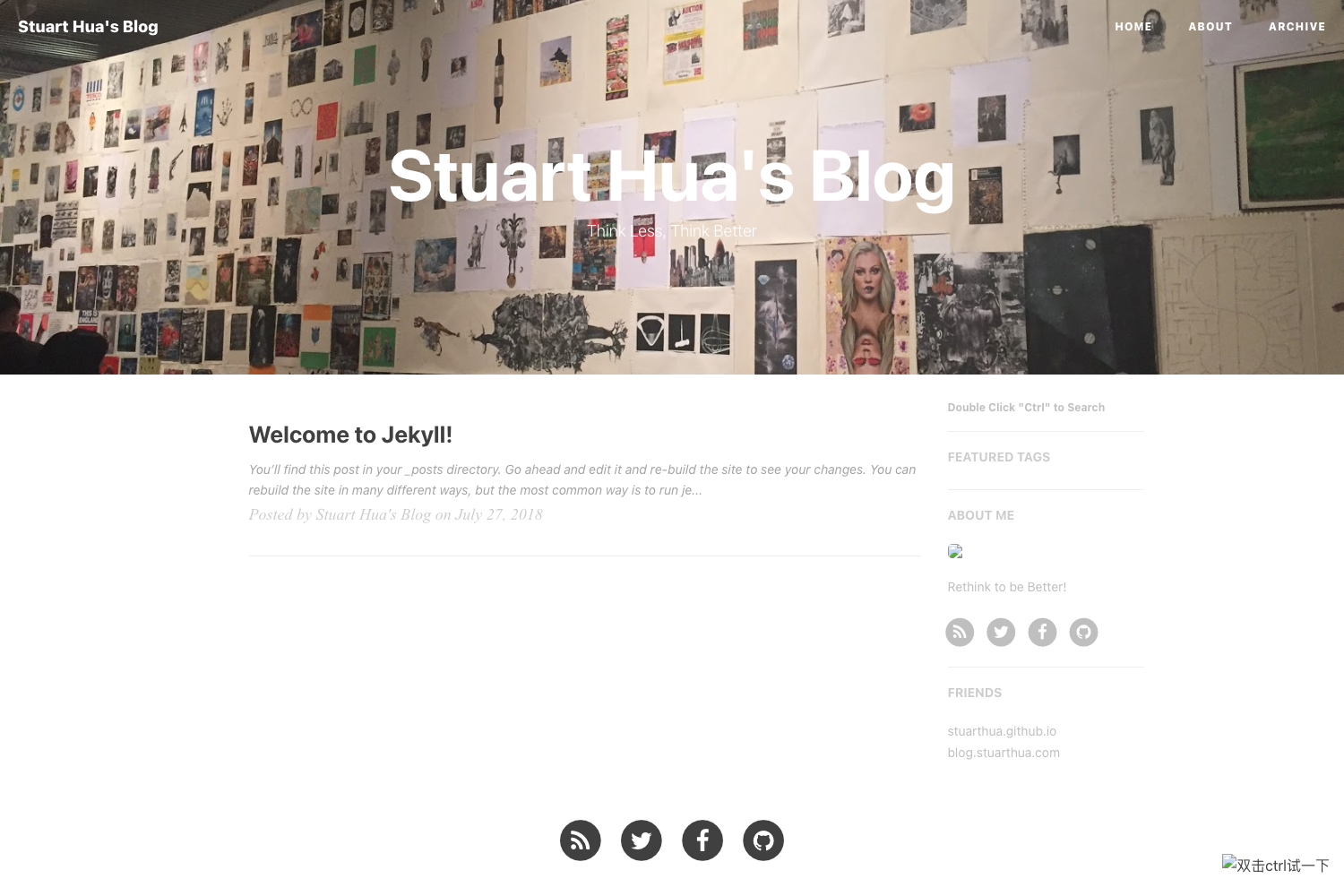
Fengzhichu Theme is a Jekyll theme for personal blogs that combines the Type theme's layout with ibireme's blog styling, adding tag and category archives, configurable header images, and custom navigation. It runs on Jekyll and is designed for free hosting on GitHub Pages.
What is Fengzhichu Theme?
Fengzhichu Theme is a blog-oriented Jekyll theme created by fengzhichu, based on the Type theme by rohanchandra and the visual design of ibireme's blog. It takes Jekyll-based Markdown posts with front-matter (title, category, tags) as input and produces a static blog with homepage, post pages, archive, category, tag, and about pages. The theme is powered by Jekyll and can be hosted freely on GitHub Pages.
Key Features
- Random header images — Display a randomly chosen image at the top of your site; the
imageurlsetting in_config.ymlcontrols the image source and can be set to change per visit, daily, or weekly by appending/dailyor/weekly. - Customizable navigation — The
hometitlesetting renames the first menu item andyoursitetitleplaces your logo text in the navigation bar. - Configurable post previews —
visiblewordsin_config.ymlcontrols how many words appear for each post on the homepage. - Tag archives — Automatically generate tag pages using the
blog_by_taglayout, with tags defined in_data/tags.ymland matching.mdfiles for each tag slug. - Category archives — Categories work similarly to tags, using front-matter
categoryand dedicated category pages. - Localized label text —
sechbysettings let you change the words displayed before category and tag names (e.g., "Posted in" and "with"). - GitHub Pages ready — The theme is designed to be deployed by renaming the repo to
yourusername.github.ioand pushing to the master branch.
Who is it for?
- Personal bloggers — Quickly start a blog on GitHub Pages with a clean, magazine-style layout and organized tag/category navigation.
- Jekyll developers — Customize
_config.yml, layouts, and data files to fit their own design preferences without building a theme from scratch. - Fans of ibireme's blog design — Get a similar navigation bar and content structure with the added convenience of tag and category archive pages.
What can you do with Fengzhichu Theme?
- Set up a blog in minutes — Fork the repository, rename it to
yourusername.github.io, clone the master branch, edit_config.yml, and runjekyll serve -wto preview locally. - Organize posts with tags and categories — Add
categoryandtagsto a post's front-matter, register the tags in_data/tags.yml, and create a.mdfile for each tag to get archive pages. - Refresh the site's look per visit — Configure
imageurlto randomize the top-of-site image on every page load, daily, or weekly. - Ship on GitHub Pages for free — The theme is MIT-licensed and works with the standard Jekyll build pipeline, so hosting costs nothing on GitHub Pages.
How does Fengzhichu Theme work?
The workflow starts by forking the repository and renaming it to match your GitHub Pages URL. After cloning the master branch, you customize _config.yml with your site title, navigation names, visible words, and image URL, then run jekyll serve -w to serve the site locally. For tags and categories, you add front-matter fields to each post, register every tag in _data/tags.yml, and create a markdown file per tag using the blog_by_tag layout so Jekyll builds archive pages.
FAQ
Is Fengzhichu Theme free?
Yes, the theme is released under the MIT License and can be used, modified, and distributed freely. The copyright notice is from 2015, and there are no licensing fees.
Can I use Fengzhichu Theme without GitHub Pages?
Yes, it is a standard Jekyll theme, so it can be built and deployed on any static host that supports Jekyll output. The repository's usage instructions focus on GitHub Pages, but the generated static files work elsewhere.
How do I add a new tag?
Add the tag slug to your post's front-matter tags array, create an entry in _data/tags.yml with the slug and display name, and create a markdown file named after the slug with layout: blog_by_tag and the same tag slug. The theme then generates a tag archive page.
Does the header image change automatically?
The header image behavior depends on the imageurl setting. By default, it changes every time the site is opened or refreshed; appending /daily or /weekly to the URL makes it change daily or weekly instead.