Template details
JOYTOU
Free Bootstrap-based Jekyll blog template with multi-language support, automatic sitemap, and Git-based publishing.
About this template
JOYTOU is a free Jekyll blog template built with Bootstrap by developer Joytou Wu, designed to generate a multi-language static blog that you can host on any Git-based platform such as GitHub Pages, Coding, BitBucket, or GitLab.
What is JOYTOU?
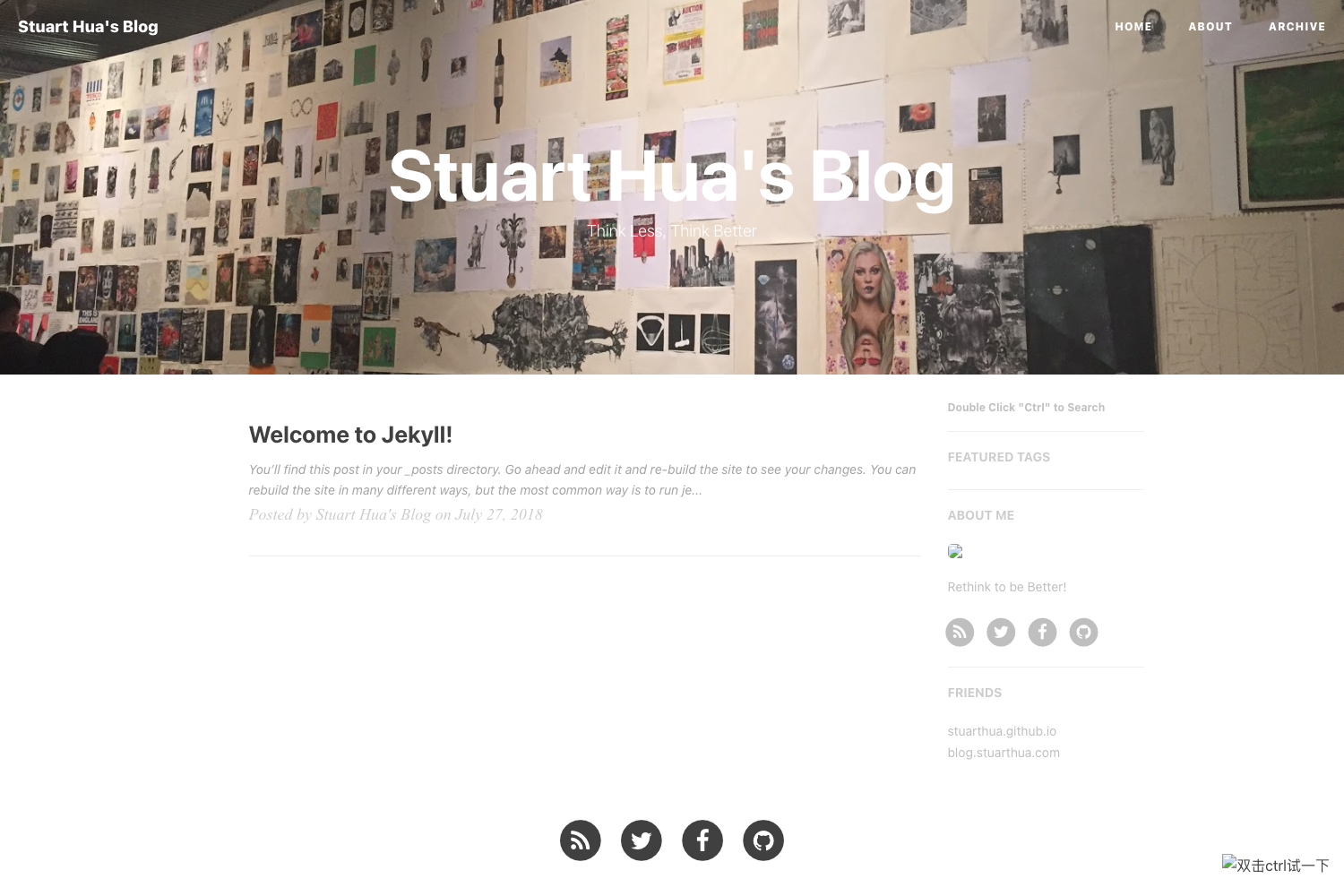
JOYTOU is a Bootstrap-based blog template for Jekyll, created by Joytou Wu. It takes Markdown posts with YAML front matter as input and outputs a static blog with automatic Sitemap.xml generation, category/tag/date archives, article sharing, comments, and global search. The template is free to use, and you can fork or copy the repository to start your own blog, keeping the required copyright notice.
Key Features
- Bootstrap styling — The template uses Bootstrap for a responsive grid and UI components, with a top navigation bar and jQuery-based responsive design.
- Automatic Sitemap.xml — Sitemap files are generated automatically, helping search engines index your posts without manual sitemap creation.
- Multiple content taxonomies — Articles can be organized and viewed by date, category, tag, and you can pin important posts to the top by setting
stickietotruein the post front matter. - Multi-language support — Site text is provided in English, Simplified Chinese, and Traditional Chinese, with editable strings in per-language data files under
_data/. - Article sharing and comments — Built-in sharing buttons and a comment section let readers share posts and engage, though no comment provider is specified.
- Global search — Visitors can search across the entire blog from the interface.
- Git-versioned publishing — The template works fine with Git and can be cloned via SSH or HTTPS from Coding.net, then pushed to any Git remote for version-controlled updates.
Who is it for?
- Jekyll bloggers — who want a ready-made Bootstrap-styled theme without building one from scratch; they can drop in Markdown posts and publish on GitHub Pages.
- Multilingual site owners — who need a blog that works in English, Simplified Chinese, and Traditional Chinese out of the box, with per-language site metadata.
- Git-savvy developers — who prefer a Git-based workflow and want to maintain their blog as a repository on Coding, GitHub, BitBucket, or GitLab.
What can you do with JOYTOU?
- Launch a personal blog: Write posts in Markdown with YAML front matter (title, description, date, category, tags, sticky flag) and the template handles layout, archives, and sitemap.
- Manage a multilingual site: Edit the
_data/(language code).ymlfiles to set site name, subname, description, and about text for each language presented to visitors. - Deploy to your preferred Git host: Clone the repository from Coding.net using SSH or HTTPS, then push to any Git remote; the template is designed to be Git-friendly.
How does JOYTOU work?
Start by forking or copying the JOYTOU repository, then edit _config.yml to set your email, author, site URL, Git username, repository name, and keywords. Add posts under the _posts directory with the documented front-matter format, and configure the language data files for site strings. The Jekyll build produces a static site, and Sitemap.xml is generated automatically.
Pricing
JOYTOU is free to use and modify to suit your theme. The only requirement is that you keep the copyright notice intact.
FAQ
Is JOYTOU free?
Yes, JOYTOU is free. You can use it for personal or commercial blogs and modify it to match your theme, but you must retain the copyright information as stated in the license.
Which Git repositories can I use with JOYTOU?
JOYTOU works fine with Git. You can host your blog on Coding, GitHub, BitBucket, or GitLab, since the template only requires a standard Git remote for cloning and deployment.
How do I make an article sticky?
In the YAML front matter of a post, set stickie to true. This places the article at the top of the blog, useful for important announcements.
Does JOYTOU support multiple languages?
Yes. The template includes English, Simplified Chinese, and Traditional Chinese language files, and each language's site name, subtitle, description, and about text can be edited in the corresponding _data/(language code).yml file.
How do I create a new article?
Create a Markdown file in the _posts directory with front matter that includes layout, title, description, date, nav, stickie, category, and tags. The documentation in the repository shows a complete example format.