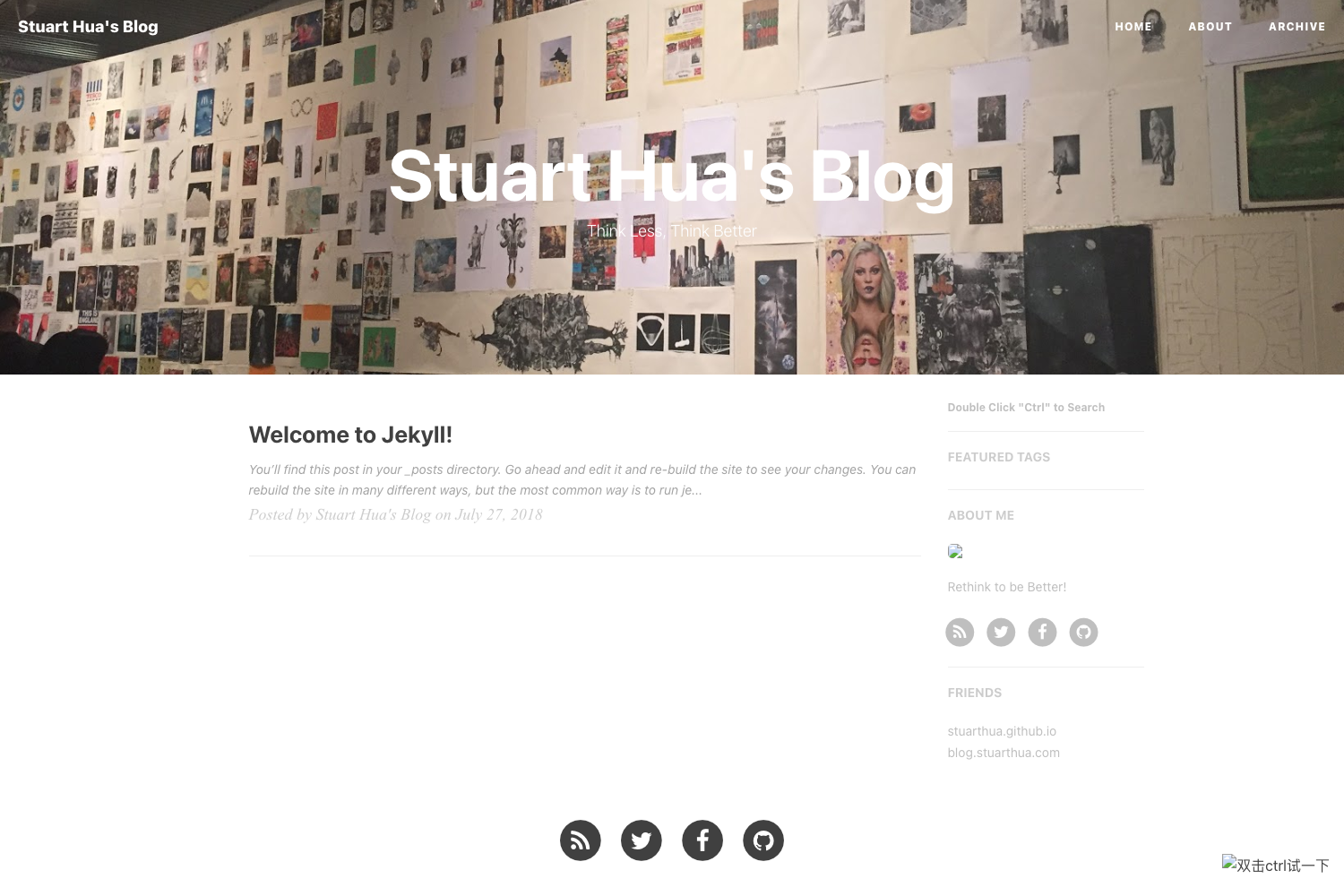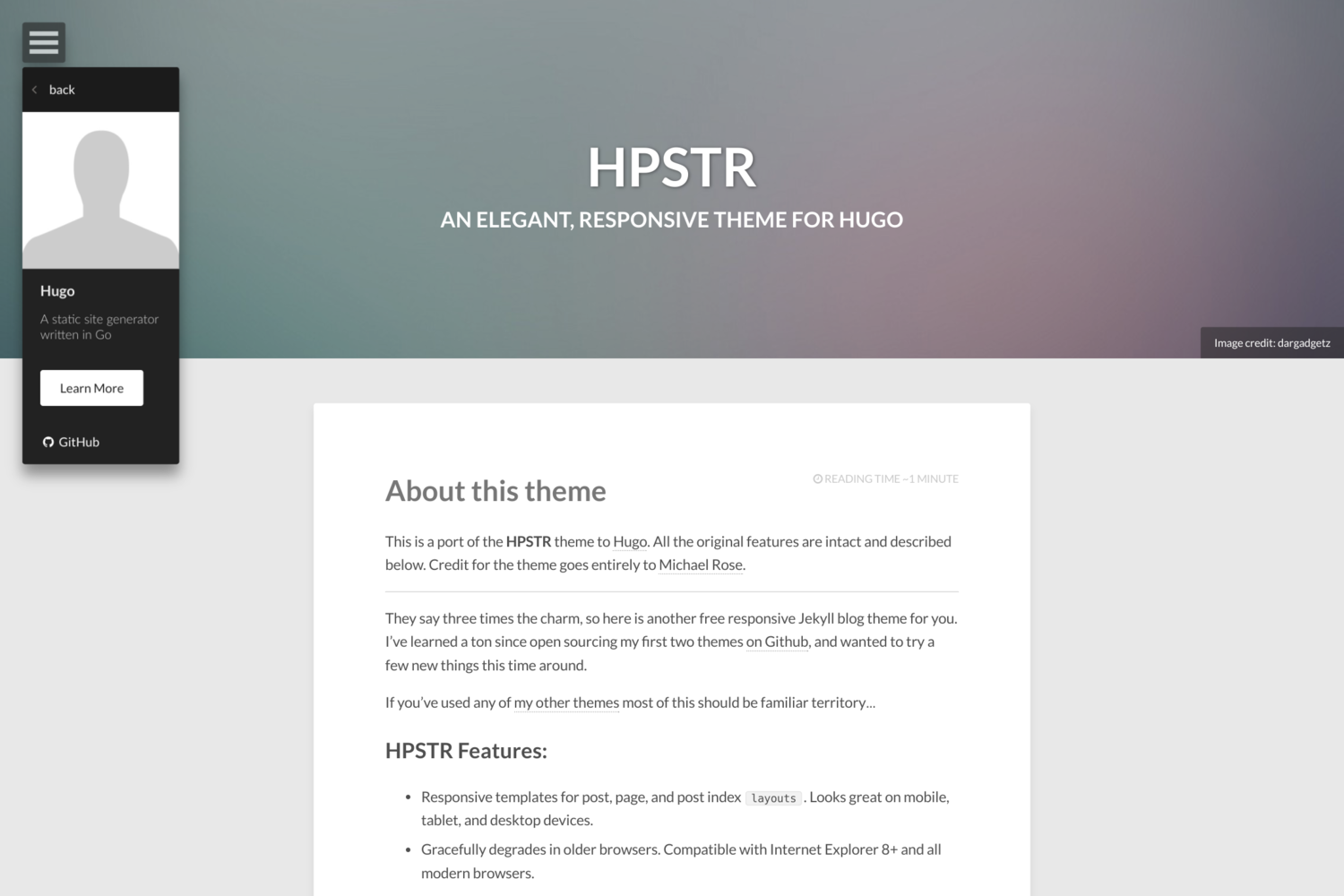
Template details
Hamburg
Simple and clean blog theme for Hugo with multilingual support, multiple authors, and responsive flat design.
About this template
Hamburg is a simple and clean blog theme for the Hugo static site generator, derived from the vienna-theme and built for responsive flat design, full multilingual support, and multi-author publishing.
What is Hamburg?
Hamburg is a Hugo theme that takes Markdown content from Hugo's content directory and renders it into a responsive blog website with header navigation, tag pages, and post lists. It runs on any Hugo site and is maintained by hauke96 on GitHub under the repository hauke96/hugo-theme-hamburg.
Key Features
- Responsive flat design — Clean, flat layout with Font Awesome icons, mobile-friendly by default.
- Multilingual support — Translations for menus, subtitles, copyright, posts, and author info via per-language folders under data.
- Multiple authors — Author profiles stored in data files with name, avatar, contact, and bio fields.
- Analytics integration — Works with any JavaScript-snippet based service such as Google Analytics or Matomo, plus a custom tracking partial.
- Shortcode helpers — Includes linkTag, img, imgUrl, and imgScale shortcodes for tag links, images, and scaled images.
- Customization options — Theme color, custom CSS, GDPR notice toggle, and mainSections configuration in config.toml.
- Vienna extras — Social account links (Twitter, GitHub, GitLab, LinkedIn, Reddit, etc.), Disqus comments, and Mixpanel analytics parameters.
Who is it for?
- Bloggers looking for a clean, minimal theme with responsive design and optional analytics.
- Developers who need a multilingual Hugo site with separate menus and content per language.
- Multi-author sites that want per-author profiles defined in data files and assignable via front matter.
What can you do with Hamburg?
- Multilingual teams: Create separate author data files and menu entries for each language, then assign posts with a simple front-matter author field.
- Analytics-conscious site owners: Embed Matomo or Google Analytics via config keys or a custom tracking.html partial in layouts/partials.
- Visual storytellers: Use the img and imgScale shortcodes to include clickable, scaled images in posts with minimal markup.
How does Hamburg work?
Install the theme by cloning the repository into themes/hamburg, then set theme = "hamburg" in your config.toml. Configure languages, author data files, and menu entries, add posts with front matter such as author and summary, and run Hugo to generate the static site.
FAQ
Does Hamburg support multiple authors?
Yes. Create a data file under data//authors/ with fields for name, avatar, contact, and bio. The theme reads this based on the page's language code.
Can I use custom analytics with Hamburg?
Yes. You can either use the built-in ga_api_key and mixpanel_api_key config options or create a layouts/partials/tracking.html file with your own JavaScript snippet. The README notes Matomo works this way.
Is Hamburg multilingual?
Yes. Hamburg supports multiple languages for author information, menus, pages, posts, and tags. You configure defaultContentLanguage and separate language entries under the languages section of config.toml.
Are all vienna-theme parameters still supported?
The README warns that many extra vienna parameters, like social account links and Disqus, might not work anymore. Only the explicitly listed parameters are guaranteed.