Template details
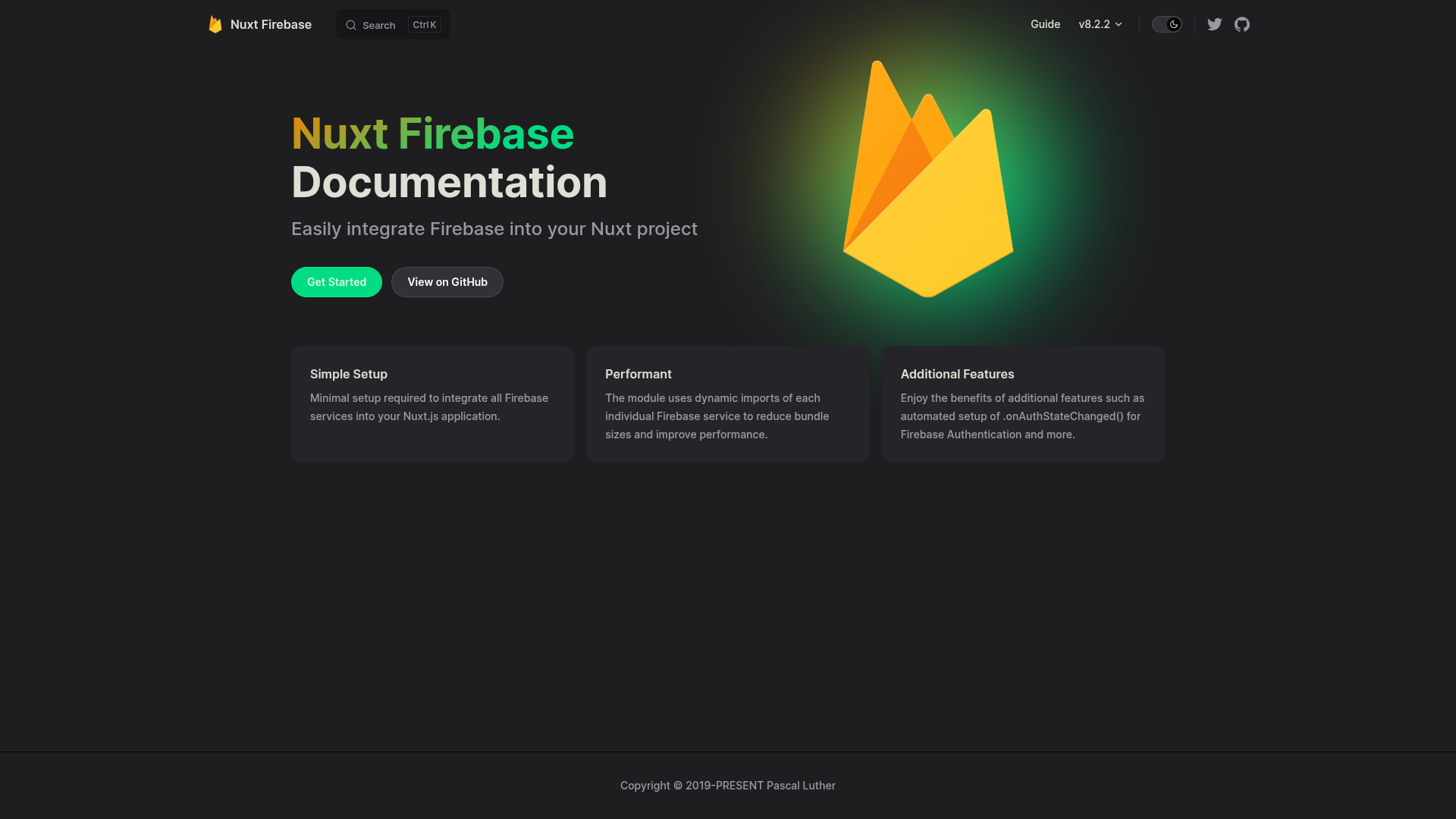
Firebase Module for Nuxt
Easily integrate Firebase into your Nuxt project.
About this template
The Firebase Module for Nuxt (npm package @nuxtjs/firebase) is a Nuxt 2 integration module that connects a Firebase project to a Nuxt application, exposing Firebase services through a global $fire property on the Vue instance.
What is the Firebase Module for Nuxt?
This Nuxt 2 module, created by the Nuxt Community and maintained by Pascal Luther, takes a Firebase web app configuration (keys such as apiKey, authDomain, projectId, storageBucket, messagingSenderId, appId, and measurementId) in nuxt.config.js and enables selected Firebase services such as auth, Firestore, and messaging. Once configured, it injects this.$fire into every component, giving you direct access to service instances like this.$fire.auth and this.$fire.firestore. It requires Nuxt 2 and the Firebase v8 SDK; the README explicitly states that Nuxt 3 and Firebase v9 modular syntax are not supported.
Key Features
- Global
$fireinjection — Access Firebase services asthis.$fire.auth,this.$fire.firestore,this.$fire.messaging, and others anywhere in your Nuxt 2 application. - Service selection via config — Enable only the services you need by setting them to
truein theservicesobject innuxt.config.js, as shown withauth: truein the README. - Simple configuration — Add the module to the
modulesarray and pass your Firebase web app config with the keys listed above; no extra Firebase initialization code is needed. - Quick installation — Install
firebaseand@nuxtjs/firebasewith npm or Yarn; the module expects Firebase v8 to be present in the project. - Documentation and community — Full documentation lives at firebase.nuxtjs.org, release notes are on GitHub, and support is available on the Nuxt Discord server.
- MIT license — The module is released under the MIT License by Nuxt Community and Pascal Luther.
Who is it for?
- Nuxt 2 developers who want to add Firebase authentication, Firestore, or messaging without writing Firebase initialization and service setup code by hand.
- Vue developers using Nuxt 2 who need a consistent way to call Firebase services from Vue components through the injected
$fireproperty. - Teams starting a new Nuxt 2 project with Firebase who want a module-based integration point already used by the Nuxt community.
What can you do with the Firebase Module for Nuxt?
- Add email/password authentication: call
this.$fire.auth.createUserWithEmailAndPasswordto register users, as shown in the README example. - Read and write Firestore data: use
this.$fire.firestorein pages and components to build data-driven features without manually managing the Firebase SDK instance. - Enable push messaging: the module includes Firebase messaging support, accessible through the same
$fireaccessor, letting you add notifications to your Nuxt app.
How does the Firebase Module for Nuxt work?
Install the module and the Firebase SDK, add the module to nuxt.config.js with your Firebase config and the services you need, and the module initializes Firebase when the Nuxt app starts. You then use the injected $fire property in any component or page to reach the enabled services.
Pros and cons
- Pros: Centralized configuration in one file, no manual SDK bootstrapping, broad service coverage, community-maintained, MIT-licensed.
- Cons: No Nuxt 3 support and no Firebase v9 modular mode support; Nuxt 3 projects should use the VueFire Nuxt module instead, as the README recommends.
Alternatives
- VueFire Nuxt module — the VueFire integration for Nuxt, which the README points to for Nuxt 3 support.
- Manual Firebase integration — implementing Firebase yourself, which the README suggests for developers who want to use Firebase v9 modular syntax.
FAQ
Does the Firebase Module support Nuxt 3?
No. The README states that the module was written for Nuxt 2 and does not support Nuxt 3, with no current plans to add support. For Nuxt 3, the VueFire Nuxt module is the recommended alternative.
Does it support Firebase v9 modular syntax?
No. The module does not support Firebase v9's new modular syntax. If you want to use modular mode, the README advises implementing Firebase manually, and links to a Medium article describing the process.
What Firebase services are available?
The README shows auth as an example and says "any other service" can be enabled. The module documentation at firebase.nuxtjs.org lists the full set of available services, and the README explicitly mentions this.$fire.firestore and this.$fire.messaging.
How do I install the module?
In a Nuxt 2 project, run yarn add firebase or npm i firebase, then yarn add @nuxtjs/firebase or npm i @nuxtjs/firebase. After that, add the module to nuxt.config.js with your Firebase config.
Is the Firebase Module free to use?
Yes, the module is released under the MIT License. It is open source and free to use in any project.