Template details
Sublime Jekyll
A Sublime Text package for Jekyll static sites.
About this template
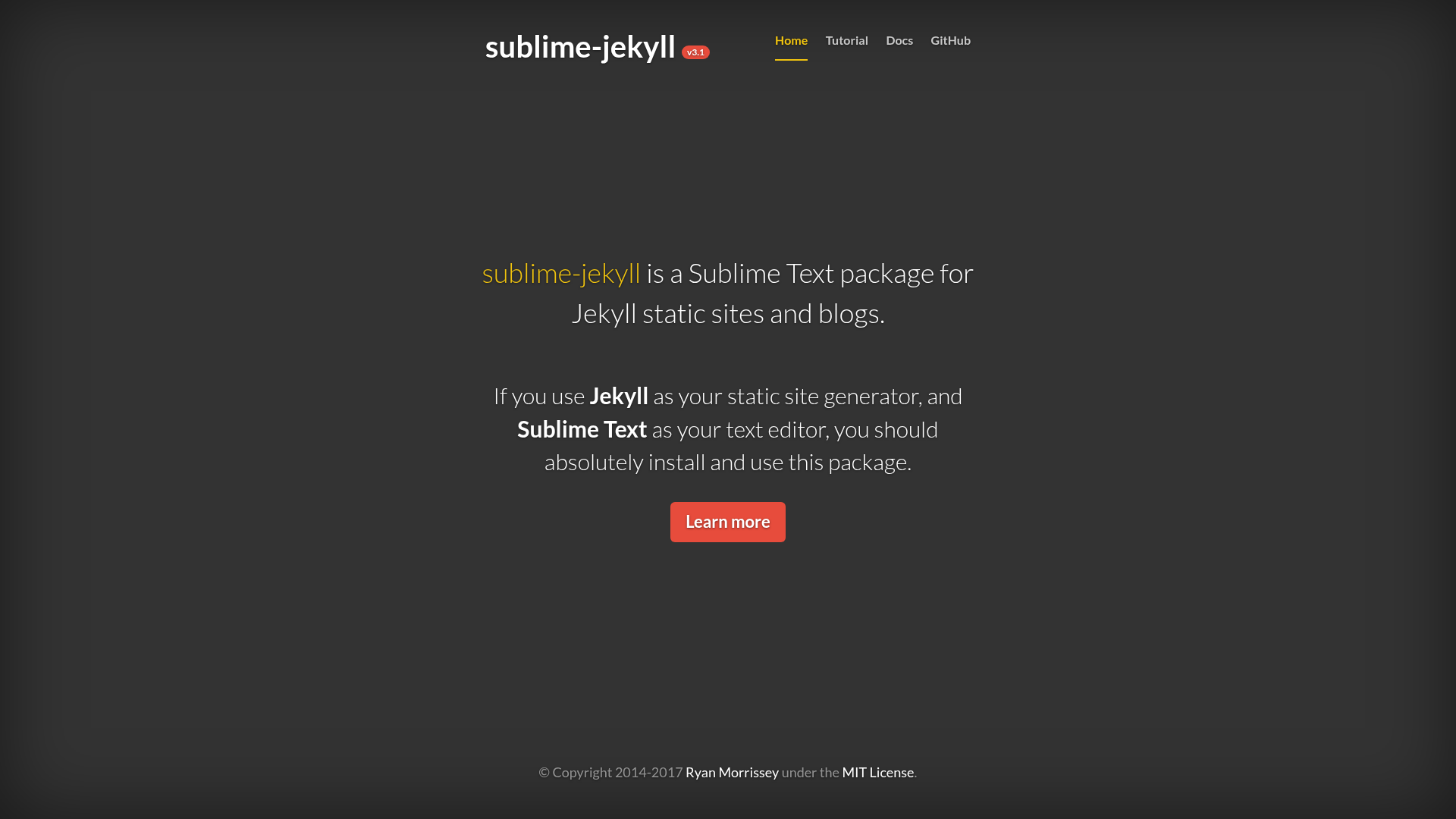
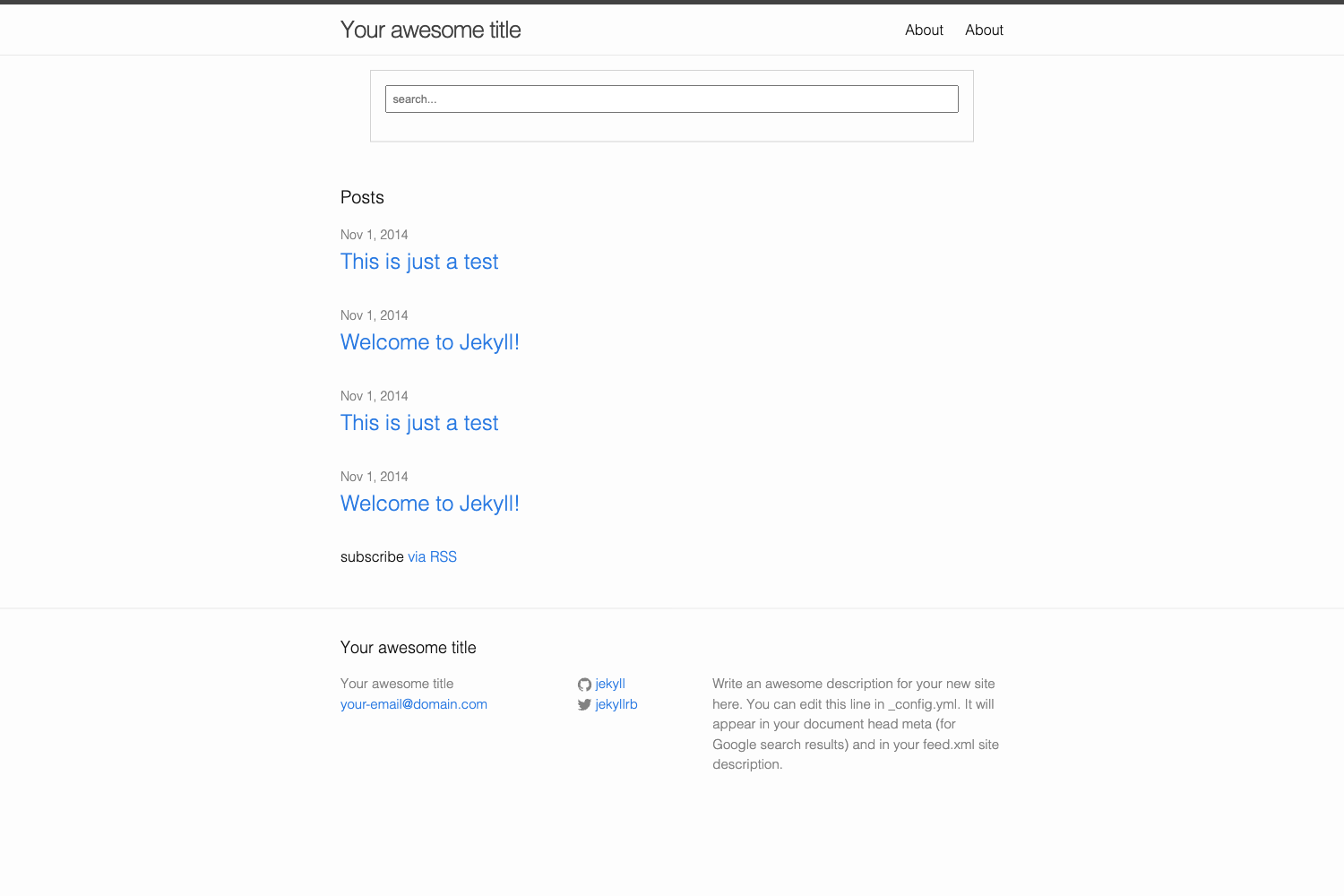
sublime-jekyll is a Sublime Text package for Jekyll static sites that streamlines post creation with dedicated commands, Liquid snippets, and completions.
What is Sublime Jekyll?
Sublime Jekyll is a Sublime Text package built for Jekyll static sites, focused on speeding up the workflow of creating and managing posts. It adds new-post and draft commands, Liquid template tag and filter snippets, completions, and utility commands for dates and upload links. The package runs inside Sublime Text 2 and 3 and works on Linux, macOS, and Windows.
Key Features
- New post and draft commands — Create Jekyll posts and drafts directly from the Sublime Text command palette, reducing repetitive manual setup.
- Liquid snippets — Snippets for Liquid template tags and filters speed up writing templates.
- Liquid completions — Completions supplement the snippets by offering available tags and filters as you type.
- Date insertion command — Adds the current date to a post with a single command.
- Upload link command — Inserts upload links into posts through a dedicated command.
- Package Control installation — Install by searching "Jekyll" in Package Control; manual install via git clone or ZIP into the Packages folder is also supported.
- Cross-platform support — Works on Linux, macOS, and Windows with Sublime Text 2 and 3.
- MIT license — The package is open source under the MIT license.
Who is it for?
- Jekyll bloggers using Sublime Text — They can create and manage posts without switching tools, using commands and snippets.
- Static site developers — They can write Liquid templates faster and avoid syntax errors with snippets and completions.
- Writers and content editors — They can insert dates and upload links into posts with dedicated commands, keeping content workflow inside the editor.
What can you do with it?
- Jekyll bloggers: create new posts and drafts directly from Sublime Text commands, with front matter handled for you.
- Liquid template developers: use snippets and completions to write Liquid tags and filters with fewer keystrokes.
- Content editors: insert dates and upload links into posts using the included utility commands, then save and build the site as usual.
How does it work?
Install the package with Package Control by searching "Jekyll", or manually place the cloned repository or ZIP archive into your Sublime Text Packages folder. Once installed, the commands appear in the command palette and snippets/completions activate within Liquid files.
FAQ
How do I install Sublime Jekyll?
Use Package Control and search for "Jekyll" to install the latest version. Alternatively, clone the Git repository or extract the ZIP archive into your Sublime Text Packages folder.
Does Sublime Jekyll support Sublime Text 3?
Yes, the package supports Sublime Text 2 and Sublime Text 3, according to its repository metadata. It also runs on Linux, macOS, and Windows.
Is Sublime Jekyll free?
The package is open source under the MIT license, so it is free to use and modify. The repository also follows the Contributor Covenant code of conduct.