Template details
Simple Jekyll Search
A JavaScript library that adds client-side search to any Jekyll blog with no server setup.
About this template
Simple Jekyll Search is a client-side JavaScript library that adds lightweight search to Jekyll blogs without any server-side setup or database.
What is Simple Jekyll Search?
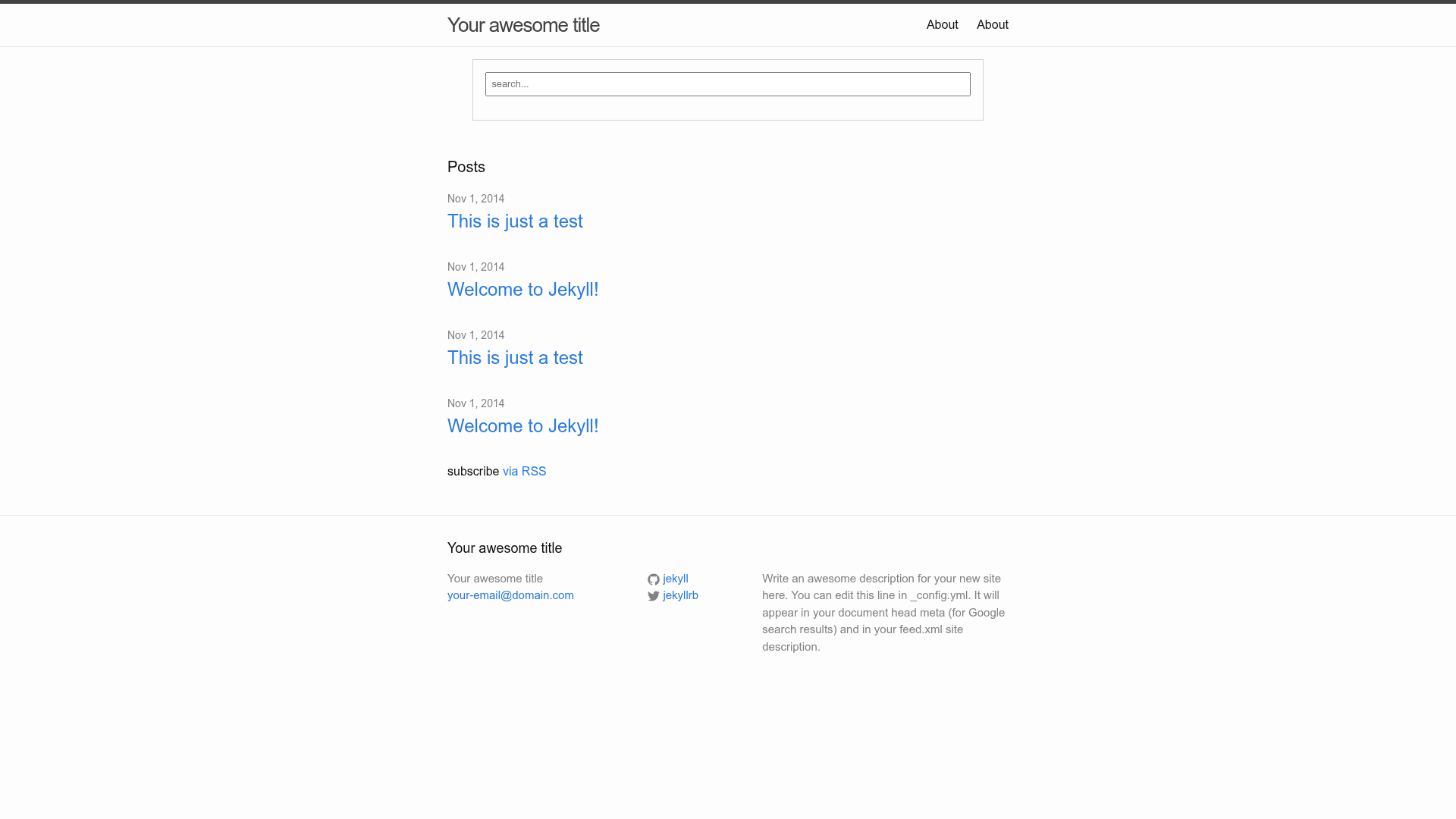
Simple Jekyll Search is an open-source JavaScript library created by Christian Fei, published on npm as simple-jekyll-search. It takes a URL to a generated search.json file (or inline JSON) and a pair of DOM elements — a search input and a results container — and renders matching posts as the user types. It runs entirely on the client side, so there are no server configurations or databases to maintain. The library is distributed via npm and can also be loaded from the Unpkg CDN via https://unpkg.com/simple-jekyll-search@latest/dest/simple-jekyll-search.min.js.
Key Features
Simple Jekyll Search packs several client-side search options into a single JavaScript file, all configurable through a plain JavaScript object.
- Zero server dependencies — All search logic happens in the browser; you only need a Jekyll-generated
search.jsondata file. - Simple templating — Use a
searchResultTemplatestring with placeholder fields like{title}and{url}to control how each result is rendered. - Full-text search support — Add a
contentfield tosearch.jsonto enable searching across post body text, not just titles and tags. - Fuzzy matching — Enable the
fuzzyoption for less restrictive matching when users make typos. - Customizable sorting — Provide a
sortMiddlewarefunction to group or order results, for example by section and caption. - Debounced input — Set
debounceTime(in milliseconds) to limit how often searches run, improving performance on large datasets. - No-results message — Configure the
noResultsTextHTML shown when a query matches nothing. - Data exclusion — The
excludeoption accepts a list of regex-compatible terms to filter out specific URLs or words.
Who is it for?
Simple Jekyll Search fits anyone running a Jekyll static site who wants a self-contained search box without adding a backend.
- Jekyll bloggers who want a fast, client-side search box without paying for or maintaining a server-side search service.
- Jekyll theme developers who need to drop search into a template with just a few lines of HTML and JavaScript.
- Static site maintainers who want to index both posts and pages by extending
search.jsonto loop oversite.pages.
Use cases
Here are concrete ways to use Simple Jekyll Search with a Jekyll site.
- Personal blogs: Add a lightweight search box to filter posts by title, category, tags, or date in under 5 minutes.
- Documentation sites built with Jekyll: Index page content to let readers search across the entire site.
- Prototyping a Jekyll site: Use the
search()method returned by the library to test search behavior programmatically, such as filtering posts by tag or category.
How does it work?
First, create a search.json file in the root of your Jekyll site using a Liquid loop that outputs post metadata as JSON. Second, add an input element and a results container to your layout, then initialize the library with SimpleJekyllSearch({ searchInput, resultsContainer, json: '/search.json' }). The library fetches the JSON, listens for keyboard events on the input, and renders the matched results inside the container.
FAQ
Does Simple Jekyll Search require a plugin or server?
No. It is a pure client-side script that fetches a static JSON file. The only Jekyll-specific piece is generating search.json with Liquid. No server-side plugin or database is needed.
Can I search full post content?
Yes. Add a content field to each item in search.json — for example {{ post.content | strip_html | strip_newlines }} — to include the post body in the search index.
How do I fix invalid JSON errors in search.json?
The repository provides a simple_search_filter.rb filter plugin that removes most characters causing invalid JSON. You can also use Jekyll's jsonify filter, which automatically escapes content and inserts quotes.
What options are required?
Only searchInput, resultsContainer, and json are required. The json option can be a URL to search.json or a JSON object. All other options are optional.
Is Simple Jekyll Search free to use?
Yes, it is an open-source project available on GitHub and npm. There are no paid tiers or enterprise versions.