Template details
Flowbite
Open-source UI component library and front-end development framework based on Tailwind CSS
About this template
Flowbite is an open-source UI component library and front-end development framework built on Tailwind CSS, giving developers a set of copy-paste components and interactive behaviors to build websites faster.
What is Flowbite?
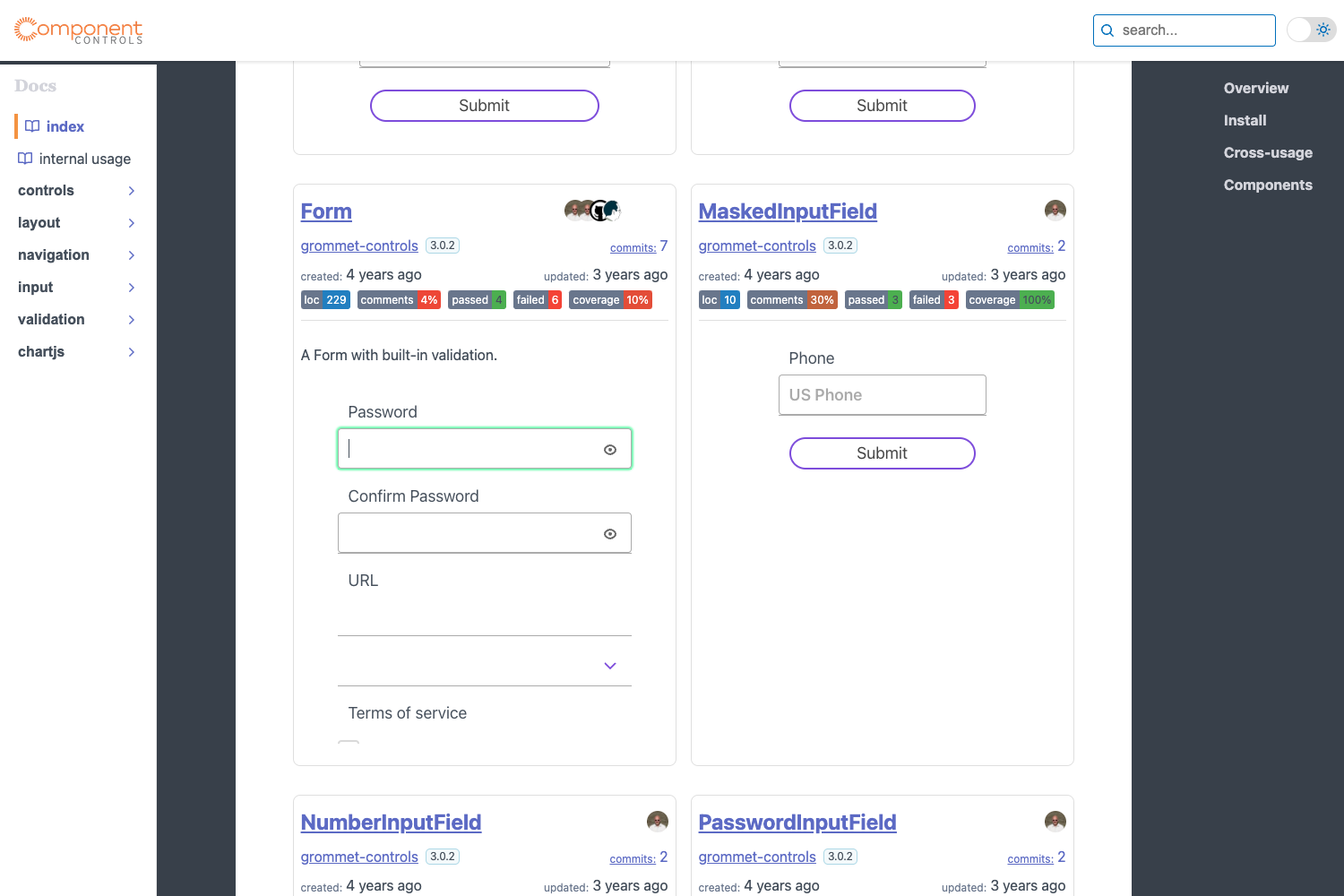
Flowbite is a plugin that adds a large collection of UI components to any Tailwind CSS project. It takes Tailwind's utility classes and packages them into ready-made elements such as modals, dropdowns, navbars, and forms, each with a JavaScript layer for interactivity. The project is maintained by Bergside Inc. and is available under the MIT license. It ships with a JavaScript file that powers interactive components through data attributes, and it supports TypeScript, ESM/CJS imports, and RTL layouts.
Key Features
- Extensive component library — includes alerts, badges, breadcrumbs, buttons, cards, dropdowns, forms, modals, tabs, tooltips, datepickers, accordions, sidebars, carousels, and many more, all built with Tailwind utility classes.
- Data attribute interactivity — you can toggle, show, or hide components by adding attributes like
data-modal-targetanddata-modal-toggleto trigger elements, with no custom JavaScript required. - NPM and CDN installation — run
npm install flowbiteto add it as a dependency, or link the minified CSS and JavaScript directly from the jsdelivr CDN. - TypeScript support — includes type declarations and interfaces such as
ModalOptionsandModalInterfacefor type-safe component creation. - RTL support — every UI component works natively in right-to-left layouts when you set the
dir="rtl"attribute on the HTML element. - Framework libraries — official community-maintained packages exist for React, Vue, Svelte, Angular, and Qwik, with integration guides for Next.js, Nuxt, Astro, Gatsby, Remix, and SolidJS.
- Backend framework guides — documentation shows how to use Flowbite with Laravel, Symfony, Ruby on Rails 7, Django, Flask, and Phoenix.
- Flowbite Icons — a collection of 450+ free SVG icons that integrate with Tailwind CSS, Figma, and JSX.
Who is it for?
- Frontend developers — speed up UI work by copying Flowbite components straight into Tailwind CSS projects.
- Full-stack developers — follow the backend integration guides to combine Flowbite with Laravel, Django, Rails, or other server-side frameworks.
- Web designers — use the Figma design system (via Flowbite Pro) and Flowbite Blocks (400+ website sections) to prototype and hand off designs.
- Framework-specific developers — React, Vue, Svelte, Angular, or Qwik developers can install the dedicated libraries instead of copying HTML markup.
What can you do with Flowbite?
- Launch a marketing website — assemble navbars, heroes, pricing sections, testimonials, and footers from the component list or the 400+ Flowbite Blocks sections.
- Build an admin dashboard — combine sidebars, charts, tables, and the DataTables plugin to create data-dense interfaces.
- Add interactive UI without writing JavaScript — set up modals, toasts, dropdowns, and tooltips purely by adding data attributes and including the bundled script.
- Generate pages with AI — use Flowbite GPT, a custom ChatGPT model trained on Flowbite and Tailwind CSS resources, to produce website sections and pages.
How does Flowbite work?
First, install Flowbite via NPM or CDN and register it as a plugin in your Tailwind CSS configuration. Then copy the component markup into your HTML and include the Flowbite JavaScript file before the closing body tag. Interactive elements are controlled by data attributes, or you can initialize components programmatically with functions such as initFlowbite() in frameworks like Vue or Nuxt.
Pricing
Flowbite is free and open source under the MIT license. A paid Pro version adds premium features including the Figma design system, access to all Flowbite Block sections, and a dashboard UI interface, with pricing details available on the Flowbite website.
Alternatives
- DaisyUI — a Tailwind CSS component library that applies styling via CSS classes rather than data attributes.
- Tailwind UI — the official paid component library from the Tailwind CSS team.
FAQ
Is Flowbite free?
Yes, the core Flowbite library is open source under the MIT license. The Pro version is paid and adds extra features like the Figma design system and all Flowbite Block sections.
What JavaScript frameworks does Flowbite support?
Flowbite has community-maintained libraries for React, Vue, Svelte, Angular, and Qwik. Integration guides also cover Next.js, Remix, Nuxt, Astro, Gatsby, SolidJS, and MeteorJS.
How do I install Flowbite?
Run npm install flowbite and then import the theme and plugin in your CSS, and include the JavaScript file before the end of the body. Alternatively, you can link the minified CSS and JavaScript directly from the jsdelivr CDN.
Does Flowbite work with TypeScript?
Yes, Flowbite ships with TypeScript type declarations for its components and options objects, such as ModalOptions and ModalInterface, so you can write type-safe code when creating components programmatically.
Does Flowbite support RTL layouts?
Yes, all Flowbite UI components have native RTL support. You can enable right-to-left rendering by adding the dir="rtl" attribute to the HTML element.