Template details
Webpixels CSS
Utility and component-centric design system leveraging Bootstrap 5 for rapid, responsive UI development.
About this template
Webpixels CSS is a utility- and component-centric design system built on Bootstrap 5, offering developers a CSS framework, SCSS utilities, and a library of copy-paste Bootstrap components for rapid, responsive UI development.
What is Webpixels CSS?
Webpixels CSS is an open-sourced design system maintained by Webpixels, built directly on Bootstrap 5. It combines utility classes with a component-centric approach, giving developers both low-level CSS utilities and ready-made UI components to assemble interfaces quickly. The system is distributed as a CSS framework with underlying SCSS source files, and it includes a documentation site at webpixels.io/docs and a UI Blocks library at webpixels.io/library where hundreds of components can be explored and copied. It is licensed under the MIT license.
Key Features
- Built on Bootstrap 5 — Leverages the Bootstrap 5 foundation, so Bootstrap class names and utilities remain available alongside Webpixels extensions.
- Utility classes — Provides utility-first CSS classes for spacing, typography, colors, layout, and more, as reflected in the repository's topics.
- Component-centric library — Includes UI Blocks with hundreds of pre-built components that can be copied, mixed, and adapted directly into projects.
- SCSS source — Exposes Sass/SCSS variables and mixins, allowing developers to customize the design system during compilation.
- Documentation portal — The webpixels.io/docs site covers installation, customization, and usage examples.
- Community support — Active GitHub Discussions for questions and feedback, plus an official blog for project updates.
- MIT licensed — Free to use in commercial and personal projects without licensing fees.
Who is it for?
- Frontend developers using Bootstrap who want to accelerate UI development with utility classes and ready-made component snippets.
- UI/UX designers looking for a consistent design system to prototype interfaces that match Bootstrap 5's grid and component models.
- Product teams building responsive web applications who need a customizable, internally consistent CSS foundation rather than a full page template.
What can you do with Webpixels CSS?
- Rapid prototyping: Assemble responsive layouts quickly by combining utility classes and copying components from the UI Blocks library.
- Custom theming: Override SCSS variables to create a branded look while retaining Bootstrap 5's default behavior.
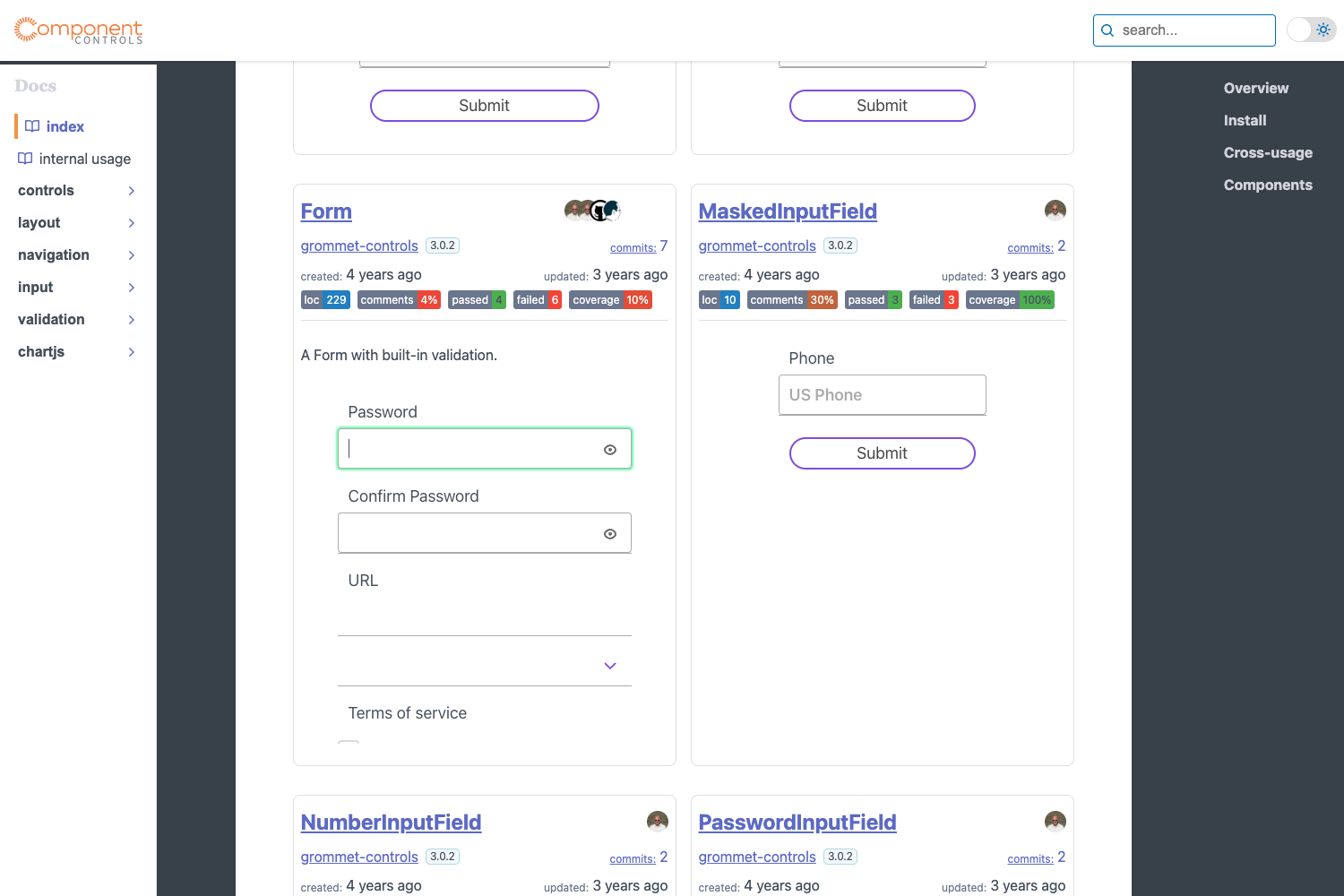
- Component reference: Pull individual UI elements (buttons, cards, navbars, forms, and more) from the library to use as a starting point in existing projects.
- Design system adoption: Establish a shared CSS vocabulary across teams by adopting Webpixels CSS as the internal design system.
How does Webpixels CSS work?
Webpixels CSS works as a standard Bootstrap 5 extension. Developers install or include the framework, then either use the precompiled CSS directly or customize the SCSS source before compilation. Components are browsed on the UI Blocks site and copied into projects, where they integrate with Bootstrap's existing class names and utilities.
FAQ
Is Webpixels CSS free?
Yes, Webpixels CSS is open-sourced under the MIT license. You can use it in commercial and personal projects free of charge, with no attribution required.
Does Webpixels CSS work with Bootstrap 5?
Yes, it is explicitly built on Bootstrap 5. The design system extends Bootstrap utilities and components rather than replacing them, so existing Bootstrap knowledge transfers directly.
Where do I find the UI components?
The UI Blocks are available on the Webpixels library at webpixels.io/library. You can explore hundreds of components, copy the markup, and adapt them to your project.
Can I customize Webpixels CSS with Sass?
Yes, the repository includes SCSS source files and lists Sass/SCSS among its technologies. You can modify variables and mixins and recompile to create a custom theme.
How do I get support for Webpixels CSS?
Support and discussion happen in the official GitHub Discussions forum, and project updates are published on the Webpixels blog. You can also follow @webpixels_ on Twitter/X.