Template details
Flowbite Svelte Blocks
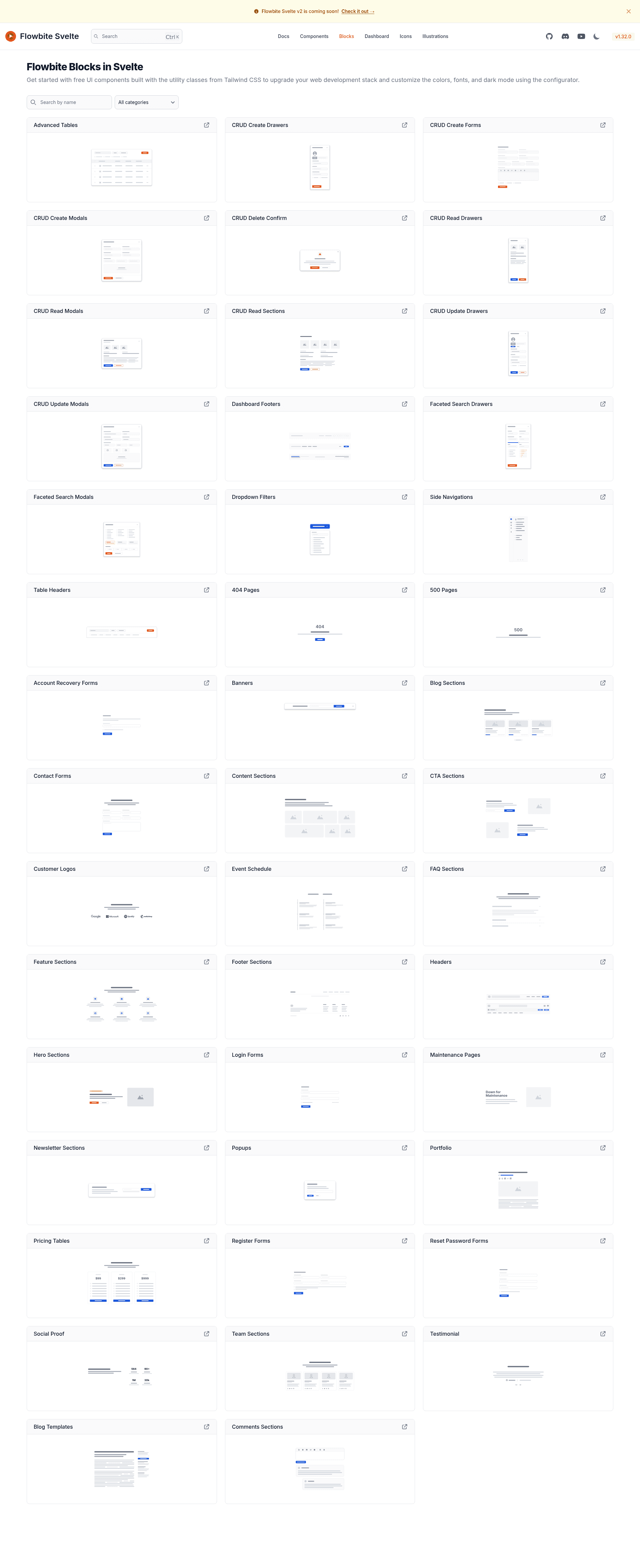
Svelte library template for building Flowbite-Svelte-Blocks components, powered by the sv CLI.
About this template
Flowbite Svelte Blocks is a Svelte library template powered by the sv CLI that scaffolds a reusable component library with a built-in showcase app. This repository specifically targets Flowbite-Svelte-Blocks components, providing the standard SvelteKit library building blocks for developing, packaging, and publishing npm packages.
What is Flowbite Svelte Blocks?
Flowbite Svelte Blocks is a boilerplate for creating Svelte component libraries, generated with the sv scaffolding tool. It splits the project into src/lib for library source code and src/routes for a preview or documentation app. The template uses SvelteKit's packaging feature to produce distributable component files, and the repository metadata identifies the intended output as Flowbite-Svelte-Blocks components.
Key Features
- sv-powered project generation — Start with
npx sv create my-appusing the official Svelte CLI. - Separated library and showcase —
src/libholds the reusable components;src/routesruns a preview app. - One-command packaging —
npm run packagebuilds the library fromsrc/libinto a distributable format. - Production build workflow —
npm run buildcreates a production version of the showcase app;npm run previewserves it locally. - Deployment adapters — The showcase app can be deployed to any environment by installing a SvelteKit adapter.
- npm publishing support — After setting the package name and license in
package.json,npm publishreleases the library to npm.
Who is it for?
Flowbite Svelte Blocks is aimed at developers who want to build and distribute Svelte component libraries. It suits:
- Svelte library authors who need a standard structure for component development and packaging.
- Flowbite Svelte contributors building a collection of block components for Svelte projects.
- Design system teams looking for a ready-made setup to publish reusable UI components.
What can you do with it?
- Create a new Svelte component library by running
npx sv createand developing components insrc/lib. - Package components for npm with
npm run package, then publish usingnpm publish. - Build a preview app to showcase components, running it locally with
npm run dev -- --open.
How does it work?
The workflow starts with npx sv create from any directory. After installing dependencies with npm install, you run npm run dev to start a development server. The library code lives in src/lib, while src/routes provides a live preview. To distribute the library, run npm run package; to create a production version of the showcase, run npm run build and then npm run preview.
FAQ
How do I create a new project with this template?
Run npx sv create my-app from your terminal to scaffold a new Svelte library in a folder named my-app. The command generates the same structure this template uses: src/lib for components and src/routes for a preview app.
How do I build the library?
Execute npm run package from the project root. This runs SvelteKit's packaging command, which compiles the contents of src/lib into a distributable format suitable for npm.
How do I publish my library to npm?
First, edit package.json to set the desired "name" and add a "license" field pointing to a LICENSE file (e.g., MIT). Then run npm publish from the project root to upload the package.
How do I deploy the showcase app?
The showcase app in src/routes can be built with npm run build. To deploy it, you may need to install a SvelteKit adapter that matches your hosting environment, as noted in the template.