Template details
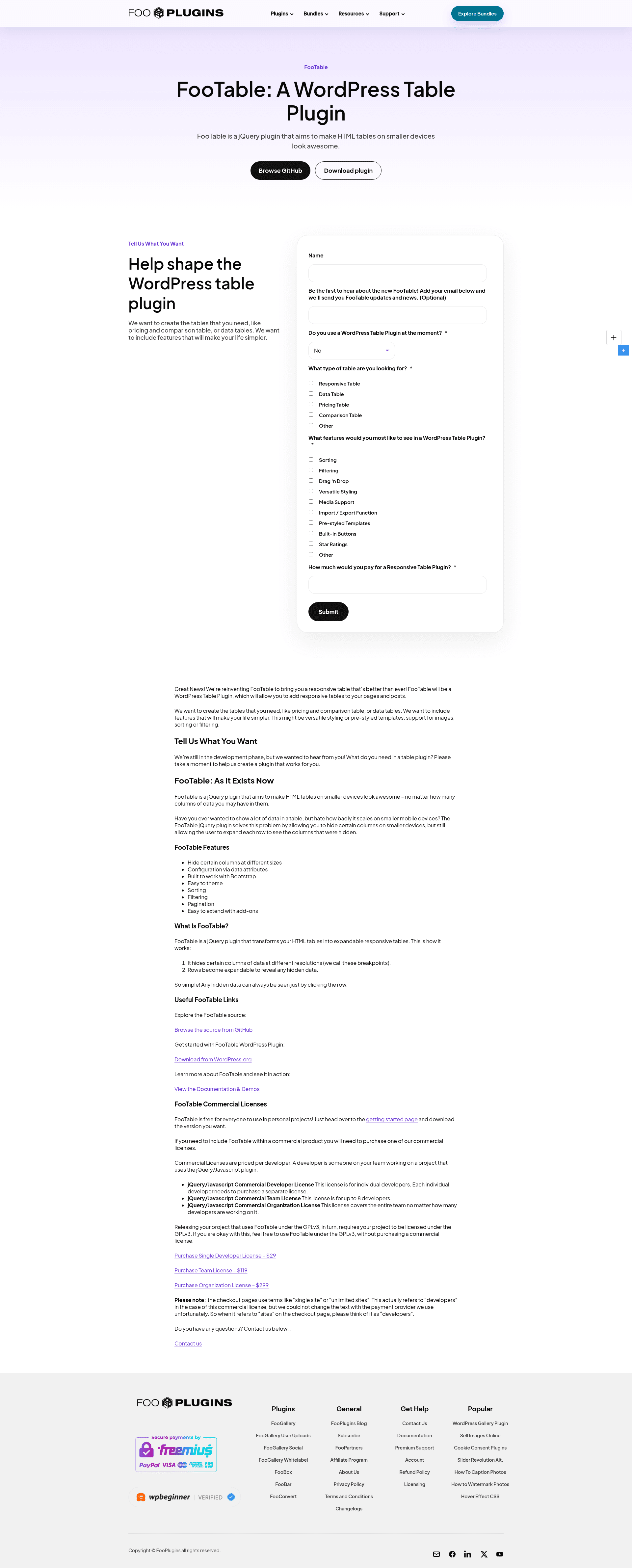
FooTable
jQuery plugin to make HTML tables responsive with filtering, sorting, paging, and more.
About this template
FooTable is a jQuery plugin that converts standard HTML tables into responsive, interactive data tables with filtering, sorting, paging, and export capabilities.
What is FooTable?
FooTable V3 is a complete rewrite of the popular FooTable jQuery plugin, version 3.1.6, developed by the FooPlugins team on GitHub. It takes a plain HTML table as input and enhances it with column toggling based on viewport breakpoints, so tables remain usable on mobile devices. The plugin exposes a FooTable.Table object with methods like toJSON() and toCSV() for data export, and it integrates with Bootstrap's CSS framework for consistent styling. FooTable requires jQuery to run.
Key Features
- Responsive breakpoints — Automatically hides columns on smaller screens using configurable breakpoints; adds footable-first-visible and footable-last-visible classes to cells in the first and last visible columns.
- Filtering — Built-in search input with options for exact matching, ignoring case, a custom container selector, a dropdown title, and a minimum character count (min defaults to 1 in 3.1.3+).
- Sorting — Clickable column headers sort data ascending or descending; supports a custom sortValue function for each column and methods like toggleAllowed, hasChanged, and reset.
- Paging — Pagination UI with configurable page size, custom count format, and a container option to place controls anywhere in the DOM.
- Export — The FooTable.Export component adds toJSON() and toCSV() methods to the table object, allowing data export without server-side processing.
- State saving — Persists the current page, sorted column, and active filters across sessions using browser storage; an internal storage key can be changed for backwards compatibility.
- Editing framework — Includes an editing component with toggleable buttons and a view mode, enabling developers to build editable tables.
- Multiple column types — Built-in columns for date, number, array, and object data, each with custom parsers and formatters; cell values can be set via val(value, redraw, redrawSelf).
Who is it for?
- Front-end developers building responsive websites who need feature-rich tables without writing custom JavaScript from scratch.
- Bootstrap users who want a table plugin that matches Bootstrap styling and components out of the box.
- Data-heavy application developers (admin dashboards, reporting tools) who need filtering, sorting, paging, and export in one package.
- Maintainers of existing jQuery projects who want to add modern table interactions without migrating to a JavaScript framework.
What can you do with FooTable?
- Make data tables mobile-friendly: Let FooTable hide less important columns automatically on small screens, keeping the essential data visible.
- Export table data: Use the toCSV() or toJSON() methods to download the currently filtered and sorted dataset for reporting.
- Render complex data types: Use the array and object column types to display JavaScript arrays or objects directly inside cells.
- Persist user preferences: The state component remembers the last page, sort order, and filters so returning users see the same view.
Pros and cons
- Pros: Rich feature set (filtering, sorting, paging, export, state, editing), active event system for customization, works with Bootstrap, actively maintained on GitHub.
- Cons: No upgrade path from V2 to V3; some 3.0.x customizations broke in 3.1.0 due to API changes (e.g., FooTable.Filtering#filter now takes no arguments).
FAQ
Does FooTable require jQuery?
Yes, FooTable is a jQuery plugin and depends on the jQuery library being present. It can be initialized on a standard HTML table element via a constructor.
Is FooTable free?
FooTable is open source and hosted on GitHub under the FooPlugins organization. The repository does not state a license explicitly in the provided content.
What version is current?
The latest version mentioned in the changelog is 3.1.6, which fixes an export error when Moment.js and the DateColumn are not included.
Can I upgrade from FooTable V2 to V3?
No, the changelog explicitly states there is no upgrade path from V2 to V3. The code was completely rewritten, so existing customizations will need to be rewritten.
What browser storage does the state component use?
The state component uses browser storage to persist page number, sorted column, and filters across sessions, but the specific storage type (localStorage vs. sessionStorage) is not specified in the provided content.