Template details
Raspberry Pi Meteor Station (RMS)
Open-source meteor observation software for the Global Meteor Network, automating video capture, detection, and calibration on Raspberry Pi.
About this template
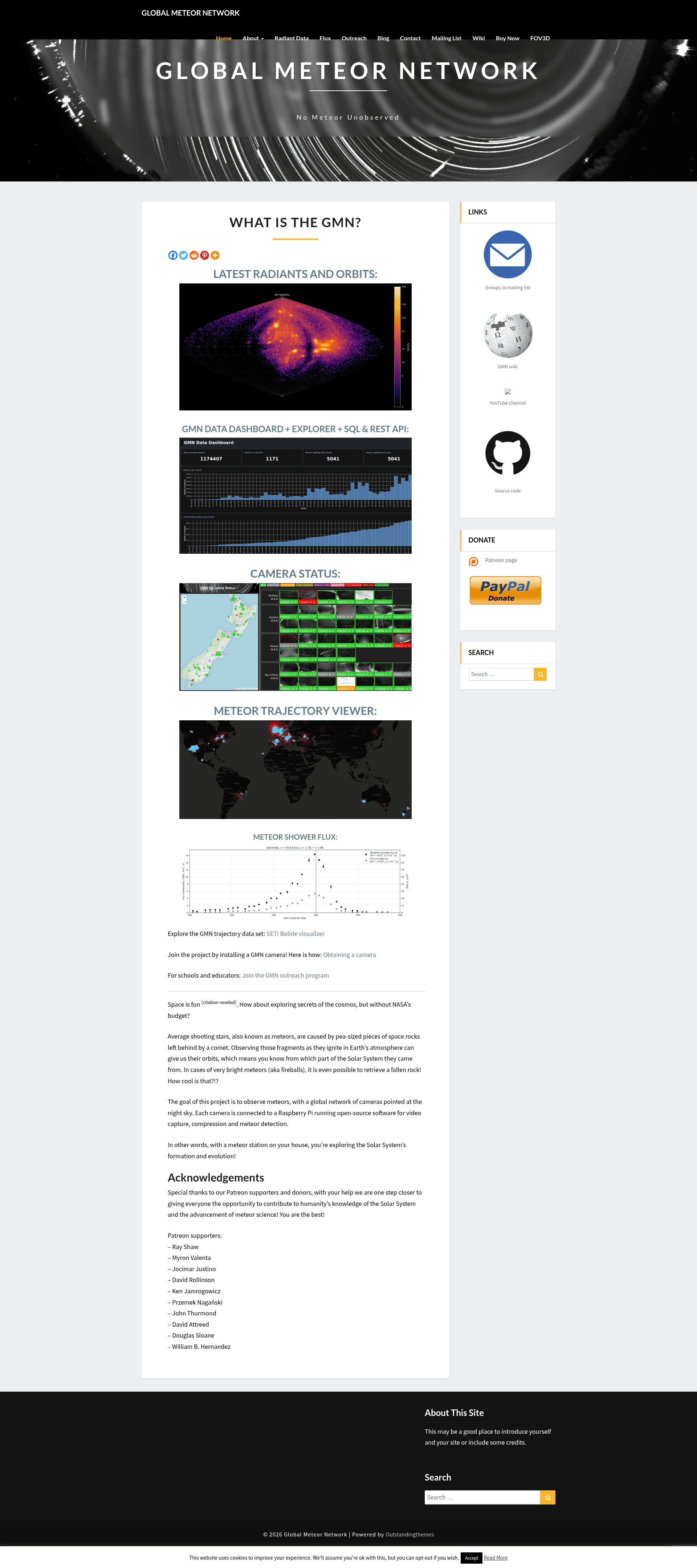
RMS (Raspberry Pi Meteor Station) is an open-source Python software library that powers the Global Meteor Network (GMN), automating the complete meteor observation pipeline on low-cost Raspberry Pi cameras and Linux PCs — from dusk-to-dawn video capture to calibrated meteor detections uploaded to a central server.
What is RMS?
RMS is the core software behind the Global Meteor Network, a worldwide collaboration of amateur and professional astronomers operating low-cost meteor cameras. The library takes continuous night-sky video from digital IP cameras, compresses it into the Four-frame Temporal Pixel (FTP) format, detects meteors and bright fireballs in real time, performs astrometric and photometric calibration, and uploads the reduced detections to the network's central server for trajectory and orbit computation. It is designed primarily for the Raspberry Pi platform (Pi 4 and Pi 5 recommended) and also fully supports Linux PCs. The repository is maintained under the CroatianMeteorNetwork GitHub organization, and the methodology is published in Vida et al. 2021, Monthly Notices of the Royal Astronomical Society.
What makes RMS stand out?
- Automated night-cycle operation — Starts video capture automatically at dusk and stops at dawn, with no manual intervention required for a standard GMN camera.
- FTP video compression — Compresses 256-frame video blocks into the Four-frame Temporal Pixel format, originally used by the CAMS project, dramatically reducing storage for all-night recordings.
- Real-time fireball detection — Detects bright fireballs as they happen in the live video stream, generating .FR files in the night directory.
- Meteor and star extraction — Detects meteors and extracts reference stars from FTP compressed files, producing CALSTARS and FTPdetectinfo output files.
- Automatic nightly calibration — Performs astrometric and photometric calibration with automatic recalibration each night, keeping positional and brightness measurements accurate.
- Central server data syncing — Automatically uploads calibrated detections to the Global Meteor Network central server, feeding the shared meteoroid environment map.
- Manual reduction tools — Includes utilities for manually reducing fireballs and meteors, plus a live stream module (Utils.ShowLiveStream) and viewers for FTP and FR data.
Who should use RMS?
- Amateur astronomers — Build a low-cost GMN meteor camera with a Raspberry Pi and an IP camera, then run
python -m RMS.StartCaptureto automatically record and reduce meteors each clear night. - Professional meteor scientists — Contribute calibrated meteor trajectories and orbits to the Global Meteor Network's open dataset, or use the software on Linux PCs for multi-camera setups.
- Citizen science enthusiasts — Join an existing national or regional GMN node, using the pre-built images and setup guides on the GMN Wiki to get a station online in a few hours.
Common uses for RMS
- Building a dedicated meteor camera — Flash the pre-built RMS image onto a Raspberry Pi 4 or 5, attach an IP camera, and the system captures, detects, calibrates, and uploads data automatically.
- Multi-camera networks — Configure multiple cameras on a single Linux PC, as described in the advanced RMS installation guide for multi-camera support.
- Fireball hunting — Use the real-time fireball detection and .FR viewers to catch bright fireballs and proceed with manual trajectory reduction.
- Developer experimentation — Install RMS via Conda on Windows or Linux with the custom developer instructions to test submodules like astrometric calibration or manual reduction (note that meteor detection does not run natively on Windows).
How does RMS work?
After installation and system configuration via a .config file, you run python -m RMS.StartCapture, which automatically begins capturing at sunset, stops at sunrise, performs star and meteor detection, applies astrometric recalibration, and uploads detections to the central server. For immediate testing, the Live Stream module (python -m Utils.ShowLiveStream) shows the camera feed with the RMS configuration. Collected night directories (named with a timestamp such as YYYYMMDD_hhmmss_uuuuuu) can be processed manually with python -m RMS.DetectStarsAndMeteors to re-generate CALSTARS and FTPdetectinfo files.
FAQ
Does RMS run on Windows?
Meteor detection does not run natively on Windows due to multiprocessing limitations, but you can still run submodules such as astrometric calibration and manual reduction on Windows. The full capture pipeline requires Linux (Raspberry Pi OS or a Linux PC).
What hardware do I need?
RMS uses digital IP cameras and is designed primarily for Raspberry Pi 4 or Raspberry Pi 5, though it also runs fully on Linux PCs. The GMN Wiki provides a complete how-to for building and installing a camera.
What are FTP and FR files?
FTP (Four-frame Temporal Pixel) files are compressed video blocks that store 256-frame captures as four temporal pixel frames. FR files are generated by the fireball detector for brighter meteors, and can be viewed with python -m Utils.FRbinViewer.
How do I get RMS up and running quickly?
The recommended path is to use the pre-built images and automated installation scripts on the GMN Wiki, which provide the fastest and most stable way to set up a standard GMN camera. For developers, there are manual Conda installation commands for Python 3.11.6.
Can I install RMS with Anaconda on my PC?
Yes. Advanced users can follow the custom/developer Conda installation instructions, which create a Python 3.11.6 environment and install the required dependencies. This is intended only for developers or highly custom installations, not standard users.