Template details
Fractal Jekyll Theme
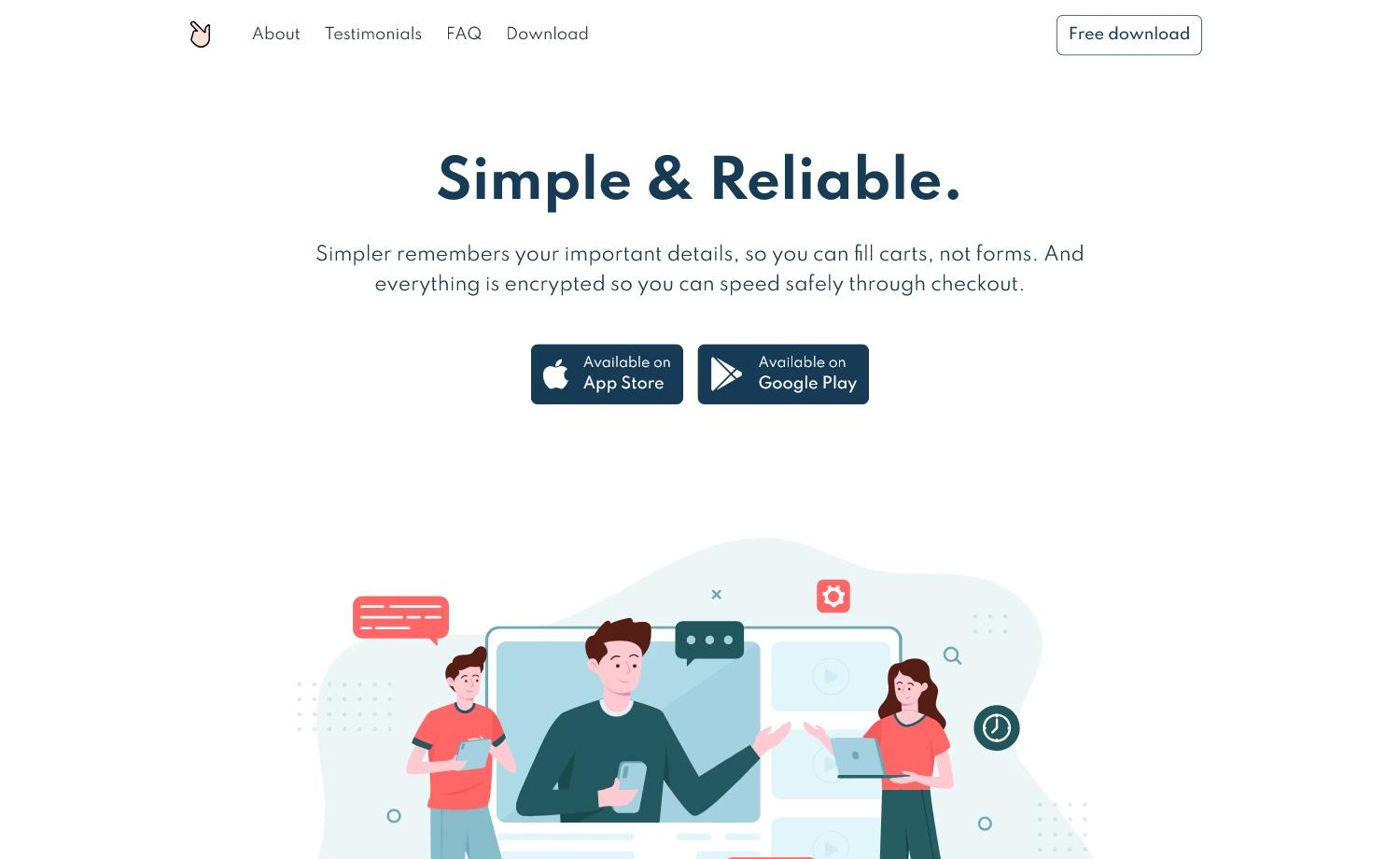
A Jekyll version of the 'Fractal' theme by HTML5 UP, a responsive landing page template for showcasing mobile apps.
About this template
Fractal is a Jekyll port of the "Fractal" theme by HTML5 UP, a lightweight and fully responsive landing page template originally designed for showcasing mobile apps. It converts the static HTML5 UP design into a Jekyll-powered static site, letting you manage content through Markdown and a _config.yml file, and it is maintained by Andrew Banchich on GitLab.
What is the Fractal Jekyll Theme?
Fractal is a Jekyll theme that wraps the HTML5 UP "Fractal" landing page template into the Jekyll static site generator. It takes a _config.yml configuration file plus standard Jekyll content (front matter, posts, and pages) as input, and outputs a static, production-ready landing page. The theme is distributed as a Ruby gem (per the repository topics) and runs on any Jekyll environment, including GitHub Pages and GitLab Pages.
Key Features
- Fully responsive layout — The original Fractal design is built on Skel 3, Sass, and flexbox, so the page reflows cleanly across desktop, tablet, and mobile viewports.
- Mobile app showcase design — The template includes phone mockup imagery and a landing structure optimized for presenting an app's key features.
- Jekyll integration — Content is managed via Markdown and YAML front matter; global settings live in
_config.yml, so you can edit site metadata without touching HTML. - Font Awesome icons — Social and feature icons come from Font Awesome (fortawesome.github.com/Font-Awesome), giving you a large icon set out of the box.
- jQuery and HTML5 fallbacks — Includes jQuery, html5shiv.js, CSS3 Pie, and Respond.js so the design degrades gracefully in older browsers.
- Free license — Released under the Creative Commons Attribution 3.0 license (CCA 3.0, html5up.net/license), free for personal and commercial use.
- Easy deployment — Fork the repository and edit
_config.yml; for GitHub, create agh-pagesbranch; for GitLab, just fork and push.
Who should use the Fractal Jekyll Theme?
- Mobile app developers — Need a quick, polished landing page to promote an app and link to app stores.
- Jekyll users — Want a minimal, config-driven theme that works with GitHub Pages or GitLab Pages without a build server.
- Freelancers and designers — Can fork the project and customize the Sass/CSS to create a simple product page for a client.
What can you do with the Fractal Jekyll Theme?
- Showcase a mobile app: Present your app's name, tagline, and download links in a hero section, with feature descriptions below.
- Create a lightweight product landing page: Use the single-page layout to announce a new product or service without building a full site.
- Learn Jekyll theming: The small codebase makes it a good example of converting a static HTML template into a Jekyll theme.
How does the Fractal Jekyll Theme work?
The README outlines a simple two-step workflow: fork the repository and edit _config.yml, then deploy. On GitHub, you create a branch named gh-pages; on GitLab, you simply fork and push. Jekyll then renders the Markdown content and YAML configuration into the static landing page.
FAQ
Is the Fractal Jekyll Theme free?
Yes. The original HTML5 UP theme is free for personal and commercial use under the Creative Commons Attribution 3.0 license, and the Jekyll port inherits that license.
Does the Fractal Jekyll Theme work with GitHub Pages?
Yes. The README explicitly instructs GitHub users to fork the repository, create a branch named gh-pages, and edit _config.yml. Jekyll on GitHub Pages will build the site automatically.
What technology does the theme use?
The original HTML5 UP Fractal theme is built on Skel 3, Sass, and flexbox, and it includes Font Awesome icons, jQuery, html5shiv.js, CSS3 Pie, and Respond.js. The Jekyll port adds standard Jekyll front matter and _config.yml support.
Can I use the demo images from the theme?
The original credits say demo images are from Unsplash and are not included (* = not included). So you'll need to supply your own images for the page.
Where can I report issues or request features?
The README directs users to the GitLab repository (andrewbanchich/fractal-jekyll-theme) for bug reports, questions, and feature requests. The GitHub repository is a mirror of the GitLab one.