Template details
Mizu Light
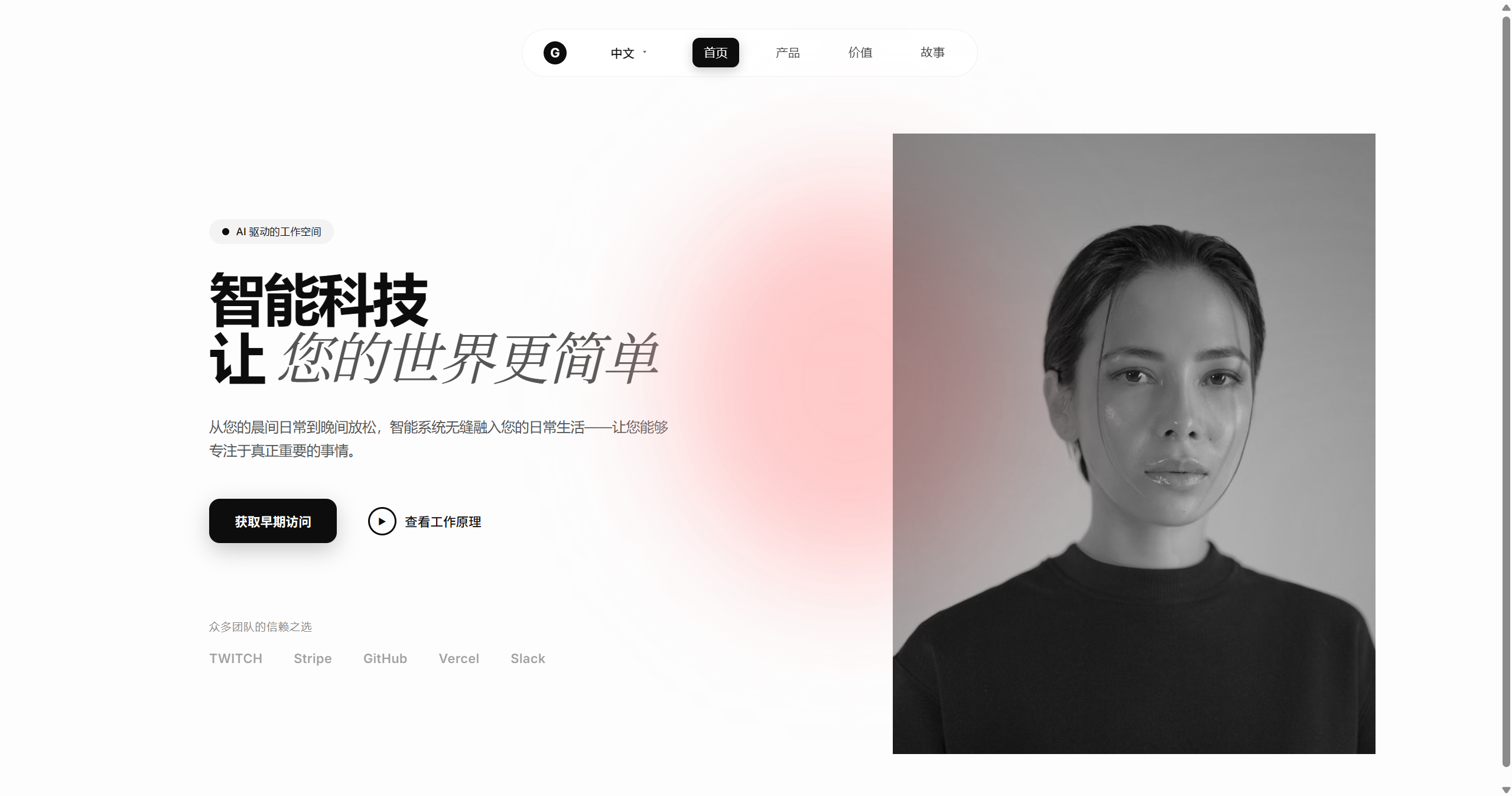
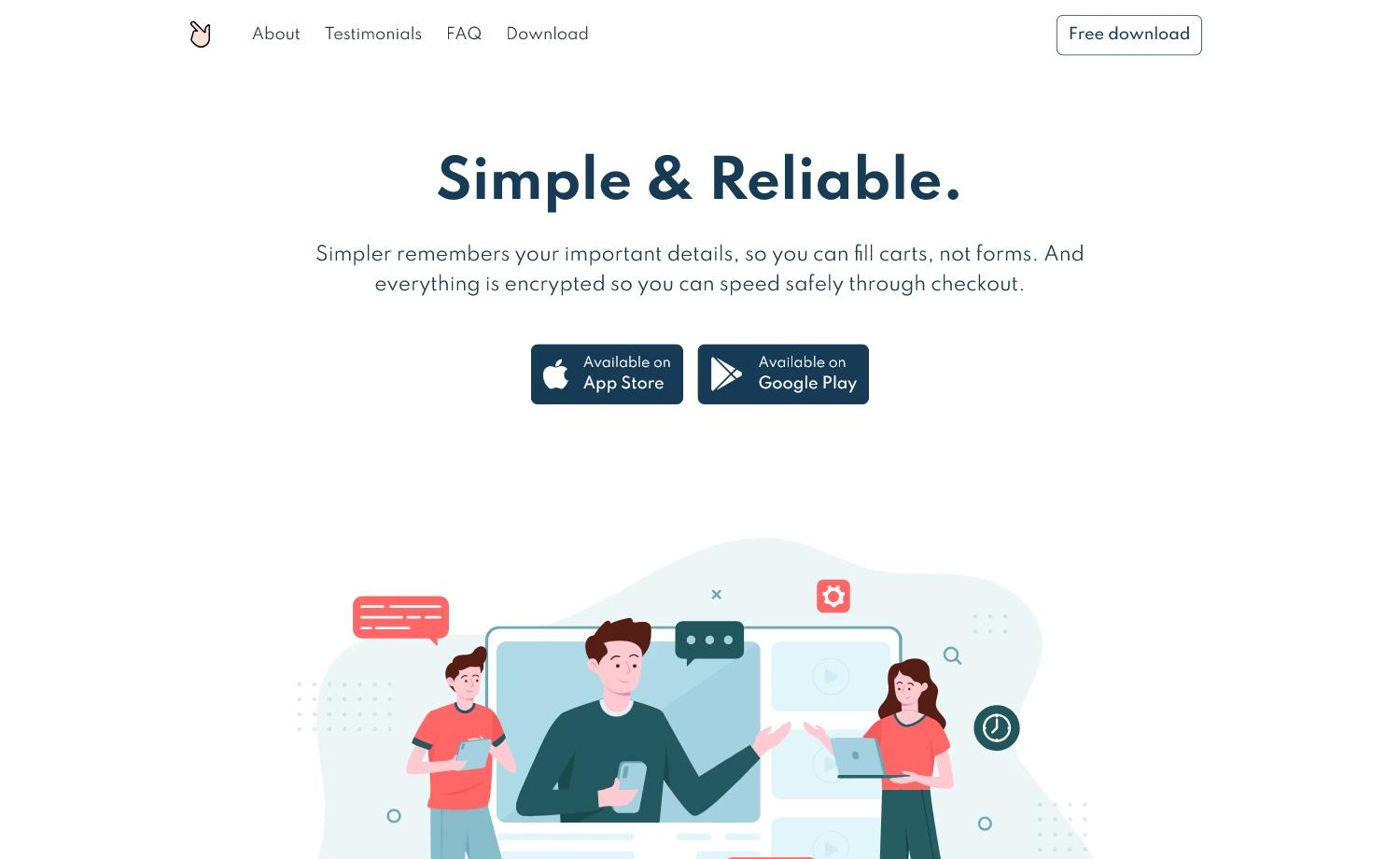
Mizu Light is a free Astro and Tailwind CSS v4 product launch template for SaaS, digital launches, and startups.
About this template
Mizu Light is a free product launch template for Astro and Tailwind CSS v4, built by the theme studio Oxygenna for SaaS products, digital launches, and startups that need a fast, SEO-ready landing page for beta signups and early access campaigns.
What is Mizu Light?
Mizu Light is a free Astro and Tailwind CSS v4 website template designed for product launches. It takes content stored in JSON data files and Astro content collections and renders it into a static, responsive marketing site with a 100/100 Google PageSpeed score. The theme includes pre-built launch pages, modular section blocks, reusable UI components, and configuration files in TypeScript, and is developed by Oxygenna, a theme design studio.
Key Features
- Astro v6 framework — Built on the latest Astro release, producing fast static output with a 100/100 PageSpeed score.
- Tailwind CSS v4 styling — Utility-first CSS with customizable primary and neutral colors defined in the
global.csstheme section. - Pre-built launch pages — Includes landing pages tailored for product launches, beta signups, and early access campaigns, ready to publish immediately.
- Modular blocks — Reusable section blocks in
src/components/blocksthat can be added, rearranged, or expanded to build unique layouts. - Reusable UI components — A set of customizable components in
src/components/uifor consistent design across the site. - Light & dark mode — Uses forced
mode-lightormode-darkclasses by default; switching to themode-autoclass and uncommenting the ThemeSwitcher component gives users a toggle. - SEO-ready structure — Clean semantic HTML and optimized metadata help the site rank higher in search engines.
- Analytics integration — Google Analytics and Tag Manager are supported via the
src/config/analytics.tsconfiguration file.
Who is it for?
- SaaS startups — Set up a product landing page quickly to collect beta signups and gauge interest before launch.
- Digital product creators — Publish an early access page for courses, apps, or tools with a polished, modern design.
- Marketing teams — Assemble a launch site by mixing modular blocks and customizing theme colors and fonts without writing heavy code.
What can you do with Mizu Light?
- Launch a product campaign: Use the pre-built pages and blocks to create a landing page with feature highlights, testimonials, and signup calls to action.
- Customize branding: Change the primary and neutral colors in
global.css, replace font files in the public directory, and update the@font-faceconfiguration to match your brand. - Enable theme switching: Add the
mode-autoclass insrc/layouts/Layout.astroand uncomment the ThemeSwitcher component in the NavigationBar to let visitors toggle between light and dark mode. - Track performance: Insert Google Analytics and Tag Manager keys in
src/config/analytics.tsto monitor visitor behavior and conversion.
How does Mizu Light work?
After downloading the theme, install dependencies with npm install, then run npm run dev to start a local development server at localhost:4321. The project uses a clear folder structure: src/pages holds the .astro route files, src/components contains UI components and section blocks, and src/config stores TypeScript configuration for navigation, analytics, and general settings. When ready, npm run build generates a production site in ./dist/, and npm run preview lets you test the build locally. The theme requires Node.js version 22.12.0 or later.
Pricing
Mizu Light is the free version of the Mizu theme. The paid full version, Mizu, extends it with 14 ready-to-use pages, 34 reusable UI components, 33 pre-built blocks, sliders, refined animations, a mega menu, integrated analytics, and complete light and dark mode support. No pricing amount is listed on the page.
FAQ
Is Mizu Light free?
Yes, Mizu Light is the free tier of the Mizu theme. You can download and use it to build a product launch site, while the full Mizu version is a paid upgrade with additional pages and features.
What is the difference between Mizu Light and Mizu?
Mizu Light is the starter version with core landing pages. The full Mizu version adds 14 pages, 34 UI components, 33 blocks, a mega menu, sliders, refined animations, and analytics integration, making it a more complete solution for product and startup websites.
What Node.js version is required for Mizu Light?
The theme requires Node.js version 22.12.0 or later. Check the package.json file for the full list of scripts and dependencies after installation.
How do I customize the colors and fonts?
Open the global.css file and locate the theme section to change the primary and neutral color values. For fonts, add your custom font files to the public directory and update the font-family property in the @font-face section.
How do I enable light/dark mode switching?
By default, Mizu Light uses a forced mode set via a mode-light or mode-dark class in the layout. To give visitors a theme toggle, add the mode-auto class to src/layouts/Layout.astro and uncomment the ThemeSwitcher component in the NavigationBar component.