Template details
Gallerize
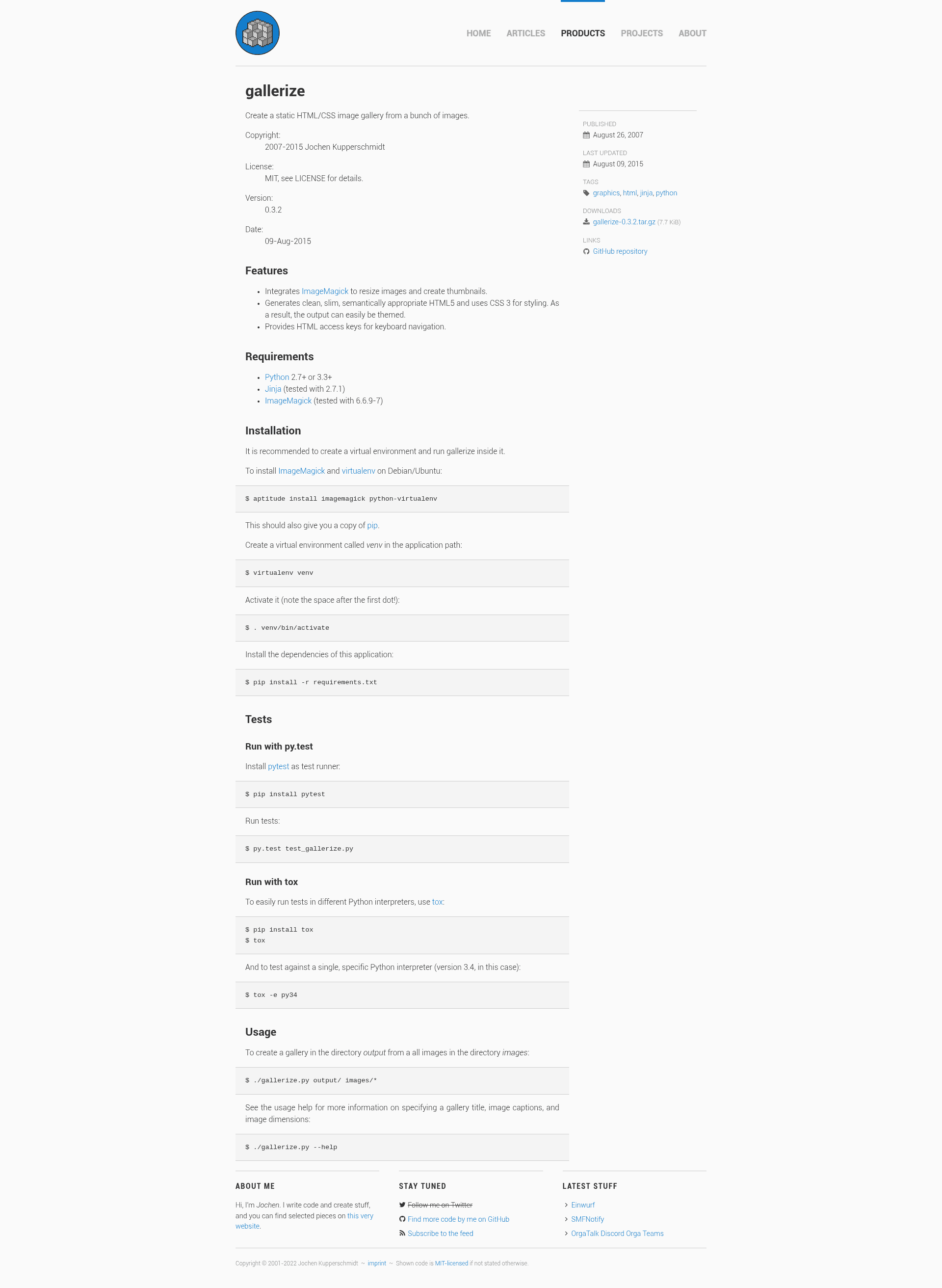
Create a static HTML/CSS image gallery from a bunch of images.
About this template
Gallerize is a Python command-line tool that generates a static HTML/CSS image gallery from a directory of images.
What is Gallerize?
Gallerize is a Python 3.7+ command-line tool that converts a set of images into a static HTML5 gallery with thumbnails and optimized full-size images. It takes image files as input and produces CSS-themed HTML pages as output. The project is written by Jochen Kupperschmidt and released under the MIT license, with the source hosted on GitHub.
Key Features
- ImageMagick integration — Resizes images and creates thumbnails; tested with ImageMagick 6.6.9-7.
- Clean HTML5/CSS3 output — Generates clean, slim, semantically appropriate HTML5 and CSS3 for easy theming.
- Keyboard navigation — Provides HTML access keys so users can navigate the gallery with the keyboard.
- Image optimization — Uses jpegoptim (tested with 1.4.6) to reduce file size and remove metadata.
- Jinja templating — Renders gallery pages via the Jinja template engine, allowing custom layouts.
- Flexible CLI options — Supports specifying a gallery title, image captions, image dimensions, and output directory; run gallerize --help for details.
Who is it for?
- Photographers — who want to publish a simple static gallery without managing a database or CMS.
- Web developers — who need a scriptable, automated way to generate gallery pages from image folders.
- Privacy-conscious site owners — who prefer a self-hosted, JavaScript-free gallery that's lightweight and fast.
What can you do with Gallerize?
- Static site builders: Turn a folder of images into a ready-to-upload gallery by running gallerize output/ images/*.
- Custom gallery creators: Use the command-line flags to add a title, captions, and control image dimensions.
- Image optimizers: Automatically compress images and strip metadata during gallery generation.
How does Gallerize work?
After installing ImageMagick, jpegoptim, and Python dependencies (including Jinja) via pip, you activate a virtual environment and install the package. Running gallerize output/ images/* processes each image, creates thumbnails with ImageMagick, optimizes them with jpegoptim, and renders HTML via Jinja. The project includes a test suite run with pytest.