Template details
Microsoft Fluent UI Blazor
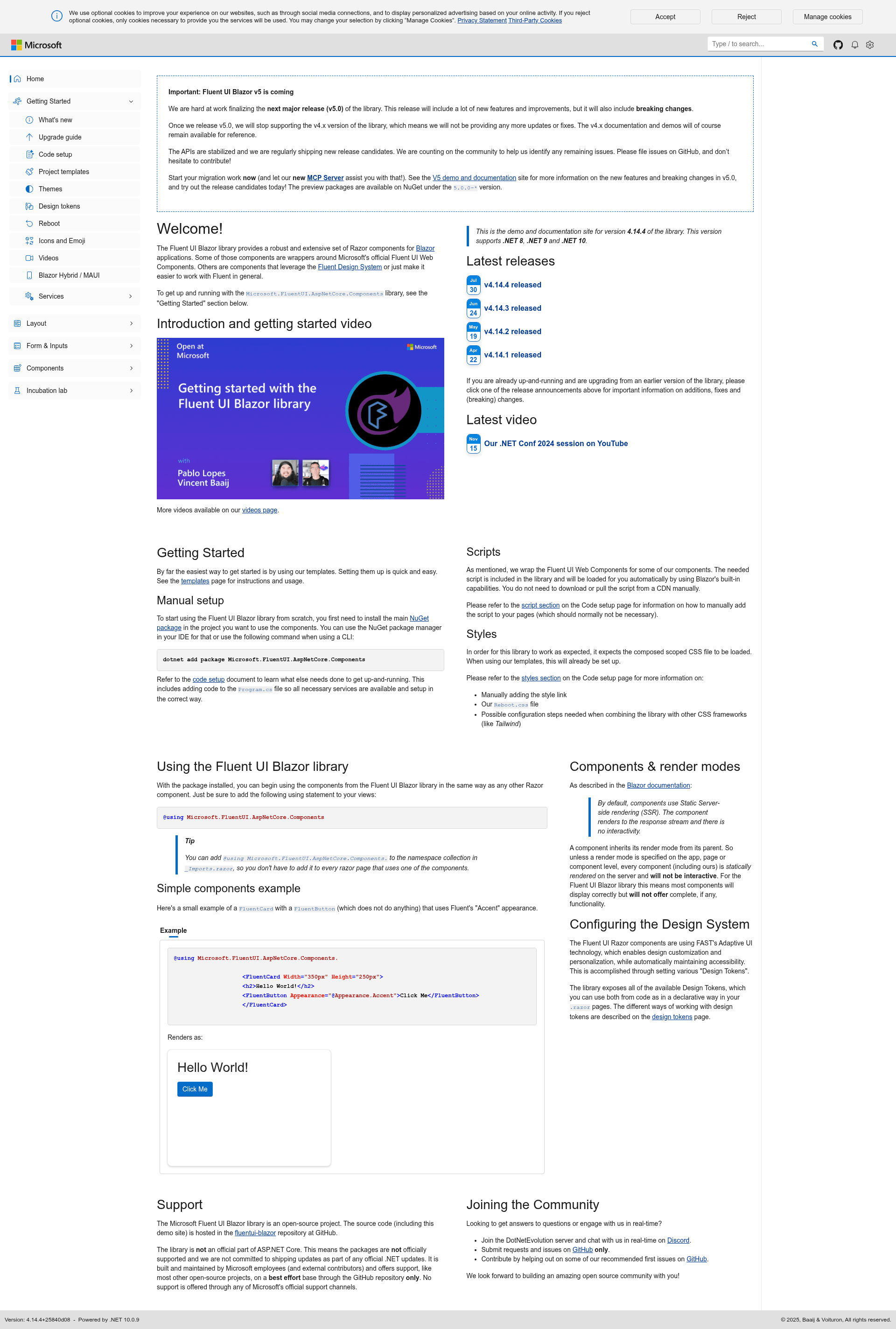
Microsoft Fluent UI Blazor components library. For use with ASP.NET Core Blazor applications
About this template
Microsoft Fluent UI Blazor is an open-source component library that provides Razor components for building Blazor applications with the Fluent Design System, the design language used in modern Microsoft products.
What is Microsoft Fluent UI Blazor?
Microsoft Fluent UI Blazor is an open-source Razor component library for building Blazor applications that follow the Fluent Design System. It wraps Microsoft's official Fluent UI Web Components and adds extra components that make the design system easier to work with. The library is developed by Microsoft employees and community contributors, hosted on GitHub under the fluentui-blazor repository, and distributed as the Microsoft.FluentUI.AspNetCore.Components NuGet package. The package targets .NET 8 and .NET 9 Blazor projects; the previous v3 packages (Microsoft.Fast.Components.FluentUI) support the now-unsupported .NET 6 and 7.
Key Features
- dotnet templates — The
Microsoft.FluentUI.AspNetCore.Templatespackage provides project templates such asfluentblazorandfluentblazorwasmthat create new Blazor Server and WebAssembly projects pre-configured with Fluent UI components. - Icons and Emoji packages — Additional NuGet packages (
Microsoft.FluentUI.AspNetCore.Components.Iconsand...Emoji) deliver the full Fluent UI System icons and Fluent UI Emoji collections. - Bundled script — The Fluent UI Web Components script is included in the library package itself, so it does not need to be loaded from a CDN; it loads automatically even with static server-side rendering.
- Reboot stylesheet — An optional
reboot.cssprovides element-specific CSS resets and a consistent baseline, and is automatically configured when you use the templates. - Design tokens — All Fluent design tokens are exposed, allowing customization of appearance from both code and
.razorpages while preserving accessibility. - Service providers — Add
FluentToastProvider,FluentDialogProvider,FluentTooltipProvider,FluentMessageBarProvider, andFluentMenuProviderto any layout to display toasts, dialogs, tooltips, message bars, and menus. - DataGrid extensions — Install an additional package to make
FluentDataGridwork with data from EF Core or an OData client asynchronously. - Blazor Hybrid support — The library runs in Blazor Hybrid (MAUI/WPF/Windows Forms) projects, with a temporary workaround needed for .NET 8 WebView issues.
Who should use Microsoft Fluent UI Blazor?
Blazor developers who want their applications to have the look and feel of modern Microsoft software are the primary audience. Teams building internal business tools can use the ready-made Fluent components to speed up development. .NET developers creating Blazor WebAssembly or Server apps, as well as Blazor Hybrid MAUI apps, will find pre-configured templates and a consistent design system.
What can you do with it?
- .NET developers — Quickly scaffold a new Blazor Server or WebAssembly project with the
dotnet new fluentblazorordotnet new fluentblazorwasmcommands, including Fluent styling out of the box. - Blazor Hybrid developers — Use the library in MAUI, WPF, or Windows Forms Blazor Hybrid apps, following the provided setup steps to handle WebView script loading on .NET 8.
- Design-system-driven teams — Configure design tokens to change colors, typography, and other aspects of the UI, and use the included providers for toasts, dialogs, tooltips, message bars, and menus.
How does Microsoft Fluent UI Blazor work?
Install the main NuGet package with dotnet add package Microsoft.FluentUI.AspNetCore.Components, then register services by calling AddFluentUIComponents() in Program.cs and add the needed providers in MainLayout.razor. If you do not use the templates, manually add the bundled script reference and optionally the reboot.css stylesheet. From there you can use any Fluent component in your .razor files, such as FluentCard and FluentButton.
Pricing
Microsoft Fluent UI Blazor is open source and free to use, released under the MIT license as shown on its GitHub badge. There are no paid tiers or commercial editions mentioned in the project documentation.
FAQ
Is Microsoft Fluent UI Blazor free?
Yes, it is open source under the MIT license, and all packages on NuGet are free to download and use in commercial projects.
Which .NET versions are supported?
The current packages support .NET 8 and .NET 9 Blazor projects. If you are using .NET 6 or 7, you need the older v3 packages with names starting with Microsoft.Fast.Components.FluentUI.
Does it work with Blazor Hybrid?
Yes, the library supports Blazor Hybrid projects built with MAUI, WPF, or Windows Forms. On .NET 8 there is a temporary workaround for WebView script loading; on .NET 9 this workaround is no longer needed.
Do I need to load the Fluent UI Web Components from a CDN?
No, the script that wraps the Fluent UI Web Components is included inside the library package itself. It loads automatically even in SSR mode, though you can add it manually to App.razor if you want it to load before Blazor starts.
How do I get started with the templates?
Install the templates package with dotnet new install Microsoft.FluentUI.AspNetCore.Templates, then run dotnet new fluentblazor or dotnet new fluentblazorwasm to create a new project. Visual Studio users can also search for "Fluent" in the New Project dialog.