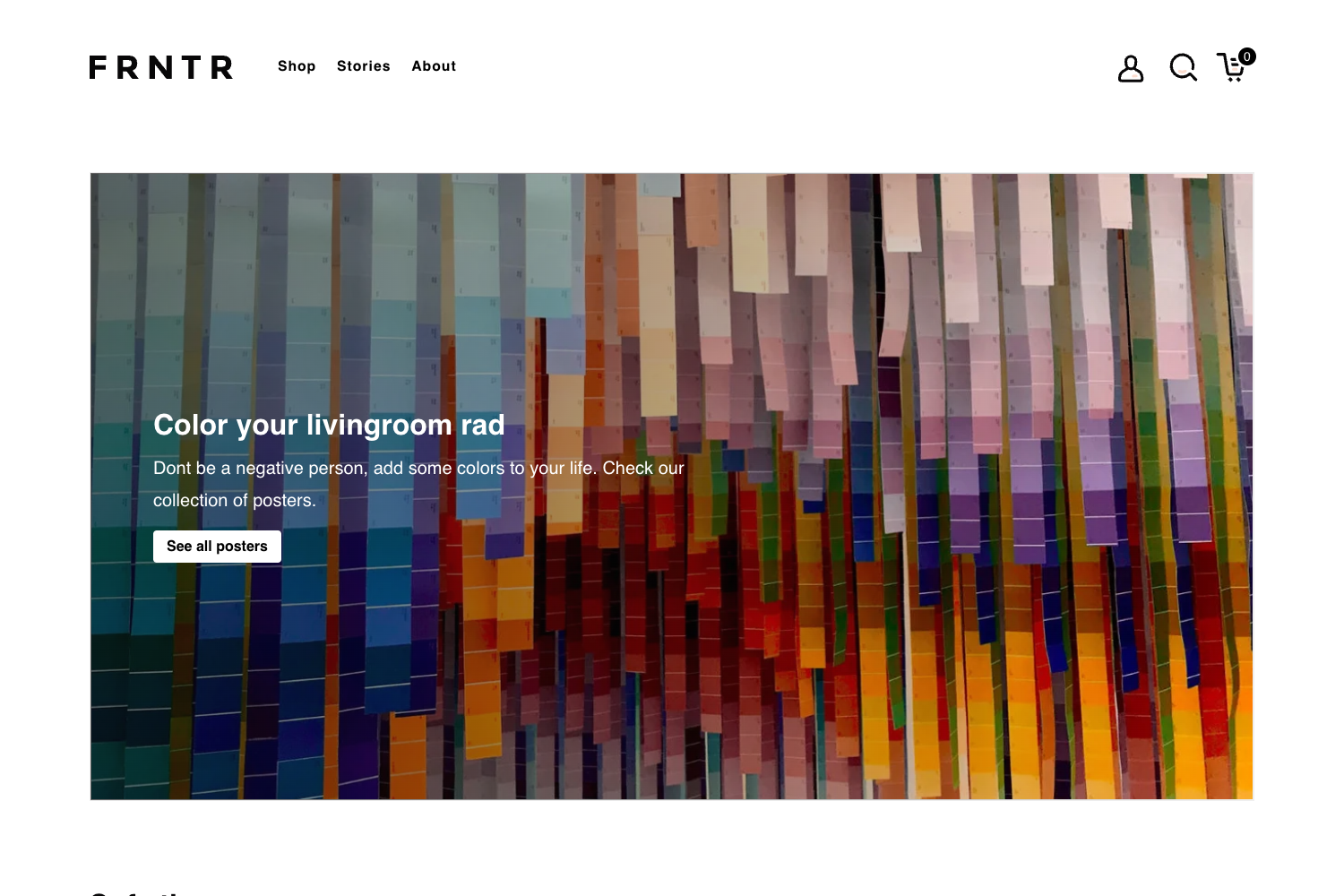
Template details
Gatsby Kontent Photon
A Gatsby starter that builds a landing page powered by the Kentico Kontent headless CMS.
About this template
Gatsby Kontent Photon is a starter web template that pairs the Gatsby static site generator with the Kentico Kontent headless CMS to deliver a content-driven landing page.
What is Gatsby Kontent Photon?
Gatsby Kontent Photon is a ready-to-use landing page template built with GatsbyJS and Kentico Kontent. It takes content from a Kentico Kontent project (connected via a project ID and Content Management API) and outputs a static landing page. The template is hosted on GitHub as SousSource, based on the Gatsby starter Photon by codebushi, and it carries a copyright line from 2019.
Key Features
- Gatsby static site generation — The whole site compiles to static HTML, meaning fast loads and simple hosting on any static server.
- Kentico Kontent as a CMS — Content is pulled through the
@kentico/gatsby-source-kontentplugin using theKONTENT_PROJECT_IDenvironment variable, so editors manage content separately from the code. - SCSS theming — Visual styles are written in SCSS; the color palette is controlled by variables in
_vars.scssthat you can edit without touching component code. - Two icon sets — Both Material Icons and Font Awesome are included; rows of icons are added with classes such as
material-iconsorfa-code. - Custom CSS Grid — The original grid is replaced with a simple 12-column CSS Grid that is disabled on mobile; items are placed by adding
grid-wrapperandcol-*classes that sum to 12. - Netlify one-click deploy — A Deploy to Netlify button is provided; clicking it creates a copy of the repository, authenticates GitHub, then builds and publishes the site automatically.
- Sample content in a zip — The repository includes a
content.zipfile designed to be imported into Kentico Kontent through the Template Manager, with an option to publish language variants after import.
Who is it for?
- Gatsby developers — Get a working reference for wiring the Kentico Kontent source plugin to a Gatsby project, including environment variable setup and build configuration.
- Agency teams — Build client landing pages quickly by cloning the template, importing sample content, and then letting clients edit entries in Kentico Kontent's web UI.
- Developers exploring headless CMS — See how Kentico Kontent's Content Management API interacts with a static site generator in practice, from project creation to imported content appearing on the page.
What can you do with it?
- Start a landing page — Clone the repo, run
yarnto install dependencies, import the sample content, and start a local dev server on http://localhost:8000 withyarn develop. - Reskin the design — Change global colors by editing SCSS variables in
_vars.scss, switch between Material Icons and Font Awesome, and adjust layouts using the included CSS Grid classes. - Publish a site — Use the Deploy to Netlify button or connect your own host, since the output is static and doesn't require a server runtime.
How does it work?
The README gives a step-by-step path: clone or fork the repo, install packages with Yarn, register on Kentico Kontent, create an empty project, enable the Content Management API, import content.zip via the Template Manager, copy .env.template to .env and set the KONTENT_PROJECT_ID, then start the development server. The site builds by pulling content from Kentico Kontent at build time.
Pros and cons
- Pros: open-source and free, built on the widely used Gatsby framework, includes a one-click Netlify deploy, and ships with a complete sample content import.
- Cons: the site cannot render useful content until you create a Kentico Kontent project and provide a valid project ID, making the CMS setup a prerequisite rather than an optional extra.
FAQ
Is this template free?
Yes, the template is open source and free to use. You will need your own Kentico Kontent account (which offers a free tier) and a hosting service for the static files.
What do I need to run it?
You need Node.js, Yarn, and a Kentico Kontent project. The project supplies a Project ID and a Content Management API key; the project ID goes into an environment variable for the Gatsby build.
How do I add or edit content?
Content is managed in Kentico Kontent, not in the repository. You edit entries in the Kontent admin interface, then rebuild the Gatsby site so the static pages reflect those changes.
Can I use it with another CMS?
No, not without modifying the data layer. The template's content sourcing is specifically implemented with the @kentico/gatsby-source-kontent plugin and the Kentico Kontent API.