Template details
Fastify on Vercel
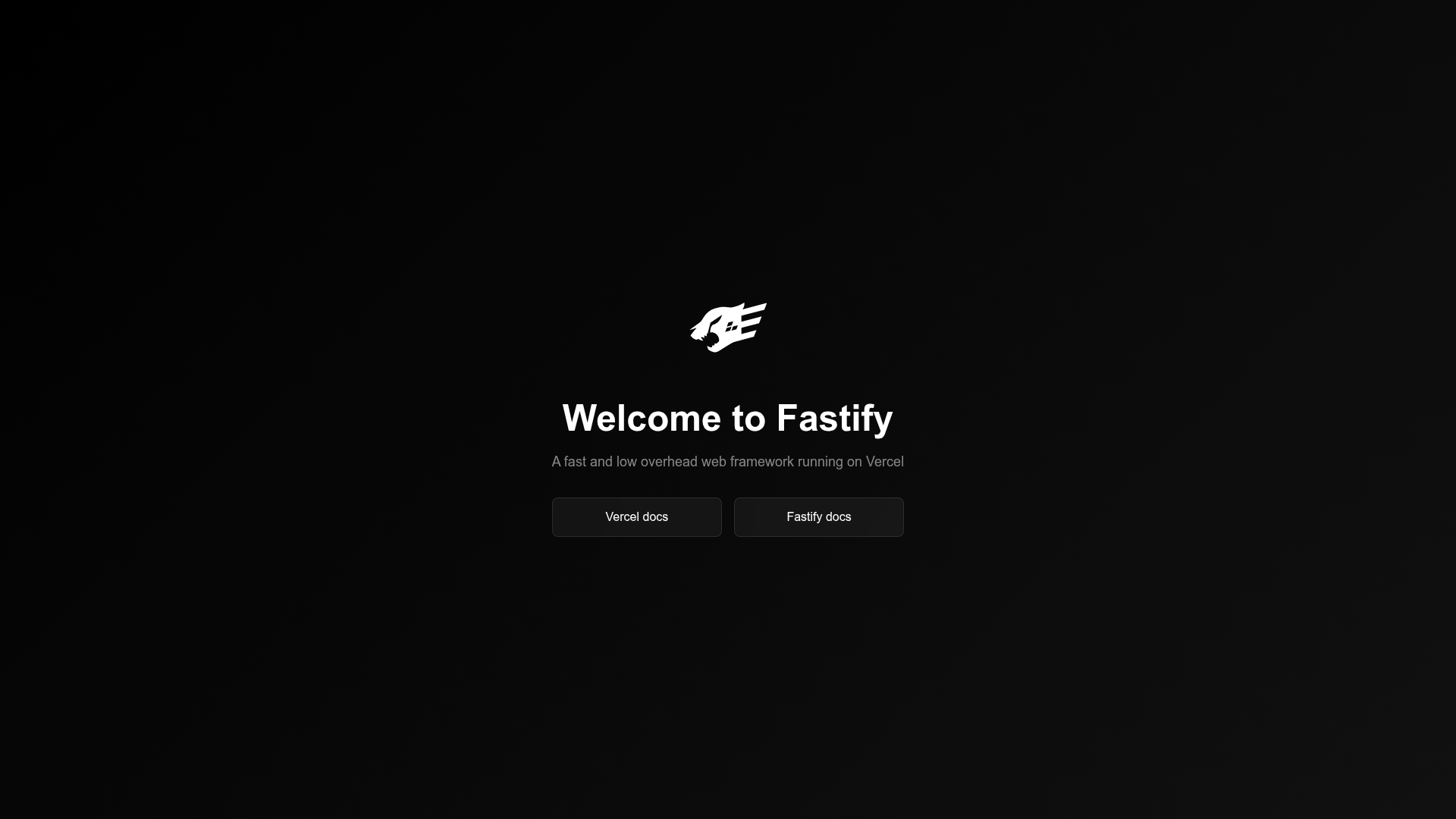
Deploying an API on Vercel with Fastify.
About this template
Fastify on Vercel is a minimal boilerplate template for deploying a Fastify-based API to Vercel's serverless platform using the Vercel CLI. It provides a starting point that runs locally with vc dev and ships to production with vc deploy, following the repository's "Develop. Preview. Ship." workflow.
What is Fastify on Vercel?
Fastify on Vercel is a starter project that pairs the Fastify Node.js web framework with Vercel's hosting environment. It takes a standard Fastify application as input and produces a serverless deployment through Vercel. The template is tied to the Vercel CLI (invoked as vc) for all development, build, and deployment steps. The repository metadata lists topics such as cli, cloud, command, hosting, jamstack, and ship, confirming its focus.
Key Features
- Local development with
vc dev— runnpm installand thenvc devto start a local server at http://localhost:3000 using the same routing as production. - Production build via
vc build— execute a production build of the Fastify application locally before deploying, mirroring Vercel's build pipeline. - One-command deployment with
vc deploy— push the built API to Vercel's infrastructure directly from the terminal. - Official Vercel CLI workflow — the template is structured around the
vccommand, matching Vercel's standard developer experience. - Serverless function architecture — organized as a Node.js serverless function so Fastify routes run on demand.
Who is it for?
- Backend developers who want to deploy a Fastify API to Vercel without writing deployment configuration from scratch.
- Jamstack developers who need a lightweight API layer alongside a static site hosted on Vercel.
- Prototype builders who want a running server endpoint in minutes using only command-line tools.
What can you do with it?
- Deploy a Fastify API to production: run
npm installand thenvc deployto get a live URL for your Fastify endpoints. - Test APIs locally: use
vc devto iterate on Fastify routes at localhost:3000 before pushing changes. - Preview changes before release: rely on Vercel's preview deployments to share work-in-progress versions with teammates.
How does it work?
The workflow consists of three command-line stages: install dependencies with npm install, run a local development server with vc dev, and deploy the application with vc build followed by vc deploy. The Vercel CLI translates the local Fastify app into a serverless function hosted by Vercel.
FAQ
Is Fastify on Vercel free to use?
The template is open-source and free to use. Vercel offers a free tier for hosting serverless functions, while larger production workloads may fall under paid plans depending on your account.
What is Fastify?
Fastify is a Node.js web framework designed for building APIs and microservices. This template wires Fastify into Vercel's serverless runtime so you can focus on writing routes.
Do I need to use the Vercel CLI?
Yes, the template's instructions rely on the vc command for development, build, and deployment. It is Vercel's official command-line tool.
What does vc dev do locally?
vc dev starts a local server at http://localhost:3000 that emulates Vercel's production environment for Fastify, letting you test routes before deploying.