Template details
Gatsby + Netlify CMS Starter
A JAMstack starter for Gatsby v2 and Netlify CMS with Bulma styling and editable pages.
About this template
Gatsby + Netlify CMS Starter is a JAMstack boilerplate that combines the Gatsby v2 static site generator with a Git-based Netlify CMS workflow, bundled with Bulma styling, five editable content pages, and Netlify deployment configuration.
What is the Gatsby + Netlify CMS Starter?
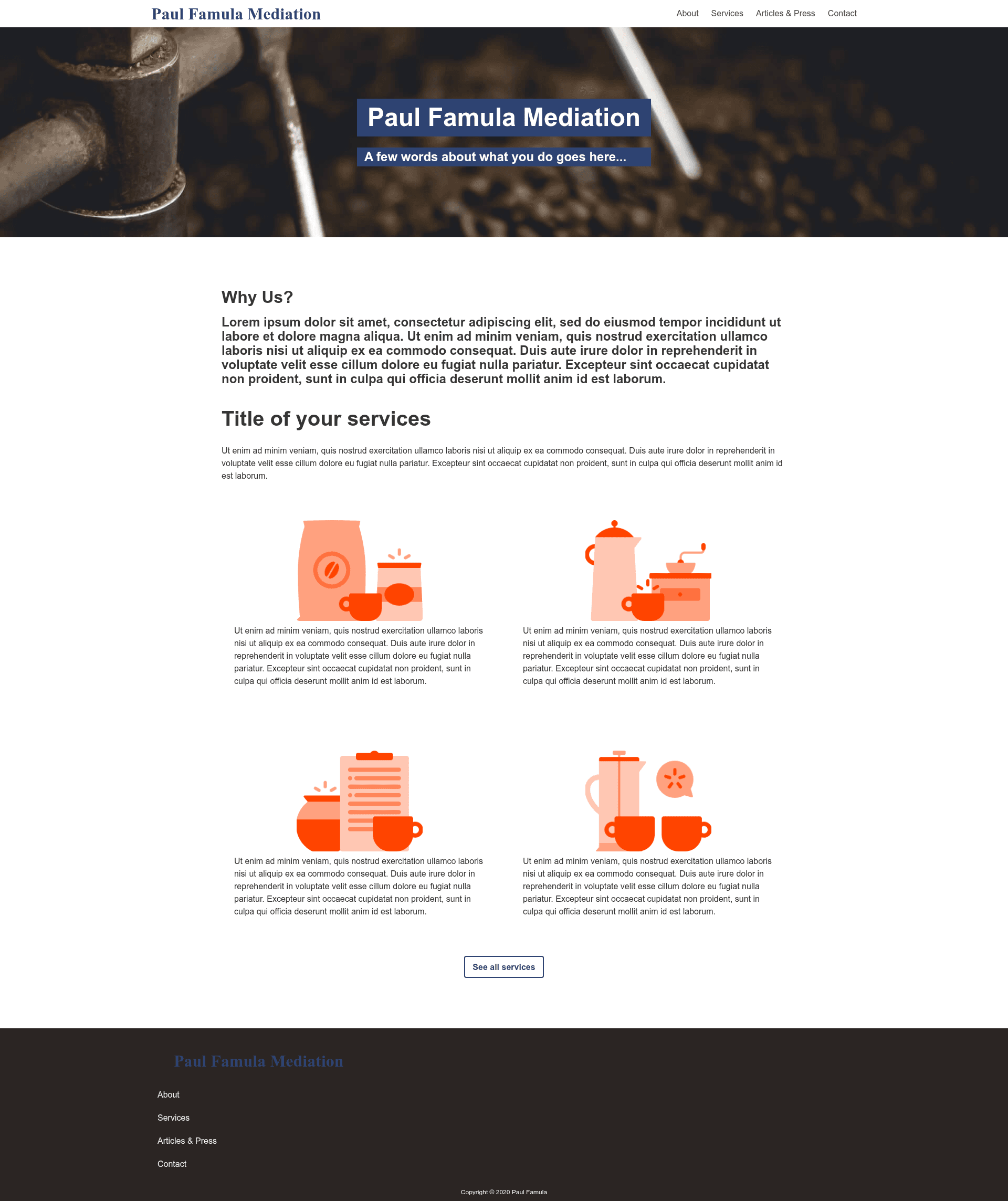
The Gatsby + Netlify CMS Starter is a pre-configured template for building static business websites with Gatsby v2 and Netlify CMS. It uses Git as its single source of truth, so content is stored in a repository and deployed by Netlify upon changes. The template was created by Netlify Templates as a port of the One Click Hugo CMS Kaldi coffee company template, and it includes a landing page, blog, tag pages, and contact form support.
Key Features
- Editable pages — Landing, About, Product, Blog-Collection, and Contact pages are configured for the Netlify CMS, with premade preview templates in
src/cms/cms.js. - Netlify Form support — Contact and other page forms are ready to receive submissions through Netlify's built-in form handling.
- Blog with tags — The CMS can create blog posts, and each tag automatically gets its own page through the starter's tag routing.
- Bulma CSS with purgecss — Bulma (~170K) is used for styling, but
gatsby-plugin-purgecsstypically reduces the bundled CSS by 90%. - Optimized images —
gatsby-imageis wired in for responsive, lazy-loaded images, and it works inside Netlify CMS previews. - Netlify function support — A
lambdafolder is included, and the project works with Netlify Dev (netlify dev) to run functions locally. - Deploy to Netlify button — A one-click setup creates a GitHub repo from the template and builds the site on Netlify automatically.
- Lighthouse scores — The starter reports perfect scores for SEO, Accessibility, and Performance in Lighthouse (PWA is still a work in progress).
Who is the Gatsby + Netlify CMS Starter for?
- Developers wanting a foundation for a Gatsby site with a CMS without wiring up authentication, previews, and forms manually.
- Agencies delivering marketing or blog sites to clients who need to edit their own content through a dashboard.
- Hobbyists and small businesses who want a static site with a blog and contact form that can be deployed on Netlify.
What can you do with the Gatsby + Netlify CMS Starter?
- Content editors: log into the Netlify CMS admin and edit page text, create blog posts, and manage tags without touching code.
- Developers: extend the component-based architecture to add new pages and sections, then use Netlify Functions for serverless backend behavior.
- Designers: swap the default Bulma theme and use the included SCSS files to restyle the site while keeping the CMS structure intact.
How does the Gatsby + Netlify CMS Starter work?
The recommended setup is the Deploy to Netlify button: after authenticating with GitHub, Netlify creates a copy of the template in your account, builds the site, and deploys it. To run locally, clone the new repository, install dependencies with yarn, and use netlify dev to serve the site and any functions. For CMS testing, run npm run build first, then start netlify dev to preview a production build.
FAQ
Is the Gatsby + Netlify CMS Starter free?
The starter is a publicly available repository published by Netlify Templates, so there is no cost to use the template itself. It is designed to be deployed on Netlify, which offers a free tier, but you are free to host it elsewhere.
What Gatsby version does the starter use?
The starter explicitly uses Gatsby v2, as noted in the README. Features like gatsby-image and pre-rendered HTML are tied to that version.
Do I need a paid account to use Netlify CMS?
No, Netlify CMS is open-source and can be run on any hosting, though the starter's authentication and deployment configuration assume Netlify. Netlify Identity is required to authorize CMS logins and works on their free tier.
Can I remove the media libraries?
Yes, Uploadcare and Cloudinary are installed but optional. The README explains which lines to comment out in src/cms/cms.js and which packages to remove with yarn remove to save build time.
Why is my CSS so small?
Because gatsby-plugin-purgecss removes unused Bulma classes, the CSS output is typically about one-tenth of Bulma's original ~170K size, resulting in faster page loads.