Template details
Gatsby Personal Portfolio
Minimalist, resume-style Gatsby starter with dark mode, JSON-driven skills and projects, and mobile-responsive design.
About this template
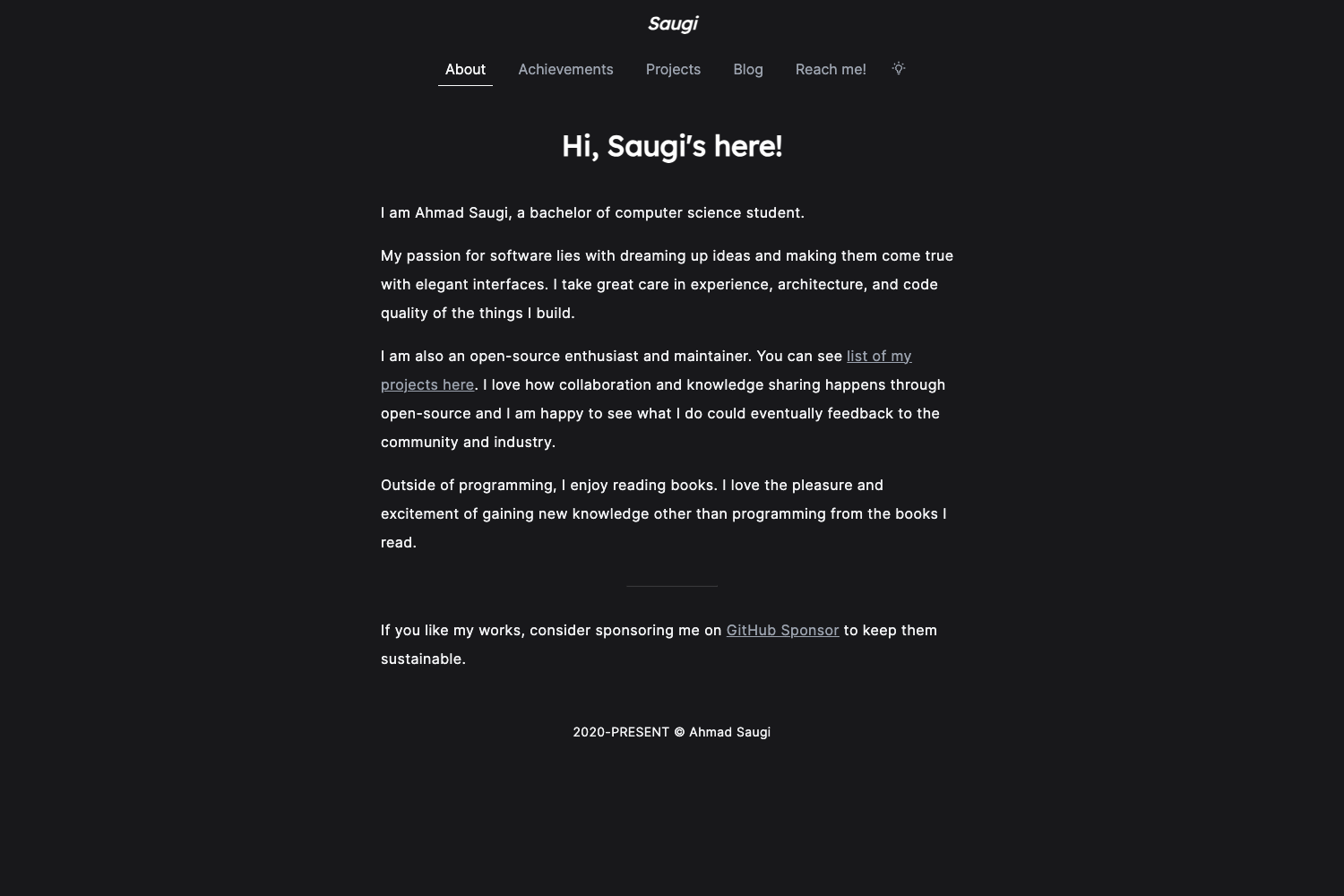
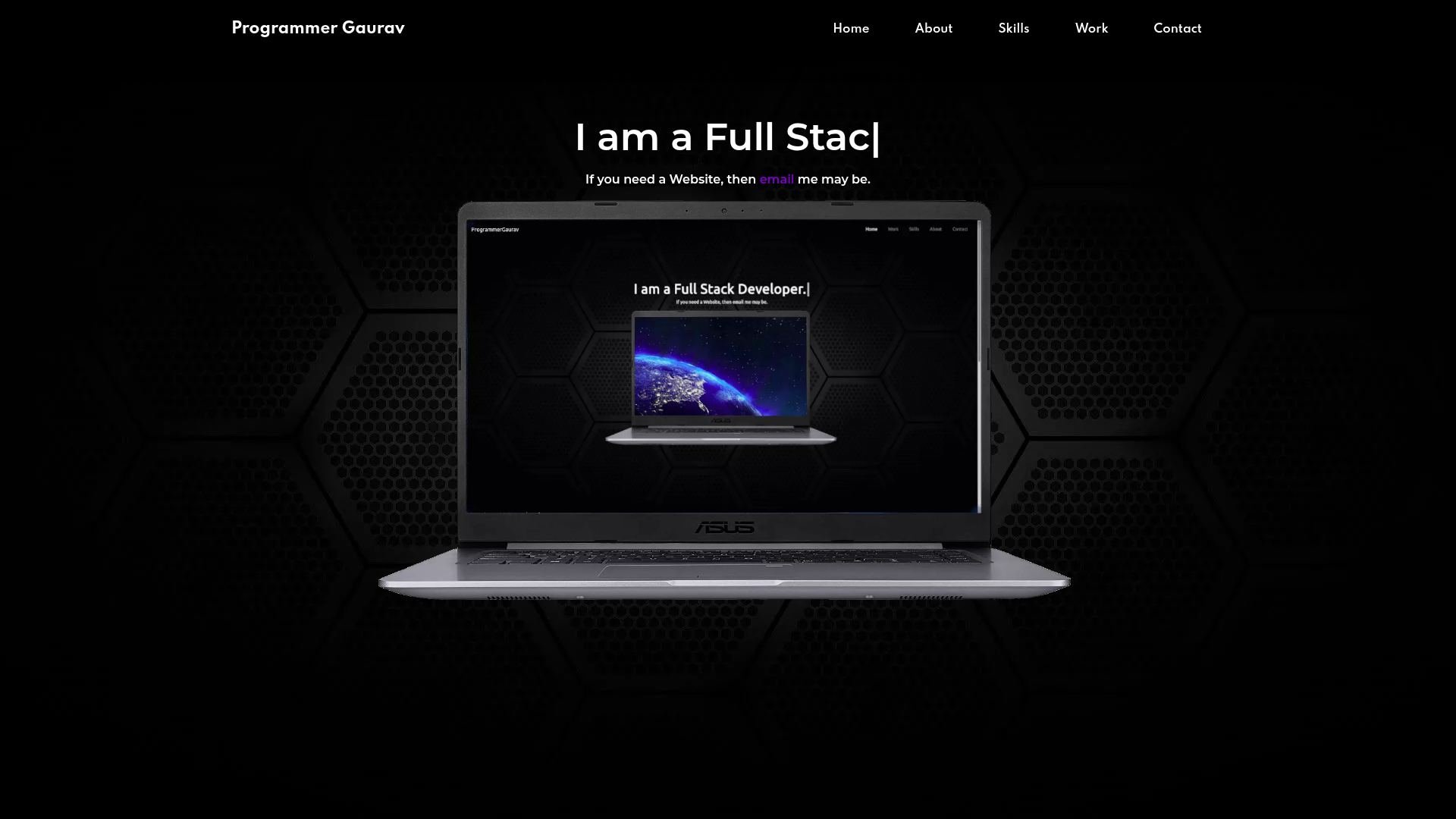
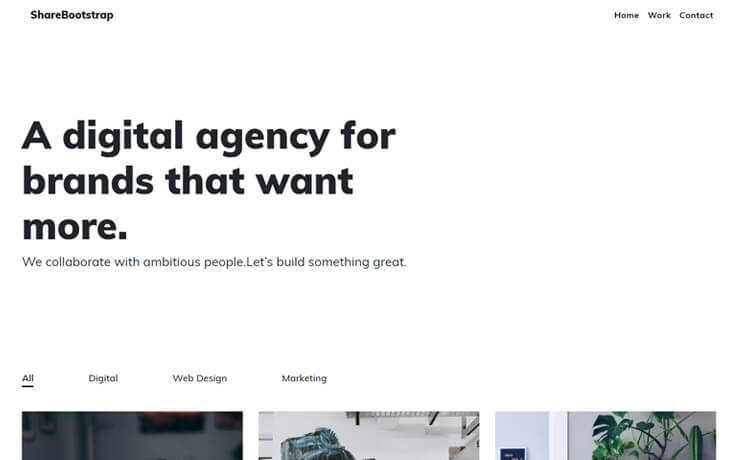
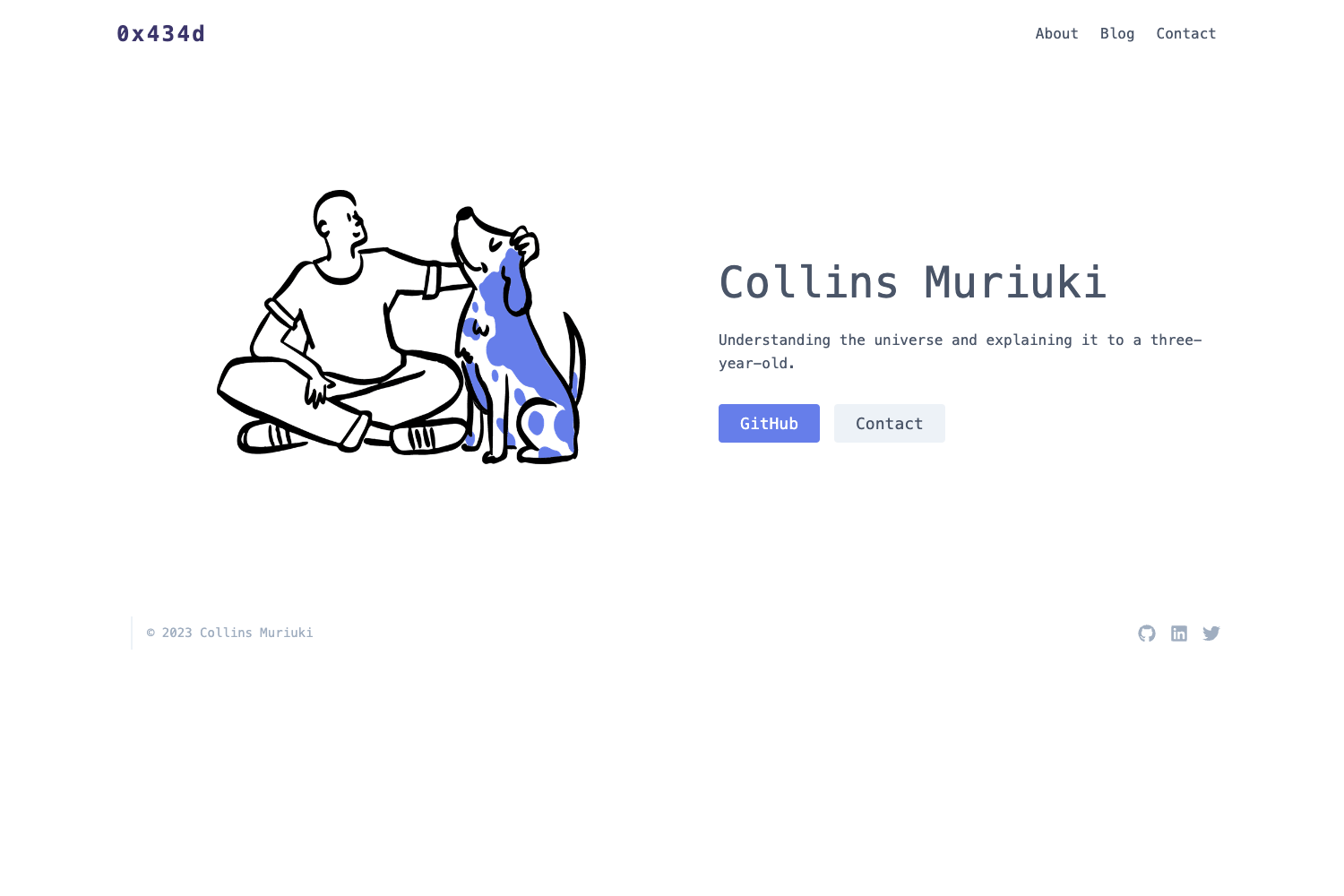
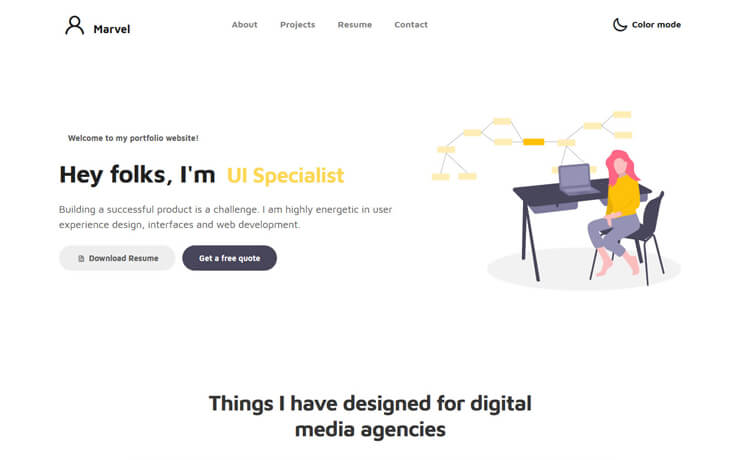
The Gatsby Personal Portfolio starter is a Gatsby.js boilerplate that creates a minimalist, resume-style personal website with dedicated skills and projects sections, a dark mode toggle, and mobile-responsive pages. It is built on top of gatsby-starter-hello-world and uses Font Awesome icons and SVG assets from Undraw.co.
What is the Gatsby Personal Portfolio starter?
This is a Gatsby starter template that produces a static personal portfolio site with landing, about, contact, and custom 404 pages. It takes JSON data files for skills and projects as input and automatically renders them into styled sections, so you can update content without editing HTML. The site is generated by Gatsby on your local machine and can be deployed to Netlify or Vercel with one click. The starter was created by gmlunesa and is available on GitHub under the 0BSD license.
Key Features
- Blazing-fast static site — Gatsby's static generation produces pre-rendered HTML, and the README links to Lighthouse scores for the live demo site that are all green.
- Mobile-responsive layout — The site is tested on laptops, tablets, and phones so the layout adapts to any screen size.
- Dark mode toggle — A color scheme toggle is available on every page, and both light and dark palettes can be customized.
- JSON-driven content — Skills and languages are listed in
src/data/languages.json; projects are added insrc/data/projects.jsonwith fields for project name, language, description, and link; the site processes these files automatically. - Component-based architecture — The code is sliced into reusable components such as
layout.js,hero.js,content.js,image.js,seo.js, andlinks.js, plus pagesindex.js,about.js,contact.js, and404.js. - SEO optimization — A dedicated
seo.jscomponent handles meta tags and search-engine optimization. - Easy customization — Find-and-replace constants for site name, email, GitHub, LinkedIn, and Twitter usernames update every icon and title site-wide.
- Font Awesome icons — Social media links and section icons use Font Awesome, with the library referenced for adding more icons.
Who is the starter for?
- Job seekers and professionals — Create a clean, resume-style site that presents credentials, skills, and selected projects in an organized layout instead of a text-heavy CV.
- Developers who want a fast portfolio — Use Gatsby's static output to host a portfolio that loads quickly and scores well on Lighthouse.
- Beginners learning Gatsby — The README explains the top-level file structure and includes a quick start with the Gatsby CLI, making it a practical learning base.
- Design-conscious individuals — A minimalist design with dark mode and customizable colors lets you match the site to your personal brand.
What can you do with it?
- Build a professional landing page — The
index.jspage combines the hero, resume content, skills, and projects sections so visitors get a full overview on one scroll. - Add an About and Contact page — Separate routes at
/aboutand/contactare already wired up for biographical info and contact forms or links. - Showcase projects with structured data — List each project in
projects.jsonwith a name, language, description, and link, and the template renders it in the projects section automatically. - Deploy instantly — Use the Netlify Deploy button or Vercel import button to publish the site without manual configuration.
How does the starter work?
- Create a new site with the Gatsby CLI using the command
gatsby new my-site https://github.com/gmlunesa/gatsby-starter-personal-portfolio/. - Run
gatsby developto start a local development server athttp://localhost:8000, where edits tosrc/pages/index.jshot-reload. - Replace the placeholder constants and edit
languages.jsonandprojects.jsonto fill in your own data, then deploy.
FAQ
Is the Gatsby Personal Portfolio starter free?
Yes, the starter is open-source and released under the 0BSD license, so you can use it for personal or commercial projects without restrictions, and you can replace the LICENSE file with your own.
What data files do I need to edit?
Skills and languages go in src/data/languages.json, while projects go in src/data/projects.json. Each project entry has four fields: project name, language, description, and link.
Can I customize the colors and dark mode?
Both light and dark color schemes are customizable, and the dark mode toggle appears on every page of the site.
Which platform does it run on?
It runs on Gatsby, a React-based static site generator, and can be deployed to any static host. The README includes one-click deployment buttons for Netlify and Vercel.
Do I need to copy HTML for each skill?
No, skills and projects are enumerated in JSON files, and the template processes them automatically to generate the visible sections.